
Mastering Your Gaming Experience: The Ultimate Guide to Building the Perfect Gaming Setup"
From Monitors to Chairs, Here's Everything You Need for the Perfect Gaming Environment
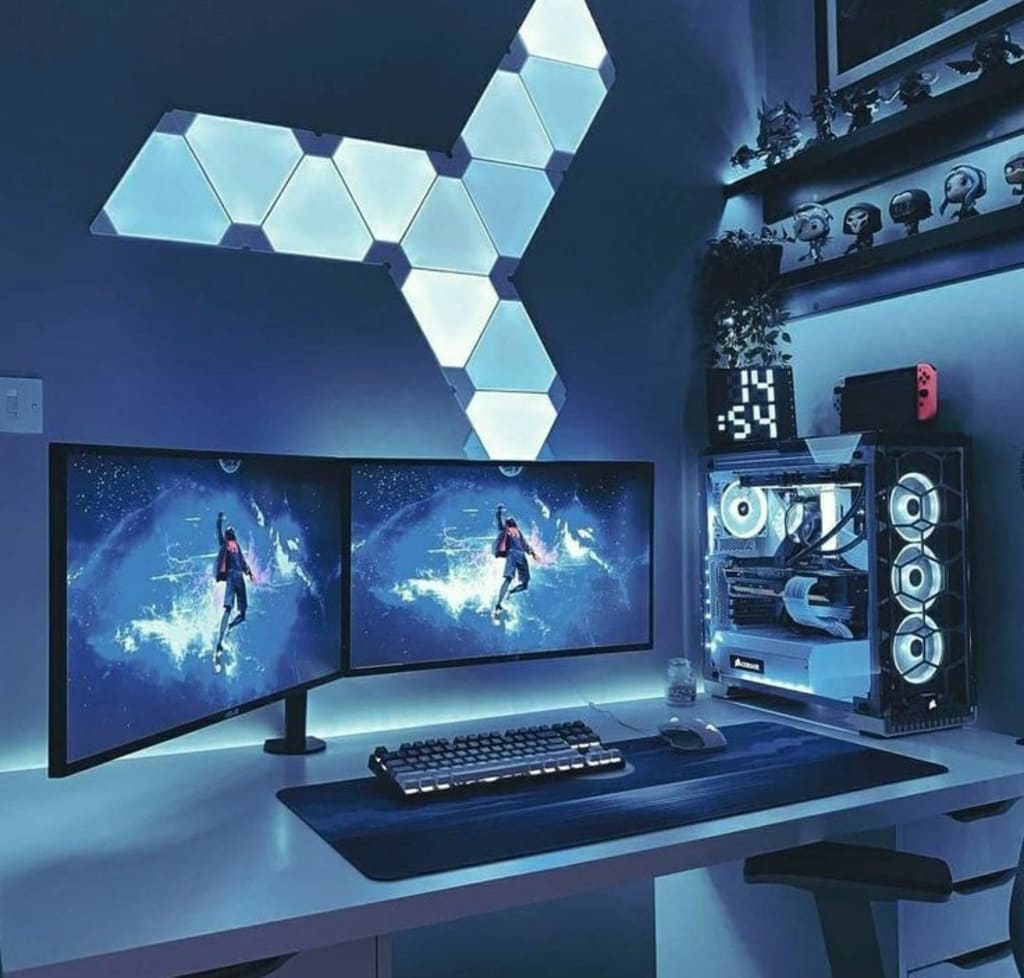
When it comes to gaming, having the right setup is essential for a comfortable and immersive gaming experience. From the hardware to the peripherals, every component plays a crucial role in enhancing your gameplay. In this guide, we'll go over some essential tips and tricks to help you build the ultimate gaming setup.
Choose the Right Hardware
The first step to building your ultimate gaming setup is to choose the right hardware. The key components of a gaming PC include the CPU, GPU, RAM, and storage. It's important to choose components that are compatible with each other and provide enough power to handle the latest games.
CPU: The CPU (Central Processing Unit) is the brain of your gaming PC. You want to choose a CPU with a high clock speed and multiple cores to handle intensive gaming applications. Intel Core i7 or i9 or AMD Ryzen 7 or 9 processors are excellent options.
GPU: The GPU (Graphics Processing Unit) is responsible for rendering the graphics in your games. You want a GPU with enough power to handle the latest games at high settings. NVIDIA GeForce RTX or AMD Radeon RX graphics cards are excellent choices.
RAM: RAM (Random Access Memory) is essential for multitasking and running games smoothly. You want at least 16GB of RAM, preferably DDR4, for optimal performance.
Storage: You'll want fast storage to reduce loading times in games. SSDs (Solid State Drives) are much faster than traditional HDDs (Hard Disk Drives) and are worth the investment. A combination of SSD and HDD storage can be a good compromise between speed and storage space.
Invest in a High-Quality Monitor
A high-quality monitor is essential for an immersive gaming experience. Look for a monitor with a high refresh rate, low input lag, and a fast response time. A resolution of at least 1080p is recommended, with 1440p or 4K being even better if your hardware can handle it.
Get a Comfortable Gaming Chair
Comfort is key when it comes to long gaming sessions. Invest in a comfortable gaming chair that supports good posture and provides enough cushioning for your back and arms. Look for a chair with adjustable armrests, a reclining feature, and lumbar support.
Choose the Right Peripherals
Your gaming peripherals are just as important as your PC hardware. A good gaming keyboard, mouse, and headset can make all the difference in your gaming experience.
Keyboard: Look for a mechanical keyboard with a high-quality switch, such as Cherry MX or Kailh. Mechanical switches provide tactile feedback and are more durable than membrane switches.
Mouse: Look for a gaming mouse with a high DPI (dots per inch) and adjustable weight. A mouse with programmable buttons can also be useful for customizing your gaming experience.
Headset: A good gaming headset can provide immersive audio and clear communication with other players. Look for a headset with a high-quality microphone and comfortable ear cushions.
Organize Your Gaming Setup
An organized gaming setup can improve your gaming experience and make it easier to find everything you need. Use cable management tools to keep your cables organized and out of the way. Use a desk with enough space to accommodate all your components, peripherals, and accessories.
Customize Your Gaming Setup
Customizing your gaming setup can add a personal touch to your gaming experience. You can add LED lighting, custom decals, and other accessories to make your setup unique. Just be sure to choose accessories that don't interfere with your gaming experience.
Consider Ergonomics
Ergonomics is essential for a comfortable and healthy gaming experience. Make sure your monitor is at eye level to reduce neck strain. Position your keyboard and mouse
About the Creator
Keep reading
More stories from writers in Gamers and other communities.
Palworld TCG Guide: Release Date, How to Play, and Bushiroad Card List
The survival gaming world was recently rocked by an announcement that many saw coming but few expected to be this ambitious. Pocketpair has officially pulled back the curtain on the Palworld Trading Card Game, a physical tabletop experience developed in partnership with the industry giants at Bushiroad.
By Richard Bailey4 days ago in Gamers
From Stories to Systems
For a long time, this space has been a bit… quiet. If you’ve stumbled across this blog before, you might have seen short stories, poems, or bits of fiction—creative experiments written at different points in my life. That part of me hasn’t disappeared. I still love storytelling, world-building, and exploring ideas through narrative.
By D. E. King4 days ago in Gamers
The Devil's Cut
“Comrade, finally you’re awake.” The voice was smooth, sensual. A flickering incandescent bar was all that lit the white, sterile room. All Vladimir remembered was everything going black. He tried to move his arms and found them strapped to the gurney.
By Matthew J. Fromm6 days ago in Fiction




Comments
There are no comments for this story
Be the first to respond and start the conversation.