
Master the Mists: The Ultimate Enshrouded Console Starter Guide
Expert Performance Tweaks and Controller Layouts to Dominate Embervale on PS5 and Xbox Series X|S

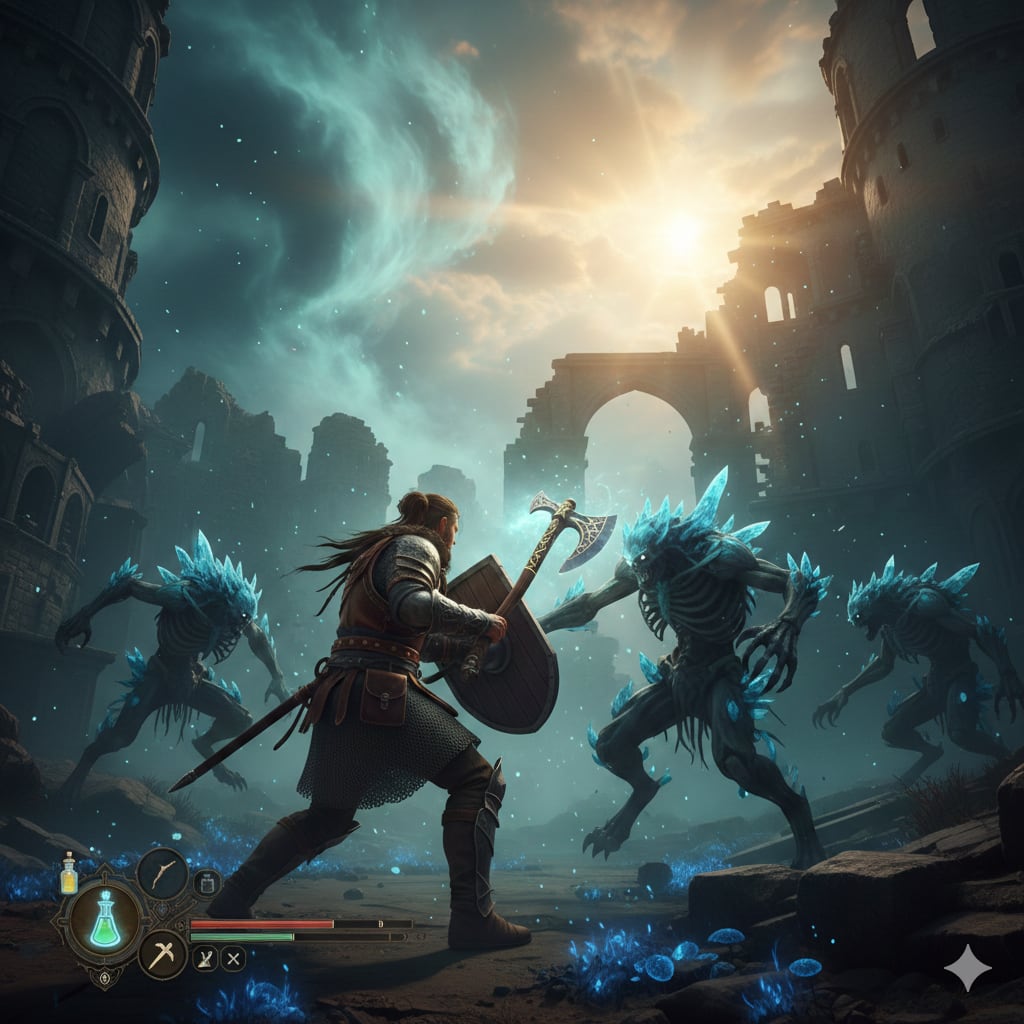
Embervale is a world buried under a corrupting fog, and as a Flameborn, you are the only thing standing between humanity and extinction. With the official console launch finally here in 2026, players on PlayStation 5 and Xbox Series X|S are stepping into the Shroud for the first time.
However, surviving this voxel-based wilderness requires more than just a sturdy club and a bit of luck. You need a setup that feels responsive and looks sharp.
Optimization is the hidden boss of any survival game. If your frame rate stutters while you are parrying a Scavenger Matriarch, or if your camera sensitivity is so sluggish that you can’t track a flying Drake, you are going to have a bad time.
This article breaks down the essential controller tweaks and performance modes to ensure your journey from the Cinder Vault to the Nomad Highlands is as smooth as possible.
Choosing the Right Performance Mode
Enshrouded is a visually dense game. Its proprietary "Holistic Engine" handles massive voxel destruction and real-time lighting, which can be taxing on console hardware. When you first boot up the game, you will be faced with the classic choice: Performance vs. Quality.
Performance Mode (Recommended): This targets a stable 60 FPS by utilizing dynamic resolution scaling. In a game where combat relies heavily on timing, parries, and dodge-rolling, the extra frames are a literal lifesaver. You might notice a slight softness in distant foliage, but the fluid movement is well worth the trade-off.
Quality Mode: This locks the frame rate to 30 FPS and pushes the resolution toward native 4K. While the "God Rays" piercing through the Shroud look breathtaking in this mode, the input lag can feel heavy during intense base raids. Use this for building and taking screenshots, but switch back for exploration.
If you are playing on a VRR-compatible display, make sure to enable it in your system settings. This helps smooth out the minor frame dips that occur when you are standing in the middle of a massive, player-built stone fortress.
Best Controller Settings for Fluid Combat
The default controller layout in Enshrouded is functional, but it often feels a bit "floaty" out of the box. To turn your character into a precise killing machine, you need to dive into the Controls tab under the settings menu.
1. Adjusting Sensitivity The key to mastering the bow and the wand is finding the sweet spot for your look speed.
Camera Sensitivity (X/Y): Start by bumping this up to 60–70%. The default is often too slow for checking your 360-degree surroundings in the dense fog.
Aiming Sensitivity (Zoom): Drop this down to 35–45%. When you pull back your bowstring, you want precision, not a jittery reticle.
2. Deadzone Calibration Nothing is worse than "stick drift" causing your character to walk off a cliff while you are checking your map. Check your controller’s health and set your Inner Deadzone to the lowest possible value (usually 0.05 or 0.10) where your character remains perfectly still when you aren't touching the sticks. This makes the game feel much more responsive.
3. Camera Smoothing and Motion For many players, the default camera smoothing adds a sense of "weight" that actually interferes with gameplay.
Camera Smoothing: Turn this Off for an instant 1:1 feel between your thumb and the screen.
Reduce Dynamic Camera Motion: Found in the Accessibility tab, turning this On can help if you experience motion sickness during the high-speed gliding sequences.
Essential Gameplay Tweaks for New Players
Once your settings are dialed in, you need to understand how the game’s unique mechanics interact with your controls. Enshrouded isn't just about fighting; it’s about rebuilding a shattered world.
- Action Direction: Set this to Character Direction. This ensures that when you press the attack button, your character swings toward where they are facing, rather than where the camera is pointed. This is vital for "kiting" enemies while retreating.
- Lock-On Toggle: Use the lock-on feature (usually R3/RS) sparingly. While it helps in one-on-one duels, it can be a death sentence when you are surrounded by Shroud-touched hounds. Learning to fight "unlocked" allows for better situational awareness.
- Quick Bar Management: Organize your bar so that your healing potions and food are always in the same slots. Muscle memory is your best friend when your Shroud timer is ticking down to zero.
For a deeper look at the early-game progression, the official Enshrouded Wiki is an invaluable resource for crafting recipes and material locations.
First Steps: Your Survival Checklist
The first hour of Enshrouded can be overwhelming. You are dropped into a world with no clothes and a very angry fog. To get ahead of the curve, follow this priority list:
- Claim Your Land: Build your first Flame Altar immediately. This creates a "safe zone" where the Shroud cannot reach you and serves as your primary fast-travel point.
- The Glider is Mandatory: You cannot effectively explore Embervale without a Glider. Collect Shroud Wood and Shroud Spores from the foggy areas near the start to craft this at a Workbench.
- Rescuing the Blacksmith: Follow the main quest to find the survivors in the Ancient Vaults. The Blacksmith is the first one you'll meet, and he is essential for upgrading your gear and repairing your tools for free.
- Manage Your Stamina: Every action—climbing, gliding, and sprinting—costs stamina. In the early game, keep some honey or water on your quick bar to buff your stamina regeneration.
If you find yourself struggling with the more complex building mechanics, Hack the Minotaur's beginner guide offers fantastic visual tips on how to maximize your Flame Altar’s potential.
Optimizing Your Visual Experience
Even on high-end consoles, certain visual settings can clutter your screen. To keep the image clean, consider these adjustments:
- Motion Blur: Almost always better when turned Off. It hides the beautiful voxel detail and can make combat feel "smudgy."
- Field of View (FOV): If the slider is available on your version, increasing it to 90 or 95 provides a better peripheral view of incoming attacks without distorting the image too much.
- Depth of Field: This is a personal preference, but turning it off makes the distant landmarks (like Ancient Spires) look much sharper, helping you plan your next gliding route.
Enshrouded is a game about discovery and persistence. By taking ten minutes to fine-tune your settings before you leave the Cinder Vault, you are giving yourself a massive advantage over the dangers lurking in the mist. The world of Embervale is harsh, beautiful, and massive; make sure you're seeing it—and playing it—at its very best.
About the Creator
Richard Bailey
I am currently working on expanding my writing topics and exploring different areas and topics of writing. I have a personal history with a very severe form of treatment-resistant major depressive disorder.
Keep reading
More stories from Richard Bailey and writers in Gamers and other communities.
Beyond the Battle: The Evolution of Palworld Cozy Play and the Palfarm Spin-off
When Palworld first erupted onto the gaming scene, it was quickly branded with the reductive "Pokémon with guns" label. While the survival mechanics and high-stakes combat certainly drove early adoption, a quieter subculture began to emerge within the community. These players weren’t interested in the industrial automation of sweatshops or the adrenaline of legendary raids. Instead, they sought the serenity of the Palpagos Islands.
By Richard Bailey2 months ago in Gamers
A Strategic Look at Today’s Monopoly GO Events — February 25, 2026
For players who enjoy planning their moves and maximizing rewards, February 25, 2026 offers a well-balanced lineup of events in Monopoly GO. Between overlapping tournaments, carefully timed boosts, and daily challenges, today’s schedule rewards patience, timing, and smart dice management rather than reckless rolling.
By Dangyc Ding5 days ago in Gamers




Comments
There are no comments for this story
Be the first to respond and start the conversation.