
How to Make 2D Game Art in 2025: A Beginner’s Step-by-Step Guide with Tools
Master the Art of 2D Game Design with Modern Tools and Beginner-Friendly Techniques
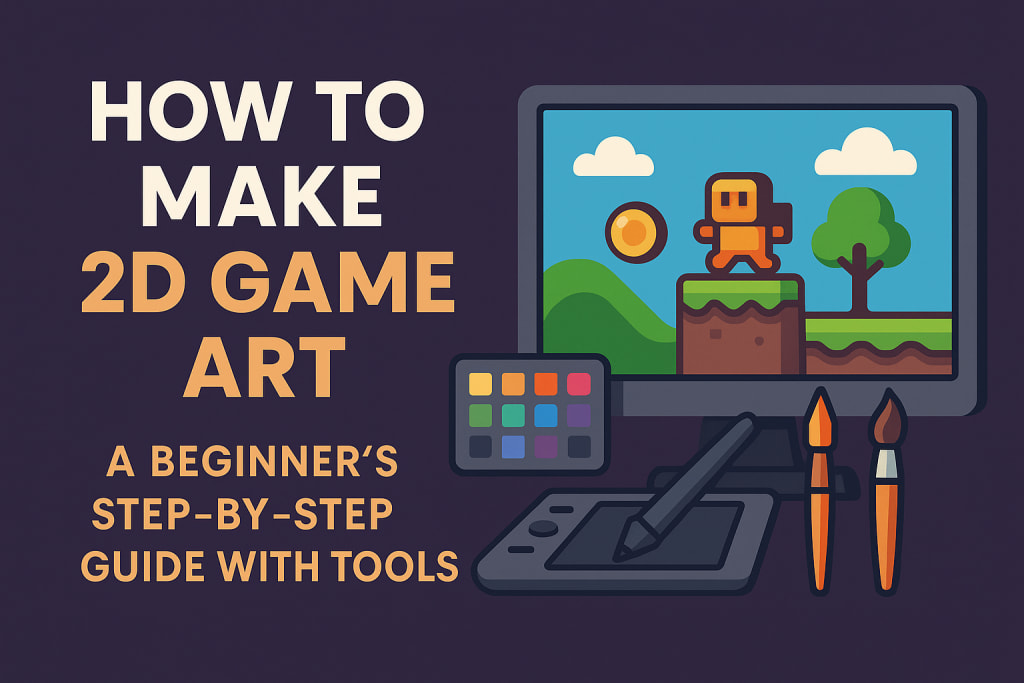
2D game art plays a crucial role in how a game looks and feels. It creates everything like character designs, game backgrounds, etc, that keep players engaged. Whether you are an aspiring video game designer or someone who loves to draw 2D sketches, learning how to make 2D game art can be both fun and rewarding.
In this beginner-friendly article, you will learn the steps to create 2D game art in 2025 and recommend some of the best tools that are available today.
What is 2D Game Art?
2D game art visuals or scenes in two dimensions that are used in games. This includes:
Characters (sprites)
Backgrounds
User Interface (UI) elements like buttons and menus
Items and objects
Visual effects (like explosions or magic spells)
Compared to 3D, 2D art is flat and lacks depth, and uses height and width only. It is commonly seen in side-scrollers, platformers, mobile games, and indie titles.
Step-by-Step Guide to Make 2D Game Art
1. Understand the Art Style
Start by choosing the style of game art you want to make. Here are the popular 2D styles:
Pixel art - a classic style built using small square pixels
Vector art - clean, flat shapes with solid colors
Hand-drawn art - sketch-style visuals with a personal touch
Cartoon/comic style - bold lines and vibrant colors
Choose a style that fits the mood of your game and the audience.
2. Sketch Your Ideas First
Start with rough pencil sketches or digital drawings to bring your ideas to life. Sketching helps in:
Planning character designs
Defining environments
Exploring different poses or angles
Don’t worry about details at this stage. Just focus on shapes, movement, and proportions.
3. Choose the Right Tools
To make 2D game art, you will need the right tools. Here are some beginner-friendly options you can explore:
Krita: A totally open and free-to-use tool perfect for sketching and painting.Works on Windows, Mac, and Linux.
Aseprite: A paid software designed specifically for pixel art and sprite animations. Available on all major platforms.
Adobe Illustrator: A professional-grade, paid tool best for vector art and creating clean UI elements. Ideal for Windows and Mac users.
Procreate: A powerful one-time purchase app for iPad users. Perfect for hand-drawn art using Apple Pencil.
Inkscape: A free alternative to Illustrator that helps create vector graphics. Runs smoothly on Windows, Mac, and Linux.
Choose a tool based on the art style you are aiming for and the device you are most comfortable with.
4. Draw Your Assets Layer by Layer
When creating game assets, work in layers:
Background layer
Character base layer
Details (clothes, accessories, etc.)
Effects (shadows, highlights)
This makes editing easier and keeps your workflow organized.
For example, if you are drawing a game hero, keep the head, body, and weapons on different layers.
5. Add Colors and Textures
Once your outlines are ready, start coloring them. Use a consistent color palette that fits your game’s theme. Keep in mind:
Use shadows and highlights to show depth
Add texture where needed (for clothes, wood, stone, etc.)
Avoid too many colors to keep things simple
You can use color tools like Adobe Color or Coolors to pick balanced palettes.
6. Animate Simple Movements (Optional)
If your game needs animations like walking, jumping, or attacking, use tools like:
Aseprite - for frame-by-frame pixel animation
Spine - for rig-based animation
Piskel - free online sprite animation tool
Keep animations short and loopable for better performance.
7. Export Game Assets in the Right Format
Save your final art files in proper formats like:
PNG - for transparent images
JPEG - for static backgrounds
GIF - for short animations
Sprite Sheets - a collection of frames in one file
Make sure the file sizes are optimized for smooth game performance.
8. Test and Improve
Always test how your 2D art looks inside the game. Sometimes, what looks good in your design tool may need changes when added to the actual game screen.
Collect feedback from users and make changes. The goal is to ensure your art adds to the player’s experience.
If you are confused with the process and want a 2D game art without making it by yourself, then a video game developer with long-standing experience can help you.
Tips to Make Better 2D Game Art
Start small: Begin with icons or objects before moving to characters.
Study other games: See what works in popular 2D games.
Learn from YouTube or free online tutorials.
Practice daily: Consistent practice helps you improve faster.
Join art communities for feedback and tips.
Final Words
Creating 2D game art in 2025 is easier than ever, thanks to modern tools and tutorials. If you have an interest in making game art, then you need to master 2D art, as it is a valuable skill.
Start with simple designs, choose the right software, and gradually improve your skills. With creativity and consistency, you will be able to bring your game ideas to life in stunning 2D visuals.
About the Creator
PixelPlayground
PixelPlayground creates 1,000+ unique games across mobile, PC, and web. From casual fun to strategy, we deliver unforgettable gaming experiences for players worldwide.
Keep reading
More stories from PixelPlayground and writers in Gamers and other communities.
Top 12 Story-Driven Co-Op Games Like It Takes Two You Can’t Miss in 2025
It Takes Two is one of the best co-op games. However, you cannot play a single game forever. It redefined what co-op games could be, blending heartfelt storytelling, brilliant level design, and teamwork into a masterclass of interactive entertainment. This led to a boom in co-op adventures. We have compiled a list of 12 such co-op games that will give you the same adrenaline rush as It Takes Two.
By PixelPlayground8 months ago in Gamers
"Scream 7" (2026): Running out of Fresh Screams
This is the seventh time we’ve had a Ghostface crisis. Scream 7 is the latest edition of the Scream franchise. Sydney Prescott and her family are under attack by another anonymous killer dressed in a Ghostface costume. While having issues with her daughter, Tatum, they run from the bloody murders, trying to determine who is behind it all.
By Marielle Sabbag5 days ago in Horror



Comments
There are no comments for this story
Be the first to respond and start the conversation.