
How to Block Intrusive Ads on Ludo King: A Guide to Ad-Free Gaming
These ads can hinder the overall gaming experience and lead to frustration. Fortunately, there are effective ways to block these intrusive ads and enjoy uninterrupted gaming.
Introduction
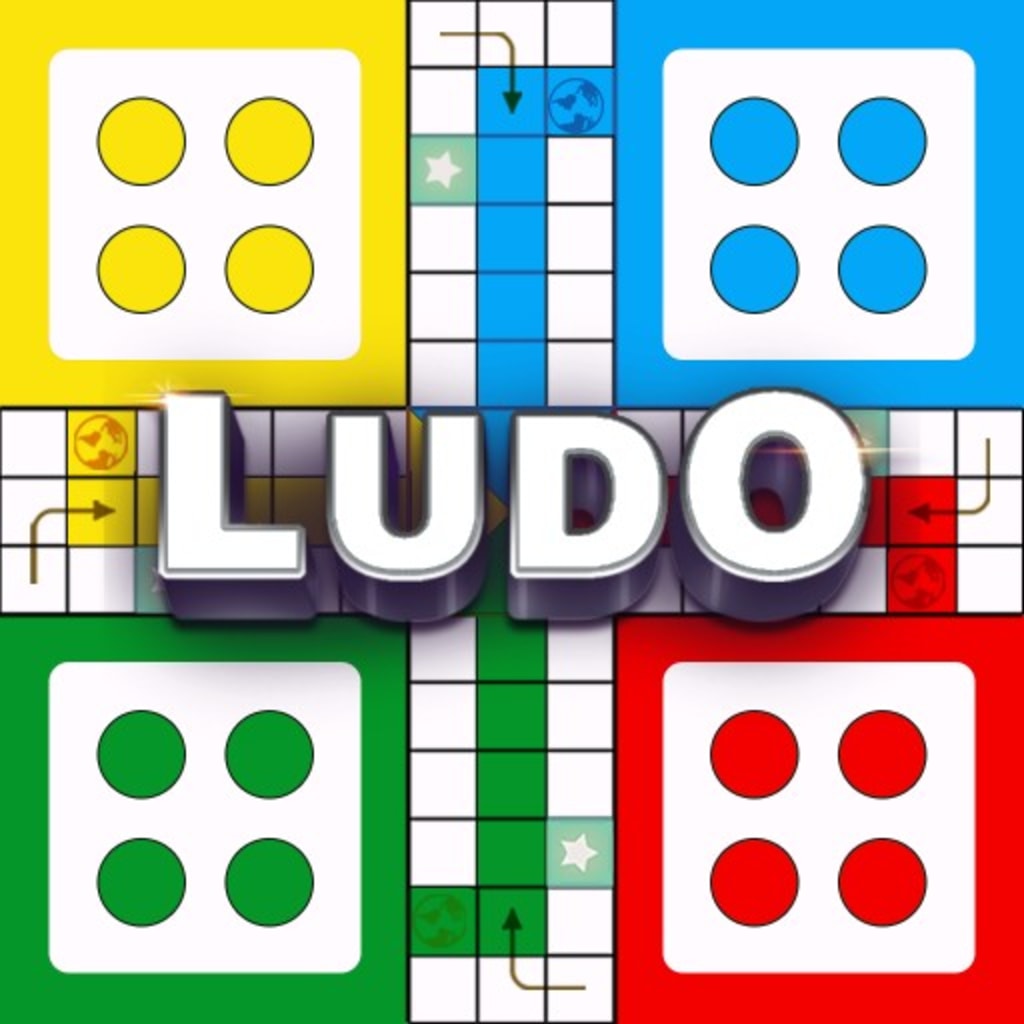
Ludo King, a popular mobile game, offers a fun and entertaining experience to players worldwide. However, one common annoyance that many users encounter is intrusive ads that disrupt the gameplay. These ads can hinder the overall gaming experience and lead to frustration. Fortunately, there are effective ways to block these intrusive ads and enjoy uninterrupted gaming. In this article, we will explore various methods to get rid of these ads and enhance your Ludo King gaming sessions.
1. Understanding Intrusive Ads on Ludo King
Intrusive ads on Ludo King are promotional materials that appear while playing the game, often disrupting the gaming flow. These ads can be in the form of banners, pop-ups, videos, or full-screen interstitials. The game developers use these ads as a source of revenue, especially for free-to-play games like Ludo King.
2. Why Blocking Ads is Important for a Better Gaming Experience
Blocking intrusive ads is crucial for enhancing the overall gaming experience. Constant ad interruptions can break concentration and lead to a loss of focus during critical moments in the game. Moreover, these ads may consume mobile data or Wi-Fi bandwidth, leading to additional charges for users with limited data plans.
3. Methods to Block Intrusive Ads
3.1. In-App Purchase for Ad Removal
One of the easiest ways to block intrusive ads on Ludo King is by making an in-app purchase. Many games, including Ludo King, offer a premium version that removes all ads. This one-time purchase allows players to enjoy ad-free gaming forever.
3.2. Enabling Airplane Mode or Turning off Data/Wi-Fi
For users who prefer not to spend money, a simple and quick solution is to enable Airplane Mode on their devices or turn off data/Wi-Fi during gameplay. By doing so, the game will not be able to fetch ads from the server, ensuring an ad-free experience.
3.3. Using Third-Party Ad Blockers
Certain ad-blocking apps can be installed on smartphones to prevent ads from appearing in any app, including Ludo King. These third-party ad blockers work by filtering out ad requests before they can reach the device.
3.4. Upgrading to the Premium Version
Some games may offer an ad-free experience by upgrading to their premium version. In Ludo King's case, players can explore if such an option is available in the app settings or the game's official website.
3.5. Clearing App Cache and Data
Clearing the app cache and data of Ludo King can sometimes help reduce the frequency of ads. However, this method may not entirely block all ads, and it may also reset some game settings.
3.6. Checking for Built-in Ad Block Options
Ludo King might have a built-in option to disable ads temporarily or permanently. Players should thoroughly explore the game's settings to find if this feature is available.
3.7. Disabling Ad Personalization
Some ads are targeted based on user preferences and browsing history. By disabling ad personalization in the device's settings, players may encounter fewer targeted ads.
3.8. Providing Feedback to the Game Developer
Giving feedback to the game developer about the intrusive ads can be helpful. Polite suggestions to improve the ad frequency or overall ad experience might prompt the developer to make necessary changes.
3.9. Trying Alternative Ludo Gaming Apps
If the intrusive ads on Ludo King become unbearable, players can explore other Ludo gaming apps that offer a more seamless and ad-free experience.
4. Tips to Maximize Gaming Experience Even with Ads
While it's preferable to block intrusive ads, some users may choose to continue playing with ads. In such cases, here are some tips to maximize the gaming experience:
Play During Off-Peak Hours: Ads may be less frequent during off-peak hours when server traffic is lower.
Turn on Silent Mode: Avoid annoying audio ads by playing with the device on silent mode.
Stay Patient: Maintain patience during ad interruptions to ensure better focus and performance.
5. How to Deal with Non-Block able Ads
Some ads in Ludo King may be non-block able, especially those that offer in-game rewards. In such cases, players can quickly interact with these ads to claim rewards without letting them disrupt the gameplay significantly.
Conclusion
Intrusive ads can be a source of frustration for players enjoying Ludo King. However, with the methods outlined in this article, users can effectively block these ads and have an uninterrupted gaming experience. Whether it's by investing in the premium version, using third-party ad blockers, or providing valuable feedback to the game developer ludo king mod apk unlimited six, players have options to improve their gaming sessions. Remember, enjoying Ludo King without intrusive ads can enhance the overall gaming pleasure.
6. Frequently Asked Questions (FAQs)
6.1. Can I block ads without spending money?
Yes, there are several methods to block ads without spending money, such as enabling Airplane Mode or using third-party ad blockers.
6.2. Will blocking ads violate the game's terms of service?
Blocking ads using legitimate methods like ad blockers is generally not a violation of the game's terms of service. However, it's essential to review the game's policies to avoid any conflicts.
6.3. Are there any ad-blocking apps specifically designed for Ludo King?
While there might not be ad blockers explicitly designed for Ludo King, many general ad-blocking apps can effectively block ads in the game.
6.4. How often do ads appear in Ludo King?
The frequency of ads in Ludo King can vary, but they typically appear between game sessions or after specific gameplay actions.
6.5. Can I report overly intrusive ads to the game developer?
Yes, players can provide feedback to the game developer about excessively intrusive ads, and the developer may take appropriate action to improve the ad experience.
About the Creator
Keep reading
More stories from writers in Gamers and other communities.
Master the New Economy: The Best Way to Use Magic Dust After Update 34.0
The recent arrival of Update 34.0 in Rush Royale has completely shifted the ground beneath our feet. For long-time players, the game once felt like a steady climb of critical damage and equipment grinding. Now, the developers have introduced a total rework of the gear system, replaced enchantments with artifacts, and redefined how we value our most precious resources.
By Richard Bailey6 days ago in Gamers
Ludacris and Nelly draw backlash over bookings at MAGA-coded music festival
Ludacris and Nelly headlining a mostly right-wing event is good for them. It’s also great for the genre of hip hop. The two rap veterans have showcased their talents on other stages. Why can’t they perform for mostly MAGA folks and grab that bag?
By Skyler Saunders6 days ago in Beat



Comments
There are no comments for this story
Be the first to respond and start the conversation.