
Free Video Editors in the UK
7 Free Video Editors for YouTubers in the UK (No Watermark)
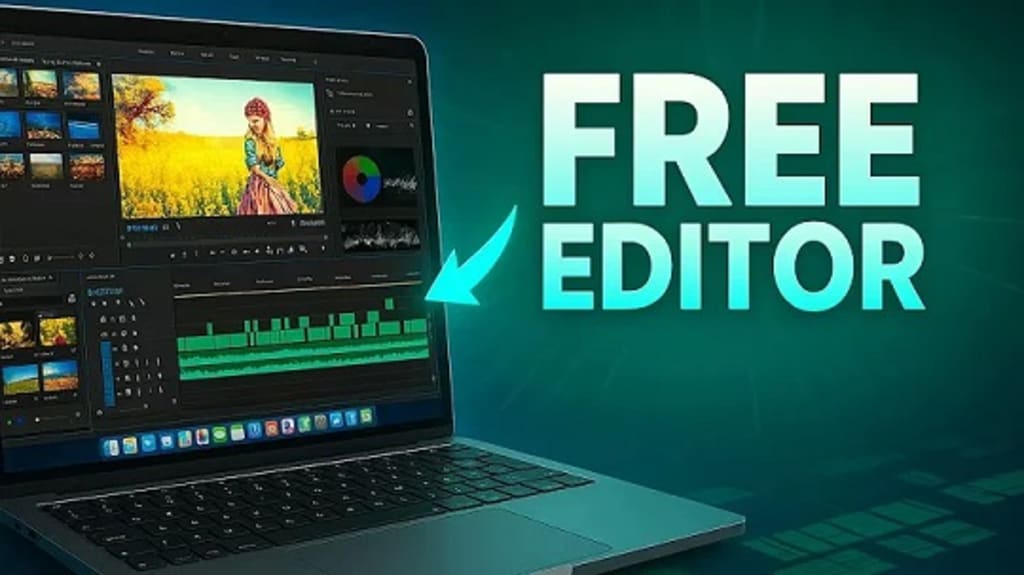
Starting a YouTube channel in the UK has never been easier, but editing videos professionally without paying can still be a challenge — especially if you want no watermarks on your final videos.
Luckily, there are several free video editing software options available in 2025 that offer great features for YouTubers, vloggers, and beginners — without watermark restrictions.
In this post, we’ll highlight the 7 Best Free Video Editors you can start using today.
Why Use Free Video Editing Software?
Free video editing tools are perfect for:
Beginner YouTubers who don’t want to invest heavily upfront
Small creators who want to test video editing before committing
Vloggers looking for simple and fast editing workflows
Students and hobbyists on a tight budget
The key is finding tools that are powerful, user-friendly, and free of watermarks.
7 Best Free Video Editors for YouTubers in the UK
1. DaVinci Resolve
DaVinci Resolve is widely considered the best free professional-grade editor.
Key Features:
Advanced colour correction
Multicam editing
Motion graphics and VFX
Audio editing tools (Fairlight)
Pros:
✅ Hollywood-level editing tools
✅ No watermarks
✅ Regular updates
Cons:
❌ High learning curve for complete beginners
2. HitFilm Express
HitFilm Express is perfect for YouTubers looking to create cinematic videos and cool effects.
Key Features:
Visual effects (VFX)
3D video editing
400+ presets
Audio and colour correction tools
Pros:
✅ Strong free version
✅ Great for action, gaming, and music videos
Cons:
❌ Optional paid add-ons available (but not required)
3. Shotcut
Shotcut is an open-source video editor that’s surprisingly powerful.
Key Features:
Wide format support (4K, HD, etc.)
Native timeline editing
No import needed
Audio mixing and filters
Pros:
✅ Completely free, open-source
✅ No ads or watermarks
✅ Lightweight for older PCs
Cons:
❌ Basic user interface
4. VSDC Free Video Editor
VSDC is great for Windows users who want a non-linear editor without paying a penny.
Key Features:
Non-linear video editing
Visual and audio effects
Masking tools
Colour correction
Pros:
✅ Feature-rich for free software
✅ Good for educational videos and tutorials
Cons:
❌ Windows-only (no Mac version)
5. OpenShot
OpenShot is one of the easiest video editors to learn for beginners.
Key Features:
Simple drag-and-drop interface
Unlimited layers for videos and audio
Basic keyframe animations
Pros:
✅ Very easy to use
✅ Cross-platform (Windows, Mac, Linux)
Cons:
❌ May lag with larger, complex projects
6. Lightworks Free
Lightworks offers a free version that’s highly capable — and used on real film projects.
Key Features:
Multi-format export
Fast trimming and timeline editing
Presets for YouTube and Vimeo
Pros:
✅ Professional-grade editing tools
✅ Good exporting options for social media
Cons:
❌ Max output limited to 720p in free version
7. Clipchamp (Built into Windows 11)
Clipchamp, now owned by Microsoft, is becoming a favourite for casual YouTubers.
Key Features:
Templates for social media videos
Drag-and-drop editing
Stock footage and audio library
Pros:
✅ Pre-installed on many Windows 11 devices
✅ Very beginner-friendly
✅ No watermarks on exports
Cons:
❌ More limited advanced features compared to DaVinci or HitFilm
About the Creator
Keep reading
More stories from johnson vine and writers in Gamers and other communities.
The Ever-Evolving World of PC Gaming
For more than thirty years, PC gaming has quietly shaped how people interact with digital worlds. What began as simple text commands typed into blinking screens has evolved into richly detailed universes filled with complex characters, competitive environments, and creative expression. While consoles and mobile devices continue to attract large audiences, PC gaming remains distinct because it grows alongside the technology that supports it rather than being limited by fixed hardware cycles.
By Hawaiian Malia7 days ago in Gamers
Anime Paradox Review – A Fresh Anime Tower Defense on Roblox
Anime Paradox is one of those Roblox games that quietly pulls you in and then suddenly you realize you’ve been playing for way longer than planned. At first glance, it looks like another anime-inspired tower defense, but after a few matches, it becomes clear that there’s more going on here. The mix of familiar anime vibes, strategic depth, and constant progression creates an experience that feels both comfortable and exciting. And yes, it’s worth mentioning right away that Anime Paradox has codes, which makes starting out and progressing much smoother, especially for new players.
By Serhii Biloshytskyi4 days ago in Gamers



Comments
There are no comments for this story
Be the first to respond and start the conversation.