
Create Stunning UI Fast: Top Unity UI Plugins for 2D and 3D Games
Accelerate interface design with eight cutting‑edge Unity UI plugins that streamline 2D, 3D, and XR game development for polished results.

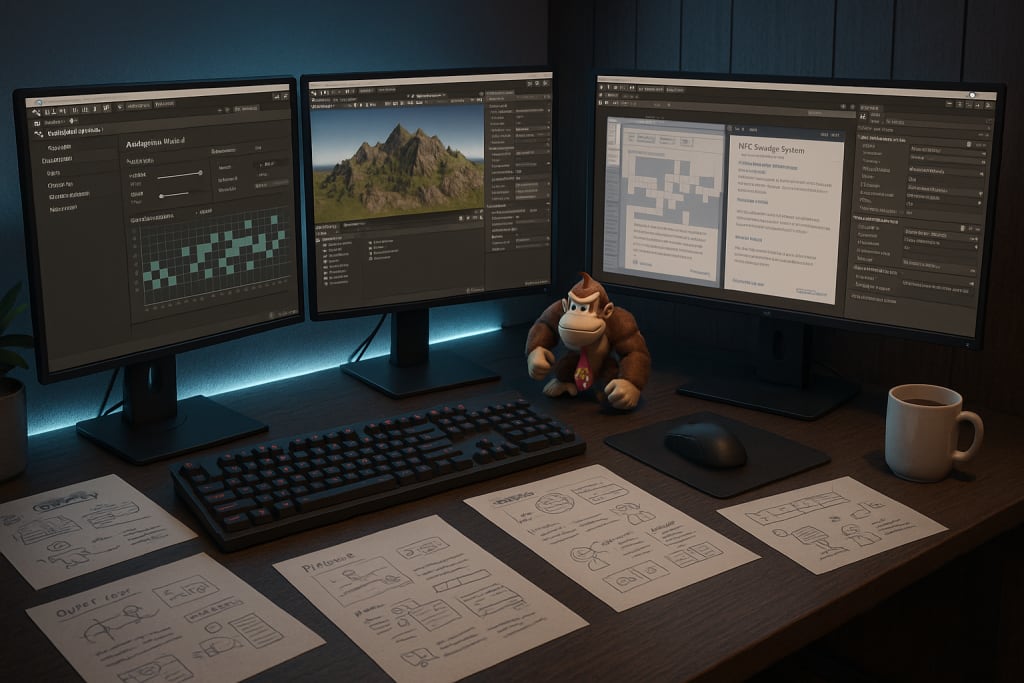
Great gameplay crumbles when menus stutter, buttons blur, or text looks fuzzy. Players judge polish in the first three seconds, so a slick interface is no luxury, it is survival.
Unity ships with capable UI systems, yet shipping on time often demands more. That is where purpose‑built plugins shine. They automate animation, tame long scroll lists, bend canvases into VR space, and keep draw‑calls lean. Below you will find a carefully‑curated list of the most up‑to‑date UI plugins worth the space in your project for 2025.
Why trust plugins at all?
- They collapse weeks of engineering into a morning’s import.
- Mature assets receive constant upgrades to match new engine releases.
- Publishers bundle documentation, samples, and active Discord channels, which flattens the learning curve.
- Many tools expose low‑code or visual workflows, so designers iterate without nagging programmers.
Choose wisely, though, because a bloated or abandoned package will cost later. The eight picks below met three filters: recent updates (within the last year), solid community feedback, and clear benefits for either 2D or 3D workflows.
1. Doozy UI Manager
Doozy’s node‑based “Graph” turns complex menu flows into a drag‑and‑drop storyboard, while the built‑in animation presets erase boilerplate tweens. Version 2 landed five months ago with a lighter runtime, hot‑reloading of UI themes, and full input‑system support.
Ideal for: studios that juggle many screens, pop‑ups, and modal dialogs.
Watch out for: editor freezes if every element carries a Doozy component, profile your hierarchy before release.
2. TextMesh Pro (TMP)
Text drives tutorials, dialogue, and HUDs. TMP’s signed‑distance‑field rendering keeps glyphs razor‑sharp at any DPI, and its rich‑text tags handle gradients, inline sprites, and even RTL scripts.
The current 3.2.0‑pre series adds GPU‑driven text selection and a brand‑new shader graph stack so you can animate letters without custom code.
Ideal for: anyone shipping to 4K monitors or needing localisation.
Pro tip: bake dynamic fonts into asset bundles to slash first‑launch size.
3. Curved UI
Flat canvases feel wrong in VR. Curved UI warps UGUI to cylinders, spheres, or custom meshes, while faking mouse events so your existing pointer code still works.
Version 4.0.1 (April 2025) also adds URP/HDRP input module patches and a GPU tessellation option that halves vertex counts on Quest‑class devices.
Ideal for: cockpit dashboards, wrist computers, or any diegetic UI in 3D space.
Heads‑up: heavy curvature can hurt legibility—test your text sizes early.
4. Lean GUI
At barely a megabyte, Lean GUI drops in a bundle of high‑quality prefabs—sliders, radial dials, layered buttons, each wired for the new Input System. Because sprites live in a shared atlas and the code avoids reflection, build size and GC allocations stay tiny.
The free 2.1.0 update (March 2024) modernised the demo scenes and removed legacy dependencies.
Ideal for: game‑jam projects or mobile titles where every kilobyte counts.
Secret weapon: pair with Lean Tween for buttery micro‑interactions.
5. Enhanced Scroller
Infinite inventories and leaderboards drag frame‑rates when naïvely built. Enhanced Scroller recycles rows, pooling UI elements exactly like native list views on iOS or Android.
Version 2.40.2 (May 2025) introduces section headers, snap‑to‑item, and URP friendly masking.
Ideal for: RPG item bags, social feeds, or any data‑driven interface.
Quick win: feed the scroller with ScriptableObjects so designers edit content without touching prefabs.
6. UI Particle System
Flashing “Level Up!” text feels limp without fireworks. This plugin renders Shuriken particles on a Canvas layer while respecting sorting orders and batching.
The late‑2024 build (v1.40) now supports physics‑based particles, letting sparks bounce inside a HUD frame.
Ideal for: victory celebrations, loot box flair, button highlights.
Mind the draw calls: bake particle atlases or use soft caps on low‑end devices.
7. FairyGUI
FairyGUI is more than a toolkit; it is a full UI framework with its own markup, tween engine, and package exporter.
The free 5.2.0 release (May 2025) trimmed compile times and added hot‑reload for Chinese, Japanese, and Korean bitmap fonts, making it popular in the mobile F2P scene.
Ideal for: studios that crave Illustrator‑like layout tools and plan multi‑engine ports (Cocos2d‑x, Starling, etc.).
Caveat: you will work outside Unity’s standard UI builder, so expect a learning curve.
8. UI Toolkit + UI Builder (native but essential)
Unity’s official UI Toolkit graduated to production status with the Unity 6 cycle.
The February 2025 milestone delivered job‑ified geometry generation, world‑space panels, and vector‑graphics support, finally solving pixelated SVG icons.
Ideal for: teams that prefer CSS‑like styling, need editor extensions, or want one codebase for runtime and custom inspectors.
Reality check: some legacy shaders still hiccup; test on older GPUs before you lock content.
Honorable mentions
- Text Animator for Unity – kinetic captions without timeline scrubbing.
- Odin Inspector – not UI for players, but unbeatable for polishing in‑editor tools.
- NGUI Classic – still used in long‑running projects, though no longer updated.
Integration tips for a friction‑free launch
- Namespace everything. Two assets adding UIManager classes will collide at compile time.
- Profile scene by scene. Use Unity’s built‑in Profiler to confirm that canvas rebuilds or vertex counts stay stable after each import.
- Lock package versions before the content freeze. Asset authors move fast; your build servers prefer stability.
- Document your pipeline. A README outlining which plugin drives which screen saves the next teammate (or future you) hours of spelunking.
Performance & accessibility quick checklist
- Turn on dynamic batching and sprite atlasing.
- Scale UI with responsive anchors, not hardcoded pixels, so ultrawide monitors and phones both look right.
- Expose font size toggles and high‑contrast palettes—WCAG compliance is easier than refunds.
- Animate strategically: 200 ms feels snappy; 600 ms is ponderous. Trim excessive easing.
A gorgeous interface no longer requires building every component from scratch. Whether you need razor‑sharp typography, a bendable cockpit dashboard, or a recycler that scrolls thousands of items at 60 FPS, the Unity Asset Store offers a specialised plugin to do the heavy lifting.
Evaluate your project scope, performance budget, and team skill set, then choose one or two of the tools above. You will ship sooner, look better, and keep designers smiling.
Remember: UI is not just decoration; it is the handshake between player and game. Make that handshake firm, friendly, and unforgettable.
Frequently asked questions
Will these plugins work with URP/HDRP?
Yes. All listed assets are actively maintained and ship URP/HDRP shaders or integration guides. Check documentation for version numbers.
Are they safe for consoles?
Console certification often forbids dynamic code loading; use pre‑baked asset bundles and test on target hardware early.
Can I mix multiple UI systems?
You can, but draw‑calls and event routing complexity grow quickly. Keep your main HUD under one framework and reserve others for isolated mini‑games or modals.
About the Creator
Richard Bailey
I am currently working on expanding my writing topics and exploring different areas and topics of writing. I have a personal history with a very severe form of treatment-resistant major depressive disorder.
Keep reading
More stories from Richard Bailey and writers in Gamers and other communities.
Best Unity Dialogue System Plugins for RPGs and Visual Novels (2025 Edition)
Great conversations turn a decent game into an unforgettable journey. Whether you’re designing a branching epic worthy of a BioWare‑style RPG or a heartfelt kinetic novel, the dialogue layer drives emotion, pacing, and player agency.
By Richard Bailey8 months ago in Gamers
Fortnite Will Totally Change How You Play Battle Royale and Build Your Victory
Few games have had as profound an impact on modern gaming culture as Fortnite. Developed by Epic Games and released on Xbox, Fortnite combines fast-paced combat, creative building mechanics, and constantly changing environments to create a battle royale experience unlike any other. Its unique blend of action and construction has made it a cultural phenomenon, attracting millions of players worldwide.
By Lukáš Hrdlička7 days ago in Gamers
Diablo IV Will Drag You Into Darkness You Won’t Want to Escape From
Few action RPGs command attention like Diablo IV. Developed by Blizzard Entertainment and available on Xbox, the game marks a powerful return to the franchise’s darker roots. It blends intense combat, deep character customization, and a haunting world into an experience that feels both relentless and rewarding.
By Lukáš Hrdlička7 days ago in Gamers
The Politics of Playing Dress-Up
Well, to start off I'd like to say a happy world book day to all who celebrate. I know I haven't really posted anything on my socials about it but I'm not a jubilant kind of person. I lay low most of the time. Let's start off with a popular anecdote from the vaults...
By Annie Kapur4 days ago in Geeks


Comments
There are no comments for this story
Be the first to respond and start the conversation.