
Choosing the right CPU for your Custom-Built Gaming PC
What is CPU? Different types, and what suits your needs the best.

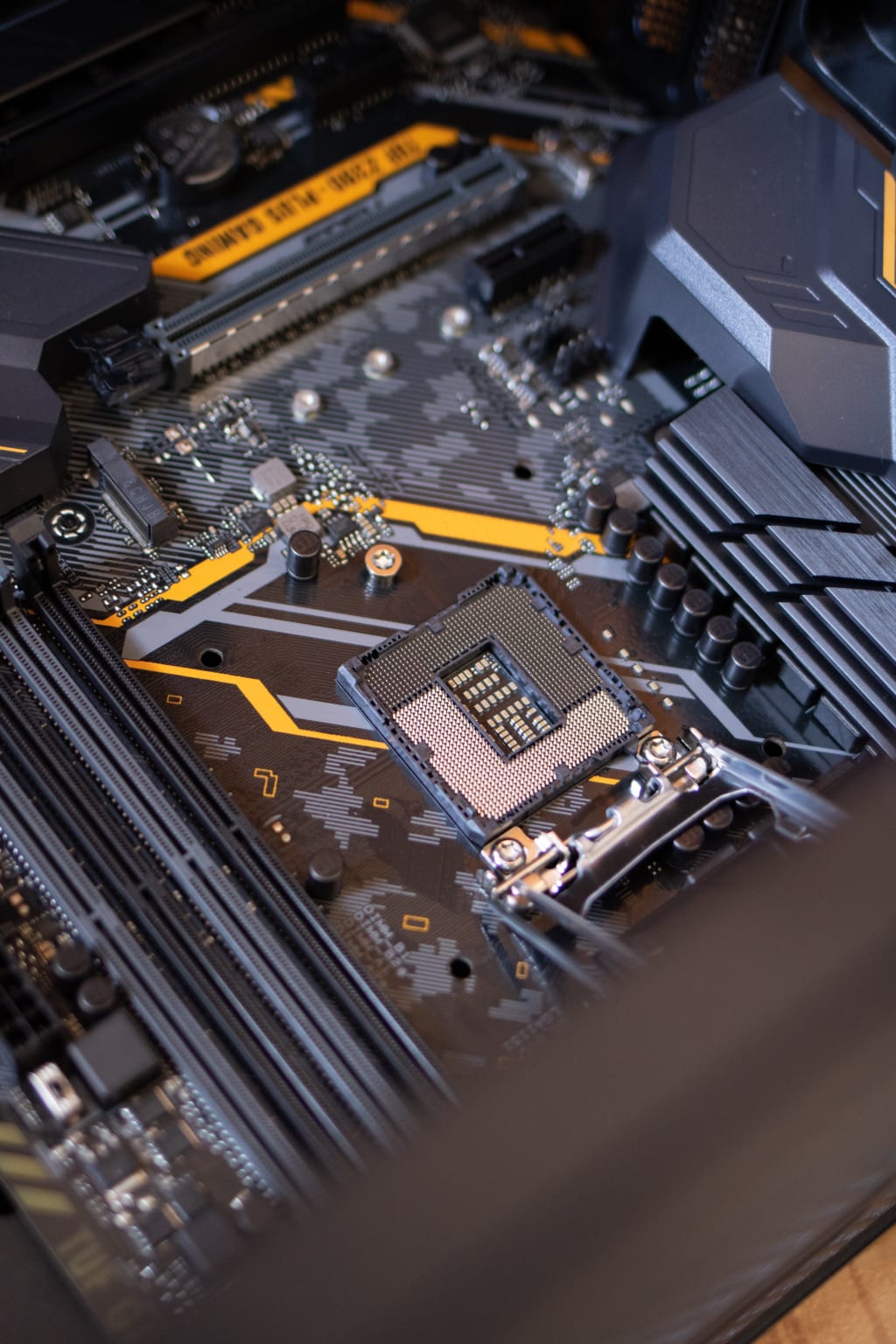
Building a gaming PC can be a fun and rewarding experience, but it can also be overwhelming when it comes to choosing the right components. One of the most important parts of a gaming PC is the CPU, or central processing unit. The CPU is responsible for handling all of the calculations and instructions necessary for running games and other programs. In this article, we’ll discuss some factors to consider when choosing a CPU for your custom gaming PC.

Budget: The first thing to consider when choosing a CPU is your budget. CPUs can range from around $50 to over $1000, depending on their performance level. It’s important to find a CPU that fits your budget but also meets your performance needs.
Performance: The performance of a CPU is measured in several ways, including clock speed, core count, and cache size. Clock speed refers to how fast the CPU can perform calculations, measured in GHz (gigahertz). Core count refers to how many processing cores the CPU has, with more cores generally leading to better performance. Cache size refers to the amount of memory the CPU has built-in for frequently used data.
Brand: Two main brands dominate the CPU market: Intel and AMD. Both brands have their own strengths and weaknesses, so it’s important to research which one is best for your needs. Intel CPUs tend to have higher clock speeds, but AMD CPUs typically have more cores and better multi-threaded performance.
Compatibility: Make sure the CPU you choose is compatible with your motherboard. Most motherboards will only support certain types of CPUs, so it’s important to check the specifications before making a purchase.
Overclocking: Overclocking is the process of increasing the clock speed of a CPU beyond its default settings, in order to improve performance. If you’re interested in overclocking, make sure to choose a CPU that is unlocked and has good overclocking potential.
Future Upgrades: Consider future upgrades when choosing a CPU. If you plan on upgrading your graphics card or other components in the future, make sure your CPU is powerful enough to handle those upgrades without becoming a bottleneck.
Some popular CPUs for gaming include the Intel Core i5 and i7, as well as the AMD Ryzen 5 and 7. Ultimately, the best CPU for your custom gaming PC will depend on your budget, performance needs, and personal preferences. With careful research and consideration, you can choose a CPU that will provide great performance and help you get the most out of your gaming experience.

Here are some popular CPU models used in gaming PCs:
Intel Core i5: This is a mid-range CPU that offers a good balance of price and performance for gaming. It typically has four cores and can handle most games without issue.
Intel Core i7: This is a high-end CPU that offers more power than the Core i5. It typically has more cores and a higher clock speed, making it a good choice for gamers who want top-of-the-line performance.
Intel Core i9: This is the most powerful CPU offered by Intel, with up to 18 cores and a very high clock speed. It's typically more expensive than the Core i7 but provides unparalleled performance for gaming and other high-end applications.
AMD Ryzen 5: This is a mid-range CPU that offers good performance for its price. It typically has six cores and can handle most games without issue.
AMD Ryzen 7: This is a high-end CPU that offers more power than the Ryzen 5. It typically has eight cores and a higher clock speed, making it a good choice for gamers who want top-of-the-line performance.
AMD Ryzen 9: This is the most powerful CPU offered by AMD, with up to 16 cores and a high clock speed. It's typically more expensive than the Ryzen 7 but provides unparalleled performance for gaming and other high-end applications.
Note that there are many other CPU models available on the market, and the best choice for your gaming PC will depend on your specific needs and budget. It's always a good idea to do research and read reviews before making a purchase.

[Disclosure: Some of the links below are affiliate links. This means that, at zero cost to you, I will earn an affiliate commission if you click through the link and finalize a purchase.]
About the Creator
Keep reading
More stories from writers in Gamers and other communities.
20 Horror Game Masterpieces to Play Before You Die
Horror games have a unique ability to evoke fear and adrenaline, making them a beloved genre among gamers. However, there are some horror video games that will blow your mind, and you should play them to experience the sensations they offer. For this reason, I asked the AI about the best horror video games available, since I find it difficult to choose among so many options.
By Ninfa Galeano5 days ago in Gamers
10 Things Cloud Computing Solutions Simplify Server Control
Managing physical servers often feels like a never-ending battle against tangled wires and heat. You spend hours monitoring blinking lights in a cold room. Traditional setups demand constant attention and manual updates. Cloud computing solutions change this entire dynamic for modern businesses. It moves your digital assets to a flexible virtual space. This shift grants you total authority without the physical burden. The cloud transforms complex technical chores into simple clicks. It allows you to focus on growth rather than hardware maintenance.
By Arthur Leo5 days ago in Gamers
TUS NUA - ch 53
TUS NUA – ch 53 New Beginnings – Mia and Midnight (*)(*)(*) Finola knew Ali’s brother-in-law needed to put his mind at rest. She fed her arm through his and led him outside. “We’ll sit here. If you like, I can put a block around us so our conversation will be private.”
By Margaret Brennan6 days ago in Fiction



Comments (1)
very interesting post