
Best Free D&D Map Makers Ranked (With Pros and Cons)
Top Free Online Tools for Creating Stunning D&D Maps — Ranked with Detailed Pros and Cons

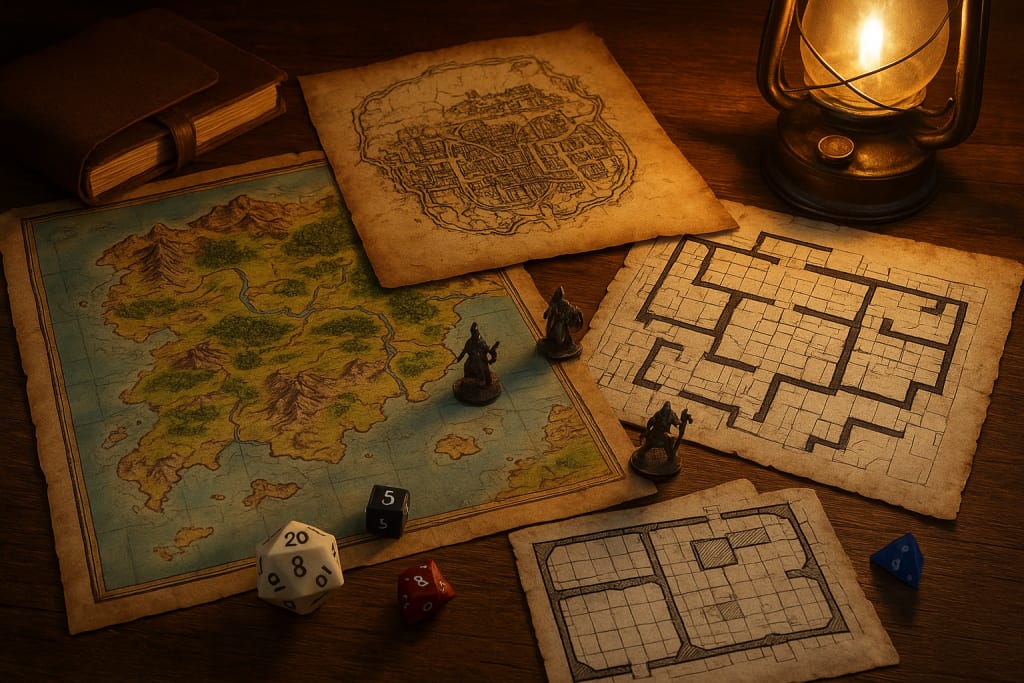
When you’re running a Dungeons & Dragons game, maps are more than just pretty artwork. They’re the stage where your story unfolds, the battleground for your players’ adventures, and the tool that helps everyone picture the same world in their minds. Whether you’re building sprawling cities, eerie dungeons, or tangled wilderness, a good map can make your session feel immersive and alive.
But here’s the tricky part—quality map-making software can get expensive. Luckily, there are excellent free D&D map makers that give you professional-level results without costing a single gold piece. Some are sleek and intuitive. Others are powerful but require a learning curve. A few offer a mix of both.
Below is a ranked list of the best free D&D map makers available right now, each with their strengths, weaknesses, and ideal use cases.
1. Inkarnate – The King of Visual Appeal
Inkarnate has earned its reputation as one of the most visually stunning map-making tools out there. Even on the free plan, you get access to a solid library of high-quality assets, from detailed mountains and forests to buildings and furniture. The interface is beginner-friendly, but still deep enough to keep veterans engaged.
Pros:
- Gorgeous, professional-quality art style.
- Intuitive drag-and-drop editor.
- Works for world maps, regional maps, and battle maps.
Cons:
- Some of the best assets are locked behind the paid version.
- Limited export resolution for free users.
Best For: Dungeon Masters who want their maps to wow players with rich detail and vibrant colors.
2. Dungeon Scrawl – Minimalist Speed
Sometimes, you don’t need fancy textures or ultra-detailed terrain—you just need a quick dungeon layout. Dungeon Scrawl is perfect for that. It’s a lightweight, browser-based tool focused entirely on dungeon and cave maps. The style is clean, almost blueprint-like, making it easy to read during play.
Pros:
- Lightning-fast dungeon creation.
- Extremely simple interface.
- Great for black-and-white old-school designs.
Cons:
- Not suitable for overland or city maps.
- Limited decorative options.
Best For: Quick dungeon prep when you’re running a game in just a few hours.
3. Azgaar’s Fantasy Map Generator – Infinite Worlds
If you’ve ever dreamed of generating an entire fantasy continent in seconds, Azgaar’s Fantasy Map Generator is your tool. It creates vast, procedurally generated maps with political boundaries, biomes, and cities already placed. You can tweak everything—from mountain ranges to climate zones—until it’s exactly how you want.
Pros:
- Generates massive, detailed worlds instantly.
- Highly customizable with deep settings.
- Includes political, terrain, and population layers.
Cons:
- Overwhelming for first-time users.
- Best suited for worldbuilding rather than tactical play.
Best For: Campaigns that span multiple nations, continents, or entire worlds.
4. Dungeon Map Doodler – Fun and Fast
Dungeon Map Doodler is a straightforward online map maker that’s all about speed and simplicity. It works in your browser, lets you sketch out a dungeon or town quickly, and then decorate with a set of clean, consistent icons. It’s not as deep as some competitors, but it’s great for getting a usable map on the table fast.
Pros:
- Works entirely in-browser.
- Easy to learn with minimal setup.
- Quick exports for use in virtual tabletops.
Cons:
- Limited asset variety.
- Doesn’t support complex textures or 3D effects.
Best For: DMs who want something between “artistic” and “functional” without spending hours designing.
5. Watabou’s Medieval Fantasy City Generator – Instant Cities
Need a city? This tool makes one in seconds. Watabou’s Medieval Fantasy City Generator is a procedural city creator that produces sprawling medieval layouts with roads, districts, and buildings. While the style is minimalistic, it’s incredibly useful for understanding how a city is structured.
Pros:
- Creates believable, organic city layouts instantly.
- Fully randomizable and customizable.
- Perfect for last-minute urban encounters.
Cons:
- No terrain or decorative art.
- Works best as a planning tool rather than a finished battle map.
Best For: When your party unexpectedly decides to explore a city you hadn’t planned.
6. RPG Map Editor 2 – Browser-Based Flexibility
This free online tool offers a tile-based editor that’s surprisingly versatile. It works well for indoor maps, towns, and even small outdoor areas. The free version still gives you a variety of assets, with the option to import your own for a more personalized look.
Pros:
- Tile-based system is fast to use.
- Supports custom asset uploads.
- Great for both tactical and narrative maps.
Cons:
- Interface can feel a bit clunky at first.
- Limited to smaller-scale maps unless you get creative.
Best For: DMs who like a mix of tactical utility and creative flexibility.
7. Donjon’s Random Dungeon Generator – Old-School Utility
Donjon has been a staple for dungeon masters for years. It’s not flashy, but it’s one of the fastest ways to generate a functional dungeon complete with rooms, corridors, and optional traps. You can print the map or export it for online use, making it great for quick improvisation.
Pros:
- Generates dungeons instantly.
- Includes random encounters and loot options.
- Simple export and print features.
Cons:
- Very basic visuals.
- Limited customization for aesthetics.
Best For: Emergency dungeon prep when you’ve got minutes to spare.
Which Free Map Maker Should You Use?
The right choice depends on your needs. If you want jaw-dropping visuals, Inkarnate is hard to beat. For quick layouts, Dungeon Scrawl or Dungeon Map Doodler will save you time. If you’re building a sprawling world, Azgaar’s Fantasy Map Generator is your best bet. And if you just need a city in seconds, Watabou’s City Generator delivers every time.
Some Dungeon Masters even combine multiple tools—using Azgaar for the world, Watabou for cities, and Inkarnate for player-facing battle maps. That way, you get the strengths of each without being limited by a single tool’s weaknesses.
A good map doesn’t just guide your players; it shapes the way they experience your world. Whether you’re mapping out an entire continent or sketching a single dungeon corridor, the right free D&D map maker can elevate your storytelling without costing you a copper. Experiment, mix and match tools, and find the combination that matches your creative style. In the end, the map is just the beginning—the real magic happens when your players start exploring.
About the Creator
Richard Bailey
I am currently working on expanding my writing topics and exploring different areas and topics of writing. I have a personal history with a very severe form of treatment-resistant major depressive disorder.
Keep reading
More stories from Richard Bailey and writers in Gamers and other communities.
Diablo Immortal PvP Tips: Winning in Battlegrounds, Shadow Wars & Rite of Exile
Player versus player combat in Diablo Immortal is a brutal arena where skill, timing, and preparation mean the difference between dominance and defeat. While PvE challenges reward persistence, PvP tests raw decision-making under pressure. Battlegrounds, Shadow Wars, and the Rite of Exile each demand a different mindset, and those who excel learn to adapt their playstyle to the battlefield in front of them.
By Richard Bailey7 months ago in Gamers
10 Board Games That Aren’t Boring
Ethnos This game is a mix between Lord of the Rings and Risk, but I do not like Risk and I love this game. With certain cards, you put a token on a city and gain points each round from how many tokens you put on that certain city or other cities. If you play with more than two people, you get three rounds. Depending on the types of cards you choose, you can steal others, play twice, place tokens wherever you want, etc. This game is very entertaining and strategic.
By Rich Burtonabout 6 hours ago in Gamers
U4gm MLB The Show 26: A Complete Evolution of Baseball Gaming
MLB The Show 26 takes baseball simulation to an entirely new level. This year’s edition isn’t just a simple update — it represents a full evolution of the franchise, combining realism, strategy, and fun in one polished package. From career journeys to competitive online play, every mode has been refined, making the game more immersive and rewarding than ever before.
By Billo Naliabout 18 hours ago in Gamers


Comments
There are no comments for this story
Be the first to respond and start the conversation.