
Top 5 AI Tools to Turn Text Into Images (Tested & Reviewed)
Discover the most powerful and accessible AI platforms that transform your words into stunning visuals—perfect for creators, marketers, and innovators.

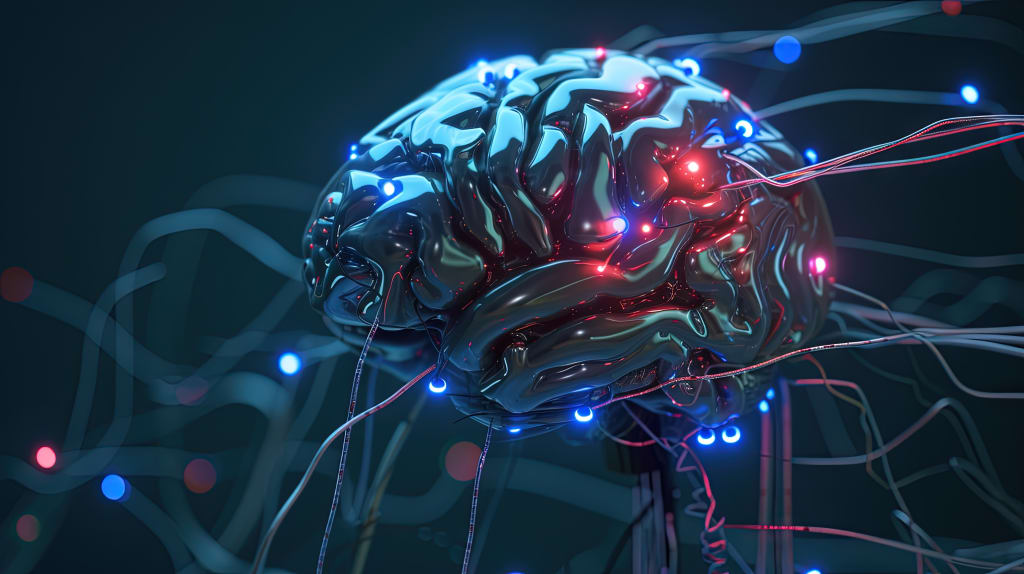
Artificial Intelligence is revolutionizing the creative world—one prompt at a time. What once took hours of sketching or days of rendering can now be generated in seconds. From fantasy illustrations to hyper-realistic portraits, the ability to turn text into images has opened a new era of imagination, where anyone can become a visual storyteller.
In this article, we explore the **Top 5 AI tools** that allow users to generate images from text—tools we’ve personally tested, reviewed, and compared. Whether you're an artist, content creator, or just curious about AI's visual power, this guide is crafted to help you find the tool that best fits your needs.
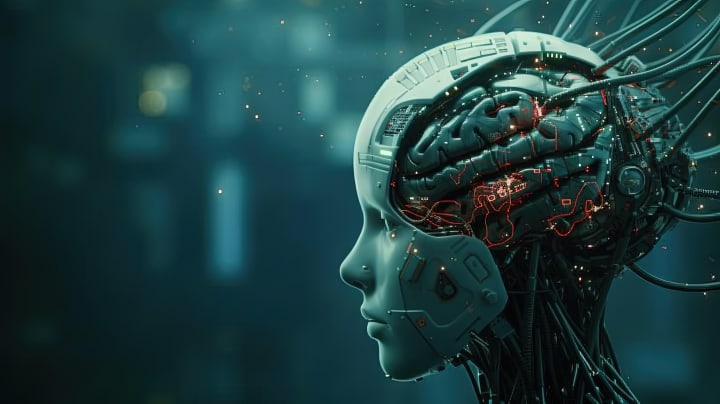
Let’s dive into the world where words become pictures.
Tool 1 – Midjourney
Midjourney has emerged as one of the most artistic and imaginative AI tools for generating images from text. Unlike many other AI generators, Midjourney’s visuals often appear more expressive, cinematic, and stylized. It operates primarily through Discord, where users type in commands such as /imagine a steampunk city floating in the clouds.
Key Features:
- Artistic and surreal visual style.
- Highly detailed renderings.
- Community-based prompts on Discord.
- Regularly updated AI models for better accuracy.
How to Use It:
- Join the official Midjourney Discord server.
- Use the /imagine command followed by your text prompt.
- Choose from the generated image variations or upscale your favorite one.
Note: You need a subscription to generate unlimited private images, but free trials are occasionally available.
Ideal For:
- Artists seeking inspiration.
- Concept designers and visual storytellers. Social media content creators.
- Social media content creators.
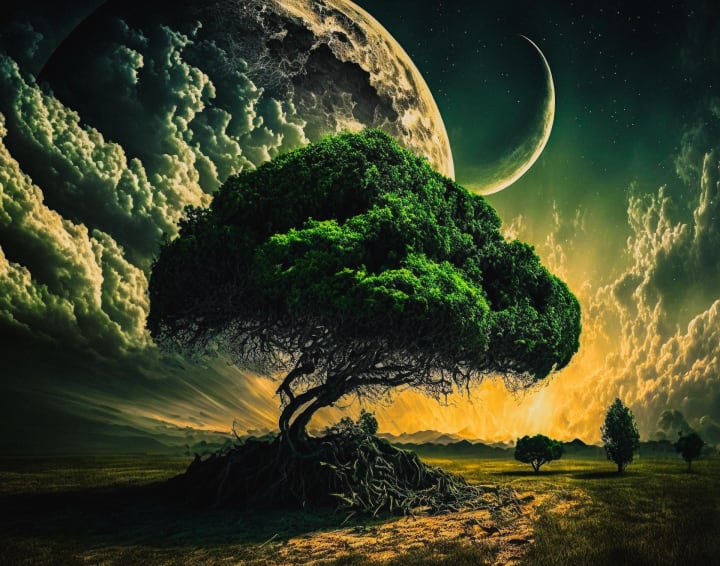
Tools like Midjourney allow users to generate incredibly artistic and imaginative visuals from text prompts.
One of the most popular AI tools for generating images is Midjourney.
Tool 2. DALL·E 3 by OpenAI
When it comes to precision and artistic flair, DALL·E 3 stands out as one of the most advanced AI tools for generating images from text. Developed by OpenAI—the creators of ChatGPT—this tool takes visual imagination to a whole new level.
Why Choose DALL·E 3?
Unlike many text-to-image models, DALL·E 3 understands complex prompts with remarkable accuracy. It can generate images that capture subtle details, emotions, and creative styles simply by interpreting natural language instructions.
Here are some of the reasons creators love DALL·E 3:
- Deep language understanding: It captures intricate visual concepts from nuanced prompts.
- Seamless access: Easily available through ChatGPT for Plus subscribers.
- High-resolution outputs: The generated images are clear, vivid, and ready for use.
- Perfect for storytelling: Ideal for authors, marketers, and creatives who want visuals that align with their narratives
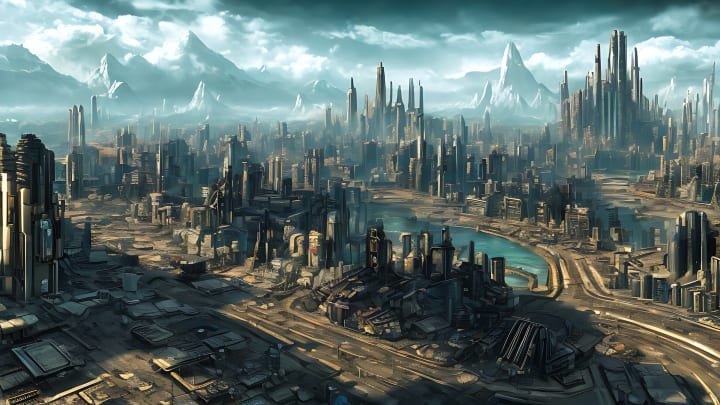
How to Access DALL·E 3
To use DALL·E 3, you’ll need to access it through ChatGPT (via OpenAI). Here’s the official link:
If you are a ChatGPT Plus subscriber, you can use DALL·E 3 directly by typing your image prompt into the chat. The tool will instantly generate an image based on your description.
Tool 3. Adobe Firefly — Creative AI with Adobe Quality
Adobe Firefly is Adobe's innovative entry into the world of AI-powered visual creation. Integrated into the Adobe Creative Cloud ecosystem, Firefly stands out by combining the power of artificial intelligence with the professional-grade tools Adobe is known for.
Why Adobe Firefly?
Unlike most AI image generators, Adobe Firefly is trained on Adobe Stock and public domain content, ensuring that the images generated are safe for commercial use. This gives creators peace of mind when using AI-generated content in professional work.
Key Features:
- Text-to-image generation using natural language prompts
- Style customization with control over color palettes, lighting, and artistic filters
- Content-aware editing inside Photoshop using Firefly’s AI
- Seamless integration with tools like Illustrator and After Effects
Use Case Example:
Imagine you need a product visualization for a marketing campaign. With Firefly, you can describe your product in a few words, apply your brand’s color palette, and generate marketing-ready visuals in seconds.
Personal Experience:
During testing, Firefly excelled at producing high-quality, realistic scenes and concept art. It’s particularly good for users who already work within Adobe’s ecosystem. The tool feels familiar, intuitive, and polished.
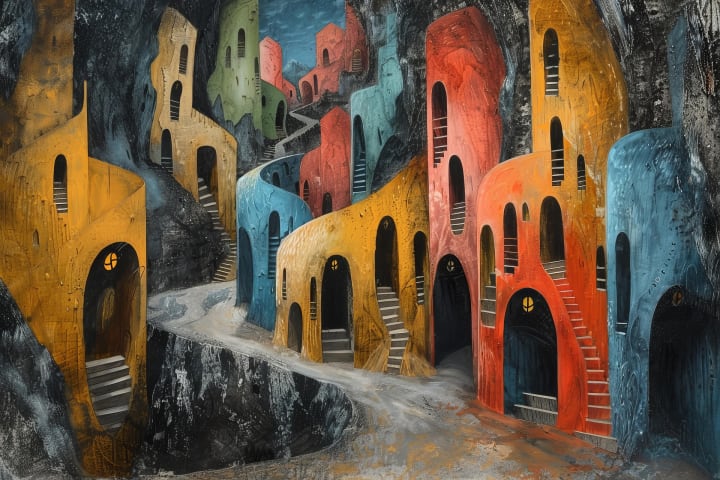
Use Case Example:
Imagine you need a product visualization for a marketing campaign. With Firefly, you can describe your product in a few words, apply your brand’s color palette, and generate marketing-ready visuals in seconds.
[Try Adobe Firefly here](https://firefly.adobe.com).
Tool 4. Canva AI Image Generator
Best for: Beginners and designers who want quick, integrated results inside Canva.
Canva, known for its user-friendly design tools, now includes an AI image generator that allows users to create stunning visuals directly within the platform. This tool is ideal for educators, marketers, and creatives who want seamless integration of AI-generated images into their projects without leaving the Canva ecosystem.
Key Features:
- No learning curve – perfect for non-tech users
- Multiple style options – including photo-realistic, watercolor, neon, and more
- Real-time generation inside your design canvas
- Integrated into all Canva plans (Free & Pro)
Use Case Example:
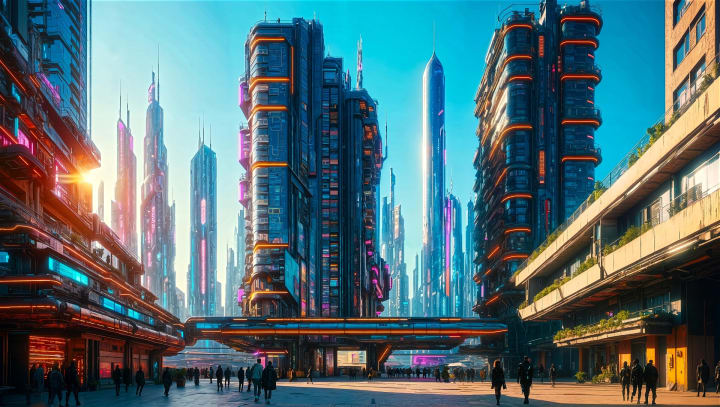
Imagine you're creating a presentation or social media post and need a custom background image of a “futuristic city skyline at sunset.” With just a few words, Canva AI generates a beautiful and relevant image — ready to use, no extra tools required.
Want to try Canva’s AI Image Generator for yourself?
Click the link below to explore and start creating visuals instantly:
Tool 5. Fotor AI Image Generator
If you're seeking an easy-to-use tool with a clean interface and versatile output options, Fotor AI Image Generator deserves your attention. Tailored for both beginners and casual creators, this tool combines user-friendliness with decent creative power.
Key Features
- Text-to-image conversion using basic or artistic prompts
- Multiple style categories including anime, 3D, and realism
- Fast image generation with no technical skills required
- Supports high-resolution downloads and simple editing tools
Why Use Fotor?
Fotor might not have the same power as Midjourney or the flexibility of DALL·E, but it shines in making AI image generation accessible. Whether you're designing for social media, mockups, or creative inspiration, Fotor offers a one-click experience that delivers quick and satisfying results.
Want to experiment with Fotor’s AI Generator?
Conclusion: A Glimpse Into the Future of Creativity
As we've explored, AI-powered text-to-image tools are not just futuristic novelties—they’re transforming how we create, design, and visualize ideas. From the dreamlike precision of Midjourney to the beginner-friendly interface of Fotor, each tool opens a unique portal into the world of artificial imagination.
These platforms aren’t merely about generating pretty pictures. They democratize creativity, giving artists, marketers, educators, and hobbyists the power to bring their visions to life—instantly and with astonishing quality. Whether you're an experienced digital artist or someone just curious about what AI can do, there's never been a better time to dive in.
What’s Next?
AI-generated visuals are just the beginning. With advancements in text-to-video, voice synthesis, and interactive storytelling, we are witnessing the dawn of a creative renaissance fueled by intelligent systems.
💡 Stay Curious
If you found this article helpful, consider bookmarking our profile or subscribing for more deep dives into AI tools, unbiased reviews, and tutorials. We're just getting started, and the future promises even more awe-inspiring possibilities
What do you think about AI art? Which tool would you choose? Feel free to share your thoughts by connecting with me or by hitting the heart if you found this helpful.
About the Creator
AI Lens
Exploring AI’s evolving universe—from tool reviews and comparisons to text-to-image, text-to-video, and the latest breakthroughs. Curated insights to keep you ahead in the age of artificial intelligence.
RegTech Market Insights: AI Compliance Solutions, Risk Analytics & Forecast Outlook 2034
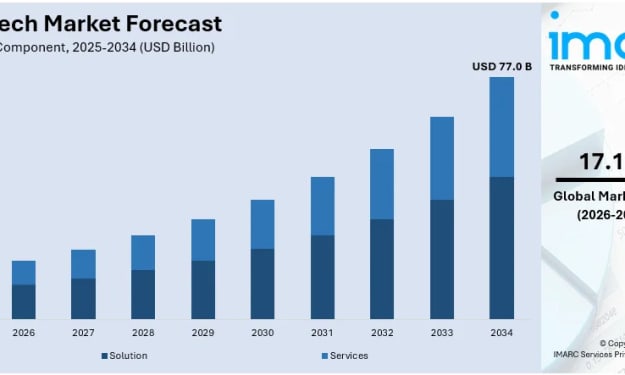
Rising regulatory complexities, the surge in digital transactions, and the need for cost-efficient compliance solutions are driving the RegTech demand, supported by advancements in AI, machine learning, and cloud computing. According to IMARC Group’s latest data, the global RegTech market size was valued at USD 18.6 Billion in 2025. Looking forward, IMARC Group estimates the market to reach USD 77.0 Billion by 2034, exhibiting a CAGR of 17.10% from 2026-2034.
By Andrew Sullivan3 days ago in Futurism
Becca
"Everything is so... flat." Denille said stupidly as she looked around her new neighborhood. She looked around at the muted desert where even the smallest sign of life seemed to have given up. The plant life was shrubs that were half cooked by the heat and where there should have been a lawn, a mess of white rocks laid glistening in the sun. Even the sky looked stretched thin, like the sun had ironed it smooth. She’d moved from Riverside, where at least there were hills, but here in Barstow, everything felt baked and brittle.
By Sara Wilson7 days ago in Fiction


Comments
There are no comments for this story
Be the first to respond and start the conversation.