
New Android 16 and Features
Google's new android 16
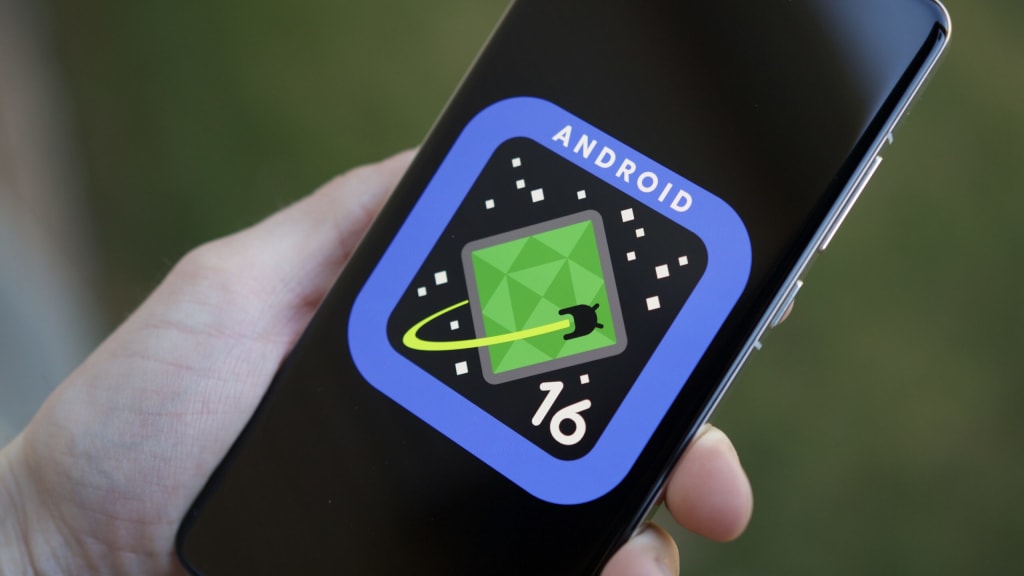
At Google I/O 2025, the spotlight shone brightly on Android 16 during the special Android Show: I/O Edition. The tech giant unveiled a suite of new features and enhancements designed to make Android smarter, more secure, and more personalized than ever before. Here's a comprehensive breakdown of what Google announced for the next evolution of its mobile operating system.
smarter ai integration throughout the os
Google is continuing its push into AI-first experiences with Android 16. The OS will integrate Gemini Nano, a lightweight version of Google's powerful AI model, more deeply into system functions. This means more responsive voice commands, smarter autocorrect and suggestions in Gboard, and new contextual features in apps like Messages and Gmail.
On-device AI will allow users to summarize long texts, translate conversations in real-time, and even help draft replies without sending data to the cloud. Google emphasized its commitment to privacy while boosting productivity and personalization with these new tools.
revamped lock screen and customization
Android 16 is giving the lock screen a new look and giving users more control over how it looks and works. You can now add widgets, change font styles, and place shortcuts to frequently used apps. The lock screen also adapts based on context—showing weather, calendar events, or even package deliveries when relevant.
This update builds on the Material You design language introduced in Android 12, but offers even deeper personalization, allowing themes to dynamically change with time of day or activity.
satellite messaging support
Following trends in emergency communication, Android 16 introduces built-in support for satellite messaging. This feature, which was initially supported by a small number of OEMs and carriers, enables users to send texts even when there is no cellular coverage—ideal for hikers, travelers, and people who live in remote areas. enhanced privacy and security features
Google is doubling down on privacy with Android 16. A new feature called "Private Space" lets users hide apps and data behind an extra authentication layer. It's perfect for securing sensitive content without installing third-party tools.
In addition, Android 16 improves permission controls by offering time-limited access to sensitive information like location, microphone, and camera. Additionally, apps will be required to provide more precise explanations of why they require particular permissions. seamless updates and faster installations
Android 16 improves the modular update process, reducing the size of updates and speeding up installation times. Google Play System Updates now cover even more components, meaning users get critical patches faster without waiting for full OS rollouts.
expanded support for large screens
As foldables and tablets gain popularity, Android 16 continues optimizing the user experience for larger displays. Multitasking is smoother, app continuity across folded and unfolded states is more refined, and a new taskbar UI gives quicker access to apps and tools.
google's vision for the future
Google made it clear that Android 16 is not just an iterative update—it’s a foundational step toward a more connected, intelligent, and user-centric future. With AI becoming central to its experience, Android aims to blend contextual awareness, creativity, and seamless functionality into everyday tasks.
The Android Show: I/O Edition demonstrated Google’s renewed focus on refining the fundamentals while embracing innovation. Android 16 will roll out in beta over the summer with a full release expected in the fall of 2025, supported by leading Pixel and partner devices.
As the Android ecosystem evolves, users can expect a smarter, safer, and more personalized mobile experience—right in the palm of their hands.Let's see what more can google give us in the future and so we should be prepared as always.Hope you liked the Article.Thank you very much for reading this.
About the Creator
Keep reading
More stories from writers in Futurism and other communities.
About Binding Prometheus
I want to start actively advocating on behalf of my own work, and the most valuable part of my canon is, without a doubt, Binding Prometheus, the play I have been working on since 2019 and only finished in 2023 as part of my MA. The play itself is an amalgamation of a million different inspirations. On one end, it evokes the Ancient Greek myth-play, deriving its own title from the earliest extant work of Western drama we have, Aeschylus’s Prometheus Bound. On the other end, it borrows significantly from the sci-fi bulwarks from over the years, namely Mary Shelley’s Frankenstein and Karel Capek’s Rossum’s Universal Robots. The play could be an episode of Black Mirror, I fear. I don’t know. I’ve only ever seen one episode of Black Mirror.
By Steven Christopher McKnight27 days ago in Futurism
Gas Chromatography Market: Pharmaceutical Quality Control & Innovation Momentum
Rising pharmaceutical research, stricter regulatory testing standards, expanding environmental monitoring, and technological advancements in analytical accuracy and automation are accelerating adoption across laboratories and industrial applications worldwide. According to IMARC Group's latest research publication, the global gas chromatography market size reached USD 3.2 Billion in 2024. Looking forward, IMARC Group expects the market to reach USD 4.7 Billion by 2033, exhibiting a growth rate (CAGR) of 4.06% during 2025-2033.
By Andrew Sullivan7 days ago in Futurism
🅼🅸🅳🅽🅸🅶🅷🆃 🆂🅽🅰🅲🅺🆂
"It's 10 in Tuscon! We all know what that means... It's Time for Midnight Snacks with your man, Gerald Gee! Ready to spend the night together? Me too! I'm full of snacks and can't wait to regurgitate them all back into your hungry ears. Crack a brew! Pop some corn! Anything to get ready for one hell of a show where the talk maybe cheap but the words cut deep...
By Lamar Wiggins6 days ago in Fiction


Comments
There are no comments for this story
Be the first to respond and start the conversation.