
🧠 Google Just Unlocked “AI Mode” — Here’s What It Actually Does (and Why You Might Use It Daily)
Not another AI model. This is a full-on mode. Here's why people are talking about Google’s newest AI feature.

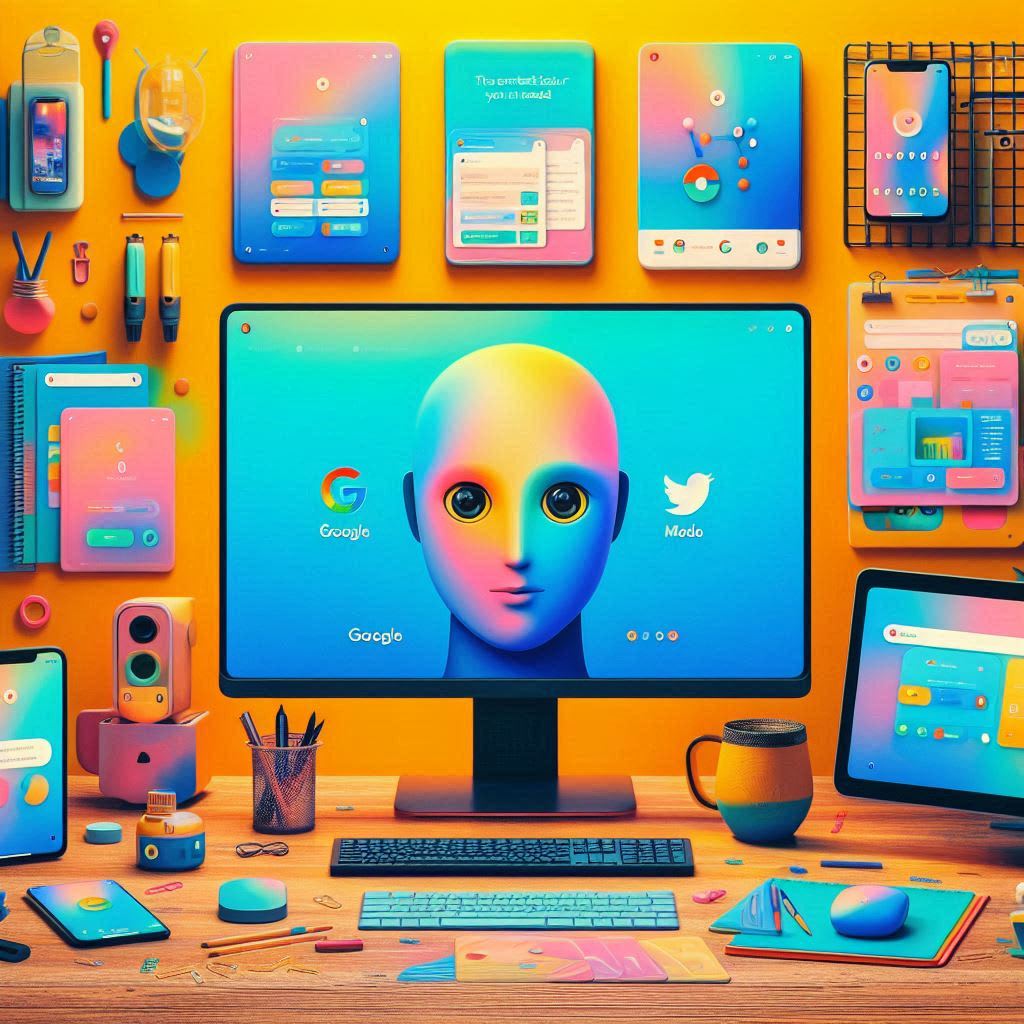
AI isn’t coming — it’s already here, sitting in your phone, politely waiting for you to ask it to help with, well… anything. Google just rolled out a feature called AI Mode, and if you’ve seen it pop up on your screen or heard tech folks buzz about it, here’s the no-fluff breakdown.
🚀 What Is “AI Mode”?
Think of AI Mode as flipping your phone into “smart assistant on steroids” mode. It’s not just about search anymore — this feature puts generative AI at your fingertips in real time while you’re using your phone, apps, or the web.
Unlike traditional Google Search, AI Mode gives you an AI-powered overlay that sits on top of your current screen — letting you ask questions, summarize content, translate text, or even analyze what’s on your screen without leaving the app.
It’s currently being rolled out across Android devices (especially Pixels and Samsung Galaxy phones), and is part of Google’s broader push to make AI a lifestyle feature, not a tool you go out of your way to use.
💡 What Can You Actually Do With It?
Here’s how AI Mode helps you in your day-to-day digital life:
- Summarize Anything Instantly
Reading a long article? AI Mode can give you a summary without opening another tab or app. Tap, hold, and let the AI tell you what matters.
- Translate On-Screen Text
Traveling or reading content in another language? AI Mode can instantly translate what's on your screen, whether it’s an app, a website, or a document.
- Help Me Write (Literally Anything)
Comment on a post, write a review, respond to an email — just tap “Help me write” and let AI Mode suggest polished, friendly, or even funny responses.
- Scan and Explain
Looking at a graph, code, or weird academic text? AI Mode can explain what you’re looking at like a helpful nerdy friend.
- No App Switching
You don’t have to bounce between Chrome, Docs, Gmail, and your notes app. AI Mode works on top of what you’re already doing.
🔓 Do You Have It Yet?
AI Mode is gradually rolling out on Android phones running the latest software updates. Pixel and Samsung Galaxy users are usually the first in line.
If you see a floating icon or long-press your home button and get a new AI interface — congrats, you’re in AI Mode.
🤖 Is This Creepy or Cool?
Depends on who you ask. For some, it feels like the future we were promised. For others, it’s “my phone is listening too closely” vibes. The good news is that you can turn features on or off, and Google claims this data stays private and local unless you choose to share.
✅ Final Thoughts
AI Mode isn’t just a gimmick — it’s Google’s attempt to make AI feel invisible and useful, not overwhelming. You don’t have to prompt it like a chatbot or install anything new. It just shows up when you need a hand.
So if your phone suddenly starts helping you write texts or summarize articles like a genius bestie, don’t panic. You’ve just entered AI Mode.
About the Creator
Umar Faiz
Writer of supply chains, NFTs, parenting, and the occasional philosophical spiral. Obsessed with cinema, psychology, and stories that make you say “wait, what?” Fueled by coffee and mild existential dread.
About Binding Prometheus
I want to start actively advocating on behalf of my own work, and the most valuable part of my canon is, without a doubt, Binding Prometheus, the play I have been working on since 2019 and only finished in 2023 as part of my MA. The play itself is an amalgamation of a million different inspirations. On one end, it evokes the Ancient Greek myth-play, deriving its own title from the earliest extant work of Western drama we have, Aeschylus’s Prometheus Bound. On the other end, it borrows significantly from the sci-fi bulwarks from over the years, namely Mary Shelley’s Frankenstein and Karel Capek’s Rossum’s Universal Robots. The play could be an episode of Black Mirror, I fear. I don’t know. I’ve only ever seen one episode of Black Mirror.
By Steven Christopher McKnight16 days ago in Futurism
Plant-Based Meat Market Companies Analysis
Introduction: A New Era in the Global Protein Landscape The global food industry is undergoing one of its most transformative shifts in decades, driven by changing dietary preferences, sustainability concerns, and technological innovation. At the heart of this change lies the rapidly expanding plant-based meat market—a segment that is redefining how consumers perceive protein. No longer limited to niche vegan or vegetarian communities, plant-based meat has entered mainstream consumption, appealing to flexitarians, health-conscious individuals, and environmentally aware consumers alike.
By jaiklin Fanandish5 days ago in Futurism


Comments (3)
wow
انت شخص عربي صح
AI Mode truly changes the search game—like having a thoughtful friend help you make sense of a messy internet. I love how it layers context and reasoning, and even remembers your follow-up questions. It’s a glimpse into a future where search listens first, summarizes deeply, and actually feels personal.