
Creating Story Books for Kids:
A Step-by-Step Guide Using AI
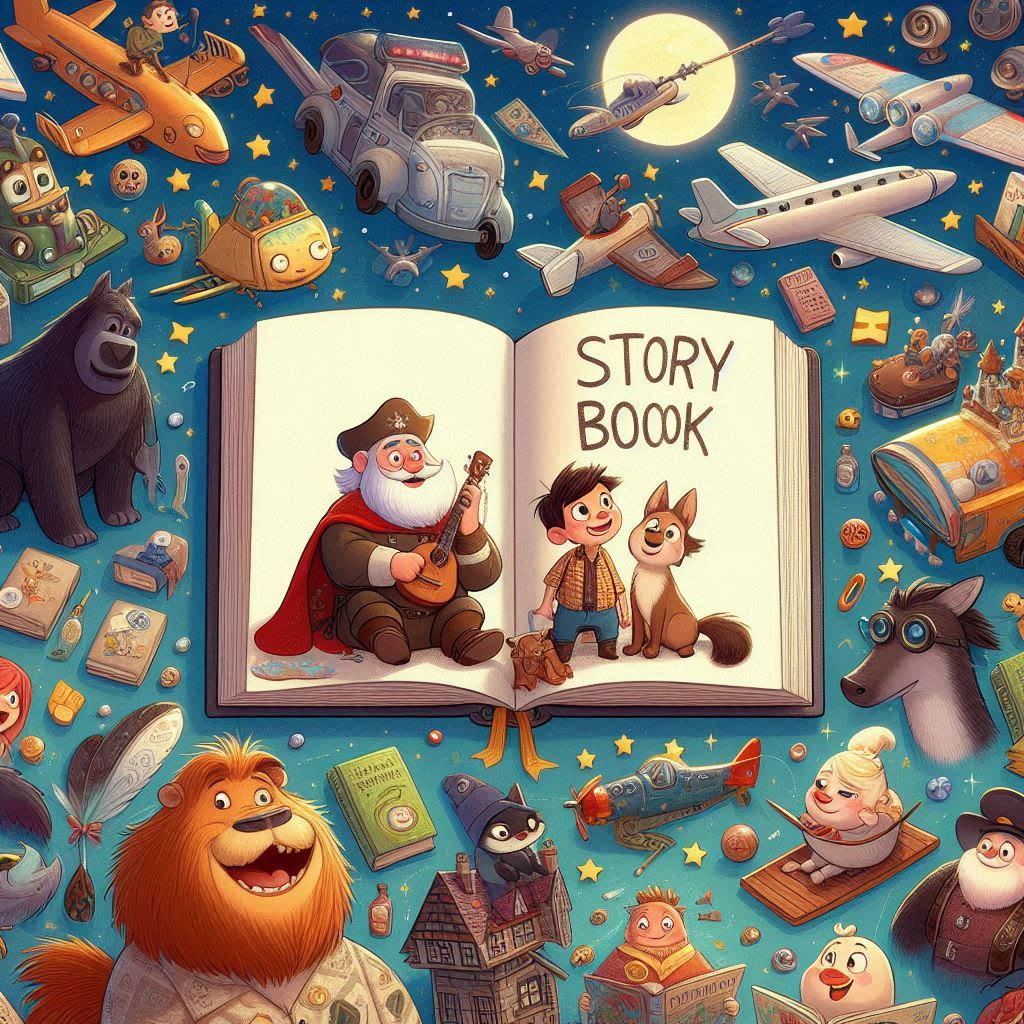
Are you prepared to start a fun adventure writing captivating children’s books?
We will look at how to use AI technologies in this guide to produce engrossing stories, lively pictures, and exquisitely designed pages that will appeal to young readers.
Come along with us as we bring your fantastical stories to life!
Introduction to Story Books for Kids
Story books for kids are not just a source of entertainment; they are an essential tool for learning and development.
These books ignite imagination, enhance vocabulary, and foster emotional intelligence.
In an era dominated by screens, physical story books provide a tactile experience that digital formats often lack.
Creating story books for children opens a world of possibilities.
It allows you to weave narratives that can teach lessons, inspire creativity, and entertain.
With the rise of AI technologies, the process of crafting these books has never been easier.
You can generate compelling stories and stunning visuals that captivate young audiences.
The Potential of Creating Story Books
The potential of creating story books for kids extends beyond mere storytelling.
It can be a lucrative venture, tapping into a market that is always hungry for fresh content.
Parents and educators are constantly searching for engaging materials that promote literacy and learning.
Moreover, self-publishing platforms like Amazon make it accessible for anyone to share their creations with the world.
By harnessing AI tools, you can streamline the production process, enabling you to focus on creativity rather than the technical aspects of book creation.
Step 1: Creating the Story
The first step in crafting a story book is to develop an engaging story.
If you already have a narrative in mind, great! If not, AI tools can assist you in generating one.
Using platforms like GravityWrite, you can input a few parameters such as the title, age group, and desired characters, and watch as the AI creates a unique story tailored to your specifications.
Consider the elements that make a story appealing to kids: relatable characters, an exciting plot, and a positive message.
Once you have your story, break it down into manageable sections for each page, ensuring that the language is age-appropriate and engaging.
Step 2: Generating Images
Images play a crucial role in story books for kids. They not only complement the text but also stimulate imagination and understanding.
Once you have your story, the next step is to generate captivating images that align with the narrative.
Utilize AI-powered image generation tools to create illustrations based on the prompts derived from your story.
By inputting specific descriptions of each scene, you can generate vibrant and appealing visuals.
This process allows you to bring your characters and settings to life, making the story more engaging for young readers.
Ensuring Consistency in Images
Consistency in style and character representation is vital when creating story books for kids.
It helps maintain the narrative flow and keeps the visual experience cohesive.
To achieve this, use the remix feature in your image generation tool.
This feature allows you to tweak images while retaining the original style, ensuring that your illustrations have a uniform look throughout the book.
When generating images for different pages, refer back to the initial images you created to guide the style and character details.
This way, your book will have a polished, professional appearance that appeals to both children and parents alike.
Step 3: Designing the Pages
With your story and images in hand, it’s time to design the pages of your story book.
Tools like Canva provide user-friendly interfaces for designing visually appealing layouts.
Start by uploading your images and arranging them according to your story’s structure.
Consider the placement of text and images carefully.
Make sure that the text is readable and complements the images.
Incorporating graphic elements such as frames, backgrounds, and decorative motifs can enhance the overall look of your pages.
Remember, the goal is to create an inviting and enjoyable reading experience for kids.
Adding Graphic Elements to Enhance Design
Graphic elements can significantly elevate the visual appeal of your story books for kids.
By incorporating frames, borders, and decorative motifs, you can create a more dynamic and engaging layout.
Consider using playful designs that resonate with the theme of your story.
For example, if your story features animals, adding floral borders or nature-themed graphics can enhance the overall aesthetic.
Tools like Canva provide a vast library of graphic elements, allowing you to experiment with different styles until you find the perfect match for your book.
Moreover, don’t hesitate to adjust the transparency of these elements.
A subtle overlay can create depth and keep the focus on your main images and text.
Always remember that the goal is to create an inviting space that captivates young readers and encourages them to explore the pages.
Creating an Interactive Flipbook
Transforming your story book into an interactive flipbook can provide an engaging reading experience for kids.
Unlike static PDFs, flipbooks mimic the feel of turning pages in a physical book, making reading more exciting.
This interactive format can be a game changer for young readers, allowing them to engage with the content in a fun way.
To create a flipbook, start by ensuring your story book is fully designed and ready.
Tools like Heyzine can help you convert your PDF into a flipbook effortlessly.
Simply upload your completed pages, select the desired effects, and save your project.
Once generated, you can share the flipbook link with family and friends or even on platforms dedicated to children’s content.
Interactive features, such as sound effects or animations, can be added to enhance the experience further.
Kids love the tactile sensation of flipping pages, and adding these elements can help your story book stand out in a crowded market.
Expanding Your Story Book to 50 Pages
What if you want to create an expansive story book with up to 50 pages?
The process is straightforward with the right tools. Using services like GravityWrite, you can craft longer narratives while still generating engaging image prompts.
Begin by entering the title, desired characters, and overall concept for your story.
This tool will help you develop an engaging narrative that spans multiple pages.
Once your story is ready, use an image prompt creator to generate illustrations that correspond to each page.
This approach not only allows for a more in-depth exploration of your characters and themes but also provides ample opportunities for illustrations that keep young readers engaged.
Remember, a longer story doesn’t mean compromising on quality; maintain the same level of creativity and attention to detail throughout all pages.
Sharing Your Story Books Online
Once you’ve created your story book, sharing it with the world is the next exciting step.
Websites like Webspace Kit can help you establish an online presence to showcase your creations.
Having your own website allows you to reach a broader audience and connect with parents and educators looking for quality content.
Consider creating a dedicated section for your story books, where visitors can read excerpts, view illustrations, and even purchase or download copies.
Utilize social media platforms to share snippets of your book, engaging visuals, and behind-the-scenes content about your creative process.
This not only builds anticipation but also fosters a community around your work.
Additionally, consider collaborating with other authors or educators to promote your story books.
Guest posts, joint giveaways, and cross-promotions can help you reach new audiences and increase your visibility in the market.
FAQ: Common Questions About Creating Story Books for Kids
How long does it take to create a story book?
The time it takes to create a story book can vary greatly depending on the complexity of the story and your familiarity with the tools. Generally, a simple story book can be created in a few hours, while more elaborate projects may take several days.
Can I use AI-generated content for commercial purposes?
Yes, many AI tools allow you to use generated content for commercial purposes. However, it’s important to review the licensing agreements of the specific tools you are using to ensure compliance.
What age group should I target with my story books?
When creating story books for kids, consider the developmental stages of your audience. Picture books are ideal for younger children (ages 2–5), while slightly older kids (ages 6–8) may enjoy chapter books with more complex narratives.
How can I market my story book effectively?
Utilize social media, create engaging content, and consider using platforms dedicated to children’s literature. Building a website to showcase your work and connecting with parenting groups can also boost visibility.
Is it necessary to have illustrations in my story book?
While illustrations significantly enhance the appeal of story books for kids, they are not strictly necessary. If your narrative is strong and engaging, it can still resonate with readers, especially in older age groups.
About the Creator
PRASIT
I love to explore SaaS at https://digitalgrowthtools.com
Earth's vast chemical storehouse is being gathered by the Moon.
Despite its seeming permanence, Earth's atmosphere is gradually seeping into space. According to recent studies, part of that wasted air does not vanish. Rather, it wanders away and lands on the Moon, where it slowly builds up over billions of years in the lunar soil. Science and exploration both depend on this process.
By Francis Dami6 days ago in Futurism
Microcontroller Market Trends: IoT Integration, Smart Devices & Forecast to 2034
Rapid expansion of IoT connectivity, the electrification of vehicles, and the relentless push toward smarter industrial automation are fundamentally reshaping demand for microcontrollers worldwide. These tiny chips now sit at the heart of billions of devices — from factory robots and EV powertrains to medical monitors and smart home hubs. According to IMARC Group's latest data, the global microcontroller market size reached USD 28.7 Billion in 2024. Looking forward, IMARC Group expects the market to reach USD 58.3 Billion by 2033, exhibiting a growth rate (CAGR) of 7.55% during 2025-2033. Asia Pacific currently dominates the market with the largest revenue share, fueled by high-volume electronics manufacturing hubs across China, Japan, South Korea, and Taiwan.
By Suhaira Yusuf3 days ago in Futurism
A System That Isn’t Working Challenge Winners
Systems promise order. They organize behavior, distribute opportunity, and suggest that if everyone follows the rules, things will work. The entries in A System That Isn’t Working look closely at what happens when that promise begins to slip.
By Vocal Curation Team3 days ago in Resources




Comments (1)
Thank you so much for being transparent about using AI 😊