
AV System Planning Essentials: What You Need to Know Before You Begin
Key Steps to Ensure a Successful AV Setup for Your Space

When it comes to setting up an audio-visual (AV) setup, whether for a corporate meeting room, conference hall, or entertainment space, proper planning is essential for success. A well-designed system can improve communication, collaboration, and engagement. However, without careful preparation, your setup may fail to deliver the expected quality and performance. In this blog, we’ll cover key steps to consider before diving into the design process, ensuring you get the best outcome.
What is AV System Planning?
Planning an AV system involves selecting, designing, and integrating the right components into a space. This includes everything from screens and speakers to microphones, video conferencing tools, and control interfaces. Effective planning ensures that these elements work well together to enhance the overall experience. It also helps in choosing the right equipment that meets the specific needs of your space and users.
Key Factors to Consider Before You Begin
1. Define the Purpose of the System: The first step is to clearly understand the goals of the setup. Are you designing for a meeting room, event space, or home theater? Different spaces require different approaches. For example, a meeting room might need video conferencing tools, while an event venue might need large displays and powerful sound systems. Defining the space's purpose early on will help you make informed decisions.
2. Assess the Space: The layout, size, and acoustics of the room can impact the performance of your equipment. Factors such as natural light, furniture arrangement, and room dimensions will affect how your system performs. A small room won’t need the same type or size of displays as a large conference hall, and spaces with a lot of light may require brighter screens. A thorough space assessment ensures the system fits the environment and performs optimally.
3. Consider the Users and Their Needs: Different users will have varying needs. In a business setting, for example, you may need to accommodate remote participants in video calls, or in a classroom, you might need interactive projectors. Understanding the users’ requirements helps ensure that the system is designed with their needs in mind. Consider how many people will use the system, how they will interact with it, and whether it will be used for presentations, meetings, or entertainment.
4. Choose the Right Equipment: Selecting the appropriate technology is crucial for a successful setup. This means choosing the best screens, sound systems, and control tools for the space. For example, a large conference room may require high-definition projectors and surround sound, while a small room might benefit from simpler displays and speakers. Work with an expert to identify the best equipment for your needs and budget.
5. Plan for Integration with Existing Systems: If you're upgrading or adding to an existing setup, it’s essential to consider how the new equipment will integrate with current technologies, like Wi-Fi, networking systems, or lighting controls. A well-integrated system ensures smooth performance across all devices and eliminates potential issues. Planning this integration ensures that your system will be easy to use and operate seamlessly.
6. Ensure Scalability and Flexibility: As technology evolves, so do the needs of your business or space. A scalable system can be easily upgraded as new technology becomes available, allowing for growth without a complete system overhaul. For example, adding extra screens, microphones, or speakers as needed will ensure the system can adapt to future changes and provide long-term value.
7. Budgeting for the Setup: Costs play a significant role in planning any system. While it’s tempting to choose the most advanced technology, it's essential to find a balance between quality and cost. Be realistic about what you need and how much you can invest. Also, consider the costs of installation, support, and maintenance in addition to the initial setup. A professional consultant can help you stay within budget while still achieving excellent results.
8. Plan for Ongoing Support and Maintenance: Once the system is up and running, ongoing support and maintenance are essential to keep everything functioning well. Regular maintenance helps extend the lifespan of your equipment and ensures that it performs at its best. Additionally, training users and having reliable support services available will keep things running smoothly and prevent issues from arising down the line.
Why Work with an Expert?
Planning and implementing a complex system can be challenging, especially without prior experience. Working with an expert ensures that all components are carefully selected and integrated to meet your specific needs. A skilled consultant can guide you through the entire planning process, ensuring the system delivers optimal performance and integrates smoothly with your existing infrastructure.
Conclusion
Proper planning is key to creating a functional, high-quality AV setup for your business or space. By understanding the purpose of the system, assessing the room, selecting the right equipment, and considering future needs, you can ensure that your setup works efficiently. Partnering with an experienced expert will make the entire process smoother and ensure your system is built to last.
If you're ready to take the next step in upgrading your space, contact us today. Let’s design a customized solution that enhances communication, collaboration, and overall productivity.
About the Creator
Projection House LLC
With over 19 years of integration experience, Projection House provides comprehensive audio-visual and IT solutions across the UAE.
Keep reading
More stories from Projection House LLC and writers in Futurism and other communities.
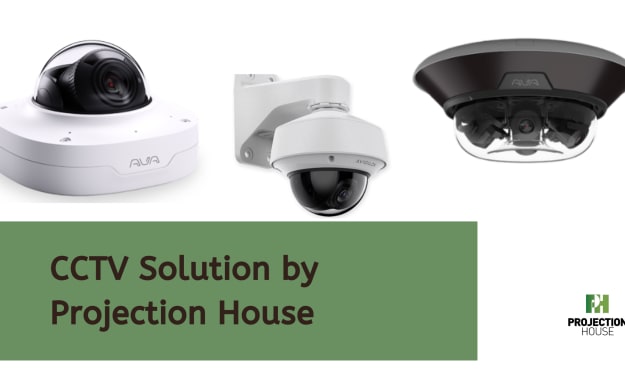
Looking for a CCTV Solution? Here’s the Complete Guide to Top-Quality Surveillance
When it comes to protecting your property, installing an effective surveillance system is one of the most reliable ways to ensure security. Whether you're securing your home or a business, having the right system in place can provide peace of mind and help you monitor activities. In this guide, we’ll walk you through the key aspects of selecting a high-quality surveillance setup that fits your needs.
By Projection House LLCabout a year ago in Futurism
About Binding Prometheus
I want to start actively advocating on behalf of my own work, and the most valuable part of my canon is, without a doubt, Binding Prometheus, the play I have been working on since 2019 and only finished in 2023 as part of my MA. The play itself is an amalgamation of a million different inspirations. On one end, it evokes the Ancient Greek myth-play, deriving its own title from the earliest extant work of Western drama we have, Aeschylus’s Prometheus Bound. On the other end, it borrows significantly from the sci-fi bulwarks from over the years, namely Mary Shelley’s Frankenstein and Karel Capek’s Rossum’s Universal Robots. The play could be an episode of Black Mirror, I fear. I don’t know. I’ve only ever seen one episode of Black Mirror.
By Steven Christopher McKnight23 days ago in Futurism
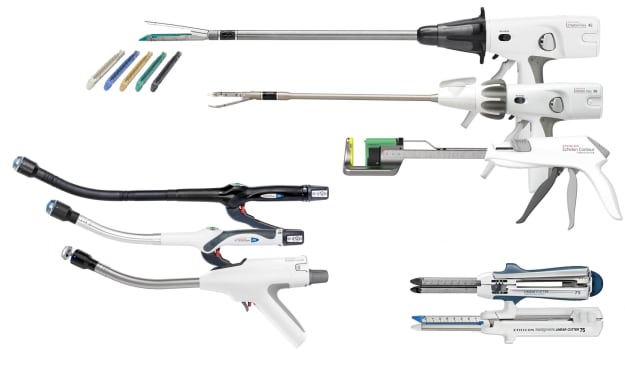
Surgical Stapler Market: Procedure Efficiency & Growth Outlook
According to IMARC Group's latest research publication, The global surgical stapler market size reached USD 4.8 Billion in 2024. Looking forward, IMARC Group expects the market to reach USD 8.5 Billion by 2033, exhibiting a growth rate (CAGR) of 6.27% during 2025-2033.
By James Whitman5 days ago in Futurism


Comments
There are no comments for this story
Be the first to respond and start the conversation.