
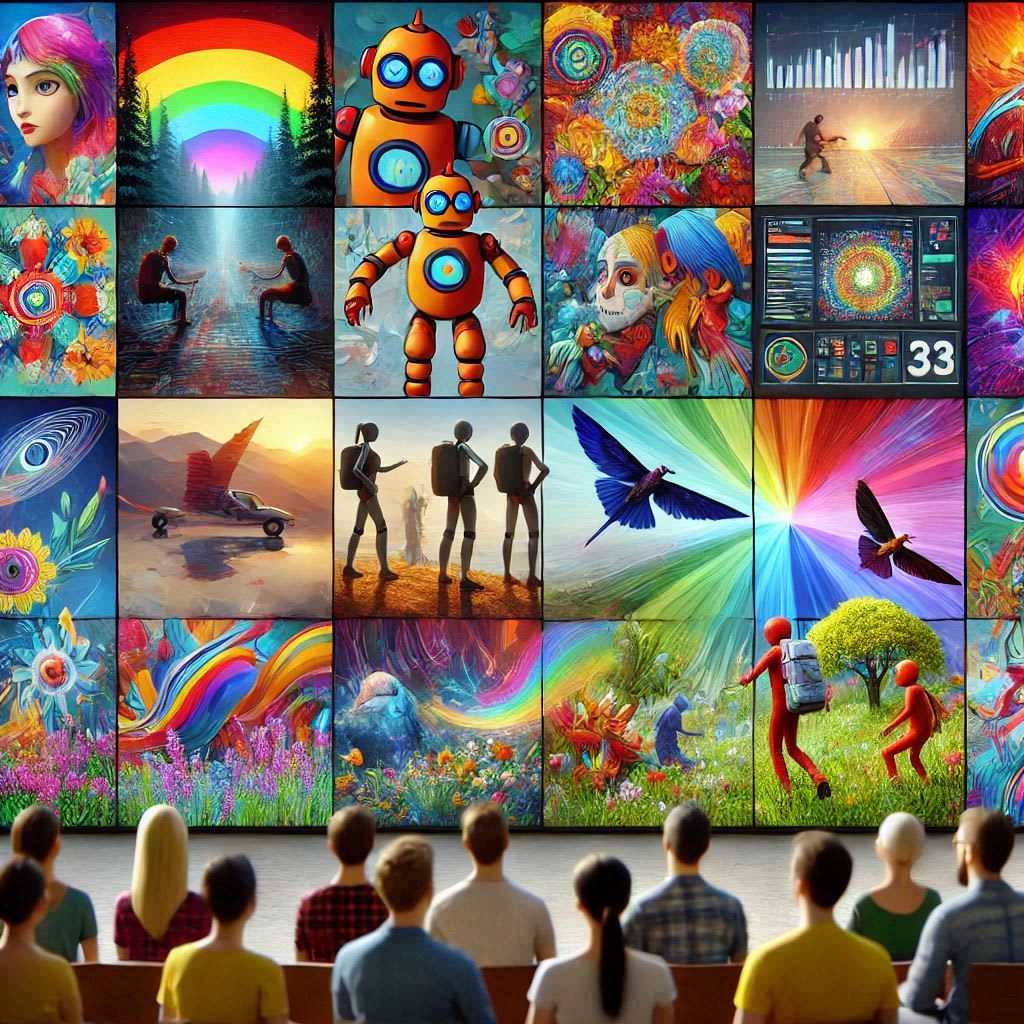
Discover the world of AI animation tools that can transform your creative projects without costing a dime.
From text to video and lip-syncing to character animation, these tools open up a plethora of possibilities for content creation.
Introduction to AI Animation Tools
AI animation tools are revolutionizing how we create visual content. These innovative solutions leverage artificial intelligence to simplify the animation process, making it accessible for everyone - from seasoned animators to casual creators. You no longer need extensive knowledge of animation software to bring your ideas to life.
With various AI animation tools available, you can generate videos, enhance images, and even create animated memes effortlessly. The beauty of these tools lies in their user-friendly interfaces and the ability to produce high-quality animations with minimal input. Let's explore some of the standout options that can elevate your creative projects.
Minimax: The Best Text-to-Video Model
Minimax has emerged as a leading text-to-video model, and for good reason. It allows users to input simple text prompts and transform them into engaging video clips. What sets Minimax apart is its ability to generate videos without any limitations, making it a fantastic choice for those looking to experiment with AI-generated content.
The process is straightforward: you enter a text prompt, and Minimax handles the rest. Whether you want a character walking through a medieval landscape or a whimsical scene featuring dragons, the tool excels at creating diverse animations. Users have reported impressive results in terms of smooth movements and consistent character designs, making it a must-try for any content creator.
Kling: A Quality Free Plan
Kling stands out in the crowded field of AI animation tools due to its generous free plan. Users can create up to six generations per day, allowing for ample experimentation without breaking the bank. This makes Kling an excellent option for those just starting their animation journey.
The recent updates to Kling have further improved its quality, making it a reliable choice for producing visually appealing animations. With its user-friendly interface, Kling allows creators to dive right into the action without a steep learning curve. If you're looking to generate quality animations without spending a dime, Kling is definitely worth considering.
Viggle: Create Fun Animated Memes
If you're in the mood for some light-hearted fun, Viggle is your go-to tool for creating animated memes. This platform has gained popularity for its easy-to-use templates that allow users to create engaging content in minutes. With a range of pre-designed scenes, you can make your memes stand out and go viral.
Viggle's features include the ability to upload your images and replace characters in existing animations. This flexibility lets you customize the content to fit your vision. Whether you want to create a dancing cat meme or a quirky animation with a twist, Viggle makes it simple and enjoyable.
Krea: Upscaling and Image to Video
Krea is a powerful tool for those looking to enhance their animations and images. It offers creative upscaling options that can dramatically improve the quality of your videos. If you've ever faced issues with blurry or low-resolution animations, Krea can help you achieve the clarity you desire.
The platform also features an image-to-video function, allowing users to transform static images into dynamic animations. This capability opens up new possibilities for storytelling and content creation, enabling you to breathe life into your artistic visions. With Krea, you can ensure your projects look polished and professional.
Hedra: Expressive Lip Syncing
For creators interested in adding voice to their characters, Hedra is a game-changer. This tool specializes in expressive lip-syncing, allowing users to animate characters based on audio inputs. The results are impressive, with characters displaying a range of emotions and movements that align perfectly with the audio.
Hedra offers a limited number of generations per day under its free plan, but the quality of the output makes it worth the try. It's an excellent choice for anyone looking to create engaging video content that features talking characters, enhancing the storytelling experience significantly.
Live Portrait: Bringing Images to Life
Live Portrait takes the concept of animation to a whole new level by allowing users to animate images with remarkable precision. This open-source tool can be run locally, giving you the freedom to create without limitations. You can also access it through various platforms, providing flexibility based on your needs.
What makes Live Portrait special is its ability to map movements and expressions onto characters, making them appear lifelike. Whether you're looking to create a music video or a simple animated clip, Live Portrait enables you to bring your ideas to fruition with minimal effort. It's a must-try for anyone serious about character animation.
Adobe Express: Easy Character Animation
Adobe Express is a fantastic tool for anyone looking to create character animations without diving deep into complex software. This web app offers a user-friendly interface and a variety of templates, making it easy to animate cartoon characters speaking. It's perfect for creating engaging explainer videos or quirky social media content.
To get started, you can choose from a large library of characters and backgrounds. Simply upload your audio, and Adobe Express will animate the characters to match the speech. For instance, you might select a robot character, add a space background, and upload a voiceover generated from text. The result? A lively animation that captures attention and conveys your message effectively.
The beauty of Adobe Express lies in its simplicity. You don't need advanced animation skills to create something impressive. It's all about creativity and the right tools. Whether you're a teacher wanting to make learning fun or a marketer looking for engaging content, Adobe Express has you covered.
Animated Drawings: Fun for Kids
Animated Drawings by Meta is a delightful tool designed specifically for children's drawings. Imagine transforming a child's doodle into a fun animation! This tool allows users to upload images of their drawings on a white background. It's not just about animation; it's about bringing creativity to life.
After uploading, you can easily resize or crop the image if needed. The tool provides a simple interface to mask areas of the drawing to ensure only the desired parts are animated. Once you select the joints and eyes, the magic begins as the tool generates various animations to choose from. It's a playful way to engage children in art and technology.
For parents and educators, this tool offers a unique way to encourage creativity. You can combine these animations with real footage or other backgrounds, making storytelling even more engaging. Animated Drawings is perfect for creating memorable experiences that foster imagination in kids.
Immersity AI: Creating Depth Animations
Immersity AI takes animation to the next level by allowing users to create stunning depth animations. This tool is incredibly intuitive; you simply upload an image, tweak a few settings, and watch as it transforms into a dynamic animation. The depth effects can add a whole new layer of visual interest to your projects.
You can customize the animation length and style, whether you prefer a zoom-in effect or a smooth rotation. The custom mode provides fine-tuning options, enabling you to create the exact look you want. While the free plan limits exports to 720p with a watermark, the ability to generate as many animations as you want at this resolution is a significant advantage.
For content creators looking to add flair to their visuals, Immersity AI is a tool worth exploring. It allows you to create eye-catching animations that can enhance presentations, social media posts, or any creative project. The ease of use combined with impressive results makes it a valuable addition to your toolkit.
CapCut: Video Upscaling Made Easy
CapCut is a well-known video editing tool, but many overlook its powerful video upscaling feature. Located under the magic tools section, the video upscaler allows users to enhance videos quickly and effortlessly by doubling their resolution. This is particularly useful for fixing low-quality footage or improving older videos.
While it may not offer the advanced features of premium tools like Topaz, CapCut's video upscaler is straightforward and efficient. You can upscale any video you have, making it a handy resource for content creators who need quick enhancements. The user-friendly interface ensures that you can achieve great results without a steep learning curve.
Whether you're polishing a personal project or preparing content for a professional setting, CapCut's upscaling capabilities can make a noticeable difference. It's an excellent example of how AI animation tools can simplify the editing process while improving the quality of your final product.
Conclusion
As we've explored, the landscape of AI animation tools is rich and diverse. From character animation with Adobe Express to the whimsical transformations in Animated Drawings, these tools empower creators of all levels to produce captivating content. Whether you're enhancing videos with CapCut or diving into depth animations with Immersity AI, the possibilities are endless.
About the Creator
PRASIT
I love to explore SaaS at https://digitalgrowthtools.com
Apple’s 2026 Reshuffle: 4 Surprising Shifts Redefining the Post-Ive Era
1. The "New" Apple Takes Shape The ghost of Jony Ive has finally left the building. Apple just concluded a "Big Week" that saw the release of seven distinct products—ranging from the breakthrough MacBook Neo to the M4 iPad Air and AirTag 2—but the real story isn't the hardware. It is the names on the leadership page.
By Tech Horizons6 days ago in Futurism
Mobile Banking Application Development: Understanding the Technology Behind Digital Banking
The way people interact with financial institutions has changed dramatically in the past decade. Instead of visiting physical branches or relying on desktop-based internet banking, many consumers now manage their finances directly from smartphones. From checking account balances to transferring funds or paying bills, mobile banking has become an essential part of everyday financial activity.
By Davin Convayabout 10 hours ago in Futurism


Comments
There are no comments for this story
Be the first to respond and start the conversation.