
How to Choose the Right Parental Control App for Your Family
Empowering Parents: How to Choose a Parental Control App That Works for Your Family

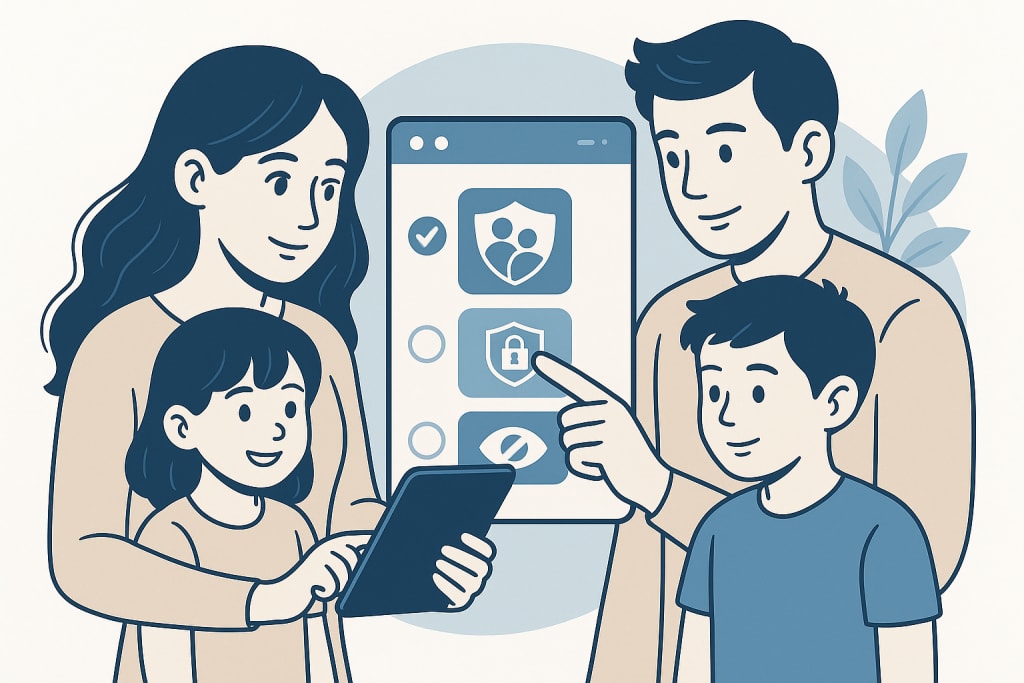
In today’s digital landscape, where kids wield tablets before they can tie their shoes, keeping them safe online feels like navigating a labyrinth blindfolded. With children averaging over seven hours of screen time daily, according to recent studies, parents face a daunting challenge: how do you protect your family without turning into a full-time tech cop? Enter parental control, aka spy apps, the unsung heroes of modern parenting. These tools empower you to monitor, manage, and safeguard your child’s digital adventures. But with so many options out there, how do you pick the right one? Let’s break it down.
Why Parental Control Apps Matter
Parental control apps are more than just digital babysitters. They’re your eyes and ears in a world where kids can stumble across inappropriate content or connect with strangers in a single click. Originally, simple filters in the early internet days, these apps have evolved into sophisticated systems offering everything from screen time limits to real-time location tracking. They’re essential because the internet isn’t going anywhere—and neither are the risks it poses to curious young minds.
Features That Make a Difference
Choosing the right app starts with understanding what it can do for you. Here’s what to prioritize:
- Screen Time Management: Ever tried prying a tablet from a kid mid-game? Good luck. Apps with screen time controls let you set limits—like two hours a day or a bedtime cutoff—without the tantrums. Some even send gentle nudges to kids when time’s up.
- Content Filtering: Not all websites are created equal. Filters block adult content, violence, or even excessive gaming sites. Picture your child researching dinosaurs only to land on a sketchy forum—content filtering stops that detour in its tracks.
- Location Tracking: Peace of mind comes standard with apps that show where your child is. Whether they’re at school or a friend’s house, you’ll know.
- Social Media Monitoring: With platforms like TikTok and Instagram dominating teen life, apps that track posts or messages can flag cyberbullying or risky behavior before it spirals.
Take my friend Sarah, for example. Her 12-year-old was sneaking extra screen time late at night. A parental control app’s usage report tipped her off, and they set new boundaries together. Real-world wins like that show why features matter.
Usability and Compatibility
A great app won’t help if it’s a nightmare to use. Look for one with a clean interface—think simple menus, not a tech manual. It should also play nicely with your family’s devices, whether you’re Team iPhone, Android, or a mix of both. An app that crashes or lags on your kid’s tablet defeats the purpose.
Privacy and Security First
Here’s the catch: while these apps watch your kids, who’s watching the app? Pick one with a solid privacy policy—no data harvesting for ads. Encryption is non-negotiable, too; you don’t want hackers peeking at your family’s info. Check reviews for red flags about data leaks—better safe than sorry.
Balancing Cost and Value
Free apps sound tempting, but their basic features might leave gaps. Premium options, often $5–$15 monthly, unlock the good stuff: detailed reports, multi-device support, or priority customer service. Weigh what you’re getting—paying a bit more for a reliable app beats skimping and regretting it later.
Top Picks to Explore
Need a starting point? Here are three crowd-pleasers:
- mSpy: A comprehensive monitoring tool that excels in tracking social media activity, calls, and texts, with robust screen time management and content filtering options. Try mSpy
- Bark: The social media guru, sniffing out trouble in texts and posts—perfect for teens. Try Bark
- Qustodio: A jack-of-all-trades with time limits, filtering, and a panic button for emergencies. Users rave about its dashboard. Try Qustodio
Try free trials where available. What works for my family might not suit yours, so test the waters.
Getting Started
Setup is usually a breeze: download the app, create profiles for each kid, and tweak settings to your liking. Pro tip: Sit down with your child to walk through it. When Sarah showed her son the app’s rules, he felt included, not spied on. Transparency builds trust.
Family Buy-In
Speaking of trust, don’t go dictator mode. Chat with your kids about why you’re using the app—safety, not control. Let them weigh in on rules, like screen time cutoffs. When everyone’s onboard, it’s less of a battle and more of a team effort.
Wrapping Up
Finding the right parental control app isn’t about locking down your kids—it’s about guiding them through a digital jungle. Focus on features, usability, privacy, and cost, then pick one that fits your crew. The payoff? Less worry, more harmony. Start exploring today—your family’s digital peace is worth it.
Disclaimer:
This article contains affiliate links. If you click on one and make a purchase, I may earn a small commission — at no extra cost to you. I only recommend products or services I truly believe in.
About the Creator
StartDigital
Helping startups grow with smart SEO, AI-powered marketing, and conversion-focused web design. Strategy meets creativity—from idea to impact.
Keep reading
More stories from StartDigital and writers in Families and other communities.
Protecting Your Kids in the Digital Age: Top iOS Spy Apps for Parents
In an era where smartphones are as common as backpacks for kids, keeping them safe online has become a top priority for parents. The average child spends hours daily on their iPhone, navigating social media, texting friends, and exploring the vast digital world. While this connectivity offers incredible opportunities, it also exposes them to risks like cyberbullying, inappropriate content, and even online predators. Fortunately, the best iOS spy apps for parental control and monitoring can help. These tools empower parents to safeguard their children without feeling like they’re hovering over their every move. In this guide, we’ll explore the top options to help you find the perfect fit for your family.
By StartDigital7 months ago in Families
Wise~Guys
— Look Behind what's in Front of You ~ Make Good Choices — Hey, So how you Doin'..! Made~Men — Mobster Movies romanticise a distinctive, elegant appearance, impeccable attire style, along with the 'Families' expressive lingo. Making their 'Bones' gave them Panache — with vintage fedoras, tailored pin-striped suits, mirror-polished wing-tip shoes adorned with tassels; with their 'Gun Moll' gorgeous dates on their arms.
By Jay Kantor20 days ago in Families
Why Are Teachers Leaving Education?
As someone who is new to teaching, I will not sit here and pretend to fully understand everything veteran teachers have endured over the years. I do not yet have decades of experience to draw from. However, I can speak honestly about what I have observed in my year and a half in the classroom, and what I have learned in that short time is both eye opening and concerning. Teaching today is no longer just about teaching content. It has evolved into a profession that often requires educators to act as the judge, the juror, and the executioner, so to speak, all while being expected to maintain patience, professionalism, and compassion at every turn.
By Kimberly Nightengale3 days ago in Families




Comments
There are no comments for this story
Be the first to respond and start the conversation.