
How to Block Inappropriate Content on Snapchat: A Parent’s Step-by-Step Safety Guide
A practical step-by-step guide to help parents filter, control, and block harmful content on Snapchat

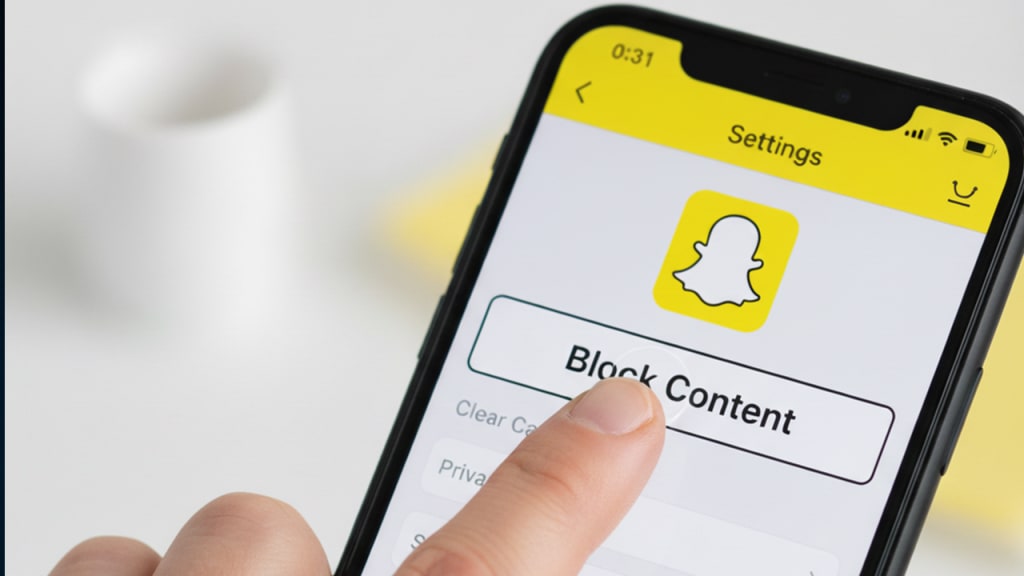
Keeping kids safe on social media has become a full-time responsibility for many parents, especially when platforms like Snapchat expose children to content that’s not meant for their age. The good news is that with the right settings and a few smart habits, you can greatly reduce what your child sees. Here’s a clear, parent-friendly guide to help you block and filter inappropriate content on Snapchat.
Understand How Snapchat Content Works
Before making changes, it helps to know what your child sees on Snapchat. The platform shows posts from friends, subscriptions, Spotlight videos, and random recommended content. Some of these areas are safe, while others may display mature material. Understanding these sections is the first step toward controlling them.
Adjust Your Child’s Privacy Settings
Start with the basics. Go to the privacy section in their Snapchat settings and make sure the account is set to Private. Limit who can contact your child, who can view their Story, and who can send friend requests. These settings prevent unknown users from interacting with your child.
Block and Report Harmful Accounts
If your child receives inappropriate messages or sees troubling profiles, encourage them to block the account immediately. It takes just a few taps. You can also report the account so Snapchat reviews the behavior. Blocking is one of the fastest and most effective ways to cut off exposure.
Manage the Spotlight and Discover Sections
Spotlight and Discover often show trending videos, including some that may not be suitable for kids. Parents can guide children to avoid these areas or help them tailor what they engage with. Over time, interacting with safer content helps reduce what the algorithm recommends.
Turn Off Quick Add to Limit Random Contacts
Quick Add suggests people your child may know, but it can also include strangers. Turning off this option reduces unnecessary interactions and keeps their friend list clean and manageable.
Use Restricted Mode on Their Device
Most smartphones offer built-in content filters. Enabling restrictions on the device can help filter adult material before it even appears on Snapchat. This adds an extra layer of protection and is especially effective for younger kids.
Use a Reliable Snapchat Tracking App
For parents who want deeper insight, a Snapchat tracking app can help monitor snaps, messages, and interactions to ensure everything stays appropriate. These apps often include content filters, instant alerts, and activity logs, giving parents peace of mind while still allowing children their digital freedom.
Teach Your Child About Safe Online Behavior
No tool is more powerful than honest communication. Talk to your child about what’s okay to watch or share, and encourage them to come to you if anything feels uncomfortable. This builds trust and prepares them to make safer choices independently.
Troubleshooting: If Inappropriate Content Still Appears
If your child still encounters harmful content, revisit the privacy settings, refresh blocked accounts, and tighten device restrictions. You can also monitor which stories they follow and guide them toward safer interests.
Final Thoughts
Blocking inappropriate content on Snapchat isn’t just about toggling settings—it’s about staying involved, aware, and connected with your child. With a mix of privacy controls, smart tools, and open communication, you can help your child enjoy Snapchat more safely and responsibly.
About the Creator
Keep reading
More stories from Muhammad Talha Ahmad and writers in Families and other communities.
How Parents Can Check a Child’s Location on Facebook the Safe & Simple Way
Introduction: Why Location Awareness Matters for Parents In today’s digital world, children connect with friends, share posts, and explore different online spaces. While this is a normal part of growing up, it can also expose them to certain risks if they are not careful about what they share. For many parents, knowing how location tools work on Facebook can provide reassurance and help them stay aware of their child’s safety. The goal isn’t to invade their privacy—it’s to create a secure environment where they can communicate openly and confidently.
By Muhammad Talha Ahmad4 months ago in Families
TUS NUA - ch 53
TUS NUA – ch 53 New Beginnings – Mia and Midnight (*)(*)(*) Finola knew Ali’s brother-in-law needed to put his mind at rest. She fed her arm through his and led him outside. “We’ll sit here. If you like, I can put a block around us so our conversation will be private.”
By Margaret Brennan6 days ago in Fiction




Comments
There are no comments for this story
Be the first to respond and start the conversation.