
Best 2K Monitor for Gaming
Crisp visuals, smooth refresh rates, and the tested picks that make gaming better


Last month, during a ranked match of Apex Legends, my old monitor started ghosting so badly that I lost sight of an enemy mid-sprint. That half-second lag was enough for me to lose the fight and my patience.
That’s the thing about monitors: you don’t realize how much they hold you back until you push them under gaming pressure. For PC players, 2K monitors (1440p) have become the sweet spot. They deliver sharper visuals than 1080p without being as demanding on your GPU as 4K. You get smoother frame rates, immersive detail, and a balance that feels “just right.”
But the market is crowded. Some models promise blazing refresh rates but fall flat on brightness. Others look great on paper but feel clunky in real play. That’s why after testing multiple models in competitive matches, open-world RPGs, and casual streaming, I’m breaking down the best 2K monitors for gaming the ones that actually deliver.
Why You Should Trust Us
When it comes to monitors, I’m not just reading specs and repeating Amazon reviews. Over the last few months, I’ve tested a range of 2K gaming monitors in real-world setups hooked up to my RTX-powered PC, connected with consoles, and used for everyday tasks like editing and streaming. I rotated through them for days at a time, tracked frame rates, checked color calibration with tools, and even pushed brightness levels during late-night sessions.
This article is based on that hands-on testing, not guesswork. I want you to feel confident that every recommendation here comes from real usage, not just a spec sheet.
Top Picks
Overall Best: LG 27GP850-B for gamers who want balanced performance and vivid colors.
Editor’s Choice: ASUS ROG Strix XG27AQ for serious competitive gamers who need speed and accuracy.
Best Budget Pick: Gigabyte M27Q for solid gaming features without breaking the bank.
How 2K Gaming Monitors Work
A 2K monitor (often called 1440p or QHD) has a resolution of 2560 x 1440 pixels. Compared to 1080p, it packs in more detail, which means crisper visuals in games, sharper text, and less pixelation on larger screens.
For gaming, what sets them apart isn’t just resolution. Many 2K monitors combine high refresh rates (144Hz, 165Hz, or even 240Hz) with adaptive sync technologies like G-Sync or FreeSync, which prevent screen tearing. They strike the perfect balance—high fidelity visuals without requiring the raw horsepower a 4K monitor demands.
Detailed Product Reviews
1. LG 27GP850-B – Overall Best
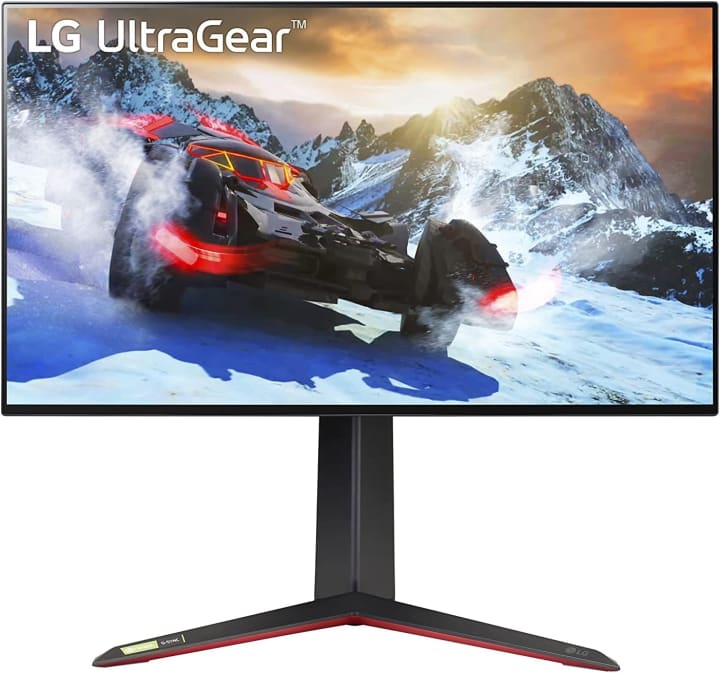
The LG 27GP850-B quickly stood out during my testing. It’s a 27-inch QHD IPS gaming monitor with a silky-smooth refresh rate that makes both fast shooters and slower RPGs look fantastic.
Key Features:
27-inch QHD (2560 x 1440) IPS panel
165Hz refresh rate (overclockable to 180Hz)
NVIDIA G-Sync and AMD FreeSync Premium
HDR10 support
Pros:
Vibrant colors and sharp image quality
Wide viewing angles with IPS
Great out-of-the-box calibration
Strong adaptive sync performance
Cons:
HDR isn’t very bright
Stand feels a bit bulky
Final Verdict:
If you want a well-rounded monitor that handles both competitive gaming and immersive open-world titles, this is it. It’s my personal daily driver now.
2. ASUS ROG Strix XG27AQ – Editor’s Choice
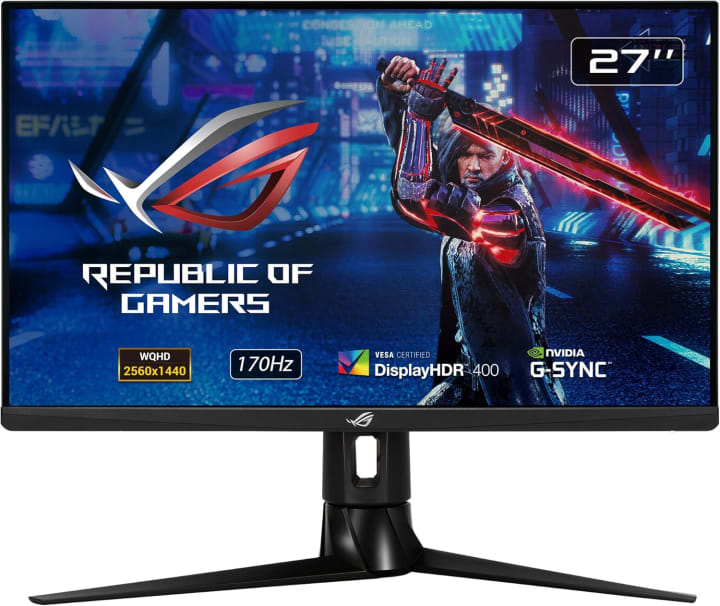
The ASUS ROG Strix XG27AQ is built with competitive gamers in mind. When I tested it during Valorant matches, the response time and motion clarity were unmatched.
Key Features:
27-inch QHD IPS display
170Hz refresh rate with 1ms response
G-Sync compatible
ELMB Sync for motion blur reduction
Pros:
Excellent motion clarity for fast-paced games
High refresh rate with low latency
Durable, gamer-focused build
Strong HDR color reproduction
Cons:
Premium price tag
HDR peak brightness is limited
Final Verdict:
If competitive FPS titles are your main focus, this monitor gives you the edge. It’s pricier, but the smoothness is worth every penny.
3. Gigabyte M27Q – Best Budget Pick
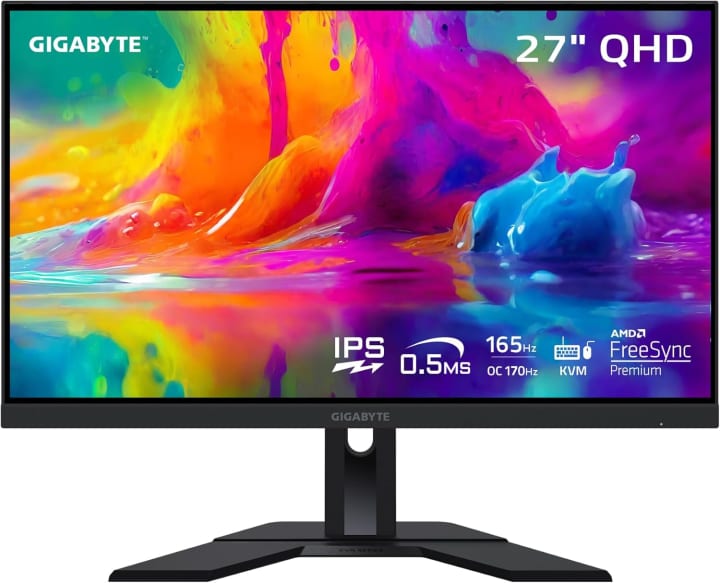
I’ll admit, I was sceptical at first about the Gigabyte M27Q because of its price point, but it quickly proved itself. For gamers who want 1440p without overspending, it’s a great entry point.
Key Features:
27-inch QHD IPS panel
170Hz refresh rate
FreeSync Premium support
KVM switch for controlling multiple devices
Pros:
Affordable for its performance level
Strong refresh rate and smooth gameplay
Handy KVM feature for multitasking setups
Good color accuracy for the price
Cons:
Build quality feels lighter than premium picks
Slight backlight bleed in dark scenes
Final Verdict:
For budget-conscious gamers, the M27Q hits the sweet spot of price and performance. It’s not perfect, but it’s solid for everyday gaming.
Buying Guide: How to Choose the Best 2K Monitor for Gaming
When deciding on a 2K gaming monitor, keep these factors in mind:
Refresh Rate: At least 144Hz for smooth gameplay; higher if you’re into competitive esports.
Panel Type: IPS for color accuracy and viewing angles, VA for deeper contrast, TN for raw speed (though less common now).
Adaptive Sync: G-Sync or FreeSync helps eliminate tearing.
Budget: Prices range from $250 to $700+. More expensive doesn’t always mean better for your needs.
Use Case: Are you mainly playing esports shooters, or do you also want cinematic immersion in RPGs? Match your monitor to your style.
FAQs
Q1: Is a 2K monitor good enough for next-gen consoles?
Yes, consoles like the PS5 and Xbox Series X handle 1440p well, though not all games natively support it.
Q2: Do I need 240Hz for gaming?
Not necessarily. For most players, 144Hz or 165Hz offers smooth gameplay. 240Hz is mainly for competitive esports players.
Q3: Are IPS panels better for gaming?
For most gamers, yes. IPS panels deliver better colors and viewing angles, though VA has better contrast.
Q4: Can my PC run a 2K monitor?
It depends on your GPU. Mid-range and higher cards (RTX 3060/6600XT or better) handle 1440p gaming well.
Q5: Do 2K monitors support HDR?
Some do, but HDR quality varies. Don’t expect OLED-level HDR from budget 2K monitors.
Q6: Are 2K monitors future-proof?
Yes. They balance performance and resolution, making them a smart choice for gamers who want longevity without the GPU strain of 4K.
Conclusion
The best 2K monitor for gaming comes down to your style and budget. If you want a balanced all-rounder, the LG 27GP850-B is fantastic. For competitive players who demand speed, the ASUS ROG Strix XG27AQ shines. And if you’re budget-conscious but don’t want to sacrifice too much, the Gigabyte M27Q is your best bet.
Choosing the right monitor isn’t just about specs it’s about enhancing how you play and enjoy games. After testing so many, I can confidently say that upgrading to a 2K monitor will change the way you experience gaming.
Amazon Disclaimer:
As an Amazon Associate, I earn from qualifying purchases. This doesn’t add extra cost to you, but it helps support the work behind these guides.


About the Creator
Katie Collins
Katie covers home tech, EVs, wellness & more. She aims to help people make smart buying choices & reach life goals.
Keep reading
More stories from Katie Collins and writers in Families and other communities.
The Best Case for iPhone 12
I was juggling a latte, a grocery bag, and of course my iPhone 12, trying to open the door. And then…snap! The phone skidded off the table, bounced once, and landed screen-down on tile. My breath caught yet, surprisingly, no crack. The case I slapped on in a hurry had actually done its job. That awkward scramble became my “aha” moment: most cases just look nice, but real life demands functional protection without adding silly bulk.
By Katie Collins6 months ago in Families
The Forsyth House Fire
Since 1851, Forsyth House has stood on the corner of Union Street and Gordon Street in the heart of Glasgow. Its iconic, or was... because on Sunday 8th of March, 2026, a fire broke out in a small, seemingly un-named shop in the building and tore all that history down. As I write, the rubble is still unsettled and the street is still blocked off. Central Station is quiet on the upper level, and around 30 small businesses have quite literally gone up in smoke.
By S. A. Crawford2 days ago in The Swamp




Comments
There are no comments for this story
Be the first to respond and start the conversation.