
XION GFX Tool Pro - What is it and More
Xion GFX Tool Pro - Best tool for Gaming?
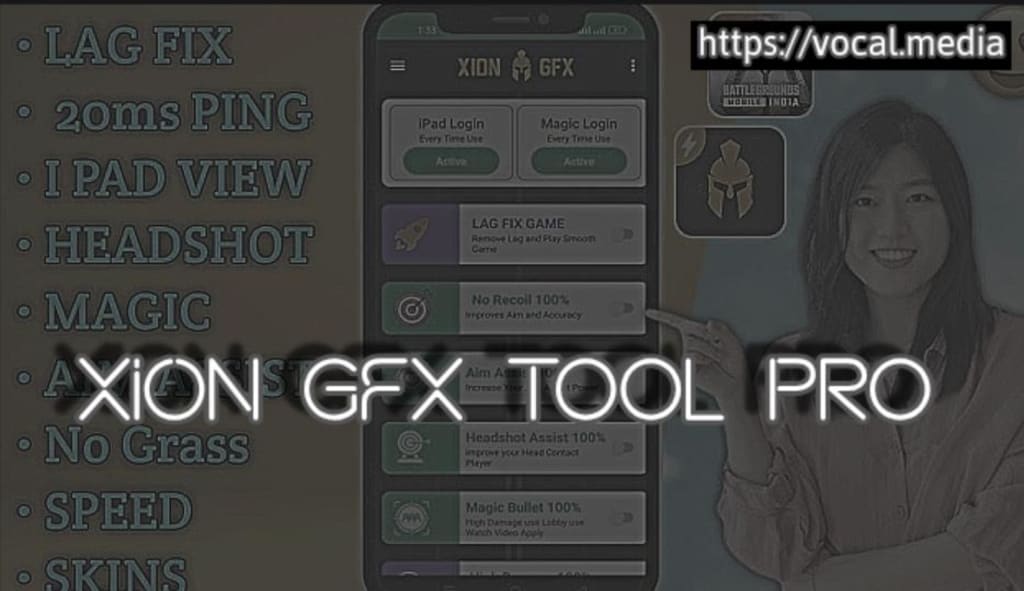
Gaming has become a favorite activity for people of all ages. But not all devices can run games smoothly. This is where tools like XION GFX Tool help. It is a simple yet powerful application for gamers. Let us understand what XION GFX Tool is, how it works, and how to download it.
What is XION GFX Tool and Why Google Play Recommends it?
XION GFX Tool is a game optimization app. It is designed to improve the performance of mobile games. Many popular games have high-quality graphics, which can cause lag on low-end devices. XION GFX Tool fixes this issue.
The tool allows users to adjust game graphics. This includes settings like resolution, frame rate, shadows, and textures. By lowering or customizing these options, games can run faster and smoother.
Why Do Gamers Use XION GFX Tool?
Gamers use XION GFX Tool to enhance their gaming experience. Many mobile devices are not powerful enough to handle high-graphics games. With XION GFX Tool, players can customize graphics to suit their device.
For example:
It helps reduce lag in games.
It improves frame rates, making the game look smooth.
It optimizes battery usage during gameplay.
It allows better control over graphics settings.
Features of XION GFX Tool
XION GFX Tool comes with many useful features. Here are some of the key features that make it popular:
1. Customizable Resolution: Players can set the game resolution according to their device. Lowering the resolution helps save resources.
2. Frame Rate Adjustment: The tool allows users to adjust the frame rate. Higher frame rates provide smoother gameplay.
3. Graphics Quality: Users can select low, medium, or high graphics quality. This is helpful for devices with limited performance.
4. Shadow Control: Shadows can be enabled or disabled based on preference. Disabling shadows improves performance.
5. Anti-Aliasing Options: Anti-aliasing makes the game look better. The tool lets players turn it on or off as needed.
6. GPU Optimization: It improves how the device's GPU (graphics processing unit) handles the game. This leads to fewer crashes and better stability.
How Does XION GFX Tool Work?
The XION GFX Tool works by modifying the game settings. When a game runs, it uses default graphics settings, which might not suit all devices. XION GFX Tool allows users to change these settings before starting the game.
For example, if a game lags on your device, you can lower the resolution and frame rate. This reduces the load on your phone, allowing the game to run smoothly.
Is XION GFX Tool Safe to UseYes, XION GFX Tool is generally safe to use. However, it is important to download it from a trusted source. Some versions available on third-party websites may contain harmful files. Always check reviews and ratings before downloading the app.
How to Get XION GFX Tool:
Getting XION GFX Tool is easy you just have to follow these steps to get it on your device:
1. Visit the Official Website or App Store: Go to the official XION GFX Tool website or a trusted app store.
2. Search for the App: Type "XION GFX Tool" in the search bar.
3. Click on Download: Tap the download button to start downloading the app.
4. Install the App: Once downloaded, open the file and install the app on your device.
5. Grant Permissions: The app may ask for permissions to access certain features. Grant these permissions to use the tool.
6. Open the App: Launch the app and start customizing your game settings.
Tips for Using XION GFX Tool
Here are some tips to make the most of XION GFX Tool:
1. Always check your device specifications before changing settings.
2. Avoid setting frame rates higher than what your screen supports.
3. Use the tool for games that allow custom graphics settings.
4. Restart your device after making changes for better performance.
5. Keep the app updated for new features and improvements.
Benefits of Using XION GFX Tool
The XION GFX Tool offers many benefits for gamers. Some of these include:
It helps users play games that would otherwise lag on their device.
It extends battery life by optimizing graphics settings.
It prevents the device from overheating during long gaming sessions.
It makes games look better and run smoother.
Final Thoughts on XION GFX Tool
The XION GFX Tool is a great choice for gamers who want better performance on their devices. It allows users to customize graphics settings, reduce lag, and enjoy a smoother gaming experience. With features like resolution control, frame rate adjustment, and shadow control, it is a must-have tool for mobile gamers.
About the Creator
Reader insights
Nice work
Very well written. Keep up the good work!
Top insights
Heartfelt and relatable
The story invoked strong personal emotions
On-point and relevant
Writing reflected the title & theme
What Real Residents Reveal About Co-Living in New York City
Finding housing in New York City can be overwhelming, especially for students, interns, and professionals moving from different parts of the world. While listings and pricing matter, real-life experiences often give the clearest picture of what living in a shared space is actually like. Looking at resident reviews can help uncover what truly makes a co-living experience successful—or challenging.
By Ausfab Groupa day ago in Education
Top 10 Essential Skills for Success in 2026
By 2026, the job market is no longer driven only by degrees or titles. Technology, especially Artificial Intelligence (AI), automation, and remote work, has changed how companies operate and how people work. Many routine tasks are now handled by machines, while humans are expected to do work that requires thinking, judgment, creativity, and emotional understanding. This shift means that skills — not just education — determine success. The following 10 skills are considered essential for 2026 because they combine technology awareness with human intelligence. Let’s understand them one by one, step by step.
By Talha khan7 days ago in Education
The Devil's Cut
“Comrade, finally you’re awake.” The voice was smooth, sensual. A flickering incandescent bar was all that lit the white, sterile room. All Vladimir remembered was everything going black. He tried to move his arms and found them strapped to the gurney.
By Matthew J. Fromm6 days ago in Fiction




Comments
There are no comments for this story
Be the first to respond and start the conversation.