
WordPress website now - Get your website in 12-15 minutes
Using WordPress now
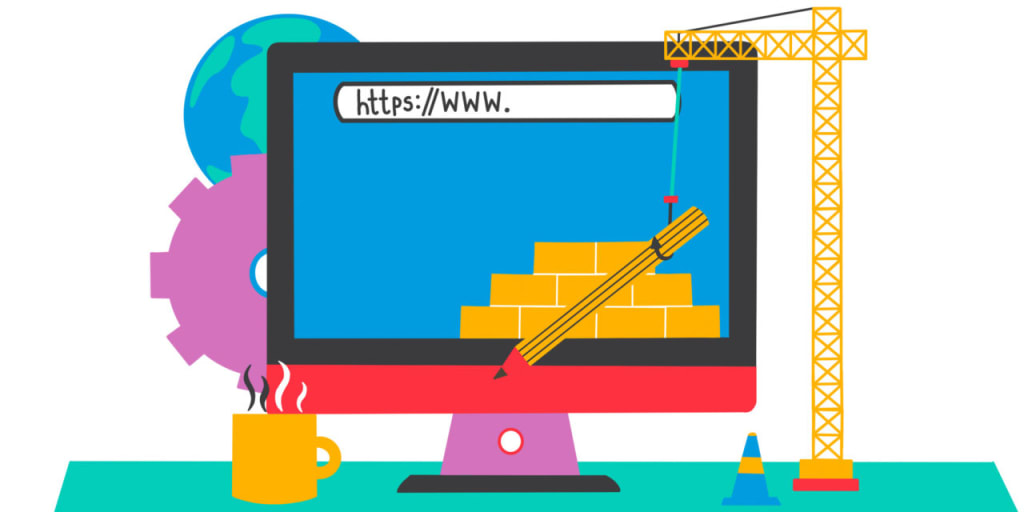
WordPress has revolutionized the way websites are built and managed. It is an open-source platform that allows users to create and manage websites with ease. With its user-friendly interface and a vast library of plugins and themes, building a website on WordPress has become a breeze. In this article, we will discuss how you can create a WordPress website in 12-15 minutes.
Step 1: Choose a web hosting provider
The first step to creating a WordPress website is to choose a web hosting provider. A web hosting provider is a company that provides the technology and services needed for a website to be accessible on the internet. There are many web hosting providers to choose from, and the process can be overwhelming. However, it is essential to choose a reliable and trustworthy web hosting provider that offers excellent customer support and reliable uptime.
Step 2: Choose a domain name
A domain name is the address of your website on the internet. It is what people type into their web browsers to access your website. Choosing the right domain name is important, as it will represent your brand and help people remember your website. It is recommended to choose a domain name that is short, easy to remember, and easy to spell. You can register your domain name through your web hosting provider or a domain name registrar.
Step 3: Install WordPress
Once you have chosen a web hosting provider and registered your domain name, you can install WordPress. Most web hosting providers offer a one-click installation process for WordPress, making it easy and quick to set up your website. You will need to log in to your web hosting account and navigate to the control panel. From there, you can find the option to install WordPress and follow the instructions.
Step 4: Choose a theme
Once you have installed WordPress, you can choose a theme for your website. A theme is a pre-designed template that determines the look and feel of your website. There are thousands of free and premium themes available for WordPress, and choosing the right one is crucial. A theme should be visually appealing, easy to navigate, and responsive, meaning it should be optimized for different screen sizes.
Step 5: Customize your website
After choosing a theme, you can customize your website to suit your needs. This includes adding your logo, changing the color scheme, adding content, and installing plugins. Plugins are add-ons that add functionality to your website, such as contact forms, social media sharing buttons, and search engine optimization tools. WordPress has a vast library of plugins that you can choose from, and installing them is easy.
Step 6: Publish your website
Once you have customized your website, you can publish it for the world to see. This involves making your website live and accessible on the internet. You can do this by linking your domain name to your web hosting account and making sure your website is visible to search engines.
Benefits of building a website on WordPress
Building a website on WordPress has many benefits. Here are some of the most significant benefits:
1. Easy to use
WordPress has a user-friendly interface that makes it easy to create and manage a website. Even if you have no coding experience, you can create a professional-looking website with ease.
2. Customizable
WordPress offers a vast library of themes and plugins that allow you to customize your website to suit your needs. You can choose from thousands of free and premium themes and install plugins to add functionality to your website.
3. SEO-friendly
WordPress is SEO-friendly, which means it is optimized for search engines. This makes it easier for your website to rank high in search engine results and drive more traffic to your site.
4. Mobile-friendly
Most WordPress themes are mobile-friendly, which means they are optimized for different screen sizes. This is important because more people are accessing the internet from their mobile device.
About the Creator
Keep reading
More stories from writers in Education and other communities.
Built to Last: How Smart Leaders Design Businesses for Long-Term Sustainability
This understanding also encourages leaders to examine the relationship between profitability, responsibility, and long-term value creation. As they study emerging trends, they identify risks linked to resource depletion, regulatory changes, and shifting societal priorities. This recognition prompts them to act early and make decisions that balance economic performance with sustainable impact. As leaders adapt their vision to reflect these realities, they position their companies for steady growth in an unpredictable world.
By Alexander Schifter5 days ago in Education
How Modern Eyewear Helps People Maintain Healthy Vision in Everyday Life
Eyewear has become far more than a simple tool to correct eyesight. Today, it represents a blend of health, comfort, technology, and personal expression. From classic spectacles to advanced contact lenses and protective vision solutions, eyewear plays a central role in how people see the world and how the world sees them. As lifestyles evolve and visual demands increase, eyewear continues to adapt, offering smarter designs, improved materials, and enhanced user experiences.
By Bobby Yadav5 days ago in Education
Book Review: Atmosphere by Taylor Jenkins Reid
I flipped the book over in my hands in the centre of the small airport book shop. Although I had heard promising reviews of Atmosphere by Taylor Jenkins Reid, I hesitated. The synopsis didn’t compel me - I wasn’t much of a space girly. In high school it made me cringe when my peers would talk about the stars.
By sleepy drafts4 days ago in BookClub



Comments
There are no comments for this story
Be the first to respond and start the conversation.