
Will Graphic Designers Be Replaced by AI?
Understanding the Role of Artificial Intelligence in Graphic Design

As artificial intelligence (AI) becomes increasingly advanced, many people are wondering if graphic designers will eventually be replaced by AI-powered tools. While it's true that AI is transforming the way we create and design visuals, it's unlikely that graphic designers will be replaced entirely. In this article, we'll explore the role of AI in graphic design and discuss how graphic designers can leverage AI to become better designers.
What is Artificial intelligence (AI) in brief?
AI, or artificial intelligence, is the simulation of human intelligence processes by machines, especially computer systems. It involves creating algorithms and models that enable machines to perform tasks that typically require human-level intelligence, such as visual perception, natural language processing, decision-making, and problem-solving.
The Role of AI in Graphic Design
AI is already being used to automate many repetitive and time-consuming tasks in graphic design. For example, AI-powered tools can generate layouts, color schemes, and typography choices based on user input. These tools can save graphic designers time and help them create designs more efficiently.
However, while AI can automate some aspects of graphic design, it's unlikely to replace human creativity and intuition entirely. AI tools lack the ability to understand human emotions, cultural nuances, and aesthetic preferences. These factors are essential in creating designs that resonate with audiences and convey a brand's values and message effectively.
Leveraging AI to Become a Better Designer
Rather than seeing AI as a threat to their profession, graphic designers can leverage AI to become better designers. By using AI-powered tools, designers can automate repetitive tasks and focus more on the creative aspects of design. learn how to make money with ai: The ChatGPT Millionaire: Making Money Online has never been this EASY
Here are some AI tools that graphic designers can use to improve their workflow:
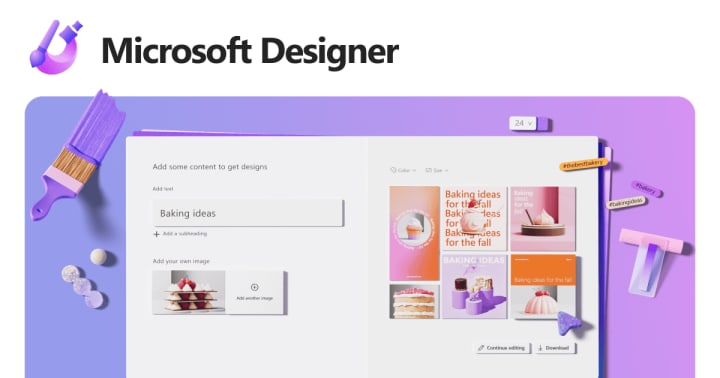
designer.microsoft.com: Microsoft Designer is an intuitive and versatile tool that enables users to create a wide range of items, from signs and invitations to logos, social media posts, website banners, and more. Whether you're a professional designer or just getting started, Designer offers a user-friendly interface and a range of powerful features to help you bring your ideas to life. With Designer, you can easily customize any design using your own images or leverage the platform's AI options to quickly generate stunning visuals. So if you're looking for a powerful yet easy-to-use design tool, be sure to check out Microsoft Designer and unlock your creative potential today!
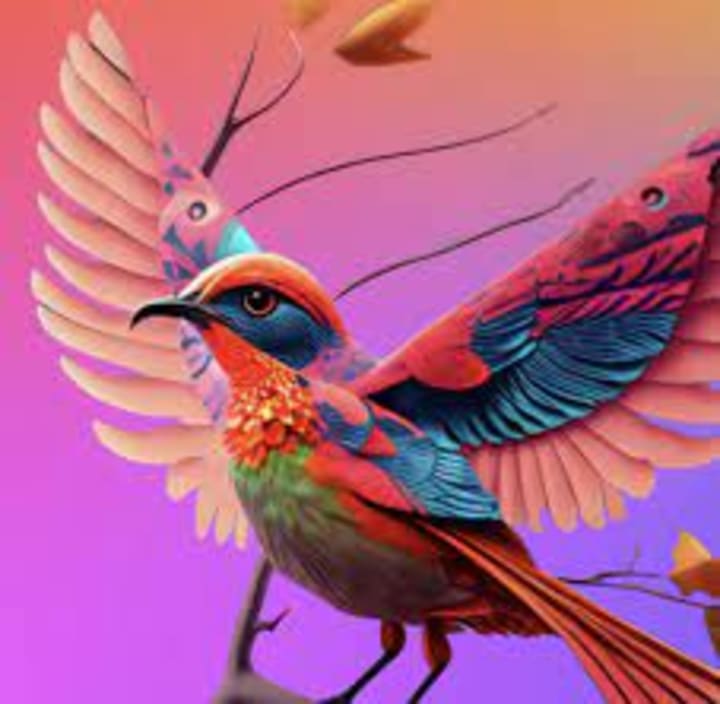
Adobe Firefly: Adobe Firefly is an AI art generator that is designed to help artists, designers, and illustrators create amazing artwork and graphic designs. With context-aware image generation, the tool makes it easy to experiment and perfect any concept. Firefly offers instant creative building blocks, allowing users to generate custom vectors, brushes, and textures from just a few words or even a sketch. This makes it easy to quickly bring ideas to life and explore new creative possibilities, without the need for extensive manual design work. With Firefly, artists and designers can save time and boost their creativity by leveraging the power of AI to enhance their work.
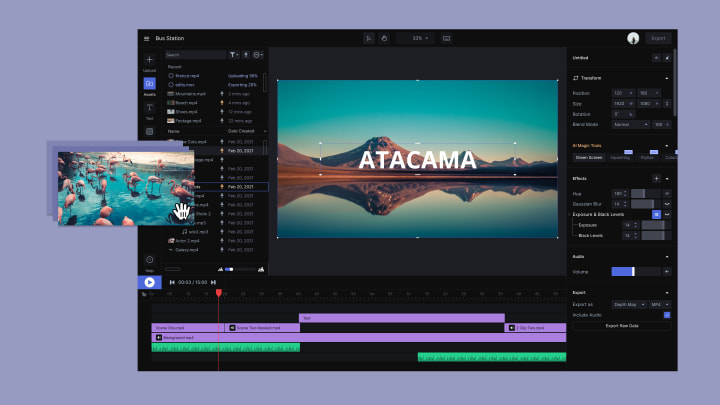
Runway: Runway is a professional, AI-powered online video editing software that offers a complete range of editing tools and features, from basic editing to advanced post-processing. With Runway, users can access a full-fledged video production studio right inside their browser, making it easy to create flawless visual effects, format videos, correct colors, and more. Whether you're working on a small project or a large-scale video production, Runway's powerful editing software provides everything you need to create professional-grade videos with ease. So why not try Runway on your next project and see how its advanced AI-powered tools can take your video editing to the next level?
Adobe Sensei: Adobe Sensei is an AI-powered platform that integrates with Adobe's suite of creative tools, including Photoshop, Illustrator, and InDesign. Adobe Sensei can automate many repetitive tasks in these applications, such as image selection and masking. Get the Adobe Sensei The Ultimate Step-By-Step Guide Kindle Edition
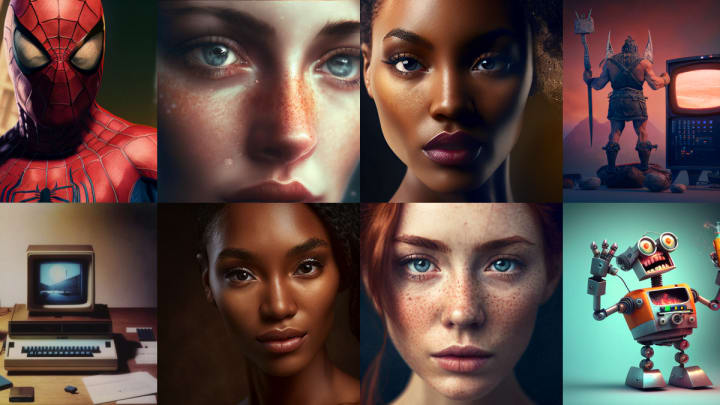
Midjourney: Midjourney is a powerful artificial intelligence program developed by San Francisco-based independent research lab, Midjourney, Inc. This innovative platform leverages AI to generate stunning images from natural language descriptions, also known as "prompts". Similar to other cutting-edge AI programs like OpenAI's DALL-E and Stable Diffusion, Midjourney offers an incredible range of creative possibilities for artists, designers, and creators. Whether you're looking to quickly generate visual content for your next project or explore new creative concepts and ideas, Midjourney is a must-try tool that offers endless potential for creativity and innovation.
Get started with an ebook on AI and how graphic designers can leverage it
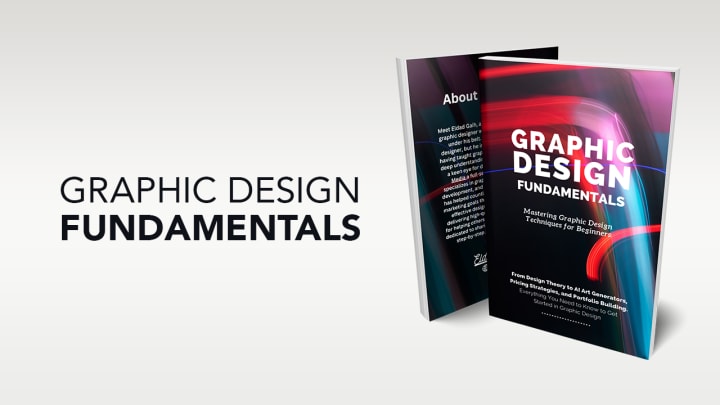
If you want to learn more about ai and graphic design, check out the book "Graphic Design Fundamentals: Mastering Graphic Design Techniques for Beginners". This book is an excellent resource for understanding ai design, and how to use ai effectively in design.
While AI is transforming the way we create and design visuals, it's unlikely that graphic designers will be replaced entirely. AI-powered tools can automate some aspects of design, but they lack the creativity and intuition that human designers bring to the table. Instead of seeing AI as a threat, graphic designers can leverage AI to become better designers and focus more on the creative aspects of their work. By using AI-powered tools, designers can streamline their workflow and create designs more efficiently, ultimately delivering better results for their clients.
About the Creator
Keep reading
More stories from ELDAD FONYUY and writers in Education and other communities.
What is Graphic Design and How do you get started as a complete beginner?
Graphic design is a creative field that involves the use of visual elements to communicate ideas, information, or messages. It is a broad field that encompasses various mediums and techniques such as typography, photography, illustration, and motion graphics. If you are a beginner interested in graphic design, this article will give you a brief overview of what graphic design is, how to get started, and some resources to help you on your journey.
By ELDAD FONYUY3 years ago in Education
Interpreting Human Behavior in an Age of Constant Change
Human behavior reflects how individuals respond to their environment, experiences, and internal emotions. In a world where social structures, technology, and communication methods evolve quickly, understanding behavior becomes essential for navigating everyday life. Observing how people react to challenges, opportunities, and relationships provides valuable insight into human motivation and decision-making.
By Stacey Yim5 days ago in Education
AI in eLearning Market to Reach USD 12.2 Billion by 2033: Driving Personalized Learning
Market Overview Artificial Intelligence in eLearning represents the integration of machine learning, natural language processing, and advanced analytics into digital learning systems. These technologies allow educational platforms to analyze learner behavior, automate assessments, and provide adaptive learning experiences. AI driven tools can identify learning gaps, recommend personalized study paths, and improve student engagement through interactive digital environments. As education increasingly shifts toward digital platforms, the role of AI technologies in improving learning efficiency continues to expand.
By Roberto Crum5 days ago in Education


Comments
There are no comments for this story
Be the first to respond and start the conversation.