
Why Every App Development Company Should Have a Dedicated UI Design Team
The Importance of a UI Design Team in App Development Companies


Design matters. A lot. A clean, intuitive interface is often the difference between an app that people swear by and one that gets uninstalled after a single frustrating session. If your company builds mobile products or offers iphone app development services, investing in a dedicated UI design team isn’t a nice-to-have it’s essential. This article explains why, how to set one up, and how to measure the value it brings.
The role of UI in app success
UI shapes first impressions, trust, and usability. It’s the visual handshake between your product and the user. A weak handshake? Users move on fast.
Quick note on scope and audience
This guide is for founders, product managers, CTOs, and agency owners weighing whether to hire dedicated UI talent or keep design bundled with other roles.
The Business Case for Dedicated UI Teams
Conversion and retention impacts
Good UI isn't decoration it's conversion-engineering. Buttons that read clearly, microcopy that reassures, and a layout that guides action can increase sign-ups, purchases, or activations. Over time, that boost compounds into much higher lifetime value.
Brand consistency and differentiation
A design language maintained by a team preserves brand voice across products and touchpoints. When every screen looks like part of the same story, users feel confident. In crowded markets, that consistency becomes a tangible competitive advantage.
UI vs UX: Why You Need Both, But UI Deserves Its Own Team
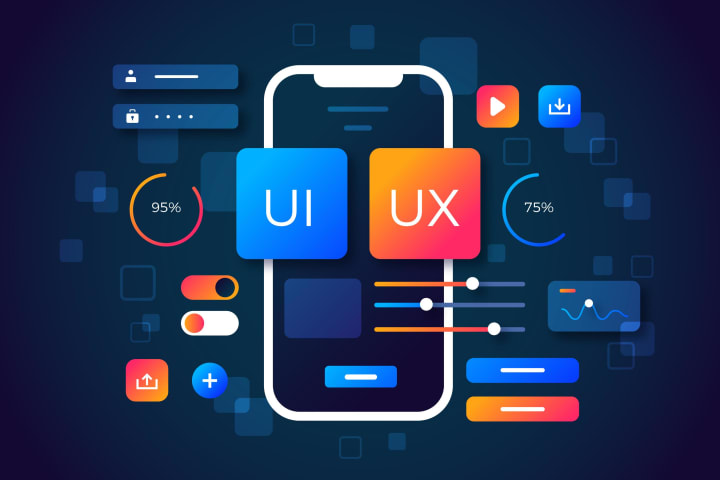
Defining UI and UX responsibilities
UX defines structure, flows, and research-led decisions. UI crafts the visual and interactive layer — colors, typography, spacing, microinteractions. While roles overlap, the specialized craft of UI merits focused attention.
When combining roles backfires
Expecting one person to do strategy, research, UX flows, polished visual design, and motion is a recipe for bottlenecks. Quality suffers or velocity slows. A dedicated UI team allows each craft to be practiced deeply.
Core Functions of a Dedicated UI Team
Visual systems & design language
UI teams create and maintain component libraries, style guides, and visual tokens. This standardization speeds development and keeps visual quality high.
Interaction design and microinteractions
Small animations and feedback signals (button states, loading indicators) make apps feel alive. UI specialists design these moments to be delightful and informative, not distracting.
Prototyping and rapid validation
High-fidelity prototypes let product teams test feel, polish, and usability before a single line of production code. That avoids costly rework.
How Dedicated UI Teams Improve Engineering Efficiency
Clear specs and design-to-dev handoffs
When design deliverables include clear specs, tokens, and coded examples, engineers can implement them quickly and accurately. This reduces guesswork and misuse of assets.
Reusable components and design systems
A living component library reduces duplication. Developers reuse tested components instead of rebuilding similar UI blocks, cutting bugs and dev time.
Faster Product Iteration and Better Experimentation
A/B testing UI variations
UI teams can rapidly spin up visual variants for experiments. Changing a CTA color, hierarchy, or microcopy and measuring the result is far cheaper and faster than backend experiments.
Shortening feedback loops with prototypes
A designer can prototype a new onboarding flow, test with users, and iterate in days — not weeks. Faster learning means better product-market fit.
Accessibility, Inclusivity & Legal Safety
Why accessibility must be baked into UI design
Accessible design expands your user base, avoids exclusion, and often improves overall UX. Features like color contrast, readable typography, and reachable touch targets matter for everyone.
The reputational and legal upside
Accessibility is increasingly a compliance issue. Getting it right protects against legal risk and signals social responsibility both of which customers and partners value.
Hiring and Structuring a UI Team
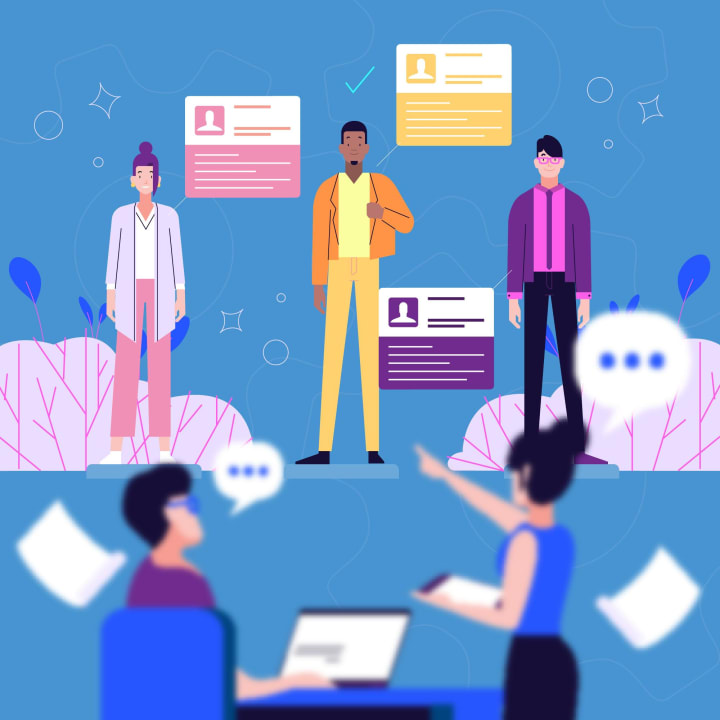
Roles: UI designer, visual designer, motion designer, UI engineer
UI Designer: Crafts screens, interactions, and components. Visual Designer: Focuses on brand, visuals, and graphic assets. Motion Designer: Creates animations and transitions. UI Engineer (Front-end): Bridges design and implementation, often building reusable UI components.
Suggested team sizes for startups vs enterprises
Startups: One strong UI designer + a UI engineer contractor can cover MVP needs. Scale-ups: 3–5 UI specialists across visual, interaction, and motion design. Enterprises: Multiple squads with embedded UI leads and a central design systems team.
Onsite vs remote vs hybrid patterns
Remote teams can excel with the right processes. Hybrid setups support closer collaboration for discovery phases. Choose what fits culture and business rhythm.
Tools, Workflows & Handoff Best Practices
Design tools and component libraries
Figma, Sketch, and Adobe XD are standard. Pair them with Storybook (or similar) for engineering representations of components. Keep tokens, variables, and documentation centrally accessible.
Versioning, documentation, and collaboration rituals
Use a single source of truth for designs, release notes for design system updates, and a regular “design review” ritual to align teams. Document usage rules for components to avoid misuse.
Measuring the ROI of a UI Team

KPIs to track (conversion, retention, CSAT)
Track conversion funnels, onboarding completion, retention cohorts, and customer satisfaction (CSAT/NPS). Tie UI changes to measurable shifts in these metrics.
How to run design experiments and measure impact
Run controlled A/B tests, segment by user cohort, and measure both short-term metrics (click-through, sign-up) and long-term outcomes (retention, revenue per user). Use experimentation data to justify design investments.
Common Objections & How to Answer Them
“We can outsource design”: pros & cons
Outsourcing is cost-effective for one-off projects, but it often sacrifices deep product knowledge. A retained UI team accumulates institutional knowledge and moves faster over time.
“Design is a luxury”: cost vs value framing
Treat design like product engineering: it reduces friction, increases conversions, and reduces support costs. The cost of bad design shows up in lost customers and churn — a much higher long-term expense.
Case Studies & Real-World Examples
Quick wins that show clear uplift (hypothetical examples)
A subscription app tweaks onboarding microcopy and sees a 12% lift in trial-to-paid conversions. A marketplace standardizes card layouts and reduces time-to-purchase by 18%. Small changes, big results.
Long-term brand-building wins
Over years, a consistent design language increases brand recall and trust. That leads to higher organic referrals and better app-store ratings.
Scaling Design: From One Designer to a Team

Hire your first dedicated UI specialist once you’re past prototype validation and starting to iterate on user-facing flows. If design tasks regularly delay releases, hire.
Hiring plan for growth stages
- Hire a UI designer.
- Add a UI engineer to translate components.
- Add visual and motion designers as product complexity grows.
- Form a design systems core team when multiple products share assets.
Final Checklist: Making the Case Internally
- Document conversion or retention issues linked to UI.
- Run a small pilot and measure impact.
- Estimate cost of hiring vs cost of lost customers.
- Present a phased hiring plan with clear milestones.
Conclusion
A dedicated UI design team is not an indulgence. It’s an engine for product quality, speed, and sustainable growth. It reduces engineering friction, improves conversion, protects your brand, and ensures accessibility. Whether you’re a startup shipping your first MVP or an enterprise managing dozens of products, investing in UI talent pays off in measurable ways. If your company builds mobile products or provides iphone app development services, giving UI its own seat at the table will improve every stage of your product lifecycle.
FAQs
Q1: How soon should a startup hire a dedicated UI designer?
Ans: Hire once you have validated product-market fit and you’re repeatedly iterating on user-facing flows. If design work is blocking releases or causing customer complaints, hire immediately.
Q2: Can a UI team work effectively with an external UX research team?
Ans: Absolutely. UI teams benefit from research insights. The operating model works best when UX research provides validated inputs and UI transforms those into polished interfaces.
Q3: What’s the difference between a UI engineer and a front-end engineer?
Ans: Roles overlap. A UI engineer specializes in implementing design systems and pixel-perfect components, often working closely with designers. A general front-end engineer may focus more on broader application logic.
Q4: How do you justify UI hiring to investors or finance teams?
Ans: Use metrics: show how design improvements raise conversion, reduce support costs, or increase retention. Demonstrating measurable ROI makes the case compelling.
Q5: Are design systems always necessary?
Ans: For single small apps, a design system may be overkill. But as products multiply or teams scale, a design system drastically reduces duplication and errors, saving time and money.
About the Creator
Tom Jhonny
I'm a profesional blog writer
Keep reading
More stories from Tom Jhonny and writers in Education and other communities.
What Are the Top Mobile App Development Services with Proven Success in Healthcare Apps?
Top mobile app development services for healthcare are: custom healthcare app builds, telemedicine apps, EHR/EHR-FHIR integration, mHealth/remote monitoring apps, AI/chatbot features, IoT-connected device integration, and fitness/wellness apps. These services work best when they follow strict privacy rules (HIPAA/GDPR), use scalable cloud infrastructure, and focus on simple UX. For real-world results, partner with agencies that have healthcare case studies and compliance experience.
By Tom Jhonny6 months ago in Education
Why the Sun’s Surface Boils: Understanding Solar Granulation and Turbulent Energy
The Structure of the Sun To understand why the Sun’s surface appears to boil, it is important to first understand the structure of the Sun. The Sun is composed of several layers, each with different physical processes.
By shahkar jalal2 days ago in Education
Understanding Rework Sign Exit SCRN AFT Parts in Aerospace Maintenance
As someone deeply involved in aviation engineering and aircraft maintenance research, I’ve always been fascinated by how small parts — even those with complex technical names — play a critical role in flight safety and operational readiness. One such category is the “Rework Sign Exit SCRN AFT” part type, commonly referenced in aviation parts catalogs like the one at FulfillmentByASAP.
By Beckett Dowhan3 days ago in Education
Review of 'Man on the Run'
My wife and I saw Man on the Run, a nearly 2-hour documentary on Amazon Prime, about Wings, Paul McCartney's group that flew around the world from shortly after The Beatles broke up in early 1970 to shortly after John Lennon was murdered at the end of 1980, making a Beatles reunion forever impossible.
By Paul Levinson7 days ago in Beat




Comments
There are no comments for this story
Be the first to respond and start the conversation.