
What are some best practices for web accessibility testing?
The accessibility aspect of an application plays a crucial role simply because if the website or application is not built according to Web Content Accessibility Guidelines (WCAG), then the website owner or the specific organization that has built the product can be charged with legal lawsuits.

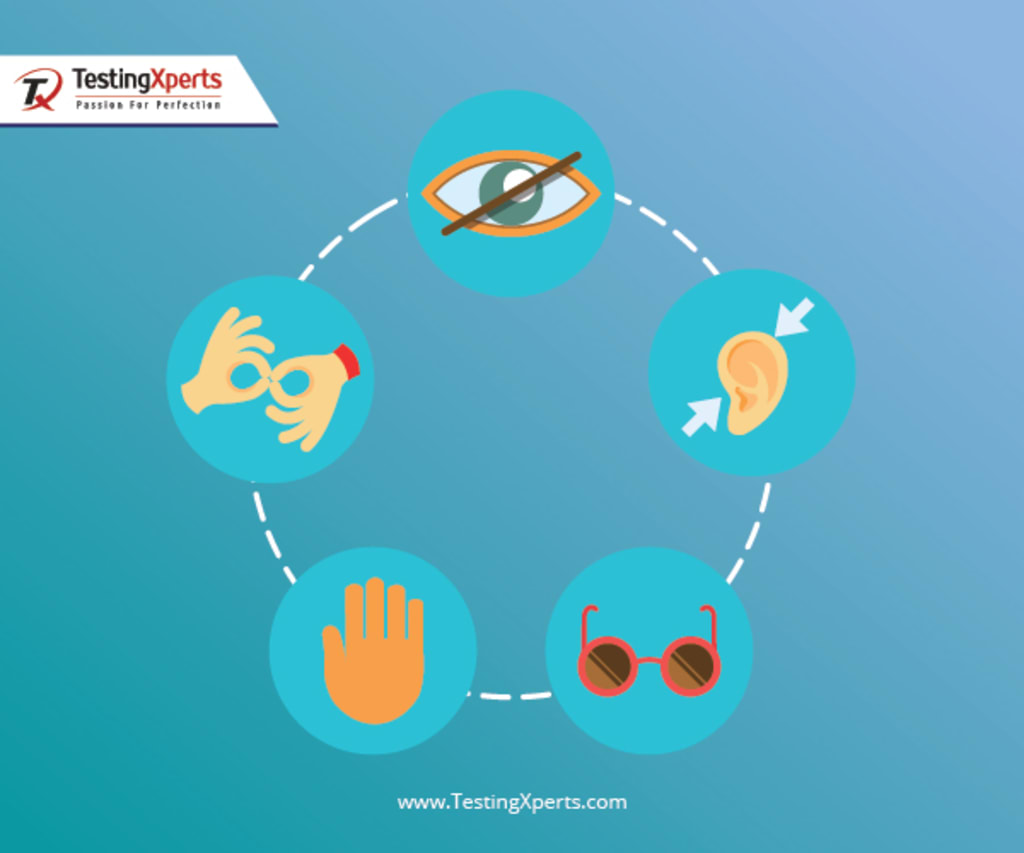
A software application is judged by its scalability, security, functionality, performance, usability and accessibility. The accessibility aspect of an application plays a crucial role simply because if the website or application is not built according to Web Content Accessibility Guidelines (WCAG), then the website owner or the specific organization that has built the product can be charged with legal lawsuits. This is because governments of many countries have made it mandatory to develop an accessible product. Hence, accessibility guidelines and best practices need to adhere. In this article, you will get to know some of the best practices for web accessibility testing.
Following are some of the best practices for web accessibility testing:
1. Non-HTML content is accessible: There will be instances when a specific web page is picked to upload documents in PDF, Word and other file formats. Users should be able to open these documents. If somehow it is not possible then HTML can be used for display instead of the uploading feature to be used. If the content needs are to be made accessible to everyone, then different file formats can also be used. Tags should be used to make a PDF accessible.
2. Organize the documents: Whenever headings, structural elements or lists are used on the webpage, make sure that everything is structured properly. This is crucial especially when these elements provide specific meaning to the page. Keyword navigation should also be allowed on the website. This in turn makes the information accessible to everyone. The navigation part will be easier if everything is structured throughout the page.
3. Certain things can be skipped by the users: If there is something that is repeated on any page, there is an option wherein the content can be skipped to the main page. This will turn out to be user-friendly and also ensure that the user can get rid of content that is not of use to them. Users are also provided with another option, wherein they can click on the “Skip Navigation” link and then go to the specific information they are looking for.
4. The strategic importance of feedback: There is not an iota of doubt that feedback plays a crucial role. Disabled people need to be involved in the team, especially in the Software Development Life Cycle (SDLC) process. The feelings and needs of disabled people should be analyzed keeping in perspective the specific aspects they look for while accessing a website or application. Their inputs, suggestions and feedback help a great deal in making a full-fledged accessible product.
5. The significance of <AltText> images: When a page has a certain image, that image should have meaningful text associated with it and should be described with <AltText>. Extensive descriptions should be used for complex images. This will help screen readers read what is on the screen’s image.
6. Transcripts should be used for podcasts and captions for videos: If the videos have websites, then they must have captions, so that hearing impaired can understand the videos in a better manner. When it comes to podcasts, transcripts are mandatory.
7. Content should be easily read and understood: Content should be relatable, clear and visible. Sometimes, the text cannot be read by age-old groups because of alignment or poor visibility.
8. Users should be able to interact effectively: The website may have been developed using time-sensitive elements that are being faded in or faded out at certain intervals. If a banner that has been implemented can slide easily then ensure that the content of the elements should be visible to users for a certain period of time.
Conclusion: If you are looking forward to implementing web accessibility testing for your specific project, then do get connected with a well-established software testing services company that will provide professional consultation and support on developing an in-detail web accessibility testing strategy along with strategic advice.
About the author: I am a technical content writer focused on writing technology specific articles. I strive to provide well-researched information on the leading market savvy technologies.
About the Creator
Jessica Wood
I am Jessica wood and I am a Software tester for over 9 years , blogger, technology geek, and I use software testing to explore and learn about my world.
Keep reading
More stories from Jessica Wood and writers in Education and other communities.
8 Usability Testing Methods That Work
Usability testing is performed to enhance the overall value of a product or application in terms of usability, user experience, reliability and performance aspects. The users should be able to easily navigate and use the product without any difficulties whatsoever. The user-friendliness of a product or application is determined by usability testing. To further enhance the effectiveness of this testing method, there are a few usability testing methods that can boost the performance of the testing process. In this article, you will know about the eight specific usability testing methods.
By Jessica Wood3 years ago in Education
The Confidence Advantage: How Transparent Communication Builds Lasting Investor Trust
Investor relationships thrive on more than financial returns. While performance attracts attention, trust sustains commitment over time. In an environment shaped by rapid information flow and shifting market conditions, transparency has become one of the most powerful tools for building and maintaining investor confidence. When organizations communicate clearly and consistently, they strengthen relationships that endure well beyond short-term results.
By Michael Christopher Venturinoabout 12 hours ago in Education
Golf Handicap Reduction Without a Swing Overhaul: Smarter Ways to Play Better Golf
Lowering your handicap does not always require technical changes or hours on the range; it requires rebuilding your swing. Many golfers overlook the fact that scoring improvement often comes from strategic thinking, mental discipline, and better preparation. By focusing on how you play rather than how you swing, you can unlock consistent progress and enjoy the game more. This article explores practical, on-course methods that help you shoot lower scores while keeping your swing exactly as it is.
By Ian Schenkel Haliburtonabout 12 hours ago in Education


Comments (1)
Very well written and meaningful