
VideoShow Video Editor: The Ultimate Tool for Video Creation and Editing on Mobile
VideoShow Video Editor


In today's fast-paced digital world, video creation and editing have become an essential part of our everyday lives. Whether you're an aspiring content creator, a social media enthusiast, or simply looking to enhance your videos, VideoShow Video Editor, Video Maker, and Photo Editor is an app that provides everything you need to create high-quality videos right from the palm of your hand. Available on both Android and iOS platforms, VideoShow has become one of the most popular video editing apps, offering an easy-to-use interface, powerful editing tools, and an extensive range of features.
Introduction to VideoShow Video Editor
VideoShow Video Editor is an all-in-one video editing app designed to help users create, edit, and share videos effortlessly. The app is packed with features that allow you to enhance your videos with stunning effects, transitions, music, and text, making it ideal for anyone looking to produce professional-looking videos without requiring advanced technical skills.
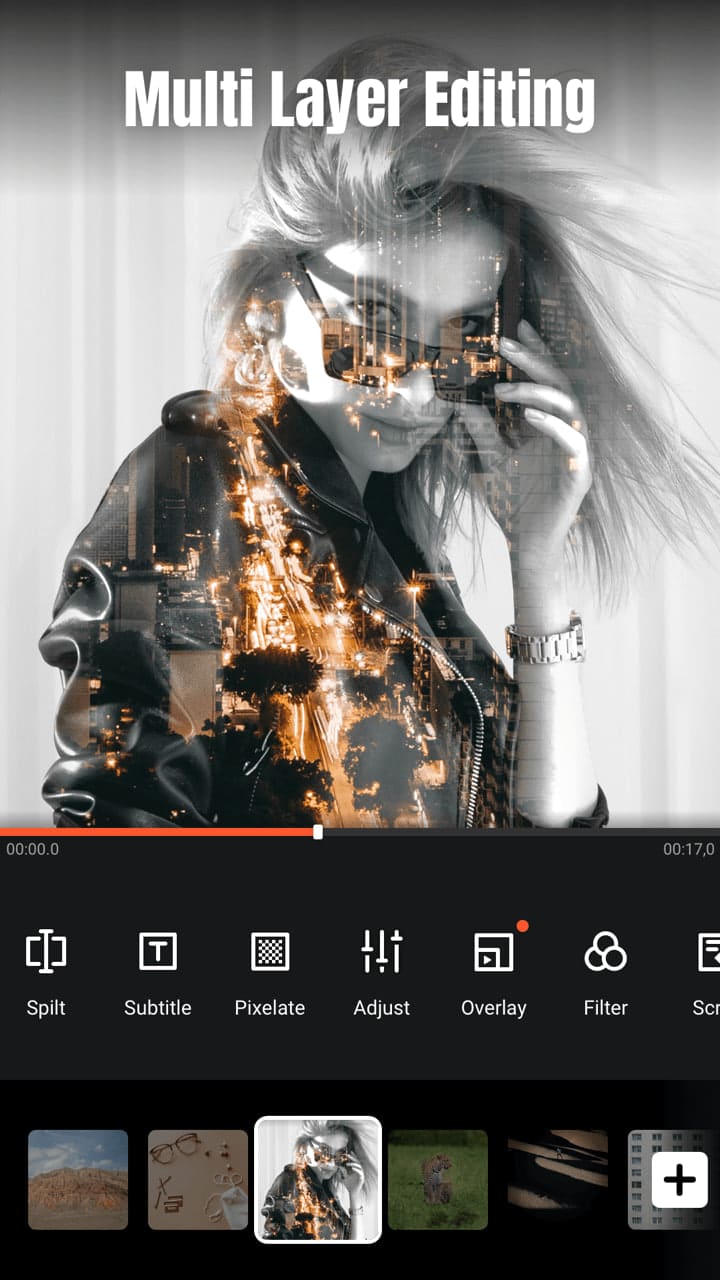
What makes VideoShow stand out from other video editing apps is its user-friendly interface, which allows even beginners to navigate easily. Whether you're editing a simple video for social media or working on a more complex project, VideoShow offers a wide variety of tools that cater to all levels of expertise.
Key Features of VideoShow Video Editor
1. Easy-to-Use Interface
One of the key reasons why VideoShow is so popular is its intuitive and simple interface. The app allows users to start editing their videos right away without a steep learning curve. The drag-and-drop functionality ensures that you can easily add elements such as music, text, and transitions to your video with just a few taps.
2. Advanced Video Editing Tools
Despite its simplicity, VideoShow doesn't compromise on functionality. The app comes with a range of professional-grade editing tools, including:
Trim and Cut: Easily trim unwanted parts of your video or cut multiple clips to create a seamless flow.
Merge Videos: Combine several clips into one video to create a cohesive story.
Speed Control: Adjust the playback speed of your video, whether you want to slow it down or speed it up.
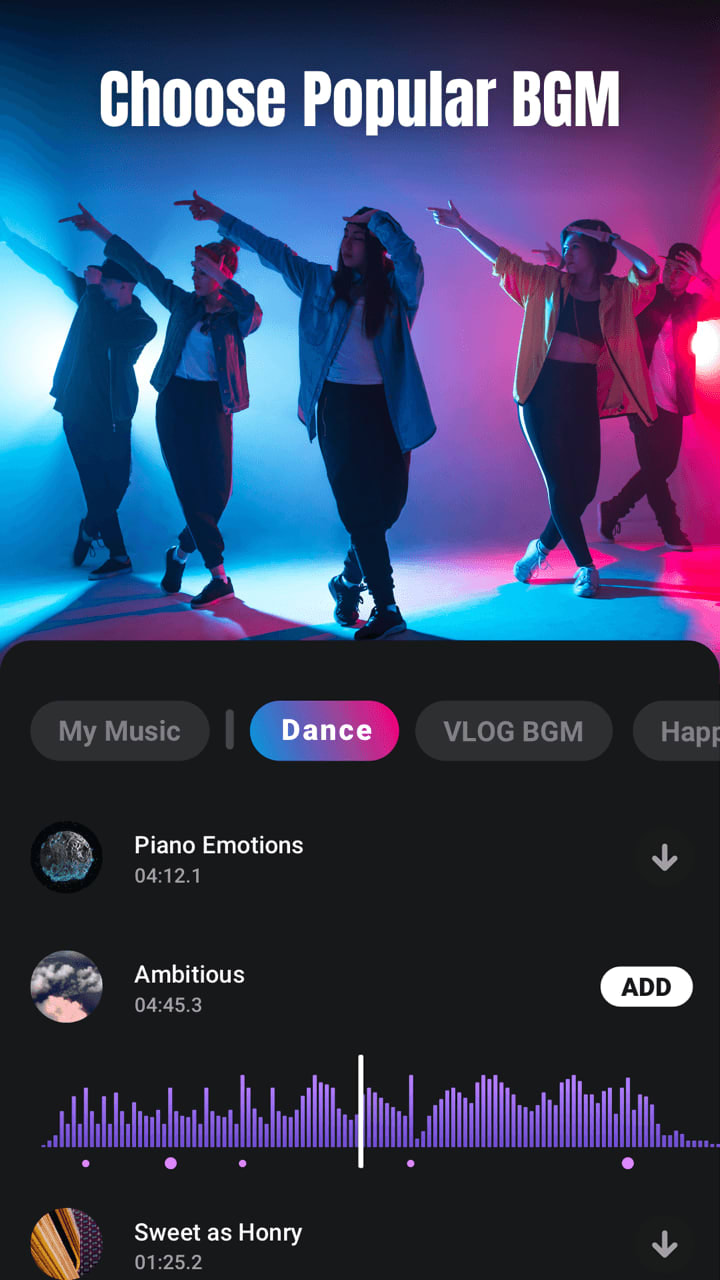
Filters and Effects: Add artistic filters and effects to make your videos stand out. The app includes a variety of special effects like glitch, retro, and vintage looks.
Transitions: Smooth transitions between clips can make your videos look more professional, and VideoShow offers a wide variety of them.
3. Music and Sound Effects
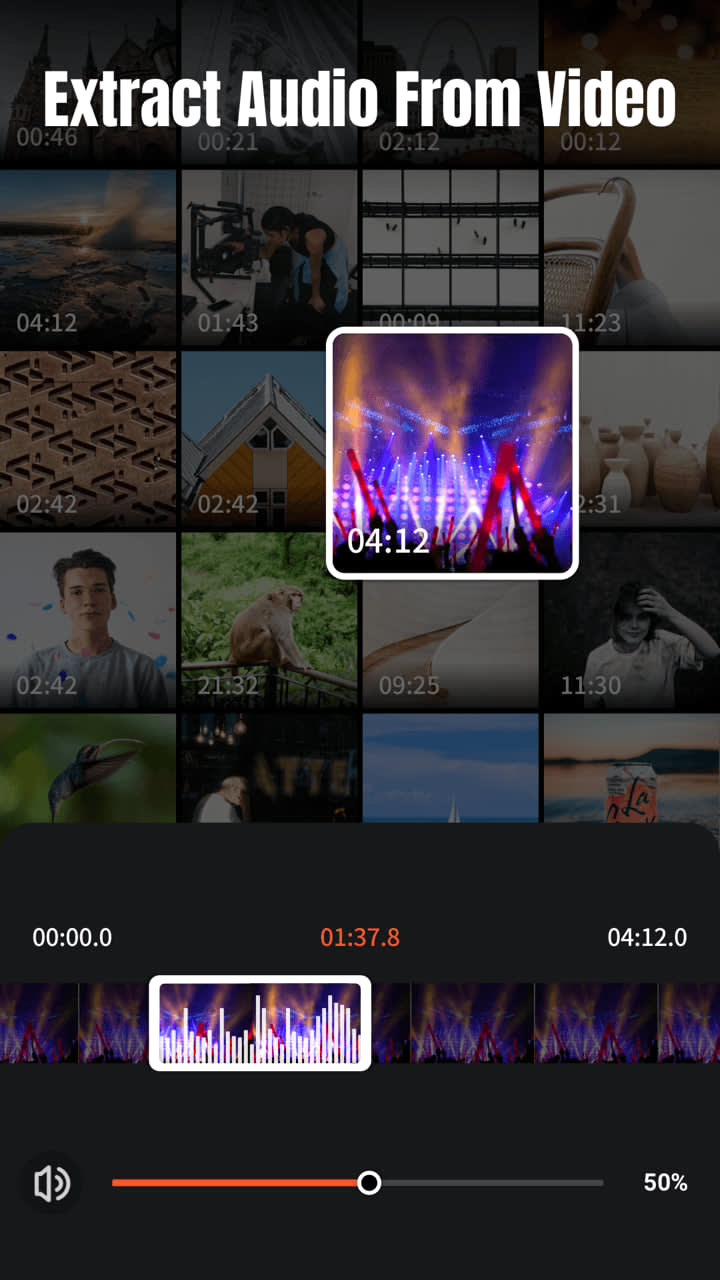
Adding music to your videos is essential, and VideoShow makes it easy. The app provides a library of royalty-free music tracks that you can add to your videos. You can also upload your own music to personalize your project. In addition, the app offers sound effects and voiceover recording options to further enhance the audio aspect of your videos.
4. Text and Stickers
Customizing your videos with text and stickers is a great way to convey your message or add some fun to your creations. VideoShow offers a wide range of fonts, text animations, and sticker options to help you make your video more engaging. You can also add captions to your videos to ensure your audience fully understands your content.
5. Photo Editing Tools
In addition to its video editing features, VideoShow also includes photo editing capabilities. You can edit your photos with filters, stickers, and text, or even create slideshows by combining multiple images into one video. This feature is perfect for anyone looking to create multimedia content with both photos and videos.
6. High-Quality Output
When you're done editing, VideoShow ensures that your final video is of the highest quality. The app supports exporting videos in HD resolution, and you can adjust the resolution settings depending on your preferences. Whether you're planning to upload your video to YouTube, Instagram, or any other platform, VideoShow ensures that your content looks professional and polished.
Why Choose VideoShow Video Editor?
There are several reasons why VideoShow is a top choice for video editing on mobile devices:
User-Friendly: The app is designed for all levels of users, from beginners to advanced editors.
All-in-One Solution: With features for both video and photo editing, VideoShow eliminates the need for multiple apps. You can edit both media types seamlessly in one place.
Creative Freedom: The app gives you full control over the editing process, offering a wide range of effects, transitions, and customization options.
Fast Processing: VideoShow is optimized for mobile devices, ensuring that your edits are processed quickly without compromising on quality.
Free to Use: While there are premium features available through in-app purchases, the core functionality of VideoShow is available for free, making it accessible to everyone.
How to Use VideoShow Video Editor
Using VideoShow is simple:
Import Media: Start by importing the video clips and photos you want to edit from your gallery.
Edit Your Video: Use the various editing tools to trim, cut, add effects, and music. You can also adjust the playback speed and add text or stickers.
Preview and Adjust: After editing, preview your video to make sure everything is in place. Make any final adjustments.
Export and Share: Once you're satisfied with your video, export it in the desired resolution and share it directly to social media platforms or save it to your device.
Conclusion
VideoShow Video Editor is a powerful yet user-friendly app that provides everything you need to create, edit, and share high-quality videos. Whether you're making a video for social media, a presentation, or a personal project, VideoShow offers the tools to make your videos stand out. With its intuitive interface, professional editing features, and the ability to edit both photos and videos, it's no wonder why VideoShow has become one of the top video editing apps on mobile devices.
If you're looking for a comprehensive, easy-to-use video editor for your smartphone, VideoShow is definitely worth trying. With constant updates and a growing library of features, this app is a must-have for anyone who wants to enhance their video editing skills and create stunning content on the go.
About the Creator
apkclub
Tech content creator focused on the latest Android apps and AI innovations. I write verified, engaging articles that explore trending mobile tools, smart technologies, and the evolving role of artificial intelligence in daily life.
The $73,000 Text Message That Changed Everything
"Just realized I missed the quarterly payment deadline by one day. How bad is this?" I stared at the message, knowing I was about to deliver devastating news. My client—a successful entrepreneur who built his tech consulting firm from zero to $3.2 million in annual revenue—had just cost himself $73,000.
By Nth Degree Tax4 days ago in Education
How Audit Management Solutions Streamline ESG Compliance
Corporate credibility is increasingly defined by Environmental, Social, and Governance (ESG) compliance. Stakeholders, including shareholders, regulatory authorities, consumers, and employees, are placing greater demands on organizations to operate transparently, ethically, and sustainably.
By Matthew Luke3 days ago in Education



Comments (2)
👍👍👍👍👍👍
GOOD