
Top 10 Cybersecurity Threats in 2025 & How to Stay Safe
From AI-Powered Attacks to Deepfakes — What You Must Know to Protect Yourself Online
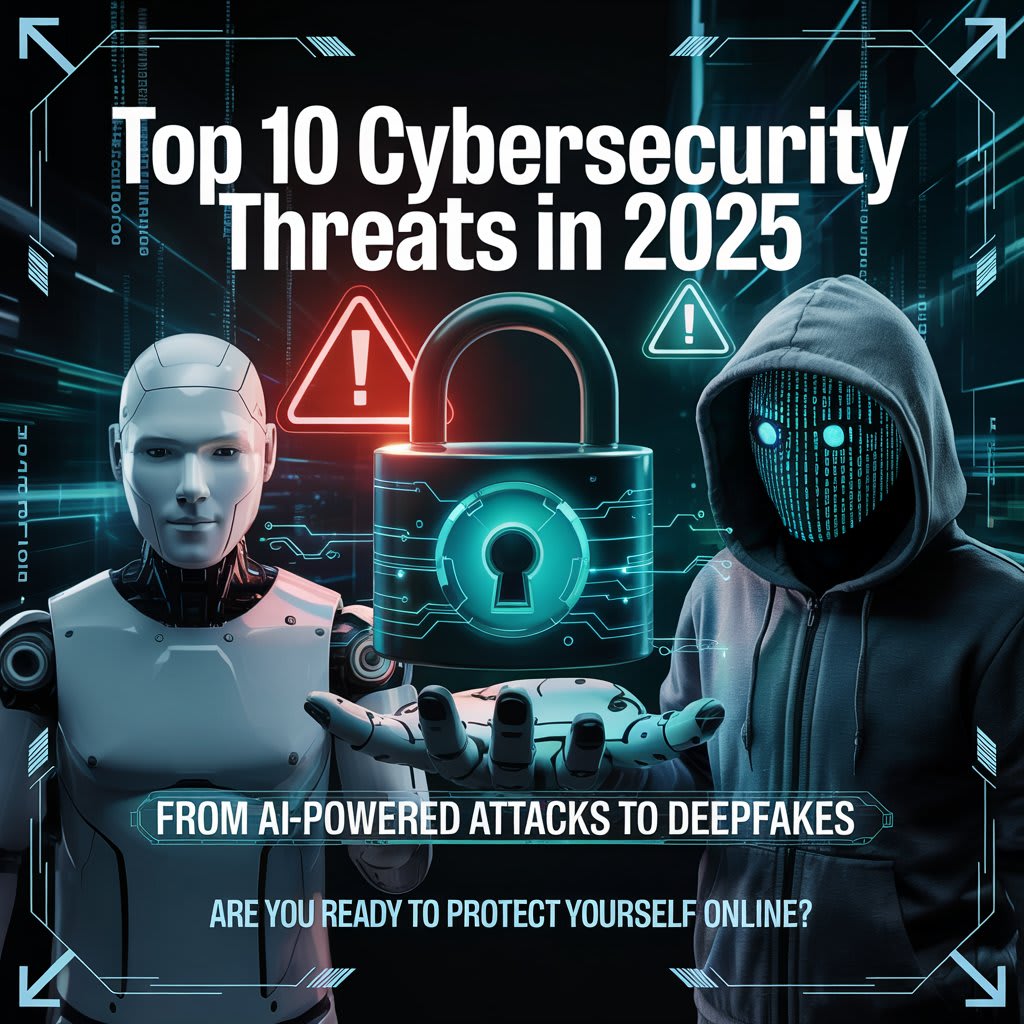
From AI-Powered Attacks to Deepfakes — What You Must Know to Protect Yourself Online
1. 📩 Phishing Attacks Are Smarter Than Ever
Hackers send emails or messages that look real — like from your bank, school, or favorite app. In 2025, they’re using AI to write convincing messages with no spelling mistakes.
Real Story:
Fatima received a “university fee alert” email. It had her name, ID, and logo — she trusted it. She paid… but it was fake. A hacker used her leaked data to trick her.
🔒 Tips to Stay Safe:
Never click on unknown links.
Always verify the sender’s email.
Use official apps or websites to make payments.
2. 🤖 AI-Powered Hacking Tools
Hackers now use AI to crack passwords, guess security questions, and mimic behavior.
Real Story:
A company’s internal chatbot was hacked. The hacker used AI to chat like an employee and tricked others into sending sensitive files.
🛡️ What You Should Do:
Use long, strong, unique passwords.
Don’t overshare personal info online.
Change passwords regularly.
3. 🧑💻 Social Engineering Tricks
Hackers don’t just use code — they use trust. They pretend to be your friend, teacher, or boss.
Example:
A hacker pretended to be a school principal on WhatsApp and asked parents to send money for “emergency repairs.” Some sent it. It was a scam.
✅ Stay Alert:
Always double-check identity before sending money.
Be careful sharing personal info, even with "trusted" people.
4. 🎭 Deepfakes Are Becoming Dangerous
Fake videos that look real are used to ruin reputations or spread lies.
Real Story:
A student’s deepfake was shared in a group — showing him cheating in exams. He didn’t even attend the test. The video was completely fake but looked real.
🧠 Tips:
Report deepfakes immediately.
Protect your photos/videos from public access.
Support digital tools that detect deepfakes.
5. 📱 Malicious Mobile Apps
Some apps steal your data or secretly record you.
Story:
Bilal installed a flashlight app. It asked for mic and camera permissions. Later, his photos and messages were leaked online. It was a spying app.
🚫 What to Do:
Only install apps from trusted sources.
Check app permissions.
Delete unknown or unused apps.
6. 🧲 Public Wi-Fi Dangers
Free Wi-Fi at cafes or malls can be traps.
Real Case:
Sara used café Wi-Fi to shop online. A hacker was watching the network and stole her credit card info.
🛡️ Tip:
Never enter passwords or make payments on public Wi-Fi.
Use a VPN if you must connect.
7. 🧑💻 Ransomware Attacks
Your files are locked, and hackers ask for money to unlock them.
Story:
A school lost all student data to ransomware. Hackers demanded $10,000 in crypto.
What You Should Do:
Keep backups on an external drive.
Don’t open unknown files.
Use updated antivirus software.
8. 🌐 Fake Websites
Look-alike websites trick you into entering passwords or bank info.
Example:
A student searched for a scholarship. He found a “.net” site instead of “.org.” It stole his data and asked for payment.
🔍 Tips:
Check URLs carefully.
Look for “https” and security lock icons.
Avoid unknown sites asking for payment or login.
9. 🧬 IoT Device Hacking
Smart TVs, cameras, or even fridges can be hacked.
Example:
A family’s baby cam was hacked, and the hacker was talking through the speaker at night. Terrifying but real.
Tips:
Change default passwords on smart devices.
Keep them updated.
Use a strong router password.
10. 💼 Insider Threats
Sometimes, danger comes from inside — angry employees, students, or friends.
Real Story:
An IT guy who was fired leaked all employee data because he still had access.
Tip:
Never share your login info.
Always remove access when someone leaves a team or school.
Enable logs to track access.
🧠 What Should You Do Now?
Use strong, unique passwords (try a password manager).
Turn on two-factor authentication (2FA) for all accounts.
Learn basic cybersecurity knowledge.
Think before you click.
Back up your data regularly.
Teach your friends and family too.
✅ Moral of the Story
Cybersecurity isn’t just for companies or hackers — it’s for everyone. In 2025, anyone with a phone or computer is a target. But with the right knowledge and habits, you can stay 10 steps ahead. Don’t wait to be the next victim — be the next defender.
About the Creator
Umar Khattak
"Passionate learner, tech enthusiast, and aspiring cybersecurity expert. Dedicated to mastering creating impactful content, and exploring the world of AI, IoT, and blockchain.
Reader insights
Outstanding
Excellent work. Looking forward to reading more!
Top insight
Heartfelt and relatable
The story invoked strong personal emotions
Keep reading
More stories from Umar Khattak and writers in Education and other communities.
10 Unusual Quiz Round Ideas That Will Make Your Next Game Night Unforgettable
Most pub quizzes follow the same pattern. You get a geography round, a history round, maybe a music round, and then everyone argues about whether the answer to question seven was technically correct. It works - but it rarely surprises anyone.
By Faabul Quizzes5 days ago in Education


Comments (5)
I'm impressed from this all stories articles good job
So good story everyone should read this story
wow
Hi
Good