
The Only Shopify Dropshipping Guide You Will Ever Need (FOR BEGINNERS)
The ultimate Shopify dropshipping guide for beginners: tips, tricks, and proven strategies.
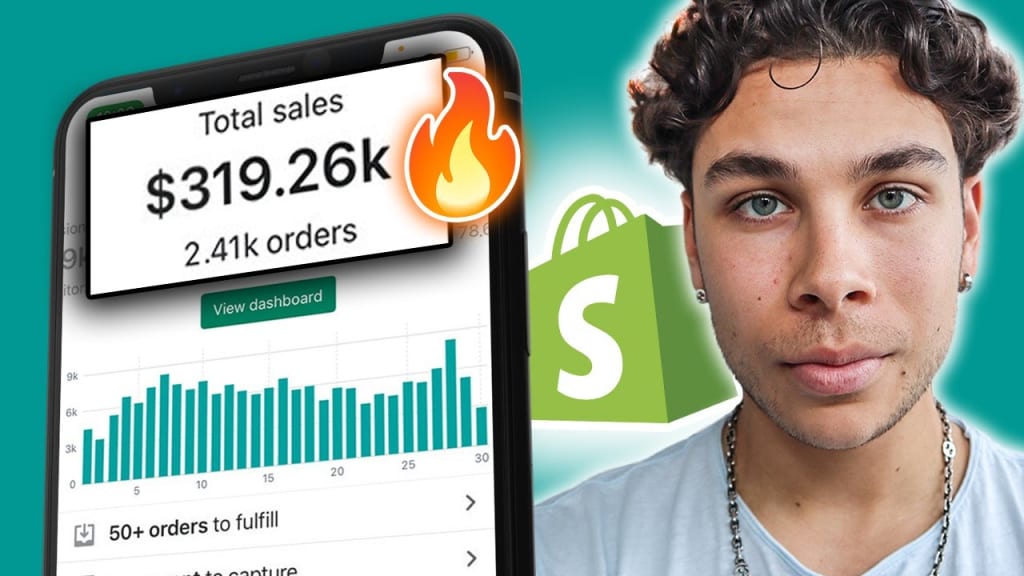
Dropshipping has become one of the most popular ways to start an ecommerce business. And the good news is that it’s easier than ever to get started thanks to platforms like Shopify. In this comprehensive guide, we will provide you with everything you need to know to start your own Shopify dropshipping business, even if you are a beginner.
What is dropshipping?
Dropshipping is a business model where you don’t hold any inventory. Instead, you partner with a supplier who handles the inventory, packaging, and shipping of your products. When a customer places an order on your website, the supplier ships the product directly to them.
Why choose Shopify for dropshipping?
Shopify is a popular ecommerce platform that’s easy to use and has all the necessary features to start a dropshipping business. It also has a vast selection of apps and plugins to help you customize your store and manage your orders.
Step 1: Choose a niche
The first step to starting a successful dropshipping business is to choose a niche. A niche is a specific category of products that you want to sell. It’s essential to select a niche that you’re passionate about, and there’s a demand for the products. You can use tools like Google Trends or Amazon Best Sellers to research popular niches.
Step 2: Find a supplier
Once you’ve chosen a niche, the next step is to find a reliable supplier. You can use platforms like AliExpress, Oberlo, or SaleHoo to find suppliers that offer dropshipping services. You should also make sure that the supplier has a good reputation and provides high-quality products.
Step 3: Set up your Shopify store
After finding a supplier, it’s time to set up your Shopify store. Shopify offers various templates and themes that you can use to create your store. You can customize your store by changing the colors, fonts, and adding your logo. It’s essential to make your store visually appealing and user-friendly.
Step 4: Install necessary apps
Shopify has many apps that you can use to improve your store’s functionality. Some of the necessary apps for a dropshipping business are:
Oberlo – an app that allows you to import products from AliExpress and automatically fulfill orders.
Mailchimp – an app that lets you send marketing emails to your customers.
Yotpo – an app that allows you to collect product reviews from your customers.
Step 5: Set up payment and shipping options
You need to set up payment and shipping options to start accepting orders. Shopify has various payment gateways like PayPal, Stripe, and Apple Pay. You should also set up shipping options and choose the carriers you want to work with.
Step 6: Launch your store
After setting up everything, it’s time to launch your store. You should test everything before launching, like placing test orders to ensure that everything is working correctly.
Step 7: Drive traffic to your store
Once your store is live, you need to start driving traffic to it. You can use various marketing channels like social media, email marketing, and Google Ads to drive traffic to your store. It’s essential to create high-quality content and run targeted ads to attract potential customers.
Step 8: Analyze and optimize
The final step is to analyze and optimize your store’s performance continually. You can use Google Analytics or Shopify’s built-in analytics to track your store’s performance. You should analyze metrics like traffic, conversion rate, and average order value. Based on the data, you can optimize your store to improve its performance.
Conclusion
Starting a dropshipping business on Shopify is an excellent way to start an ecommerce business without the hassle of managing inventory. By following the steps in this guide, you can create a successful Shopify dropshipping business. Remember to choose a profitable niche.
About the Creator
Are You Planning College the Smart Way?
When students and parents start thinking about college, the first number that usually comes to mind is tuition. But have you ever wondered if tuition is actually the biggest expense of higher education? Surprisingly, the total cost of attending college often goes far beyond just tuition fees.
By Michael Petruska2 days ago in Education
A More Human Vocal
When we launched Vocal nearly a decade ago, the world was a very different place. LLMs did not exist, and stories were created one at a time by people sitting down to write, revise, and share something personal. Many of our assumptions about publishing, trust, and participation were built for a world where effort and output were inseparable.
By Justin @ Vocal5 days ago in Resources



Comments
There are no comments for this story
Be the first to respond and start the conversation.