
Revit Architecture Course in Lahore-BES
Revit Architecture Course in Lahore-BES
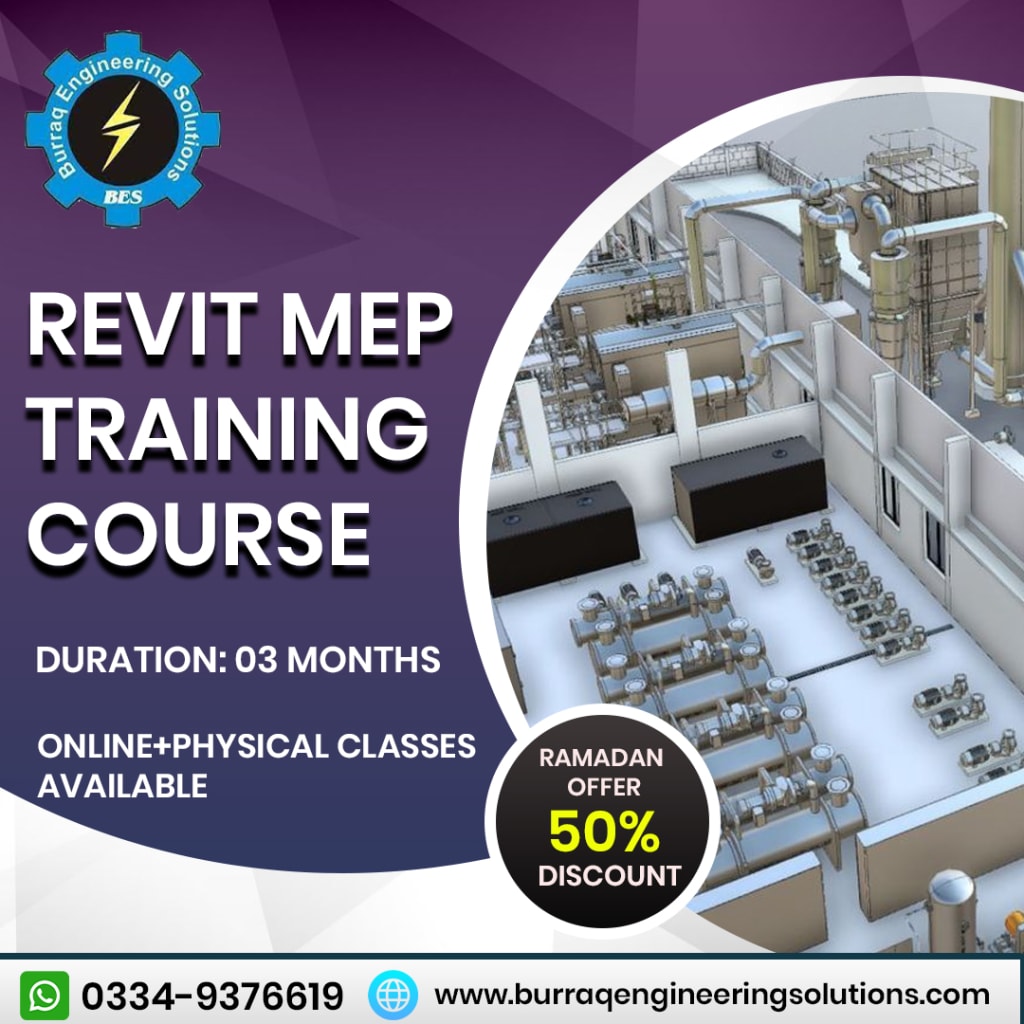
Revit Architecture is a powerful tool for designing and documenting construction projects. It is a BIM (Building Information Modelling) software that is widely used in architecture, engineering, and construction. In this introduction, we'll cover the basics of Revit Architecture and its key features.
If you want to learn Revit Architecture Training Course, Burraq Engineering Solutions is an Engineering institute that provides the best Online and Physical Revit Architecture Course in Lahore. You can learn more about Engineering Courses from Burraq Engineering Solutions. Online and Physical classes are available.
Getting Started with Revit Architecture
Revit Architecture is a 3D modeling software that allows architects and designers to create detailed building designs. It is part of the Autodesk software family and is available as a standalone application or as part of the Autodesk AEC Collection.
When you open Revit Architecture for the first time, you will be presented with a splash page where you can choose to create a new project or open an existing one. You can also access the latest files, templates, and other resources from this page.
Revit Architecture interface
The Revit Architecture interface is similar to other Autodesk software products. It has a ribbon interface that contains different tabs and panels with different tools and commands.
The main elements of the interface are as follows:
Quick Access Toolbar:
This is a customizable toolbar that contains frequently used commands.
Ribbon:
The Ribbon contains various tabs and panels that contain tools and commands for various tasks.
Viewport:
This is the main area where you can see and edit the building model.
Properties palette:
This palette displays the properties of the selected object.
Project Browser:
This browser displays all views, sheets, and plans in the project.
Creating a new project in Revit Architecture
When you create a new project in Revit Architecture, you are presented with a dialog box where you can select a project template and units. Revit Architecture provides several templates for different types of construction projects such as commercial, residential, and industrial. You can also create your own template based on your requirements.
After choosing a template, you can start creating a building model. Revit Architecture provides several tools for creating walls, doors, windows, roofs, floors, and other building elements. You can also import CAD files and other external data into Revit Architecture.
Create a building model in Revit Architecture
In Revit Architecture, you create a building model by adding various building elements to the project. Building blocks are created as families, which are collections of parameters, geometry, and behaviors that define an object. Revit Architecture provides several types of families for creating walls, doors, windows, and other building elements.
When you create a family, you define its geometry, parameters, and behavior. You can also apply materials and finishes to the family. Revit Architecture provides several tools for creating and editing families.
Creating views in Revit Architecture
In Revit Architecture, you create views to display different aspects of the building model. A view is a representation of a building model that can be displayed in a variety of ways, such as 3D, plan, view, section, or detail. Views can be organized into sheets for printing and publishing.
Revit Architecture provides several types of views to display different aspects of the building model. For example, a floor plan shows a building model in a 2D top-down view, while a top view shows a building model in a 2D side view.
Building model notes in Revit Architecture
In Revit Architecture, you can annotate a building model with dimensions, text, symbols, and other annotations. Notes provide additional information about the building model and assist in the documentation process.
Revit Architecture provides several tools for creating and editing annotations. For example, you can create dimensions by selecting two points on a building model, or you can create text annotations by entering text in a text box.
Project Collaboration in Revit Architecture
Revit Architecture has several features that allow multiple users to collaborate on the same project. This is especially important for large projects where multiple disciplines such as architecture, engineering, and construction need to work together to create a cohesive design.
Work sharing in Revit Architecture
Work sharing is the process of dividing a Revit Architecture project into smaller parts or work sets that different team members can work on simultaneously. Working sets are areas of a project that contain specific elements such as floors, walls, or roofs.
When a user creates or edits elements in a work setting, Revit Architecture automatically locks the work setting so that other users cannot change it. When a user finishes their work, they can release the lock and allow other users to access the working set and make changes.
Work sharing also allows users to see who is working on a particular work set and what changes have been made. This allows team members to coordinate their work and avoid conflicts.
Cloud Collaboration in Revit Architecture
Cloud collaboration is a newer feature of Revit Architecture that allows multiple users to work on the same project in real time regardless of their location. This is done by saving the project to the cloud rather than to a local server.
Cloud collaboration in Revit Architecture takes place through BIM 360, Autodesk's cloud-based construction project management platform. When a user opens a project in Revit Architecture, they can choose to work on a local copy of the project or on a cloud version.
If the user decides to work on the cloud version, he can see all the changes made by other team members in real time. They can also communicate with other team members through the chat function.
Sharing Models in Revit Architecture
Revit Architecture allows users to share their models with other team members in several ways. One way is to export the model to another file format, such as DWG or DWF, which can be opened in other software applications.
Another way is to create a shared link to the model that anyone with the link can access. The shared link allows users to view the model in a web browser without the need for additional software.
Revit Architecture also allows users to publish their models to the cloud where other team members can access them. This is done through the BIM 360 platform, which allows users to save and share models as well as collaborate on projects.
Conclusion
Revit Architecture is a powerful tool for designing and documenting construction projects. Its collaboration features allow multiple team members to work on the same project regardless of their location. Work sharing, cloud collaboration, and sharing models are some of the ways Revit Architecture enables collaboration between team members. With these features, architects and designers can work more efficiently and create better designs.
About the Creator
Keep reading
More stories from irfan akram and writers in Education and other communities.
Short courses Training in Lahore-BES
Short courses Training can be offered in a wide range of subject areas, including business, technology, health, education, and more. They are typically taught by industry professionals or experts in the field, and may include a combination of lectures, hands-on exercises, and practical applications.
By irfan akram3 years ago in Education
9 Consistency Guarantees Fiber Channel Brings to Storage
Storage networks face constant pressure to deliver rock-solid performance. Your data needs to flow without interruption. Your applications demand reliability at every moment. This is where Fiber Channel steps in as your trusted ally.
By Olivia Barn4 days ago in Education


Comments
There are no comments for this story
Be the first to respond and start the conversation.