
How to Handle Multi-Stage Office 365 Migrations Without Downtime or Data Loss
Office 365 migration

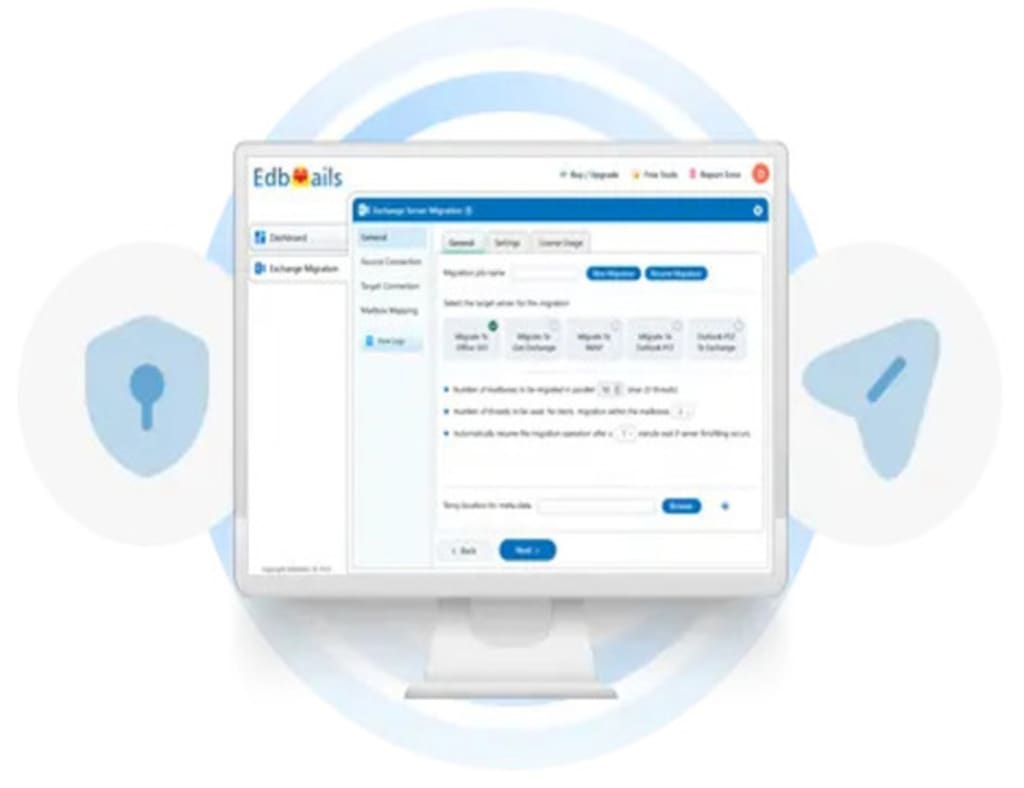
Migrating to Office 365 is a critical task for organizations looking to improve collaboration, scalability, and overall efficiency. However, when dealing with multi-stage migrations, the complexity increases significantly. The goal is to ensure zero downtime, no data loss, and a seamless user experience. This guide will walk you through managing multi-stage Office 365 migrations effectively, while providing best practices and tips for a smooth transition.
Understanding Multi-Stage Office 365 Migrations
A multi-stage migration involves moving data, mailboxes, and resources in phases rather than performing a single, large-scale migration. This approach is often used by organizations that have multiple teams, departments, or locations, allowing for a gradual, controlled transition. While it offers flexibility, it also requires careful planning to avoid disruptions and data integrity issues.
The key challenges include managing simultaneous migrations, ensuring data consistency, and maintaining user productivity. Here’s how you can handle each of these challenges effectively.
Step 1: Pre-Migration Planning and Assessment
Before starting a multi-stage Office 365 migration, it's essential to conduct a detailed assessment of your current environment. This includes:
1. User and Data Inventory: Identify the total number of users, shared mailboxes, data size, and associated services (like OneDrive, SharePoint, and Teams) that need to be migrated.
2. Infrastructure Review: Check your current infrastructure and network capacity to ensure that it can handle multiple migration stages without bottlenecks.
3. Compliance and Security: Ensure compliance with data protection regulations such as GDPR or HIPAA. Identify security risks and address them before initiating the migration.
4. Set Priorities: Categorize users and data based on priority. Critical teams should be migrated first to minimize any risk of disruption.
Step 2: Selecting the Right Migration Tool
Choosing the right migration tool is crucial for a seamless, multi-stage process. One of the most effective tools is EdbMails Office 365 migration software, which is designed for complex migration scenarios. Its advanced features, such as automated mailbox mapping, modern authentication, and real-time migration tracking, allow you to handle multi-stage migrations without impacting your operations.
EdbMails offers several advantages:
• Incremental Migration: Migrate data in phases without transferring duplicate items, ensuring that only new or changed data is moved in each stage.
• Throttling Management: Office 365 enforces throttling policies that limit the speed and volume of data transfer. EdbMails manages throttling automatically, so your migration stays within Microsoft’s limits without affecting performance.
• Detailed Reporting: Monitor the status of your migration in real-time and generate detailed reports to ensure each stage is progressing smoothly.
Step 3: Establish Secure and Stable Connections
Once you’ve chosen your migration tool, the next step is to establish secure connections between the source and target tenants. This is crucial to prevent data breaches during transfer.
• Modern Authentication: Always use modern authentication protocols for secure connections. EdbMails supports secure OAuth 2.0 authentication, ensuring your data is protected during migration.
• Staggered Connection Setup: When migrating large amounts of data, stagger connections to prevent bandwidth overload. This will also reduce the likelihood of throttling by Office 365.
Step 4: Data Integrity and Testing
Ensuring data integrity during multi-stage migration is paramount. The following best practices will help maintain the accuracy and consistency of your data:
• Pre-Migration Testing: Run pre-migration tests to identify potential issues like broken permissions, corrupted mailboxes, or failed connections. These tests help you proactively resolve problems before they impact the actual migration.
• Data Validation: Validate that all data has been transferred correctly after each migration stage. This includes emails, contacts, calendars, and any related services.
• Incremental Syncing: In multi-stage migrations, use incremental syncing to ensure that any new or modified data since the last stage is seamlessly transferred. This avoids data loss and ensures up-to-date information at the target tenant.
Step 5: Minimizing Downtime
One of the primary concerns during multi-stage migrations is downtime. Downtime disrupts user productivity and can have significant financial implications for the business. To minimize or eliminate downtime:
• Use Phased Migration: Stagger the migration over weekends or non-business hours for each team or department. This minimizes the impact on end-users.
• Migrate Critical Data First: Prioritize the migration of critical data (emails and calendars) in the initial stages. Supporting services like OneDrive and SharePoint can be migrated later.
• Maintain Parallel Operations: Keep the source tenant operational until the final stage of migration is complete. This ensures users can continue working even if their data is being transferred in stages.
Step 6: Post-Migration Validation and Cleanup
Once the multi-stage migration is complete, there are critical post-migration steps to follow:
1. Validation: Confirm that all mailboxes, data, and user permissions have been migrated accurately. Cross-check against your original inventory to ensure nothing was missed.
2. Post-Migration Testing: Conduct post-migration tests to ensure that users can access their data without issues and that all services (email, calendar, OneDrive, etc.) are functioning as expected.
3. Decommissioning: After validation, decommission the old tenant and remove any temporary accounts or connections that were set up during the migration process.
Conclusion
Handling multi-stage Office 365 migration without downtime or data loss requires careful planning, reliable tools, and a methodical approach. By assessing your environment, selecting the right migration tool like EdbMails, and following best practices for data integrity, you can ensure a seamless transition. Remember to perform pre- and post-migration testing, minimize downtime by migrating critical data first, and always ensure secure connections throughout the process. With these steps, your multi-stage migration can be completed smoothly, ensuring that users remain productive and data remains secure at every stage.
About the Creator
james
EdbMails Office 365 migration software offers seamless mailbox migration between Office 365, Exchange, IMAP, and PST. With secure authentication, automatic mapping, and detailed reports, it ensures a smooth and efficient migration process.




Comments
There are no comments for this story
Be the first to respond and start the conversation.