
How Keap Learning Makes Exam Paper Creation Super Easy
Keap Learning offers an easy, reliable online exam & assessment platform built for teachers, trainers, and institutions.


Creating exam papers can often feel like a time-consuming and stressful task for teachers, trainers, and institutions. From drafting questions to formatting and ensuring accuracy, the process usually takes hours of manual effort. That is where Keap Learning steps in to transform the entire experience. This powerful online platform is designed to make exam creation simple, smart, and efficient. With its intuitive interface, educators can save valuable time, build question sets, and customize papers to suit any subject or level. By offering tools for assessment, organization, and easy editing, Keap Learning makes exam paper design not just faster but also highly reliable for both teachers and students.
What is Keap Learning?
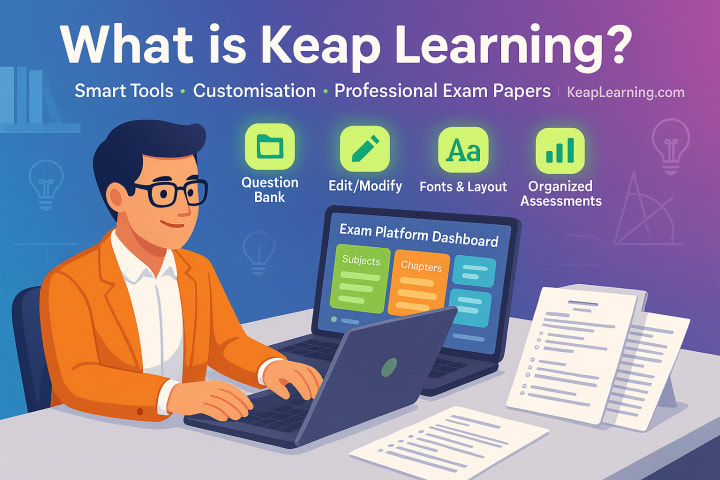
Keap Learning is a modern online exam and assessment platform that helps teachers, trainers, and institutions create exam papers with ease. Normally, preparing an exam paper takes a great deal of time and effort, but with Keap Learning’s smart tools, the process becomes much faster and more organized. On this platform, you can build your own question bank and edit, modify, and customize papers according to the subject and students’ level. It also offers multiple fonts, images, and layout options, ensuring that exam papers look professional and are easy to read.
Why Exam Paper Creation Feels So Hard and (Outdated)
Manual Workload
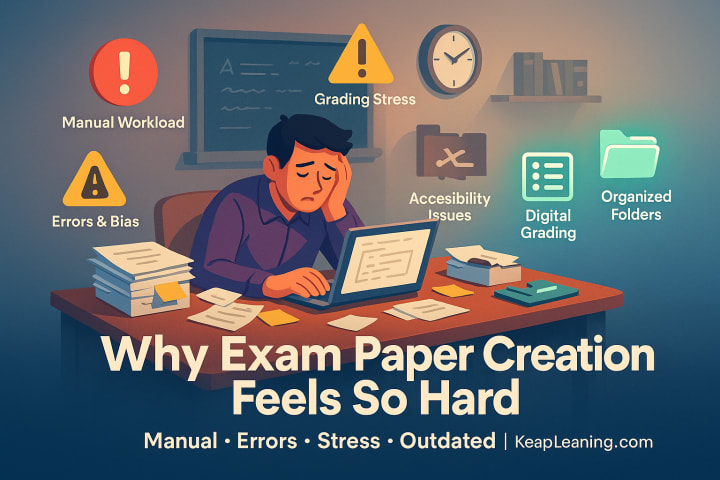
Traditional exam paper creation is manual. Teachers spend hours gathering questions, formatting them, and arranging them in order. It is tiring and repetitive.
Errors & Bias
Copy-pasting questions from past papers or notes can lead to duplication, mistakes, or even unfair difficulty levels. Without an organized MCQ bank or long-question database, quality suffers.
Grading Stress
After creating the paper, the bigger headache starts: checking answers. Manual checking eats up time and increases the risk of human error especially with MCQs.
Accessibility Issues
For students, finding past papers, practice tests, or solutions can be frustrating. Often, resources are scattered across random websites and hard to download.
Exam preparation and paper creation still feel stuck in the 90s.
Keap Learning: Your Smart Exam Partner
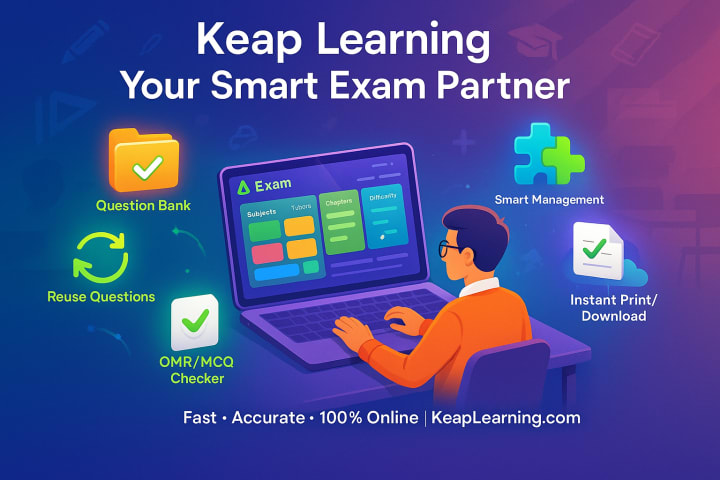
Keap Learning is not just another e-learning website. It is like having a test maker, paper generator, and exam management tool rolled into one.
With Keap Learning, you can:
- Create exams in minutes using a ready made question bank.
- Save and reuse your MCQ bank and long questions.
- Use smart exam management tools to organize subjects, chapters, and difficulty levels.
- Auto-check answers with its OMR checker and MCQ checker.
- Instantly print or download exam papers to share with students.
It is fast, accurate, and completely online perfect for teachers, tutors, researchers, and even students who want practice exams.
Step by Step: How Keap Learning Makes Exam Paper Creation Easy
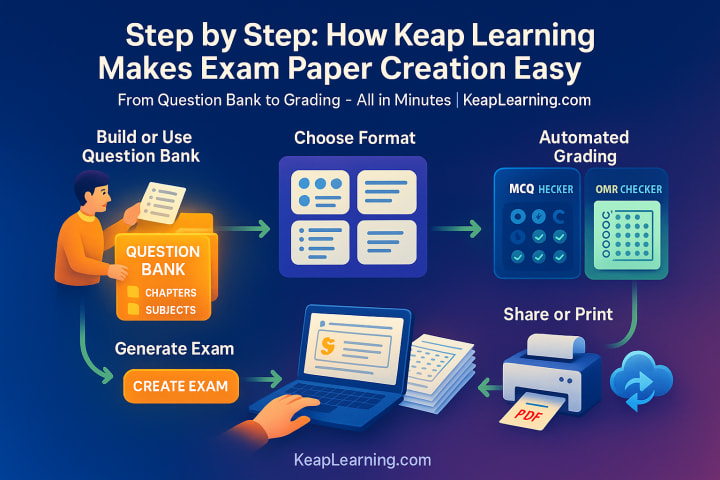
Step 1: Build or Use a Ready-Made Question Bank
Instead of scrambling through notes and past exams, you can create your own bank of questions. Keap Learning also offers pre-loaded questions in subjects like math, science, and English.
Pro Tip: Organize your question bank by chapter or topic. That way, you can generate targeted tests for revision.
Step 2: Choose Your Format MCQs, Short, or Long Questions
Need an MCQ based quiz? Or a mixed-format exam paper? Just pick your structure. The platform supports MCQ management, long questions, and descriptive answers.
Hack: Mix easy, medium, and hard questions. Keap Learning’s filters help you balance difficulty without overthinking it.
Step 3: Generate the Exam Paper Instantly
Click “Create Exam,” and the paper generator arranges everything neatly. No need to struggle with formatting in Word or worry about numbering mistakes.
Example: A science exam for Grade 9 can be generated in less than 2 minutes by selecting:
- Subject: Science
- Chapters: Motion + Energy
- Type: 50% MCQs, 30% short questions, 20% long questions
Step 4: Automated Grading with MCQ Checker & OMR Checker
Checking answers is the hardest part. Keap Learning makes it simple:
- MCQ Checker: Upload answer keys, and the system checks MCQs instantly.
- OMR Checker: Scan OMR sheets, and the platform auto-grades them.
No more late-night exam-checking marathons.
Step 5: Share or Print in One Click
Once your exam is ready, you can:
- Download as PDF
- Share online with students
- Print directly
No fuss, no formatting chaos.
Why Students Love Keap Learning
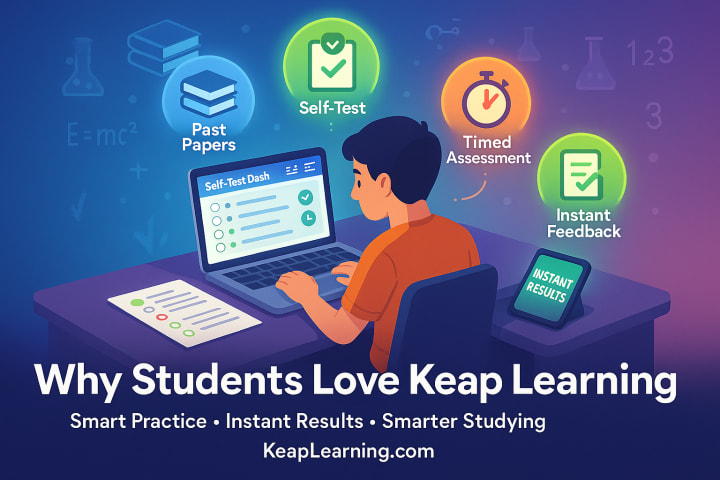
It’s not just about teachers. Students benefit too:
- Access to past papers and notes.
- Create self-tests for exam prep.
- Practice with real exam questions and timed assessments.
- Get instant grading and feedback.
Example: Preparing for a chemistry final? Instead of rereading chapters, you can generate 50 random MCQs from the bank, test yourself, and instantly see what you got wrong. That’s smarter studying.
Why It’s Perfect for Content Creators & Marketers
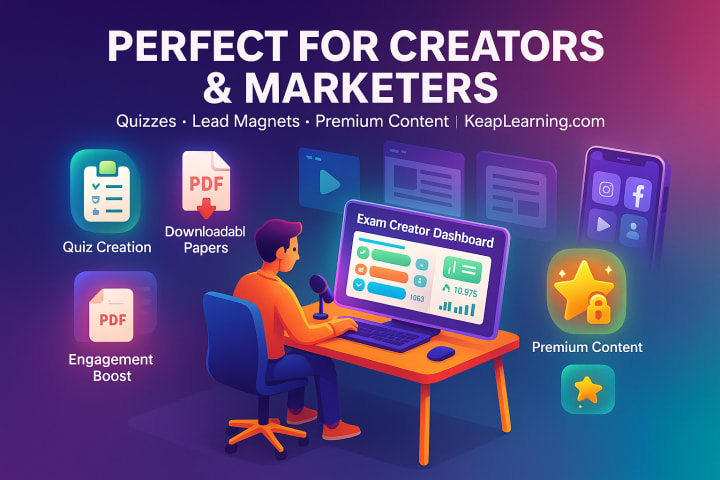
Exam prep content is massive in Pakistan and many other countries. Bloggers, YouTubers, and Instagram educators can:
- Create exam questions for their audience.
- Build downloadable practice papers as lead magnets.
- Share quizzes to boost engagement.
- Offer test solutions as premium content.
For content creators, Keap Learning makes educational content creation 10x easier.
Real-World Impact: Why Keaping Learning Matters for Pakistan
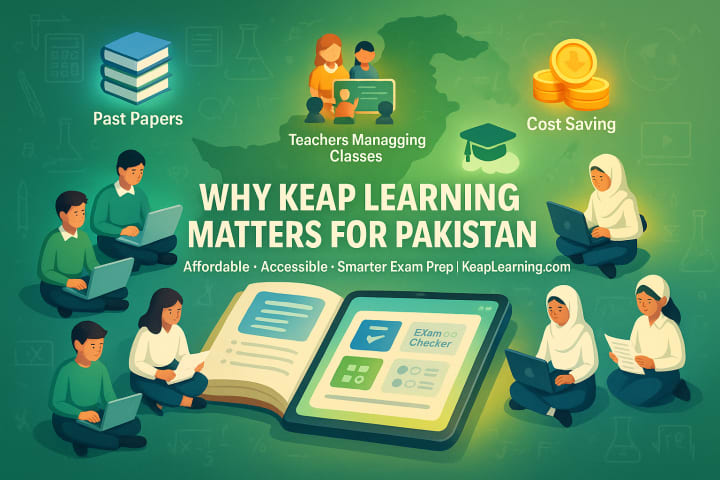
Education in Pakistan is heavily exam-focused. From board exams to MDCAT, ECAT, and CSS, success depends on practice and quality resources.
Keap Learning bridges the gap by:
- Providing access to past papers and exam resources.
- Helping teachers manage large classes with automated grading.
- Reducing costs on printing and manual work.
- Encouraging e-learning that’s practical and effective.
👉According to Pakistan Education Statistics 2023, over 40% of students struggle to access quality exam prep material. Tools like Keap Learning directly solve this problem.
Pro Tips to Get the Most Out of Keap Learning
- Start with one subject’s question bank before scaling.
- Mix formats: include MCQs, short answers, and long questions.
- Upload past papers into your bank for real-world practice.
- Use automated grading tools to save time.
- Always keap a backup of exam papers for reuse.
FAQs About Keap Learning
1. Can I create both MCQ and long question papers?
Yes. The platform supports MCQ banks, short answers, and long questions.
2. Is Keap Learning only for teachers?
No. Students can use it for self-testing, and content creators can use it for quizzes or downloadable exams.
3. How does the MCQ checker work?
You upload your answer key, and the system automatically grades all MCQs.
4. Can I use Keap Learning offline?
Yes. You can print or download papers to use offline.
5. Does it include past papers for Pakistan’s exams?
Yes. Keap Learning has a growing library of past papers, and you can also upload your own.
Conclusion: Ready to Simplify Exam Paper Creation?
Making exams does not have to feel like a burden. With Keap Learning, you have got a paper maker, exam management system, MCQ checker, and automated grading tool all in one.
Whether you are a teacher, student, researcher, or content creator, this platform saves time, reduces stress, and helps you focus on what really matters learning and results.
About the Creator
Numan Ajmal
I’m Numan Ajmal, a seasoned SEO Specialist and Digital Marketing Strategist, dedicated to helping businesses achieve top rankings on Google and other search engines.
Keep reading
More stories from Numan Ajmal and writers in Education and other communities.
This is what happens in your brain when you can't recall and word
You’re sure you know your third grade teacher’s name— it’s like you’re hovering over it in your mind, but it just won’t materialize. Researchers call this tantalizing torment a “tip-of-the-tongue state,” and it's something everyone experiences. But what's actually happening when a word gets caught here? And how can you best get it unstuck? Most of the time, our brains seamlessly summon words from vast stores of knowledge, paring their meaning and sounds, and stringing them into sentences.
By Munesh Yadava day ago in Education




Comments
There are no comments for this story
Be the first to respond and start the conversation.