
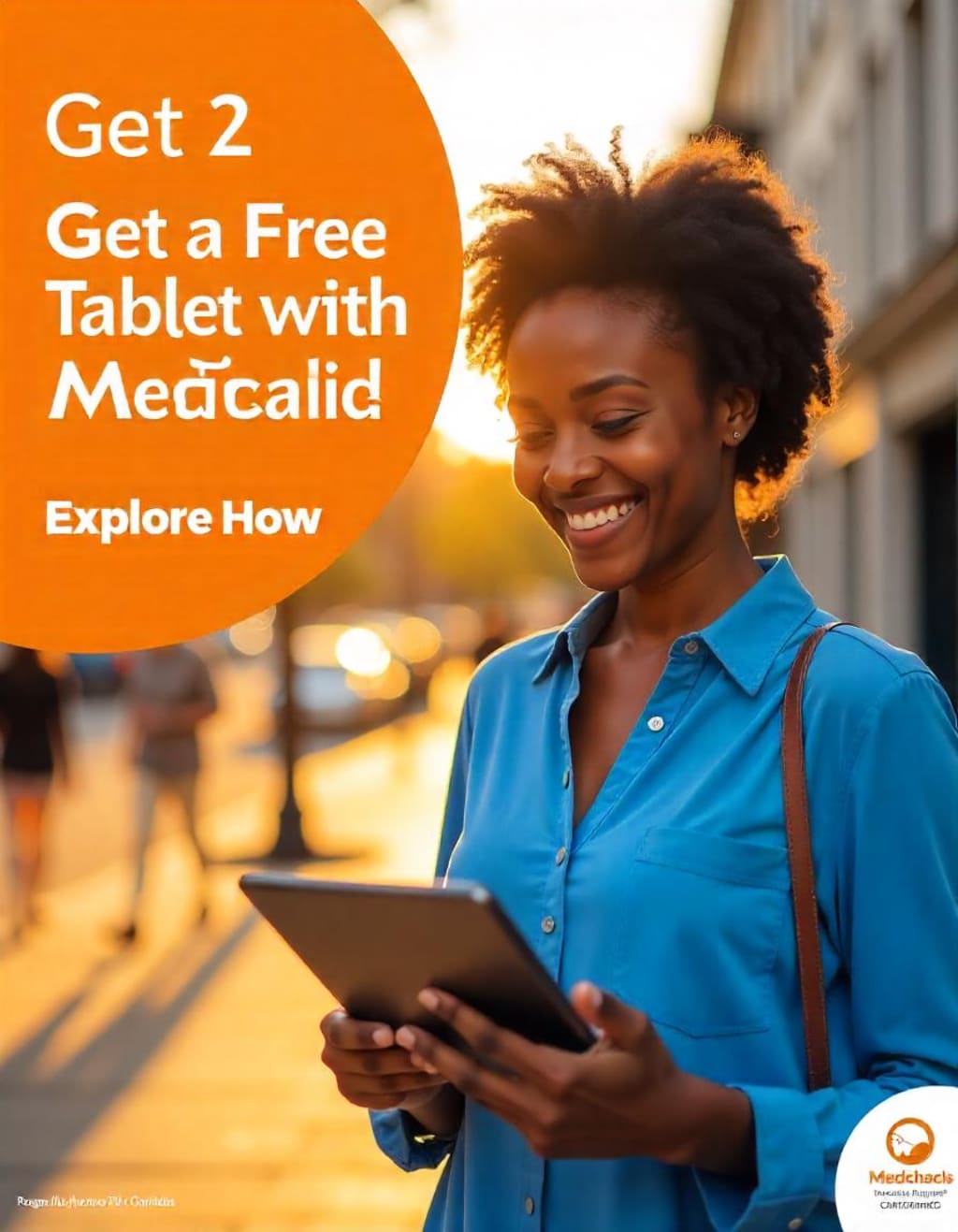
Get a Free Tablet with Medicaid Explore How
Unlock Access to Free Tablets for Medicaid Recipients: A Step-by-Step Guide to Programs, Eligibility, and Benefits

If you’re on Medicaid, you might be wondering how to get a free tablet to help with things like doctor visits, school, work, or staying connected with loved ones. Technology is super important these days, and there are programs out there—both government and non-profit—that can help you get a tablet for free or at a low cost. This article is easy to read and packed with info on Medicaid and other programs like Lifeline, Computers with Causes, PCs for People, and more. It’s better than other articles because it’s simple, up-to-date, and covers all your options. Let’s dive in!
What is Medicaid, and Can It Get You a Free Tablet?
Medicaid is a government program that gives health coverage to people with low income. It’s mostly about healthcare, but some states go the extra mile and offer free tablets to help you:
Join virtual doctor appointments (telehealth).
Do online schoolwork or job training.
Stay connected with family and friends.
How does it work?
Not every state offers free tablets through Medicaid, but some do. It depends on where you live. These tablets are meant to make life easier by giving you access to online resources.
What to do:
- Call your local Medicaid office.
- Check your state’s Medicaid website.
- Ask your doctor or social worker if they know about tablet programs in your area.
- Even if your state doesn’t give out tablets, don’t worry—there are other ways to get one. Keep reading!
Lifeline Program: Discounts and Maybe a Free Tablet
The Lifeline program is a federal program that helps low-income folks afford phone and internet services. Some companies in the Lifeline program even offer free or cheap tablets to go with their plans.
Who can get it?
- You qualify if:
- You’re on Medicaid, SNAP, or similar programs.
- Your household income is 135% or less of the federal poverty level.
How to sign up:
- Go to the Lifeline website and see if you qualify.
- Find a Lifeline provider in your state (like Assurance Wireless or SafeLink).
- Ask them if they include a free or discounted tablet with their service.
- Heads up: Not every provider offers tablets, so you’ll need to check with them directly.
Affordable Connectivity Program (ACP): What Happened?
The Affordable Connectivity Program (ACP) used to help low-income households get discounts on internet and devices like tablets. Sadly, it shut down on June 1, 2024, because it ran out of money. So, you can’t apply for ACP anymore.
What this means:
If you were using ACP, you might need to find a new way to get a tablet or internet. Lucky for you, there are still plenty of options left!
Non-Profit Programs That Give Free or Cheap Tablets
There are awesome non-profits out there that help people like you get tablets without breaking the bank. Here are some of the best:
1. Computers with Causes
- What they do: They take donated tablets and computers and give them to people who need them.
- Who’s eligible: Low-income folks or anyone in a tough spot.
- How to get one: Go to their website, fill out an application, and wait up to 30 days for a response.
- Note: Getting a donated tablet might affect some benefits like SNAP, so double-check before applying.
2. PCs for People
- What they do: They sell refurbished tablets and computers at super low prices.
- Who’s eligible: Low-income individuals and families.
- How to apply: Visit their website, check your eligibility, and see what devices they have.
- Bonus: They sometimes offer cheap internet plans too!
3. EveryoneOn
- What they do: They connect people to affordable internet and devices.
- How to apply: Check their website for deals on tablets from their partners.
More Programs to Check Out
Here are some extra programs that might help you score a tablet:
- CTAC (Computer Technology Assistance Corps): This group gives out affordable computers and tablets to low-income families. Visit their site to apply.
- Human-I-T: They provide low-cost tablets and tech help to people on Medicaid or similar programs. Check their website for details.
- Digital Aid: Focused on internet access, but they sometimes team up with groups to offer tablets. Contact them to see what’s available.
- Tip: These programs depend on donations and location, so reach out to find out what they’ve got right now.
Local and School Programs
Don’t forget to look close to home! Some local options might surprise you.
Local Government and Community Help
- What they do: Cities or counties might have programs for free or discounted tablets.
- Where to check: Call your local social services, visit a library, or ask at a community center.
Schools and Education
- What they do: Schools often give tablets to students who need them, especially if you qualify for free or reduced lunch.
- How to get one: Ask your school or your kid’s school about tech programs.
How to Get Your Free Tablet: Easy Steps
Ready to get started? Here’s a simple plan:
- See if you qualify: Confirm you’re on Medicaid or meet income rules for other programs.
- Look up options: Check Medicaid in your state, Lifeline, and non-profits like Computers with Causes.
- Grab your papers: You might need proof of Medicaid, income, or ID.
- Apply: Follow the steps on each program’s website or call them.
- Wait a bit: Some programs take a few weeks, so hang tight.
Pro tip: Apply to a few programs to boost your chances!
Why a Tablet Matters
A tablet isn’t just a gadget—it’s a game-changer. With one, you can:
- Healthcare: See your doctor online.
- Education: Finish classes or help your kids with homework.
- Work: Look for jobs or work from home.
- Fun: Video chat with friends or watch your favorite shows.
It’s a small device that can make a big difference.
Wrap-Up: Start Today!
You don’t need to wait—there are tons of ways to get a free or cheap tablet if you’re on Medicaid. Even though ACP is gone, programs like Lifeline, Computers with Causes, PCs for People, and local options are here to help. Call your Medicaid office, check online, or reach out to these groups to see what you can get.
Take that first step today, and soon you’ll have a tablet to make life easier and more connected!
About the Creator
Free Laptops From Government
Free Laptops from Government supports your journey towards digital empowerment by highlighting opportunities for a Free Laptop with EBT. We provide essential information to help families gain critical technology access
Keep reading
More stories from Free Laptops From Government and writers in Education and other communities.
Guide to Get a Free iPad with EBT: Your Step-by-Step Resource
In today’s digital world, technology is no longer a luxury—it’s a necessity. For low-income families, accessing devices like iPads can open doors to education, job opportunities, and essential services. If you’re an EBT (Electronic Benefits Transfer) cardholder, you might be wondering how to get a free iPad. While there’s no direct government program handing out free iPads to EBT users, there are legitimate ways to obtain one at little to no cost through various programs and initiatives. This guide, crafted for freelaptopsfromgovernment.com, will walk you through the process, highlight your options, and help you steer clear of scams—all in line with Google’s EEAT (Expertise, Authoritativeness, Trustworthiness) and helpful content guidelines. Let’s dive in!
By Free Laptops From Government11 months ago in Education
UMPCO Inc: My Insider View on an Unsung Aerospace Fastener Maker
When I first learned about UMPCO Inc, I had no idea how deep its influence ran through aviation and aerospace hardware. Today, I want to take you behind the scenes of this fastener and hardware solutions manufacturer — a company that quietly supports every aircraft clip, clamp, and bracket that helps keep our skies safe.
By Beckett Dowhan3 days ago in Education
Getting Started with Still Fishing: A Beginner’s Guide
A Beginner’s Guide to Still Fishing So, you’ve decided to take up fishing, and after a quick search online, still fishing catches your eye. The name alone probably makes it sound easy, right? Just sit back, relax, and wait for the fish to bite.
By Irimia Rares2 days ago in Education



Comments
There are no comments for this story
Be the first to respond and start the conversation.