
Expert Slides - The secret weapon for your presentations!
The best way to make beautiful slides.
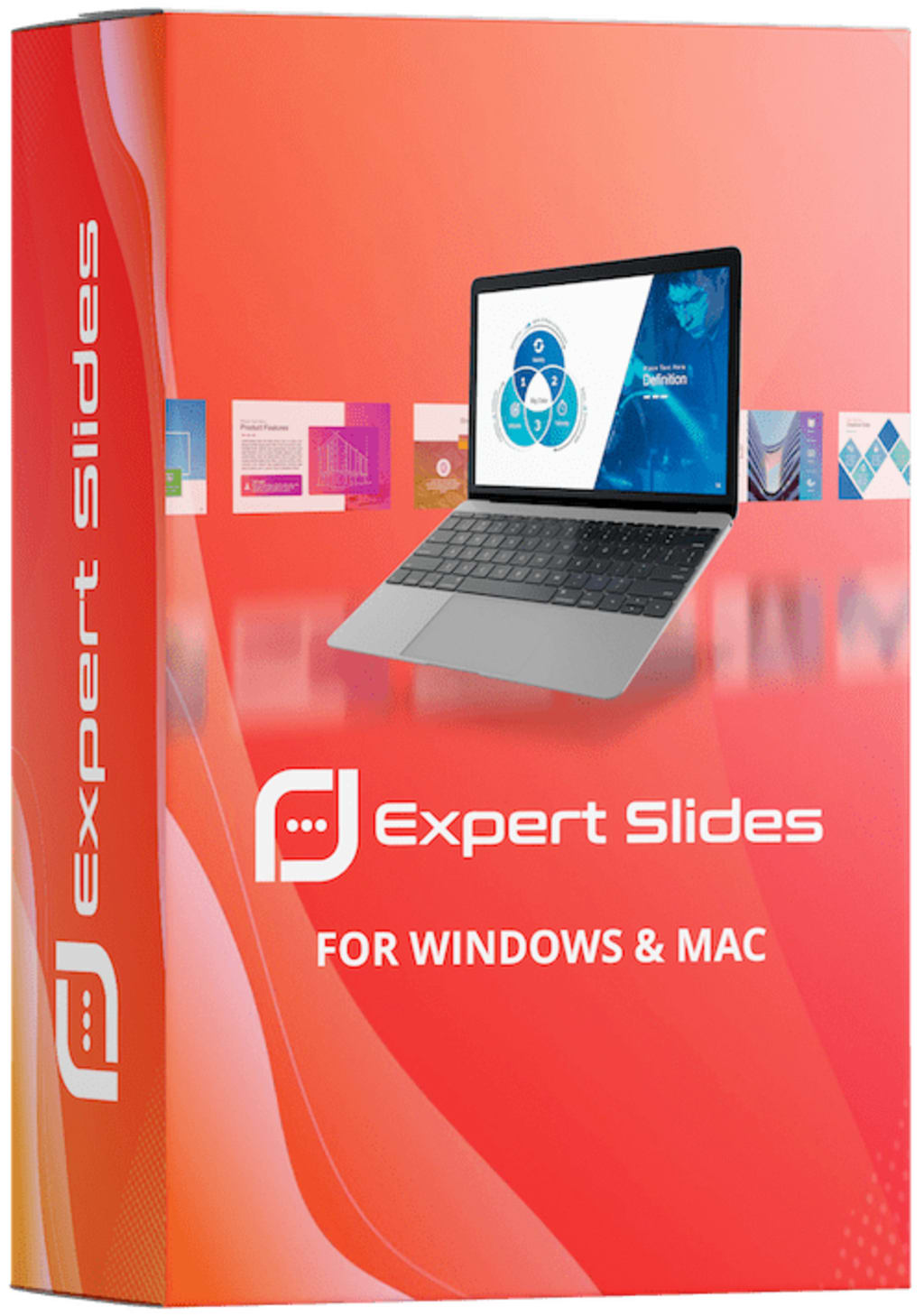
Expert Slides is a web-based presentation platform that claims to be a "secret weapon" for creating powerful and engaging presentations. In this review, we will take a closer look at the features and benefits of Expert Slides, as well as any potential drawbacks.
To start, it's worth noting that Expert Slides is a relatively new player in the presentation software market. However, its creators have worked hard to ensure that it can stand out from the competition. One of the most significant advantages of Expert Slides is its ease of use. Even those without much experience creating presentations can quickly create a professional-looking deck thanks to the platform's intuitive design and user-friendly features.
One of the most notable features of Expert Slides is the extensive range of templates and themes available. Users can choose from dozens of pre-designed templates, each of which can be customized to suit individual needs. The templates range from simple and minimalist designs to more complex and eye-catching layouts. Regardless of the type of presentation you need to create, you're sure to find a template that fits your needs.
Another feature that sets Expert Slides apart is the ease with which users can add multimedia elements to their presentations. The platform allows for easy integration of images, videos, and other media, allowing users to create dynamic and engaging slideshows. Additionally, Expert Slides includes a library of stock images and icons that users can use to add visual interest to their presentations.
Another standout feature of ExpertSlides is its collaboration capabilities. Users can share their presentations with others, allowing for easy collaboration and feedback. Multiple users can work on a presentation simultaneously, making it easy to create a cohesive and well-designed deck even when working with a team. Expert Slides also includes commenting and review features that allow for easy collaboration and feedback.
While Expert Slides offers many benefits, there are some potential drawbacks to consider. One potential issue is that the platform may not be suitable for those who require a high degree of customization. While users can customize templates and themes to some extent, the platform is not as flexible as other presentation software options, such as PowerPoint or Keynote. Additionally, the library of stock images and icons may not be sufficient for those who need more specific visual elements in their presentations.
Another potential drawback of Expert Slides is its pricing structure. While the platform offers a free trial, users must purchase a subscription to access all features. The cost of a subscription can be relatively expensive, particularly for those who only need to create presentations occasionally.
One of the significant advantages of Expert Slides is that it's a web-based platform, which means that users can access their presentations from any device with an internet connection. This feature is particularly beneficial for those who need to work remotely or collaborate with team members in different locations. Additionally, Expert Slides automatically saves users' work, eliminating the risk of losing valuable data due to technical issues.
Expert Slides also offers a variety of features that can help users create more engaging and interactive presentations. For example, the platform includes animation and transition effects, which can be used to add visual interest to slides and keep audiences engaged. Users can also add interactive elements, such as clickable buttons and links, to their presentations, allowing viewers to explore additional content or resources.
Another notable feature of Expert Slides is its analytics capabilities. The platform provides users with detailed analytics data, including information about how many people have viewed their presentations, which slides are most popular, and how long viewers spend on each slide. This information can be useful for those who need to track the effectiveness of their presentations or make data-driven decisions about future content.
Overall, ExpertSlides is a powerful and user-friendly presentation platform that offers many benefits for individuals and teams. While there are some potential drawbacks, such as limited customization options and a relatively high cost, the platform's ease of use, extensive library of templates and themes, and collaboration features make it a compelling option for those who need to create engaging and professional presentations quickly. If you're in the market for a presentation software platform that's both powerful and straightforward, Expert Slides is undoubtedly worth considering.
In conclusion, ExpertSlides is a robust and user-friendly presentation platform that offers many benefits. Its extensive library of templates, easy integration of multimedia elements, and collaboration features make it an excellent choice for those who need to create engaging and professional presentations quickly. While there are some potential drawbacks, such as limited customization options and a relatively high cost, Expert Slides is undoubtedly worth considering for those who value ease of use and efficiency. If you're looking for a presentation software platform that's both powerful and straightforward, Expert Slides is definitely worth trying out.
click here to find out the best way to make beautiful slides.
About the Creator
Keep reading
More stories from writers in Education and other communities.
Casie Hynes and the Push to Redefine Mathematics Education
Mathematics has always played a central role in education, yet it remains one of the most polarizing subjects students encounter. Some learners feel empowered by numbers and patterns, while others experience frustration and self-doubt early in their academic journey. Despite decades of discussion about reform, many math classrooms still rely on methods that emphasize memorization and speed over understanding and curiosity. In a world shaped by data, technology, and constant change, this approach no longer meets the needs of today’s students.
By Casie Hynes6 days ago in Education
The Silent Surge Mapping China USD 28.35 Billion E-Bike Future (2025–2033)
The 2025-2026 "Cash for Clunkers" Boom The most critical driver of market volume in the last 18 months has been the National Electric Bicycle Trade-In Program. Launched in late 2024 and expanded in early 2025, this government initiative aimed to replace millions of aging, lead-acid battery bikes with safer, lithium-ion, and smart-connected models.
By Neeraj kumar2 days ago in Education




Comments
There are no comments for this story
Be the first to respond and start the conversation.