
Digital Signage Solutions Supporting Communication in Schools
This article reflects my personal research and testing and is not sponsored

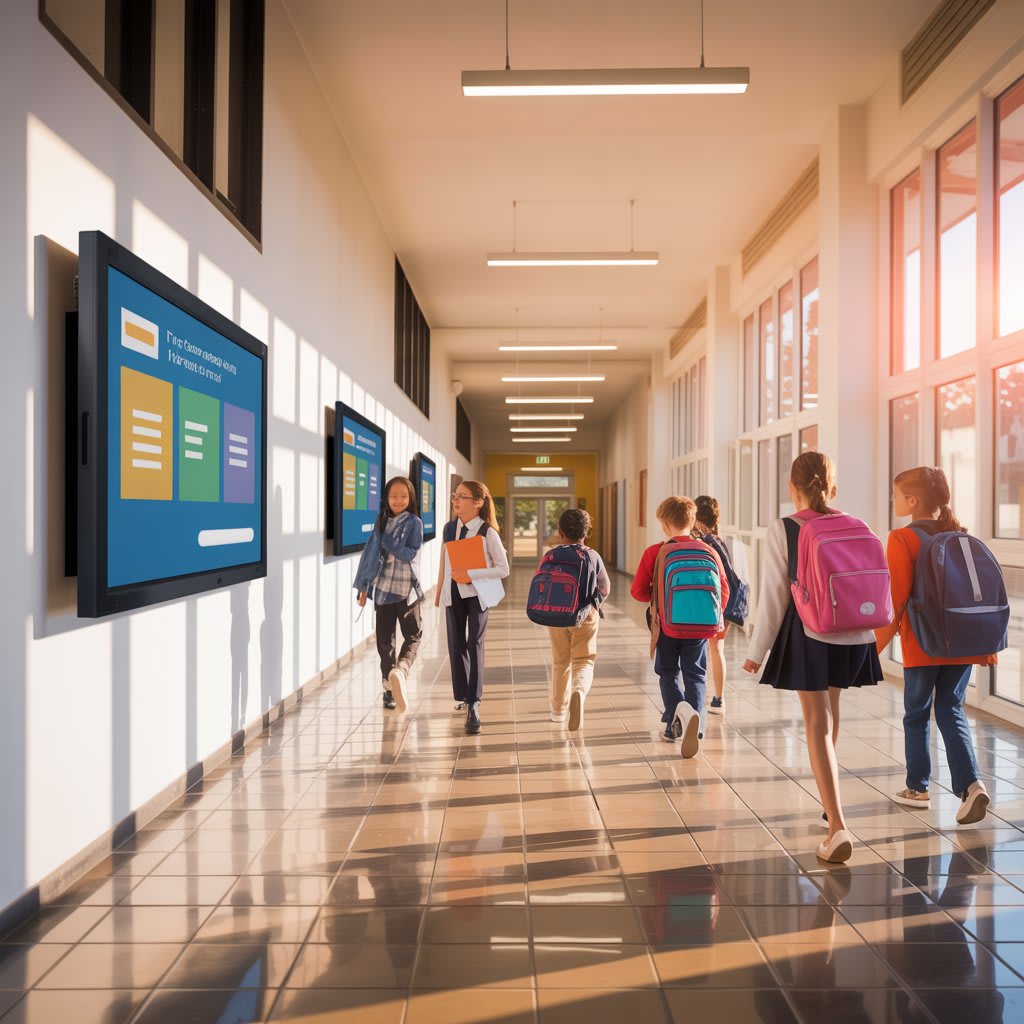
I still remember the chaos of my first week as a communications coordinator at a mid-sized university. Between emergency alerts that never reached students, event posters peeling off bulletin boards, and faculty members who couldn't find the right room for meetings, I realized our campus communication system was stuck in the 1990s. That experience changed how I think about information flow in educational settings.
The transformation I witnessed over the next three years—moving from paper flyers to dynamic digital displays—didn't just modernize our campus. It fundamentally changed how students, faculty, and visitors interacted with our space. This journey taught me that effective digital signage for education isn't about flashy technology; it's about creating seamless information pathways that serve real needs.
Why Traditional Communication Methods Fall Short
Walk through any school hallway today, and you'll notice students glued to their smartphones while walking past outdated bulletin boards. The disconnect is striking. Traditional static signage simply can't compete with the dynamic, real-time information students consume every minute.
During my time working with various educational institutions, I've identified three critical gaps: Information Decay (printed posters become outdated instantly), Engagement Vacuum (static content doesn't capture attention), and Accessibility Limitations (paper-based systems fail to accommodate diverse learning needs).
What Makes Digital Communication Effective in Educational Environments?
After evaluating dozens of implementations across K-12 schools, community colleges, and universities, I've learned that successful digital signage education systems share specific characteristics that set them apart from commercial applications.
Real-Time Responsiveness and Strategic Placement
The ability to update information instantly across multiple displays transforms crisis communication. During a severe weather event at one campus I worked with, administrators pushed shelter-in-place instructions to 47 screens simultaneously within seconds.
The most effective education digital signage implementations use a tiered approach: high-traffic areas display event calendars and news, academic corridors show schedules and announcements, administrative zones provide wayfinding, and designated displays handle emergency alerts.
How Do Schools Measure Success?
When I consult with educational institutions considering digital signage in education, they always ask about ROI. Educational settings require different measurement approaches than retail environments.
Beyond numbers, schools report enhanced campus culture through student work showcases, improved community feeling via social media integration, and increased accessibility for diverse populations.
Common Implementation Challenges
Honesty matters here: implementing digital signage solutions for schools isn't plug-and-play. After supporting multiple rollouts, I can tell you the obstacles most institutions face.
Content Management Complexity
Someone needs to own the content creation and scheduling. I've seen brilliant systems fail because nobody had dedicated time to keep displays updated.
This was actually my biggest headache until I found a cloud-based platform called AIScreen that changed everything. What struck me most was how it turned screen management into something as simple as posting on social media—no IT degree required. I could design announcements using their AI-powered templates, schedule content for multiple screens across campus, and the intelligent system even helped optimize when to show different content based on foot traffic patterns.
The fact that I could manage everything from my phone while grabbing coffee between meetings? That's what finally got our faculty actually using the system.
Successful implementations typically assign a primary content coordinator, department representatives, student workers, and clear approval workflows.
Technical and Adoption Hurdles
Many older school buildings weren't designed for digital displays, creating challenges with electrical capacity, network connectivity, and mounting restrictions. Beyond infrastructure, technology alone doesn't change behavior. The most successful digital signage for education rollouts include faculty training sessions, student competitions for screen design, and regular surveys to assess what information users actually want.
Essential Features for Educational Settings
After testing various platforms, I've developed strong opinions about must-have capabilities versus nice-to-have features.
Must-Have Capabilities:
- Multi-user content management with role-based permissions
- Scheduling flexibility that adapts throughout the day
- Emergency override for critical alerts
- Mobile content submission for staff convenience
Features That Enhance Value:
- Social media integration from official accounts
- Weather and news feeds relevant to campus
- Integration with school information systems
- Analytics showing content engagement
- Accessibility features including text-to-speech
Starting Small and Scaling Effectively
Avoid the "big bang" approach. The most successful implementations start with 3-5 displays in high-impact locations, focus on solving one specific communication problem, and gather feedback intensively before expanding strategically.
The Future of Campus Communication
Working in this space, I see several emerging trends that will reshape digital signage education: AI systems that automatically adjust content based on audience and timing, increased touchscreen interactivity for wayfinding, sustainability-focused energy-efficient displays, and hyper-personalization that delivers customized content to students' phones.
Making It Work for Your Institution
If there's one insight I want to share from years of working with educational institutions, it's this: successful digital signage for education is about people first, technology second.
The systems that transform campus communication are those implemented with clear purpose, maintained with consistent attention, and adapted based on genuine user feedback. When I visit campuses now, I can tell within minutes whether their digital displays are working—it's about whether students actually look at them and whether the information serves real needs.
The schools getting it right have displays that feel like natural parts of their environment—informative without being intrusive, helpful without being overwhelming. That's the standard worth aiming for with any digital signage in education, and it's entirely achievable with thoughtful planning.
Whether you're exploring digital signage solutions for schools at a small K-12 level or upgrading an existing university system, the principles remain consistent: know your audience, solve real problems, start strategically, measure outcomes, and iterate based on what you learn.
About the Creator
Jerry Kane
Jerry Kane is a marketing professional focused on digital signage, trends, and audience behavior. He translates market shifts into clear, engaging brand strategies.
Keep reading
More stories from Jerry Kane and writers in Education and other communities.
How Digital Menu Boards Can Simplify Operations in Hospitality
I'll be honest—when I first heard about digital menu boards, I thought they were just fancy screens that made restaurants look modern. But after spending time researching how they actually work in real hospitality environments, I realized they're solving problems I didn't even know existed.
By Jerry Kane 2 months ago in Education
Generosity Without Boundaries: Advancing Equity Through Philanthropy
Philanthropy has always played a meaningful role in shaping societies and improving the lives of individuals in need. From supporting educational programs to funding healthcare initiatives, acts of giving have helped communities overcome many challenges. In today’s diverse world, however, philanthropy is taking on a deeper purpose. It is increasingly focused on equity—ensuring that resources and opportunities are distributed fairly among people from different backgrounds and circumstances.
By John Olin Killgorea day ago in Education


Comments
There are no comments for this story
Be the first to respond and start the conversation.