
BIOS AND UEFI
METHOD TO UNDERSTAND THE DIFFERNCE BIOS AND UEFI WITH FILE SYSTEM
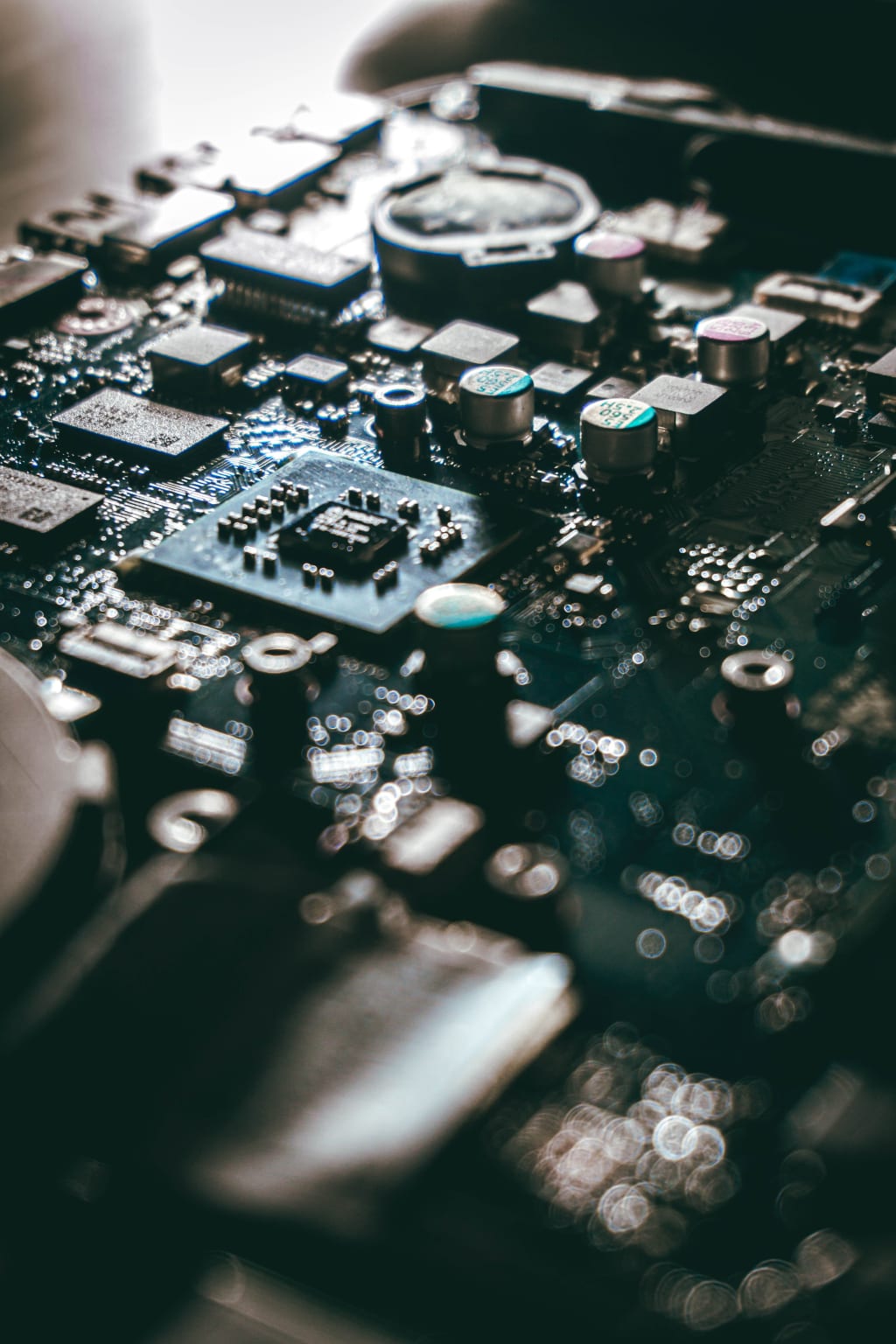
BIOS (Basic Input/Output System) and UEFI (Unified Extensible Firmware Interface) are two types of firmware interfaces that play a crucial role in booting up a computer and initializing the hardware components before the operating system takes over.
BIOS (Basic Input/Output System):
BIOS is the older, traditional firmware interface used in older computer systems. It was first introduced in the early 1980s. The BIOS is stored on a small chip on the motherboard and is responsible for the initial hardware setup and system configuration during the boot process. Some key characteristics of BIOS include:
Boot Process: When you turn on your computer, the BIOS is the first software that gets executed. It performs a Power-On Self Test (POST) to check if all essential hardware components are functioning correctly.
Firmware: BIOS is a type of firmware, which means it is software that is permanently stored in hardware. It is non-volatile and retains its settings even when the power is off.
Limited Features: Traditional BIOS has limited functionality and a text-based user interface. It typically allows users to configure basic system settings such as boot order, date, time, and some hardware parameters.
Legacy Support: BIOS lacks advanced features and may have difficulty handling newer technologies such as large hard drives, modern graphics cards, and other advanced hardware.
UEFI (Unified Extensible Firmware Interface):
UEFI is the modern successor to BIOS. It was introduced to overcome the limitations of BIOS and provide more flexibility and functionality during the boot process. UEFI has been in use since the early 2000s and has become the standard firmware for most modern computers. Some key characteristics of UEFI include:
Boot Process: UEFI follows a more modular and flexible approach to the boot process. It initializes hardware components and provides a set of drivers for peripherals and devices before handing control over to the operating system.
Firmware: UEFI is also firmware, but it is more advanced and capable than BIOS. It offers a wider range of features and can be updated and extended over time, allowing for more versatility.
Graphical User Interface: UEFI often provides a graphical user interface (GUI) during boot, allowing users to configure settings using a mouse and keyboard. This makes it more user-friendly compared to the text-based BIOS.
Secure Boot: UEFI includes Secure Boot, a security feature that ensures only trusted software, signed with valid digital signatures, can run during the boot process. This helps protect against malware and unauthorized operating systems.
GPT Support: UEFI natively supports the GUID Partition Table (GPT) partitioning scheme, which allows for larger disk sizes and more partitions compared to the older MBR (Master Boot Record) scheme used by BIOS.
Overall, UEFI offers more advantages and is the preferred firmware interface for modern computers due to its enhanced features, improved performance, and better security. While some older systems still use BIOS, most newer computers come with UEFI firmware.
MBR AND GPT
MBR (Master Boot Record) and GPT (GUID Partition Table) are two different partitioning schemes used on storage devices like hard drives and solid-state drives (SSDs) to manage the layout and organization of data on the disk. Each scheme has its own advantages and limitations.
MBR (Master Boot Record):
MBR is an older partitioning scheme and has been used traditionally on BIOS-based systems (not UEFI) for many years. It uses a 32-bit partition table and can support up to four primary partitions or three primary partitions and an extended partition containing multiple logical partitions. Some key points about MBR include:
Limitations: MBR has a limitation on the maximum partition size it can address, which is 2 terabytes (TB). Additionally, due to its structure, MBR cannot handle more than four primary partitions directly. To create more partitions, an extended partition must be used, which can lead to complexity.
Compatibility: MBR is well-supported by older operating systems and BIOS-based systems. However, it may not be compatible with newer hardware and modern systems that use UEFI (Unified Extensible Firmware Interface) instead of BIOS.
GPT (GUID Partition Table):
GPT is a newer and more advanced partitioning scheme designed to overcome the limitations of MBR. It is part of the UEFI specification and is commonly used on modern systems and larger storage devices. Some characteristics of GPT include:
Larger Disk Support: GPT allows for significantly larger partition sizes and can handle disks larger than 2 TB without any issues. It uses 64-bit addressing, which allows for a theoretical maximum partition size of 9.4 zettabytes (ZB).
Number of Partitions: GPT supports up to 128 partitions by default, though this number can be increased if necessary.
Data Redundancy: GPT stores a backup of the partition table at the end of the disk, enhancing data redundancy and making it more resilient against data corruption.
Compatibility: While GPT is more modern and has many advantages, it may not be compatible with older operating systems or BIOS-based systems. To boot from a GPT disk, the system needs to support UEFI.
In summary, GPT is the recommended partitioning scheme for modern systems, especially those with large drives, due to its ability to handle bigger disk sizes, support more partitions, and provide better data redundancy. However, if you have specific compatibility requirements with older systems or BIOS-based setups, MBR might still be necessary.
About the Creator
Keep reading
More stories from writers in Education and other communities.
Top Website Monetization Platforms to Maximize Your Revenue in 2026
Website monetization platforms are tools that help website owners generate revenue from their traffic. These platforms support different monetization models, including programmatic advertising, affiliate marketing, sponsored content, and performance-based ads.
By Iryna Podliesna4 days ago in Education
What Is Dark Energy and Why Is It Accelerating the Universe?
This discovery shocked scientists in the late 1990s and overturned everything we thought we knew about cosmic evolution. Gravity, which should slow expansion, appeared to be losing the battle. Some mysterious force was pushing the universe apart.
By shahkar jalal7 days ago in Education




Comments
There are no comments for this story
Be the first to respond and start the conversation.