
Best Touch Screen Laptops
Discover the best touch screen laptops offering smooth performance, responsive displays, and flexible designs perfect for work, study, creativity, and everyday use.

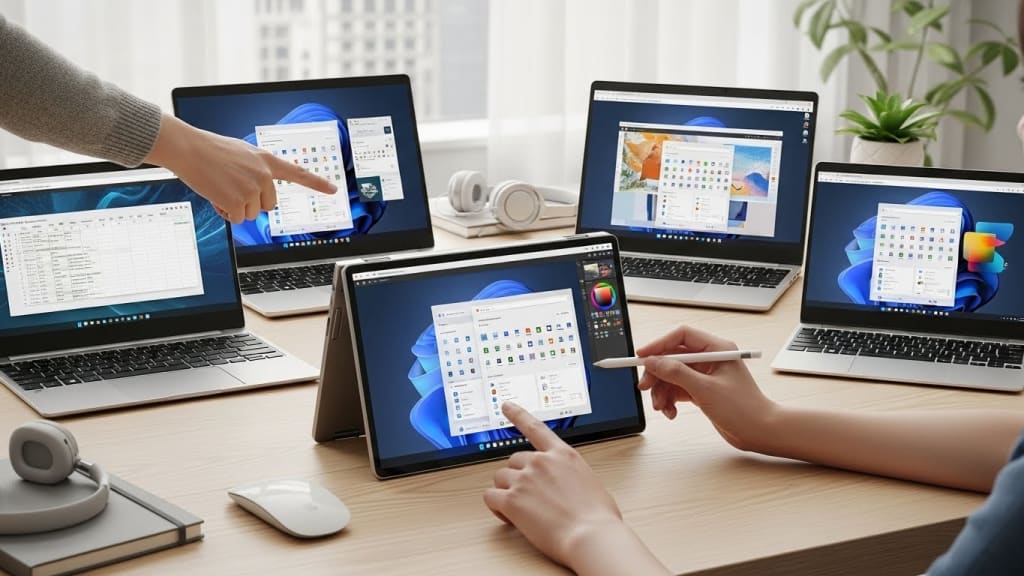
Touch screen laptops aren’t just cool anymore they’re practical. Whether you’re taking notes, sketching ideas, watching content, or working on the go, a good touch screen laptop makes everything faster and easier.
But not all touch laptops are worth your money. In this blogpost, I’m breaking down the best touch screen laptops, from budget-friendly options to premium two-in-one machines.
These picks are based on real performance, display quality, flexibility, and everyday usability.
And make sure you stay till the end, because I’ll share a simple buying guide to help you choose the right touch screen laptop for your needs.
Best Value: Lenovo Flex 5

This laptop is one of the best all-around touch screen laptops for everyday use. It delivers smooth performance for work, study, streaming, and light creative tasks. The Ryzen Five processor handles multitasking well, while the generous memory keeps everything running smoothly.
The Full HD touchscreen looks sharp and responds quickly to touch, making scrolling, tapping, and drawing feel natural. The Three Hundred Sixty-degree hinge lets you switch between laptop, tent, stand, and tablet modes easily.
The webcam privacy shutter is a big plus for remote work and online classes. This laptop is perfect for students, office workers, and anyone who wants flexibility without overspending.
Best Premium: Lenovo Yoga 9i

This is a luxury touch screen laptop built for people who want top-tier design and performance. Everything about it feels premium, from the solid build to the smooth hinge and stunning OLED display.
Colors look rich and vibrant, making it great for creative work, media consumption, and presentations. Performance is fast and responsive, even when multitasking or running demanding apps.
The included Lenovo Slim Pen makes note-taking and sketching feel natural and precise. Video calls look sharp thanks to the high-resolution camera, and the keyboard is comfortable for long typing sessions.
This laptop is ideal for professionals, creators, and users who want power, beauty, and flexibility in one device.
Best Budget: Lenovo IdeaPad 3
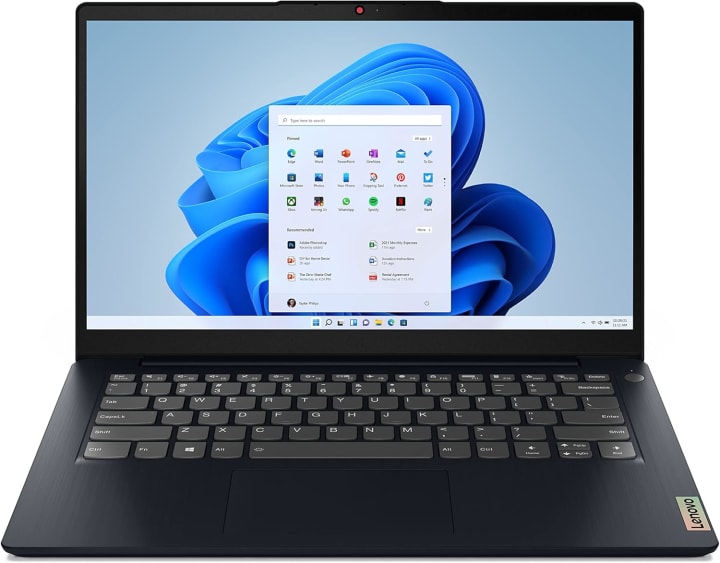
This laptop offers solid everyday performance at an affordable price. It handles browsing, documents, video calls, and streaming without issues. The touch screen adds convenience for navigation, especially for casual users.
Battery life is reliable for daily tasks, and the webcam privacy shutter is a nice bonus. While it’s not designed for heavy creative work, it’s more than capable for school, office tasks, and home use.
This is a great choice for students, beginners, or anyone who wants a basic touch screen laptop that simply works.
Best Runner-Up: Dell Inspiron 14

This laptop strikes a great balance between performance and portability. It runs smoothly during multitasking, video meetings, and productivity work.
The touch screen is bright, sharp, and comfortable to use for long periods. The Two-in-One design lets you switch modes easily depending on how you’re working. Battery life is strong, and the keyboard feels solid for daily typing.
This laptop is ideal for professionals, remote workers, and students who want flexibility without jumping to premium pricing.
Best High-End: Lenovo Yoga 7i
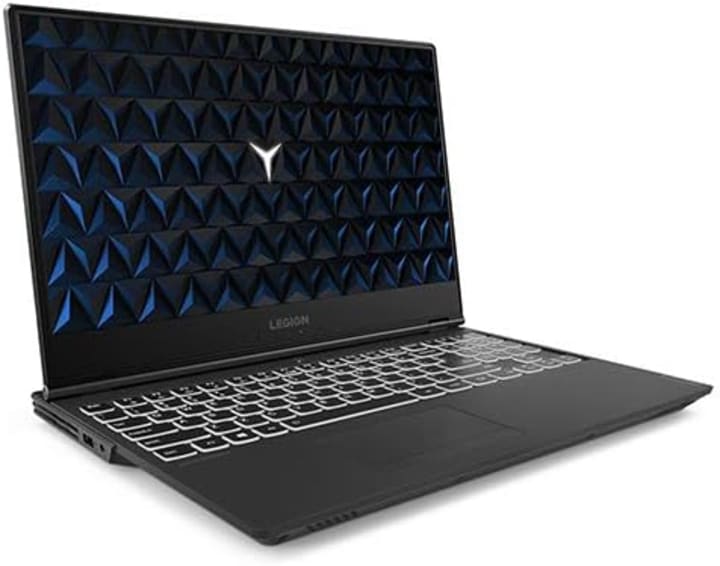
This laptop is perfect if you want a larger touch screen without sacrificing portability. The big display gives you more space for multitasking, drawing, and media consumption.
Performance is fast and stable for daily work, light creative tasks, and productivity apps. The build quality feels solid, and the hinge is smooth and reliable.
The included stylus adds extra value for note-taking and creative work. This laptop is best for users who want a spacious screen with touch support for work and entertainment.
Best Affordable: Lenovo IdeaPad Duet 5

This detachable touch screen Chromebook is perfect for users who want something ultra-portable. It works great as a tablet for browsing and streaming, then transforms into a laptop when you need to type.
The OLED display looks excellent, and battery life easily lasts all day. Performance is smooth for web-based work, online classes, and media consumption.
This is ideal for students, travelers, and casual users who live mostly in the browser and want a lightweight setup.
Best Cheap: Acer Chromebook Plus 514
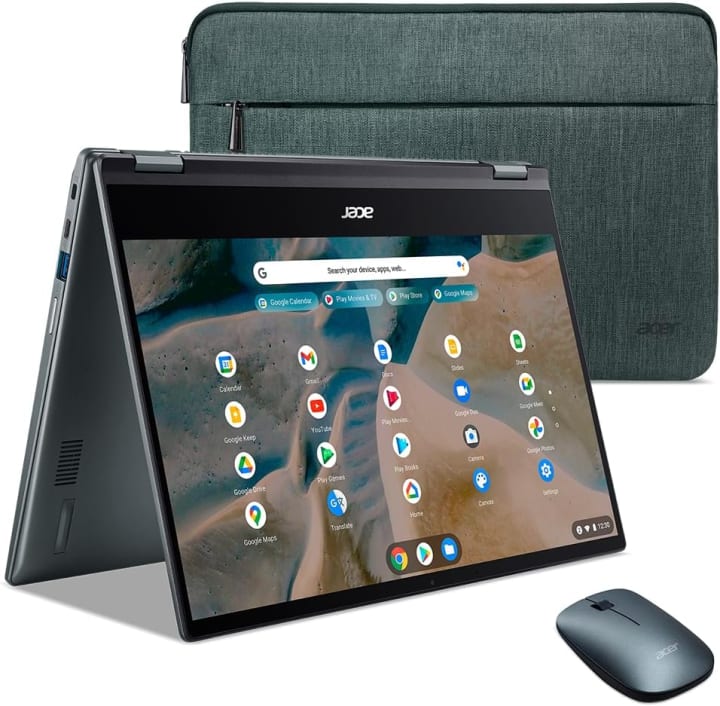
This Chromebook is a solid choice for basic touch screen needs. It runs Chrome OS smoothly, boots fast, and handles everyday tasks with ease.
The touch display is responsive and easy to use, even in bright environments. Battery life is good for a full day of work or study.
Built-in security features make it worry-free, especially for students and families. This laptop is best for light work, online tools, streaming, and school use on a budget.
Buying Guide
Before you buy, here’s what you should consider:
First, make sure the touch screen is responsive and bright enough for daily use. Second, choose enough memory for smooth multitasking. Third, think about flexibility a Two-in-One design adds real value.
And finally, battery life matters if you work or study on the go.
Conclusion
To wrap it up, the Lenovo Flex Five is the best value for most users. If you want a premium experience, the Lenovo Yoga Nine i is hard to beat. For budget buyers, the IdeaPad Three and Chromebook options deliver solid performance.
About the Creator
Home Care Ranks
Home Care Ranks provides trusted reviews, in-depth buying guides, and expert information to help you choose the best products for your home. From cleaning tools to appliances, we rank what matters for smarter home care decisions.
Keep reading
More stories from Home Care Ranks and writers in Education and other communities.
Why Stars Near the Horizon Look Distorted
The Role of Earth’s Atmosphere When starlight travels toward Earth, it moves through the vacuum of space without interference. However, once it enters Earth’s atmosphere, it must pass through layers of gases, dust, water vapor, and temperature variations.
By shahkar jalal4 days ago in Education
A Planetary Alignment will coincide with Mercury Retrograde
Double phenomena in the heavens Some people say in jest that the planets have aligned in their favor when life works the way they desire. Were you aware that there are seasons when things do line up in the heavens? There will be a planetary alignment AKA a planet parade, on February 28, 2026.
By Cheryl E Preston5 days ago in FYI




Comments
There are no comments for this story
Be the first to respond and start the conversation.