
Best Laptop for Drawing
Discover the best laptops for drawing powerful, color-accurate, and optimized for artists and designers with stylus support.

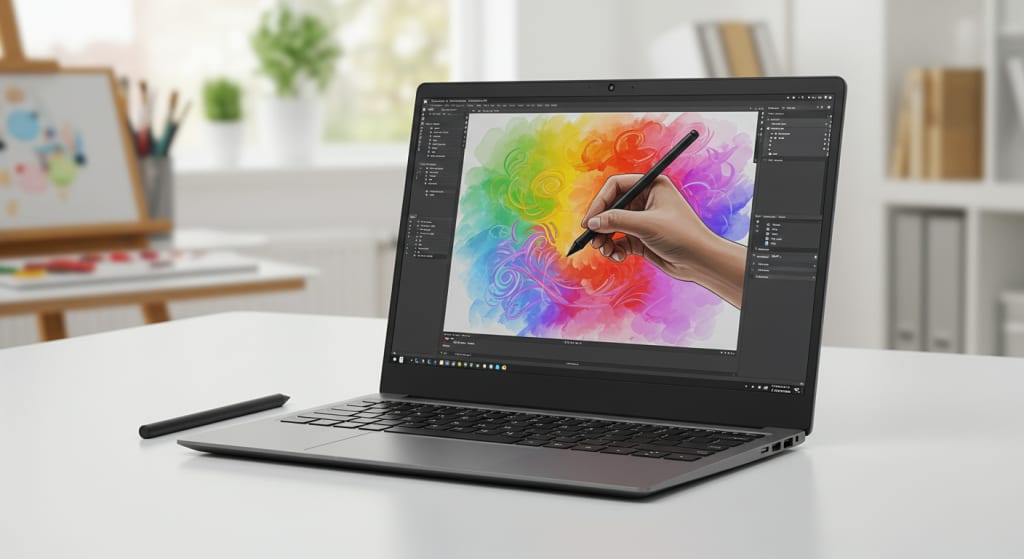
Drawing, in its essence, is the visual language of expression and in today’s digital world that language thrives on technology.
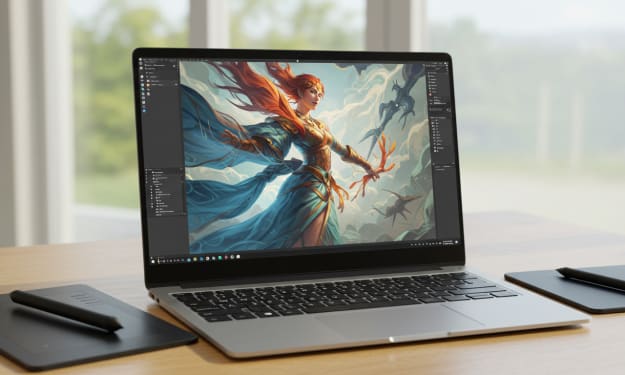
Laptops have become essential tools for artists who want the freedom to create anytime, anywhere.
Whether you’re sketching concepts, editing illustrations, or animating frames, choosing the right laptop can significantly influence your creative process.
But with so many options out there, finding a device that balances power, precision, and portability isn’t always easy.
That’s why we’ve curated this guide to help you discover the best laptops for drawing, tailored to fit your artistic needs.
From display quality to processor speed and graphics performance, we’ll walk you through the top contenders that bring your vision to life, pixel by pixel.
Best Value: ASUS ZenBook Duo 14
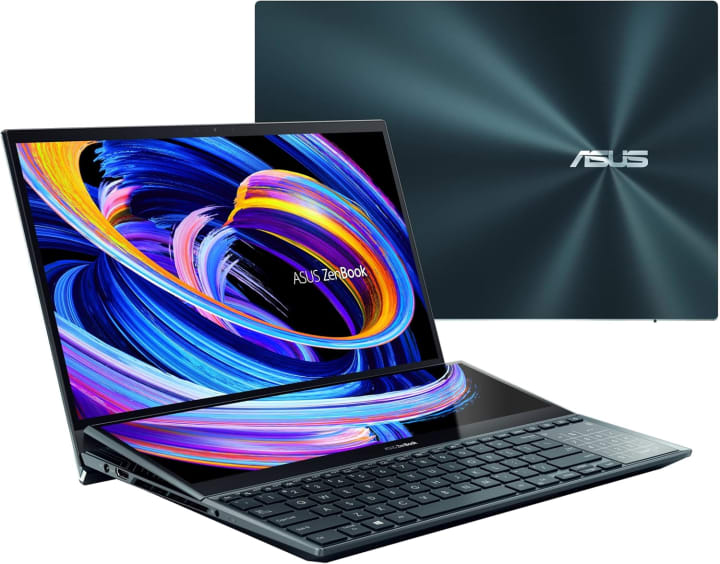
The ASUS ZenBook Duo 14 UX482 is a productivity powerhouse built for creatives. Its unique Tilting ScreenPad Plus a 12.6-inch matte touchscreen gives artists an extended canvas for multitasking, sketching, and working across apps.
Paired with a vivid 14-inch Full HD NanoEdge main touchscreen display, this laptop offers both visual immersion and precision control.
Powered by the 11th Gen Intel Core i7 processor and Intel Iris Xe graphics, it delivers smooth performance for drawing, editing, and rendering tasks.
You also get a fast 512GB SSD and 8GB RAM to keep things running fluidly. Whether you’re an illustrator juggling multiple layers or a designer sketching concepts on the go, the ZenBook Duo’s dual-display setup and powerful internals make it an excellent value choice for digital artists who thrive on efficiency and innovation.
Best Premium: Dell XPS 13
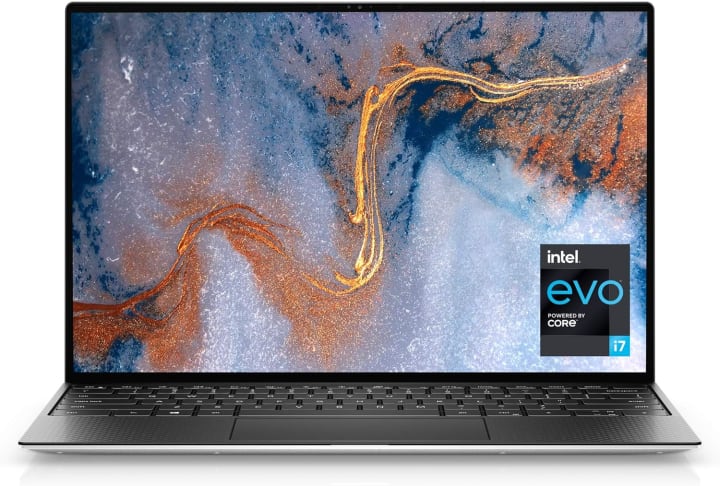
If you’re looking for premium craftsmanship combined with top-tier performance, the Dell XPS 13 9310 won’t disappoint.
Featuring a stunning 3.5K OLED touchscreen display with pinpoint color accuracy, every stroke and shade comes to life in ultra-sharp detail perfect for artists and illustrators who demand visual fidelity.
It’s equipped with the 11th Gen Intel Core i7 processor, 32GB of RAM, and a massive 2TB SSD, delivering unbeatable multitasking power and speed. Intel Iris Xe graphics handle design software with ease, while Wi-Fi 6 ensures lightning-fast connectivity.
With a sleek, ultra-thin design and advanced thermal engineering to prevent overheating during intensive sessions, the XPS 13 is ideal for professionals who need performance without compromise.
Whether you’re editing high-resolution illustrations or working with complex visual projects, this laptop offers the clarity, power, and portability creative professionals crave.
Best Budget: Lenovo IdeaPad 5
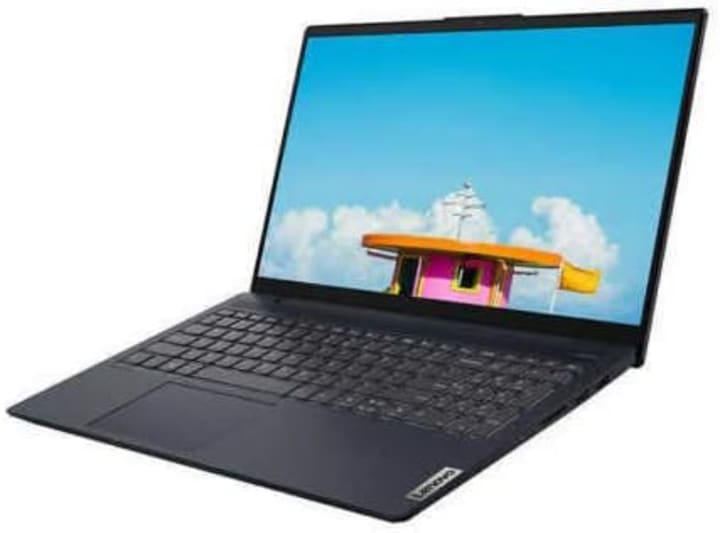
For artists on a budget, the Lenovo IdeaPad 5 15.6 offers a solid combination of affordability and functionality.
Powered by an Intel i7-1165G7 processor and 12GB of RAM, this laptop handles most drawing applications and editing software without lag.
The 15.6-inch Full HD IPS touchscreen delivers bright colors and clear visuals, giving you the screen space and sensitivity you need for detailed work.
With a 512GB SSD, you get fast data access and enough room to store large files and art projects. Intel Iris Xe graphics ensure smoother performance across drawing and creative tools.
Additional features like a backlit keyboard, fingerprint reader, and Windows 10 Home OS enhance usability, while its sleek design makes it easy to take on the go.
It’s the perfect entry-level machine for hobbyists, students, or beginner digital artists who want capable performance without breaking the bank.
Best Runner-Up: Apple MacBook Pro M1 Pro
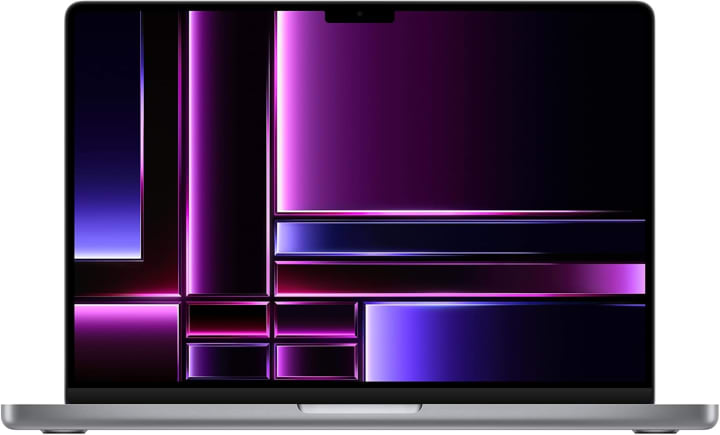
The Apple MacBook Pro with M1 Pro chip is a game-changer for artists in the Apple ecosystem. With a stunning 14.2-inch Liquid Retina XDR display and true-to-life color calibration, this machine is tailor-made for precision work in illustration, digital painting, and design.
Its M1 Pro chip, paired with 16GB of unified RAM and a 1TB SSD, delivers lightning-fast performance, fluid multitasking, and instant app launches.
Whether you're working with Procreate, Photoshop, or Final Cut, you’ll experience seamless operation with minimal loading times.
Its battery life stretches up to 17 hours, and macOS Monterey ensures smooth compatibility with creative software.
Plus, its slim, anti-glare coated body makes it a stylish yet powerful tool for creatives who value performance and portability.
If you’re serious about your art and want Apple reliability, this one’s a top-tier choice.
Best High-End: Dell G16
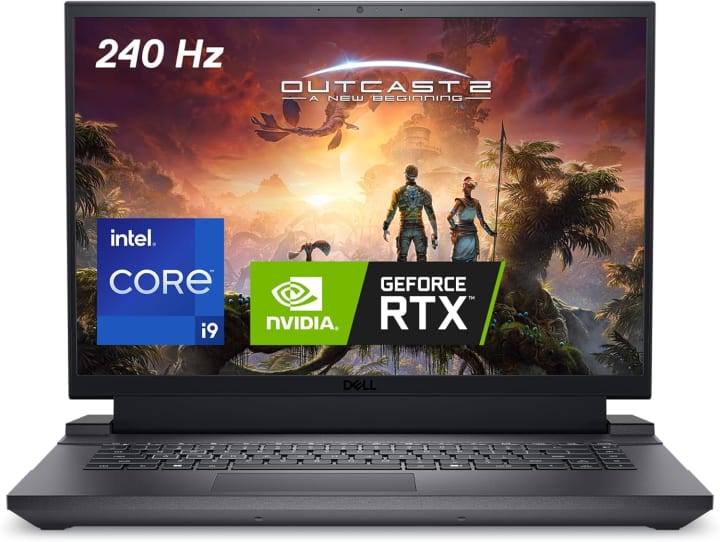
The Dell G16 7630 is a high-performance beast built for power-hungry creators. Fueled by a 13th Gen Intel Core i9 processor and NVIDIA GeForce RTX 4070 graphics, it handles everything from 3D modeling to real-time rendering with zero compromise.
The 16-inch QHD+ display with a 240Hz refresh rate delivers crystal-clear visuals and fluid transitions, making your artwork appear as natural as it does in your imagination.
With 16GB of DDR5 RAM and a massive 1TB SSD, you can load, edit, and store large design files without breaking a sweat.
Thermal control is handled by an Alienware-inspired cooling system to maintain peak performance during long creative sessions.
Whether you're into graphic design, digital illustration, or animation, the G16 is for professionals who need uncompromising speed and graphical power in a sleek, gaming-inspired chassis.
Best Affordable: Lenovo Flex 5
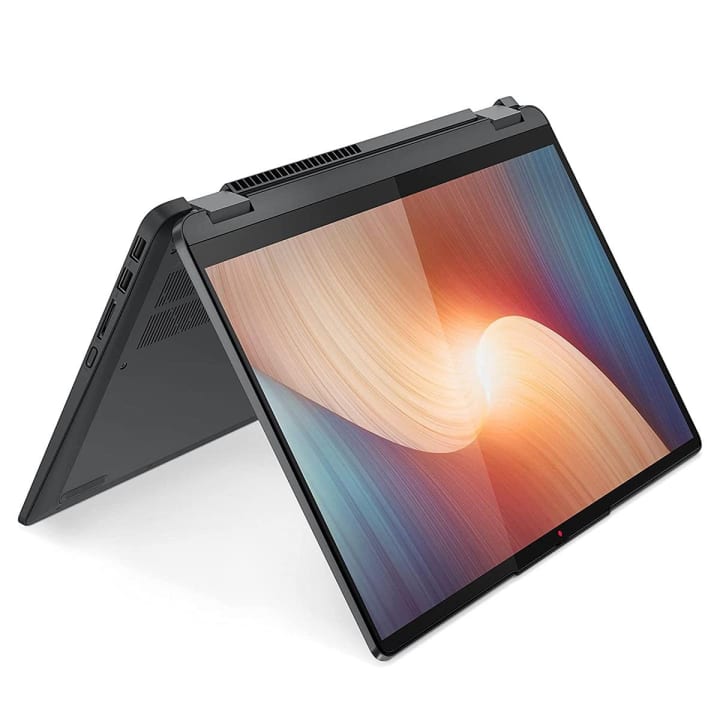
For those seeking an affordable yet capable drawing companion, the Lenovo Flex 5 14 is a smart and stylish 2-in-1 option.
Its 14-inch WUXGA touchscreen delivers crisp detail and vibrant color, while the included fingerprint reader and backlit keyboard add convenience and comfort.
Powered by the AMD Ryzen 5 5500U processor and supported by 16GB RAM and a 512GB SSD, it offers smooth performance across drawing and editing applications.
With its lightweight frame, flexible hinge, and durable design, you can easily switch between laptop and tablet modes ideal for digital sketching.
Plus, its long battery life and solid port selection, including USB 3.2 and HDMI, make it great for creatives on the move.
Whether you're a student or an emerging artist, the Lenovo Flex 5 is a reliable option that doesn’t sacrifice quality for cost.
Best Cheap: Acer Spin 5
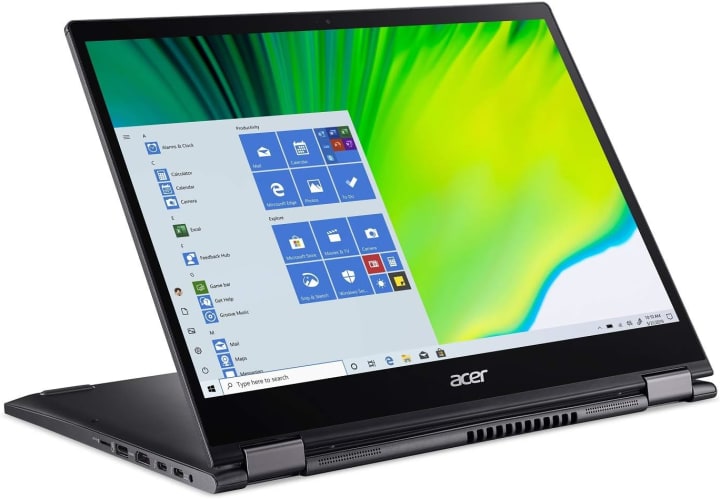
The Acer Spin 5 Convertible is an excellent choice for budget-conscious artists who still want versatility and power.
It features a 13.5-inch 2K VertiView touchscreen with a 3:2 aspect ratio offering more vertical space, which is perfect for sketching and editing.
Powered by a 10th Gen Intel Core i5 processor, 8GB of RAM, and a 256GB SSD, it delivers respectable performance for light to moderate drawing workloads.
The included rechargeable Acer Active Stylus, built with Wacom AES 1.0 technology, provides precise pen input, making it ideal for note-taking, sketching, or coloring.
With Wi-Fi 6, a backlit keyboard, and up to 15 hours of battery life, it's a lightweight, portable companion for creators who don’t want to compromise on essential features.
If you’re just starting out or need a secondary device, the Spin 5 offers solid value and functionality.
Conclusion
No matter your artistic style or budget, there’s a laptop on this list to match your creative flow.
From premium powerhouses to budget-friendly gems, each of these devices is designed to enhance your drawing experience.
Choose the one that fits your needs and let your imagination come to life anytime, anywhere.
About the Creator
Home Care Ranks
Home Care Ranks provides trusted reviews, in-depth buying guides, and expert information to help you choose the best products for your home. From cleaning tools to appliances, we rank what matters for smarter home care decisions.
Keep reading
More stories from Home Care Ranks and writers in Education and other communities.
Best Laptop for Digital Art
In the vibrant world of digital art, the right laptop can be your greatest creative ally. Whether you're sketching breathtaking illustrations, designing compelling graphics, or animating entire worlds, you need more than just a machine you need a digital canvas that brings your ideas to life.
By Home Care Ranks2 months ago in Education
Why the Sun Will Never Go Supernova: The Science Explained
What Is a Supernova? A supernova is a massive stellar explosion that occurs at the end of a star’s life cycle. During a supernova, a star can briefly outshine an entire galaxy and release more energy than our Sun will produce in its entire lifetime.
By shahkar jalal6 days ago in Education



Comments
There are no comments for this story
Be the first to respond and start the conversation.