
5 Practical Ways an LCD Monitor Improves Daily Productivity at Work
Learn how an LCD monitor improves daily productivity at work with sharper text, smoother workflows, and better focus across everyday tasks.

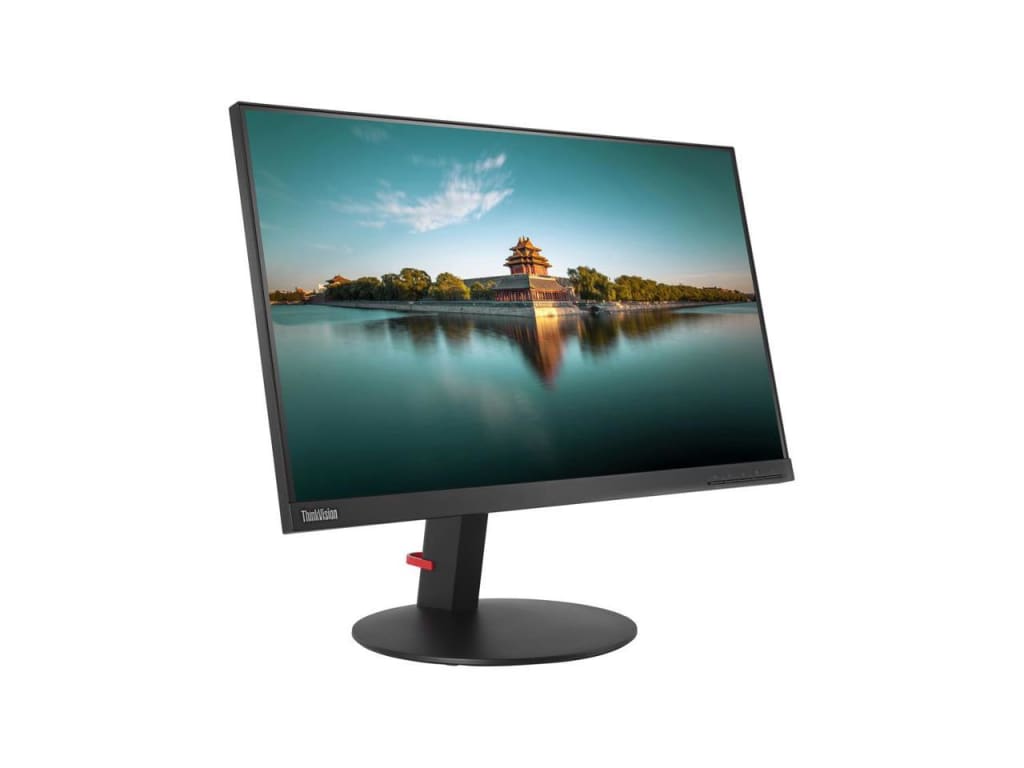
Modern work depends on clarity, comfort, and steady focus throughout the day. Employees move between emails, documents, meetings, and data without pause. In this environment, the screen becomes more than a tool. It becomes a daily partner in how work flows and how decisions take shape.
An LCD monitor supports this flow by offering a clear, stable, and reliable viewing experience that helps people stay focused for longer periods of time.
For business leaders and IT teams, productivity is not only about speed. It is about reducing friction during everyday tasks. When employees feel comfortable and confident with their screens, they complete work with fewer interruptions and better consistency.
A well-chosen LCD monitor plays a quiet yet powerful role in shaping this experience. It supports visual comfort, improves task flow, and helps people move through work with less strain.
The following sections explain five practical ways an LCD monitor improves daily productivity at work while keeping the experience human-centered and easy to manage.
1. Clear Visual Output Helps Teams Stay Focused
Visual clarity shapes how quickly people understand information. Text that looks sharp and images that appear stable reduce mental effort during long work hours. An LCD monitor delivers consistent brightness and clean visuals that help employees stay focused from morning through evening.
When people do not struggle to read small text or review detailed charts, they work with more confidence. They spend less time adjusting zoom levels or rechecking details. Over time, this clarity supports smoother workflows and fewer mistakes.
Key clarity benefits that support daily work
- Sharp text helps teams read documents faster
- Stable brightness supports long screen sessions
- Consistent colors improve accuracy in presentations
- Clear visuals reduce eye fatigue during focused tasks
This clarity allows employees to give more attention to the work itself rather than the screen in front of them.
2. Larger Screen Space Improves Task Flow
Daily work rarely happens in a single window. Employees often manage email spreadsheets, browsers and collaboration tools at the same time. An LCD monitor with the right screen size gives teams space to work without constant switching.
More screen space supports better organization. People view multiple documents side by side and compare information without breaking concentration. This smooth flow helps reduce stress and keeps work moving forward.
How screen space supports productivity
- Side by side document viewing saves time
- Fewer window switches maintain concentration
- Better layout improves task organization
- Visual breathing room reduces mental load
With the right LCD monitor employees stay in control of their workspace and move through tasks with greater ease.
3. Comfortable Viewing Supports Longer Work Sessions
Comfort plays a direct role in productivity. When screens strain the eyes or force awkward viewing angles people lose focus faster. An LCD monitor supports comfort through stable viewing angles and balanced brightness that remain easy on the eyes.
Employees who feel physically comfortable stay engaged for longer periods. They maintain attention during meetings and complete focused tasks without frequent breaks caused by discomfort.
Viewing comfort features that matter
- Balanced brightness supports long workdays
- Wide viewing angles maintain clarity from any position
- Reduced glare helps in bright office spaces
- Steady visuals support consistent focus
This comfort allows teams to work with less fatigue and maintain steady performance throughout the day.
4. Reliable Performance Builds Daily Work Confidence
Consistency builds trust in workplace tools. An LCD monitor delivers reliable performance that employees can depend on every day. Stable visuals and predictable behavior remove small frustrations that interrupt work.
When screens behave as expected, people move through tasks with confidence. They focus on outcomes rather than troubleshooting display issues. Over time, this reliability supports smoother routines and stronger productivity habits.
Reliability advantages for everyday tasks
- Stable display supports uninterrupted workflows
- Predictable performance reduces daily distractions
- Consistent quality builds user confidence
- Dependable screens support long term use
A reliable LCD monitor becomes part of a dependable work environment where teams feel supported rather than slowed down.
5. Flexible Setup Fits Modern Work Styles
Work environments continue to evolve. Some employees work at fixed desks while others move between spaces or work from home. An LCD monitor adapts well to these changing needs and supports flexible setups across the organization.
This flexibility helps businesses maintain consistency across teams. Employees experience similar screen quality whether they work in the office or remotely. This consistency supports smoother collaboration and shared expectations.
Set up flexibility that supports productivity
- Easy integration with laptops and desktops
- Clean desk layouts support better focus
- Consistent experience across locations
- Simple setup reduces IT complexity
By supporting flexible work styles an LCD monitor helps teams stay productive wherever work happens.
Conclusion
Productivity grows when everyday tools work quietly in the background and support people without distraction. An LCD monitor does exactly that. It delivers clarity, comfort, reliability, and flexibility that help employees move through daily work with confidence and ease. These benefits may feel subtle at first, yet they shape how people experience their workday from start to finish.
When teams feel comfortable and supported, they bring more attention to their tasks and more energy to their goals. A thoughtful display choice becomes an investment in focus and consistency rather than just hardware. As work continues to evolve, the LCD monitor remains a steady partner that helps people do their best work every day and feel connected to the flow of what they create.
About the Creator
Olivia Barn
I’m Olivia Barn, a content writer specializing in tech, and news. I aim to break down complex topics, crafting them into clear, engaging, and SEO-optimized content.
Keep reading
More stories from Olivia Barn and writers in Education and other communities.
The Comfort of Arrival: Why Certain Destinations Instantly Feel Familiar
There are moments in travel that defy logic. You arrive in a place you have never visited before, step onto its streets, breathe in its air, and suddenly feel at ease. There is no adjustment period, no sense of being out of place. Instead, there is a quiet recognition, as if the destination has been waiting for you. This feeling of instant belonging is not accidental, nor is it purely romantic imagination. It is the result of emotional, cultural, psychological, and environmental factors working together to create a sense of home far from home.
By Producer James Simon7 days ago in Education
The Proven Natural Skincare Secret with Healthy Skin
Healthy skin does not come from harsh products or complicated routines. It comes from working with nature, not against it. The natural skincare secret that many people overlook is the power of raw honey as a daily skin ally. This simple ingredient has been used for generations, yet many still do not understand its effectiveness. When used correctly, raw honey can change how your skin looks and feels.
By Kelln Small8 days ago in Education
Wild Card Weekend Recap: What Happens Now?
I think I figured out why I love Wild Card Weekend so much. It's because it's the first playoff anything of the calendar year. The NFL season starts in the fall, and once upon a time, the champion was crowned either on or slightly before New Year's. The evolution of the NFL schedule has resulted in the playoffs starting just into the New Year, and currently, the final week of the season falls on the first weekend of the New Year, with Wild Card Weekend coming a week after that. So yes, chronologically, the NFL's Wild Card Weekend serves as the first playoff anything of the calendar year.
By Clyde E. Dawkins7 days ago in Unbalanced




Comments
There are no comments for this story
Be the first to respond and start the conversation.