
Conveniently turning your handwritten notes into digital text.
LEARN SOMETHING NEW
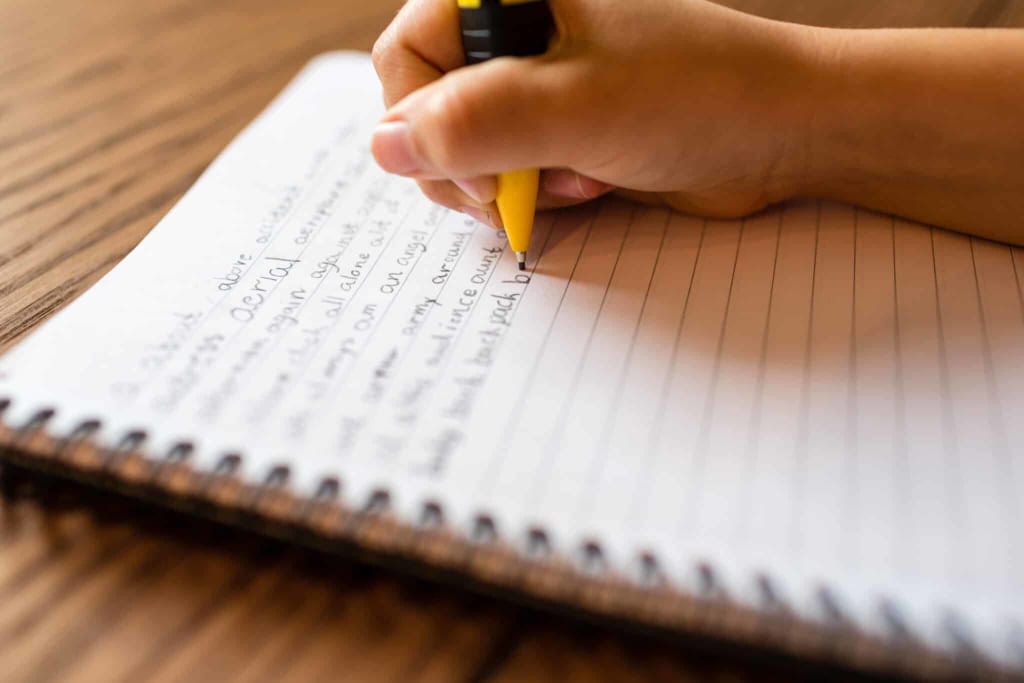
Conveniently turning your handwritten notes into digital text.
Do you take notes on paper?, what do you do with all those journal entries notes from meetings ,annotations in books, brainstorms, personal Reflections, to-do lists, letters and recipes. This is often precious information that you want to preserve forever but it gets so easily lost. I’ll describe to you a complete Game Changer which is a brand new feature recently added to chat GPT called Vision that allows you to see your paper notes and digitize them with near perfect accuracy. I'll show you how to turn your handwritten notes into digital text using chat GPT Vision. you might have seen software like this in the past called OCR for optical character recognition; it claims to be able to scan a document and turn it into digital text but I honestly never found it to be very accurate. Apple has even built this into their camera app but it only really works for printed text not handwritten text. Even dedicated scanner apps don't work very well. Vision is different in that it can think i.e. if it can't understand a word it can extrapolate from the surrounding context and make an educated guess about what it is, even if your handwriting is messy or some words are smudged or misspelled or even hard to make out I recommend you follow these six steps to do this yourself
Step one: Download the chat GPT mobile app and sign into your account you should follow this process on your phone because that's what you'll use to take the photos and the chat GPT app will automatically convert the image to the right format unlike the web version
Step two: Number each of the pages you'll be digitizing so you can keep track of where you are
Step three: In a well-lit place take a photo of each page you want to digitize using your smartphone
Step four: Upload each photo one at a time to the chat GPT app along with the following prompt: “please transcribe these handwritten written notes into text” although it will let you upload more than one image at a time in my testing this usually fails. So I recommend doing them one at a time.
Step five: As it transcribes each page copy and paste the text into a notetaking app all in one document in the right order. I've tried asking chat GPT to combine all the transcriptions together but it would just leave Pages out for no apparent reason
Step six: Combine all the text segments together removing extra paragraph breaks. Now you're done.
An optional seventh step is to proofread the results since it will make some mistakes. I said it was near perfect not perfect . The interesting thing about these mistakes is that even when it gets the exact word wrong it often still preserves the meaning because it's drawing on the surrounding context although it tends to have trouble with commas ,the slash symbol in between words and words that are crossed out which it usually still tries to transcribe anyway. Also if it's important that the digital text perfectly matches the original such as with medical notes for example you may want to check it for those kinds of Errors. Now that we have the ability to reliably quickly convert handwritten text into digital text it opens up a lot of possibilities. This solution enables us to take notes by hand with a sense of security that it can all be preserved forever and not just preserved but we can search it, edit it, remix it and turn it into something new. we gain a sense of relief from not having to choose between paper note taking and digital note taking in any given moment. We can just use whatever is most convenient knowing it can all be digitized later and most important this gives us freedom from having to carry digital devices with us everywhere and stare into an LCD screen anytime we want to capture creative insights. I know that anytime I want to do deep reflection I leave behind my technology and just take a simple notebook with me and now I know I can save all the realizations and ideas and insights that emerge in those moments too. Chat GPT Vision turns a physical document into digital text you can edit play with remix copy and paste into any other software. You can use this to turn your handwritten notes into a living breathing thing that can come alive in the digital world.
About the Creator
My New Book is Finally Here
My poetry collection Beautiful and Brutal Things is done. It's actually done and finally published over 270 pages. Over a year of my life went into this book. More than a year, really. Long days at my computer, sometimes seven days a week because I couldn't stop even when I probably should have. Then two months of editing that felt harder than the writing itself. But it's finished, and I'm still standing, and the book is real.
By Tim Carmichael11 days ago in BookClub
7 Books That Will Impress You So Much You'll Think About Them for Months
Some books entertain us for a weekend. Others change the way we think, quietly echoing in our minds long after the final page. These are the books that don’t just tell stories or share ideas—they rearrange our inner furniture. They make us pause mid-conversation, question old assumptions, and see the world through a sharper, deeper lens.
By Diana Meresc7 days ago in BookClub
One Hard Thing
Stop me if you’ve heard this one before: You have the number, you know your schedule- you’ve even picked out the perfect day and time to make this appointment. Shoot, you’ve even picked out alternative days and times just in case their schedules can’t accommodate you!
By Taylor Rigsby2 days ago in Motivation



Comments
There are no comments for this story
Be the first to respond and start the conversation.