
When to Accept or Decline a Friend Request on Facebook
Guidelines for accepting and declining a friend request, as well as when to remove a friend.

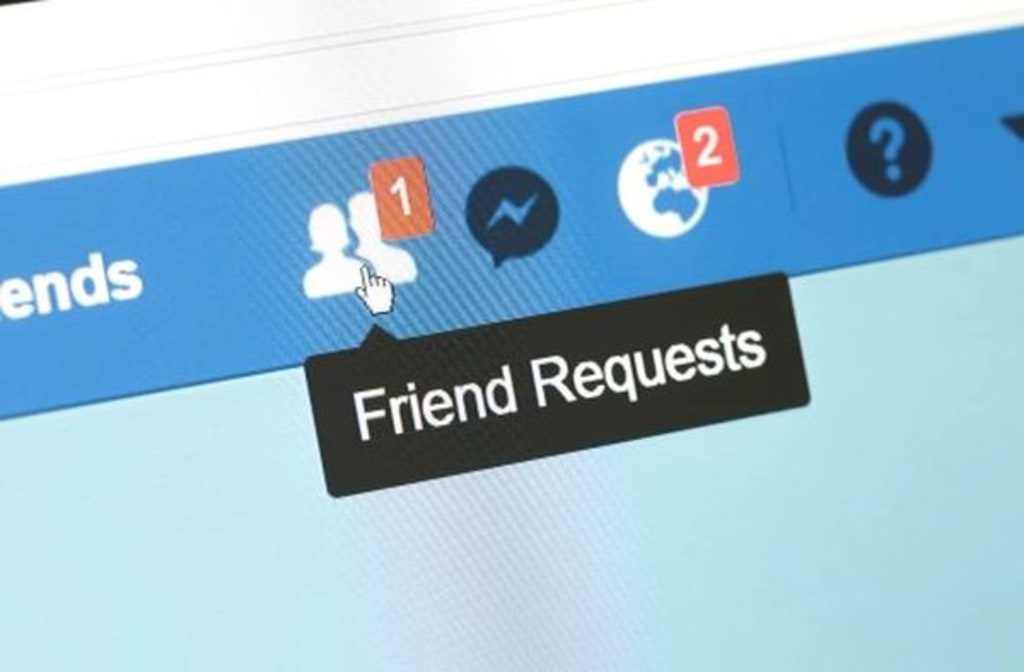
It is quite easy to accept or refuse a friend's request. Sometimes it is not the friend who is making the request. Often, they are automatically sent.
Facebook has given some guidelines to help most people make their decision. I have added my personal tips.
Become Suspicious
I do not send a friend request unless I have discussed it with that friend. I do not arbitrarily send a request to someone I do not know or care to know. I wish others would extend that same courtesy to me. I get several requests every day from someone I do not know. So, when do I accept or decline the request?
I am suspicious because the request might not be from the person that has his name on it. Fake friend requests are common. However, there are ways to tell if they are real or fake.
Why You Might Receive a Fake Friend Request
There might be a number of reasons you receive a fake friend request.
Scammers: Scammers send friend requests to get personal information and to contact your friends.
Malicious Linkers: You may receive friend requests from people who post malicious links to malware. It ends up in your newsfeed if you accept the request.
Catfishers: The person you think is sending the request may not be the person you think it is. Catfishers get their victims by sending out random requests to a large group of people.
From an Ex: If a relationship ends badly, your ex could design a fake profile and send you a friend request just to keep tabs on you. An ex will know exactly what you are doing without you knowing that the ex is stalking you.
From Current Relationships: Your spouse or significant other might test your fidelity by having a false profile. What you post could be held against you later.
Private Investigators: Private investigators can use false profile friend requests to learn damaging information about you to be used against you in legal matters.
Automatic Requests From Facebook: Facebook automatically sends friend requests to those who are new on Facebook, so they will have friends. Facebook sends you friend requests based on your mutual friends, your activity, and what you might have in common.
How to Spot a Fake Friend Request
In just nine months, Facebook removed more than 5.4 billion fake accounts. That was up from 3.8 billion for all the previous year. So, you see how fast fake accounts are appearing. Believe it or not, you have probably received one or more of those fake friend requests.
There are several things you could do to determine if a Facebook friend request is fake or real before clicking "Accept" or "Decline."
Avatar. Be suspicious if a person wants to be friends with you but doesn't want to show their own face. If the person is too lazy to post a real photo, then be suspicious and click "Decline."
Mutual Friends. When you receive a friend request, there will be a list of mutual friends. If there are no mutual friends, be leery of accepting that person you do not know.
Already a Friend. Very often, you will receive a fake friend request from someone who is already your friend. That's easy to determine. Simply type in the person's name in the search box. It will show if you are already a friend. Therefore, the second request is fake.
Examine the Person's Name. Pay attention to the person's name. It might be a common name or a celebrity's name.
No Other Friends. If that person has no other friends or no mutual friends, you should wonder why you are so special that you are their first friend or among the first few.
Nothing in Common. It might be wise to decline a request if you don't know the person, and you have nothing in common, such as schools attended, living in the same hometown, or working on the same job, etc. Go to the profile to see if anything stands out.
Obscene Posts. Don't accept a friend's request if they have nudity, obscene posts, or foul language on their page.
Decline a Friend Request Without Feeling Guilty
Know that you are not obligated to accept a friend request. There should be no guilty feelings for declining it, whether you know the sender of the request or not. If you receive a friend request from people you don't want as a friend on Facebook, select "Delete Request." That will remove the request from your list.
You can decline a request without the person being notified that his request was declined. However, that doesn't keep the person from sending you another one in the future. If you take no action on the request, it will remain pending, and the person won't be able to send you another request.
When to Remove a Friend
Sometimes you will know immediately if the friend request you just accepted is someone you want to be friends with. Many times, I have accepted requests, and they send numerous messages to chat. When I refuse to chat, they write mean things to me. Therefore, I remove them immediately.
I once accepted a friend request, and the person started sending me "pillow talk" messages. I removed him from my list because I am not his "honey, sweetheart, or boo."
I usually warn people to stop sending me unwanted videos. If they continue to send me videos, I will remove the person from my list of friends.
Summary
Hopefully, the above tips will help you decide whether to accept or decline a friend request, as well as when to remove a friend.
About the Creator
Margaret Minnicks
Margaret Minnicks has a bachelor's degree in English. She is an ordained minister with two master's degrees in theology and Christian education. She has been an online writer for over 15 years. Thanks for reading and sending TIPS her way.
Keep reading
More stories from Margaret Minnicks and writers in 01 and other communities.
My Interview with Copilot
I have a special relationship with Copilot. We have gotten to know each other over the last few months. Copilot often mentions butterflies in our conversations because I have indicated during previous conversations that I collect butterflies on different paintings, jewelry, etc. I even have a butterfly bush outside my bedroom window. Therefore, you will see butterfly metaphors throughout our conversation.
By Margaret Minnicks4 months ago in 01
Data Anonymization Techniques to Ensure Privacy in Modern Enterprises
Enterprises today work with massive volumes of data coming from customers, users, employees, and digital systems. This data is critical for analytics, reporting, artificial intelligence, and strategic decision making. However, much of it contains sensitive or personal information that cannot be exposed or misused. With strict data privacy regulations and growing awareness around data protection, organizations must find a way to use data responsibly.
By Vinod Vasava5 days ago in 01
These Billionaires Bet Big On GreenLand—After Trump Took Interest
Topline Just months after President Donald Trump first expressed interest in the United States possibly gaining control over Greenland, some of the richest people in the world—including Jeff Bezos, Bill Gates and Michael Bloomberg—began making strategic investments in the mineral-rich island.
By Dena Falken Esqa day ago in 01




Comments
There are no comments for this story
Be the first to respond and start the conversation.