
Top 8 Benefits of Containerizing Node.js Applications with Docker
Node.js Applications with Docker

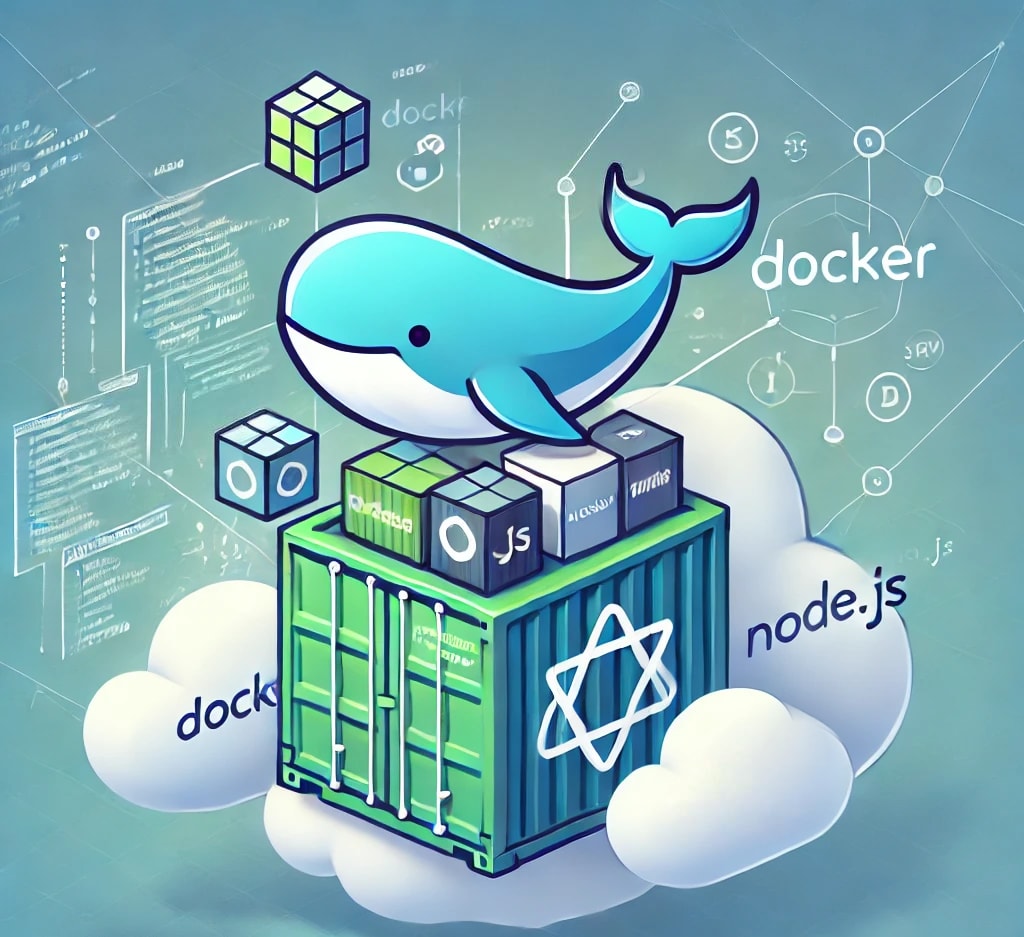
Node.js has become one of the go-to frameworks for developing fast and scalable web applications. While NodeJS's flexibility and performance are unmatched, deploying and managing these web applications can sometimes be tedious. This is where Docker comes into play, offering a way to containerize your Node.js applications and streamline the development-to-deployment process. Therefore, this article will discuss some of the top benefits of containerizing Node.js applications with Docker.
Why Containerize Node.js Applications?
Applications built with Node.js often depend on specific runtime environments, libraries, and configurations. Effectively managing and coordinating dependencies can be complex, especially when deploying applications to diverse environments. However, containerizing your Node.js applications with Docker will simplify this process by providing a consistent and isolated environment for your Node.js application.
Best Benefits of Containerizing Node.js Applications with Docker
Containerizing Node.js applications, particularly with Docker, has revolutionized how applications are developed, deployed, and managed. The following are some of the top benefits of Containerizing Node.js Applications with Docker.
- Consistency Across Environments
One of Docker's critical strengths is its ability to replicate the same environment across development, testing, and production. By encapsulating Node.js applications and their dependencies within a Docker image, you create a self-contained environment that mitigates the common 'it works on my machine' problem. Whether a developer is testing the application on their local machine or deploying it to a production server, Docker will ensure a uniform and predictable environment, reducing debugging time and accelerating development cycles.
- Simplified Dependency Management
NodeJS projects often depend on a wide range of libraries, modules, and configurations, and each might require specific versions to function correctly. Managing these dependencies across different environments can be complex and prone to errors, especially when team members work on varied systems. Docker simplifies this process by bundling all required dependencies, the Node.js runtime, and configuration files into a single container.
- Portability
One of Docker’s standout features is its platform independence, which makes it an ideal solution for ensuring the portability of Node.js applications. It encapsulates the application, its dependencies, libraries, and configurations, creating a self-sufficient environment that can run on any operating system supporting Docker, such as Windows, macOS, or Linux. You can hire Nodejs developers to build Node.js applications with Docker that can be deployed seamlessly across diverse environments, including local development setups, cloud platforms like AWS, Azure, or Google Cloud, and on-premise servers.
- Efficient Resource Utilization
Docker containers are significantly lighter than virtual machines, which makes them ideal for efficient resource utilization. While virtual machines necessitate a full operating system for each instance, containers leverage the host OS kernel, optimizing resource utilization by avoiding redundant system resources. This shared architecture reduces overload, allowing multiple containers to run simultaneously with minimal impact on memory and CPU. By utilizing containers, Node.js applications experience faster startup times, reduced resource consumption, and improved overall performance.
- Scalability
NodeJS is known for its non-blocking and event-driven architecture, which is suited for building scalable applications, and Docker multiplies this capability by horizontal scaling. By choosing Docker, you can quickly create multiple containers of your Node.js application, each running as an isolated instance. This approach allows you to distribute the load efficiently, ensuring high performance during traffic surges.
- Simplified CI/CD Pipelines
By containerizing Node.js applications with Docker, you can significantly simplify CI/CD pipelines, as Docker images provide a consistent and reliable environment throughout the development lifecycle. You can create Docker images that encapsulate the application and its environment, ensuring that builds are reproducible across different stages. These images can be versioned and stored in repositories like Docker Hub or private registries, streamlining and making deployments predictable.
- Isolation
The containers of Docker provide robust isolation by encapsulating a Node.js application along with its dependencies, libraries, and configurations in a self-contained environment. The application operates independently of the host system by running in an isolated container, preventing potential conflicts with other software or processes. For developers managing multiple projects, Docker’s isolation guarantees that different Node.js applications with varying runtime versions or dependencies can coexist without interferences.
- Improved Security
Docker enhances application security by creating isolated environments for each container, preventing potential threats from spreading. If a Node.js application within a container is compromised, the attack is confined to that specific container, leaving the host system and other containers unaffected. This level of isolation minimizes the impact of security breaches. Docker further strengthens security with features like user namespaces, which help limit the permissions of container users, and secrets management, which ensures sensitive data such as passwords and API keys are securely stored and accessed.
Conclusion
Containerizing Node.js applications with Docker offers a range of benefits, from simplifying dependency management to enhancing scalability and security. By adopting Docker, developers can achieve consistency across different environments, streamline CI/CD pipelines, and improve resource utilization. Whether you are building a small application or managing a large-scale Node.js project, Docker is an indispensable tool for modern software development. To leverage the full potential of Docker and Node.js in your projects, consider contacting a professional Node JS development company to ensure optimal results and seamless deployment.
About the Creator
Nisarg Bhavsar
I'm a tech enthusiasts skilled in SEO and content creation. I bridge the tech gap with engaging content on Flutter, Node.js, Salesforce & mobile landscape.
Keep reading
More stories from Nisarg Bhavsar and writers in 01 and other communities.
Flutter App Development Lifecycle: From Idea to App Store
The mobile user base is expanding rapidly in 2025, offering unprecedented opportunities for organizations to reach and engage their target audience. As smartphones become increasingly integrated into daily life and business, organizations that prioritize mobile-first strategies can significantly enhance customer experiences that drive brand loyalty and boost sales. However, for many organizations, the upfront cost becomes the most significant factor that stops them from building mobile apps. For them, a cross-framework app development framework like Flutter is one of the best options for developing mobile apps.
By Nisarg Bhavsarabout a year ago in 01
Trade Finance on the Blockchain: How Tokenization Is Reshaping Global Commerce
Blockchain technology is gradually moving beyond speculative trading and decentralized finance into real-world economic infrastructure. One of the most promising areas where this shift is taking place is trade finance, a sector responsible for facilitating trillions of dollars in global commerce every year.
By Muhammad Irfan Afzal2 days ago in 01




Comments
There are no comments for this story
Be the first to respond and start the conversation.