
The Best Free Content Writing Tools.
free tools for content writing

Exploring the list of the best content writing tools to ease your content writing efforts? Content Assistant, Content Writing Services has compiled a list of the top content writing tools you will ever need.
It takes severe effort and a keen understanding of the ‘context’ to blueprint outstanding content’. One also has to design a proper framework before one initiates content writing. It requires consistency and top-notch quality, along with a perfect action plan to create outstanding content that drives value to the target audience and converts them into potential customers.
Often content writers find it challenging to create catchy headlines, sharp meta descriptions, appealing graphical content, and an error-free final draft. Moreover, achieving aesthetic visuals, a standard format, and the perfect length for the content requires additional effort and time. It may feel like a mess, but this arduous task can be made easy by using content writing tools.
Content writing tools make the work of content writers easy and more productive. However, choosing the right content writing tools is not as easy as it may seem. With a plethora of content creation tools and lucrative vendor offers, content writers may find it overwhelming to choose the best ones for themselves. Therefore, this article intends to help content writers select the top content writing tools as their ‘helpmates’ in writing exceptional content.
What is a Content Writing Tool?
Content writing tools are software applications that assist you in creating error-free and engaging content in less time. These tools curate content to make it more compelling and refined. Content writing tools can be used to create exceptional content for your website, blogs, articles, or even social media posts. It acts as your instructor when you encounter difficulty with your write-up at any stage. There are many free content writing tools available to make your life easier as a content writer and help you out with your content requirements.
With the aid of the content writing tools, your content will flourish as:
- Authentic,
- Grammatically correct
- Free of errors and repetition
- Engaging
- Rightly delivered
- Plagiarism free
- SEO-friendly
- Well-researched
- Properly structured
- Free from contentions and vagueness
In short, after all this, there is no way your content won’t come to life.
Types of Content Writing Tools
Content is the soul of your digital marketing efforts and strategies. But how to get noticed and grab attention when millions and billions of content are already floating around the world wide web? Here comes the role of content writing tools. The promising part is, there are tons of content writing tools that are free to use! The free content writing tools have features to help you in creating valuable and optimized content. But, if you want more robust features, you can always go for a paid subscription and avail the undiscovered functionalities.
Types of content writing tools
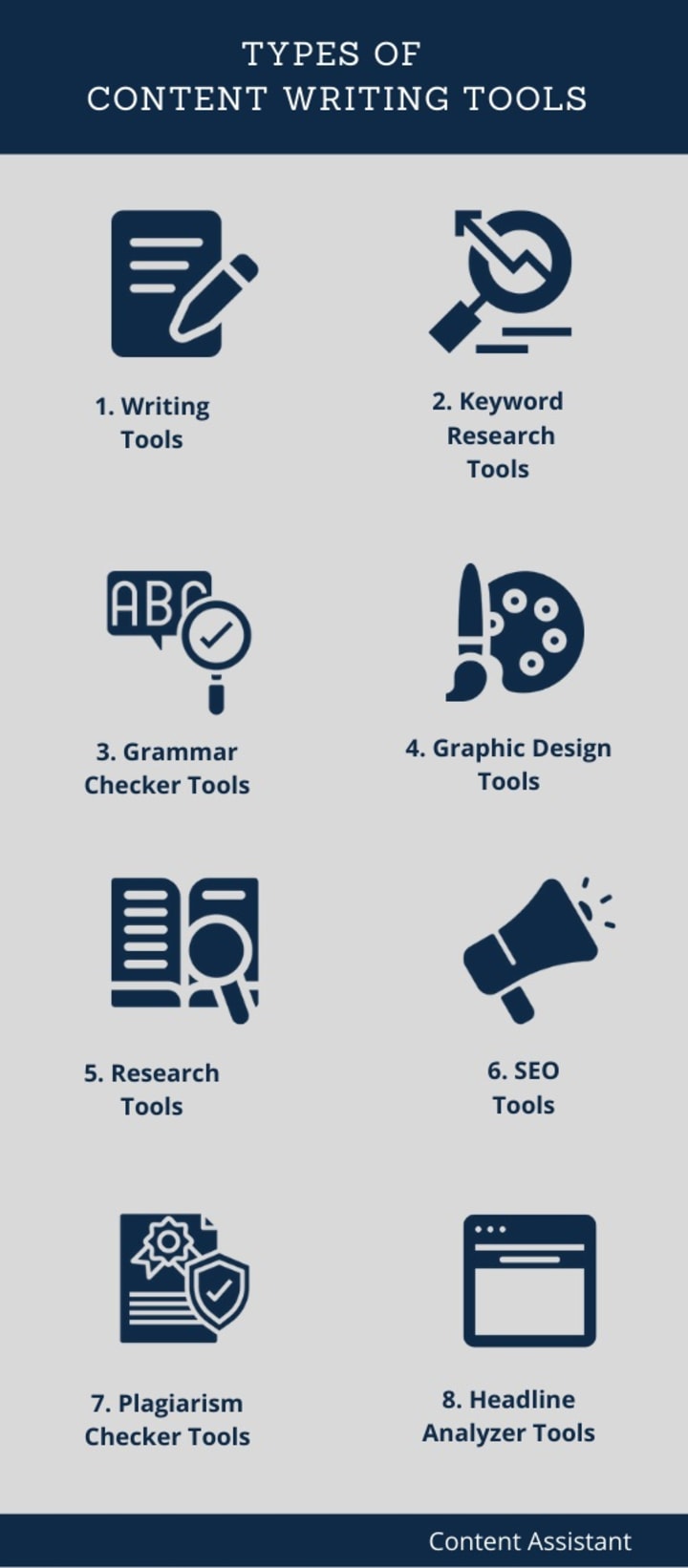
Now without any further ado, let’s look at the details of the top content writing tools to ease your content writing work:
1. Writing Tools
For content creators, writing is fundamental. And to make sure what they pen down stays safe, writing tools come in handy. The writing tools make sure whatever you write stays in your PC and does not get lost!
What are Writing Tools?
Writing tools are applications that assist writers in writing, editing, viewing, and formatting written text. They are either installed on your PCs or mobile or can be used online as web-based applications.
A) Google Docs:
Google docs is a web-based word processor that lets users create, save, and edit files online. Well, most of you are already using this content-writing tool. For the ones who don’t, trust me, you have got to start typing all your documents on Google Docs from now on. The reason is it is easy to use, accessibility is 24/7, and you can collaborate with your team in real-time. You can share the file with other users and invite them to edit the file.

Key Features of Google Docs:
- It has an auto-save option wherein you can always be assured never to lose out on your work.
- Google Docx is a mobile-friendly application
- It provides great formatting options for your content.
- Import and export facility is available
- By default, it saves all your work in your Google drive.
B) Microsoft Word:
Most writing application Microsoft Word does not fail to impress us. Microsoft Word is a word processor that works either as a standalone product or as a part of the Microsoft office suite. It lets users create, edit, format, and save text files offline.
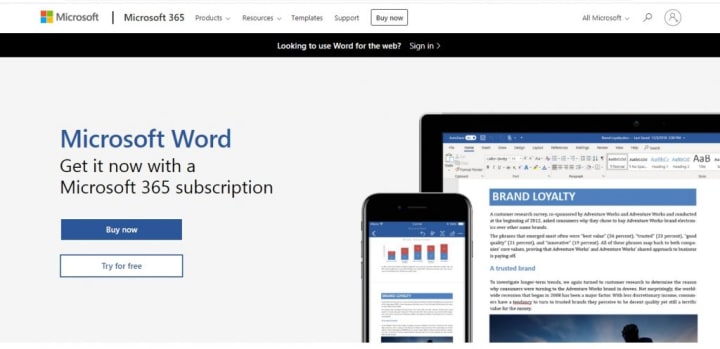
Microsoft Word Processor for content writing
Key Features of Microsoft Word
- It provides you with great visualization of the text and diagrammatic outlay to make your documents look appealing to the eyes.
- However, when you save the document, it gets saved somewhere in a local drive without the privilege of instant shareability.
- Other features include: find and replace, grammar and spelling check, mail-merge, insert watermark, hyperlink texts, etc.
- It is a mobile-friendly content writing tool and has a free mobile application, but the desktop version has to be purchased.
2. Keyword Research Tools
Without the right keywords, you cannot be found, no matter how great your content is, right? Now, this isn’t brand new information for most of you, as you already are in this profession. But choosing the “golden” keywords and using them intelligently can be a little tricky. For instance, a lot of brands and companies, both small and large, firms, etc., are competing to get visibility using the keyword. You might end up getting lost when you compete with brands that are already established.
What is a Keyword Research Tool?
A keyword research tool is an application that helps you find the most relevant keywords for your business and reveal the search volume, competition level, and advertising costs involved with a particular keyword. It is a subset of content writing tools.
So the keyword research tools that will help content writers make a wise decision when they lookup for a keyword can be-
A) Wordstream :
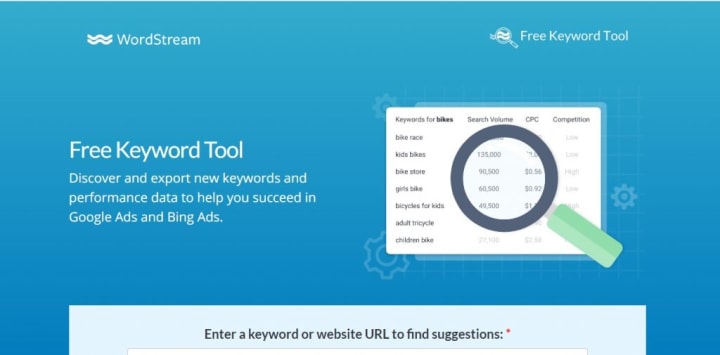
WordStream’s Free Keyword Tool lets you find keywords you need to drive traffic through organic and paid searches. Its Free Keyword Tool uses the latest Google search data to deliver targeted advertising ideas. It helps you in driving search engine traffic through the right keywords. Just enter a keyword and then select your industry and country for targeted keywords. However, it is not essential to select an industry and country. The keyword tool will show you the search volume on Google and Bing.
Wordstream keyword research tool for content writing
Key Features of Wordstream
- Get relevant keywords tailored to your industry and country
- It assigns each keyword a competition score to let you understand its competitiveness
- Award-winning Google Ads Performance Grader
B) SEMrush:
This particular tool is efficient when it comes to the business’s advertising needs. With that, it also makes a great keyword search tool. SEMrush helps you find not only the relevant keywords but also the most profitable ones! The added advantage of using this platform is it also shows the competition and volumes getting generated from your rivals. It shows how much a person pays to get the keyword you might use for free! It comes with a free trial.

Content writing tool for keyword research
Key Features of SEMrush
- Find keywords for SEO and PPC campaigns
- Gather keyword phrase matches
- See advertising trends and find the potential for advertising.
C) Google Trends:
Google Trends is a helpful keyword research tool for content creators. It is a well-built instrument that asks you to do more of what is buzzing around. Google Trends helps you find the favoritism of a particular topic over time. It also reports as in what is the profitable keyword and also what is trending among the audience.
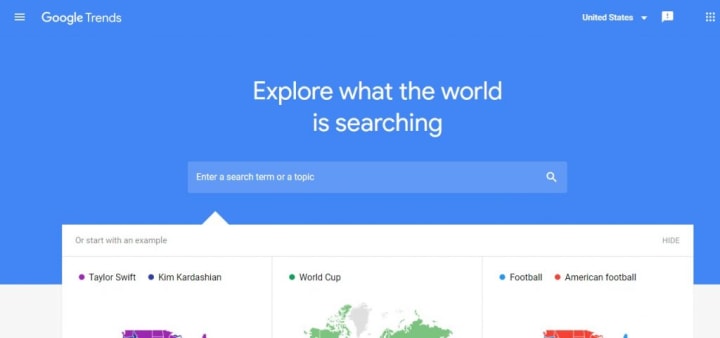
Key Features of Google Trends
- Graph view of interest over time for a keyword search
- Time-wise analysis of the keyword search ranging from past one hour to as early as 2004-till present.
- Categorize the keyword search trend industry wise
- Bifurcate the results for image search, youtube search, news search or shopping
3. Grammar Checkers
Wrong grammar is a big turn-off! So to make sure your content is free of all grammatical errors, there are certain tools that fulfill the purpose.
What is Grammar Checker?
A grammar checker is a tool that points out your grammatical errors, punctuation issues, and spelling mistakes and even identifies if the lines written are easy for readers to understand or not. It is an essential tool for content writers.
Below are the top free grammar checkers:
A) Grammarly:
Whenever we talk about grammar, the one app that pops into our minds is Grammarly. Because this is by far the best free grammar-checking tool available, the application provides not only the facility to correct grammar but also alerts you if your content is not engaging enough. It also has features wherein it notifies you about the readability of your content. You can enable Grammarly even when you write business articles, research papers, or even a blog post for your own or client’s website.
It is an intelligent software app that not only points out incorrect grammar but also sparks you about the additional issues in your write-up, i.e., elements like the usage of simpler words rather than complex ones, active voice vs. passive voice, simpler alternatives of any word, etc.
This way, it also conveys a score that associates with your delivery and readability of the content, which you can decide to edit as per the suggestions. It acts as a personal proofreader for all your writing needs. Nonetheless, the free version is out there for you to use in plenty and works incredibly.
Grammarly content writing tool for grammar and spelling check
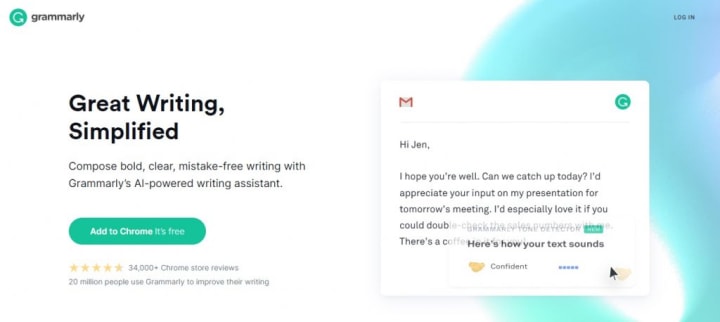
Key Features of Grammarly
- Grammarly is an AI-powered writing assistant
- Eliminates errors in spelling and grammar, tone, and format
- Suggests style issues, eliminates lack of engagement and clarity
- Checks plagiarism in its paid version
4. Graphic Design Tools
With great content, great visualization is also of utmost importance. One has to strike the right balance between text and images. Thus, to be able to do that, your content automatically goes up a notch. But are you someone who isn’t willing to spend a major chunk of the revenue on a designing team at the initial stage but also can’t afford to compromise on the quality? If yes, we are going to tell you about two great applications to ease your concern. As a web content writer or blogger, you may want to add banners, images, infographics, posters, etc., to make your content more appealing.
Even without having any design experience, you can make great designs and infographics with the help of free design tools. It is, therefore, an integral part of content writing tools.
What is a Graphic Design tool?
A graphic design tool is a software application that lets you create, edit, manage, and optimize images and graphics.
Below are the best tools to assist you in designing graphics for your content:
A) Canva:
Canva is a free design tool for content creators and graphic designers. It also has a paid plan for pro-users. Most of you already are a fan of this one? Aren’t you? Canva has got some brilliant graphics for all your needs. It has also got tons of types to choose from. The tool has graphics varying from A4 size posters, to banners, to flyers, to every small and big need depending upon the line of business you deal in. It is user-friendly, with lots of designs to choose from. Minimizes or even eliminates the need for a graphic designer. Well built; also, you can customize your designs, and there is no need to adhere to their existing templates.
canva designing tool for content writers
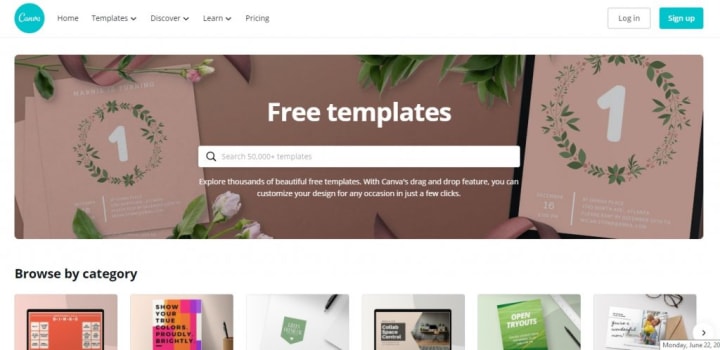
Key Features of Canva
- Free design templates for various categories such as Infographics, Social Media, Presentations, and marketing materials such as flyers, brochures, etc.
- All design editing tools are available, such as zoom image, change position, copy, duplicate, delete elements, group elements, etc.
- Download options in multiple formats such as JPEG, PNG, PDF, and more.
- Share image for team collaboration
- Store images in your account’s library
- Reuse an already-made template
B) humaaans:
humaaans is a free designing tool for content writers. You have got to try this out! It is a brand-new website that offers ample vector illustrations to make your graphics look quirky and relevant at the same time. There are over more than 20,000 illustrations to choose from. You will find the perfect template for any content requirement you may have. The tool is super user-friendly, with minimal effort required to design one of your own, even if you do not know the “D” of designing. It’s that simple!

Key Features of humaaans:
- Free design library for commercial and personal use
- Design the human body and rotate the elements
- Position the human body as per your design needs
- Get free to use prebuilt templates.
I try my first topic using free tools to use content easily, thanks for reading and support
About the Creator
How to Build Custom AI Solutions for Enterprises: A Guide to Market Dominance
Companies use artificial intelligence to increase revenue and reduce operational costs. In 2026, standard AI tools no longer provide a competitive edge. Every company has access to the same public AI models. To dominate a market, an enterprise must build systems that competitors cannot copy. This requires working with a specialized AI solution provider. These providers design systems that transform complex enterprise data into a permanent advantage.
By ViitorCloud Technologiesabout 24 hours ago in 01
Georges Chahwan: The Marketing Director Redefining ROI Through Omnichannel Strategy
That's exactly what Georges Chahwan does. As the Marketing Director at ProMed Staffing Resources, he has built a reputation for turning fragmented marketing efforts into unified, performance-driven engines. His approach blends technical SEO, paid digital advertising, and personalized email marketing into one seamless system — and the results speak for themselves.
By Jeffrey D. Gross MD2 days ago in 01
Why Didn't Anyone Tell Us
Men, move along. This is not for you. This is for the women. I was forty-five when I began menopause. It is pretty young for that to be going on in a woman’s life, but I had undiagnosed PCOS, my entire life. Thank you to all the gynecologists I had seen my entire life. That in itself should encourage women to keep seeking second opinions, especially when you are not getting correct answers or any at all.
By Alexandra Grant4 days ago in Humans


Comments
There are no comments for this story
Be the first to respond and start the conversation.