
iPhone Tips and Hacks Revealed
Learn hidden iPhone tips

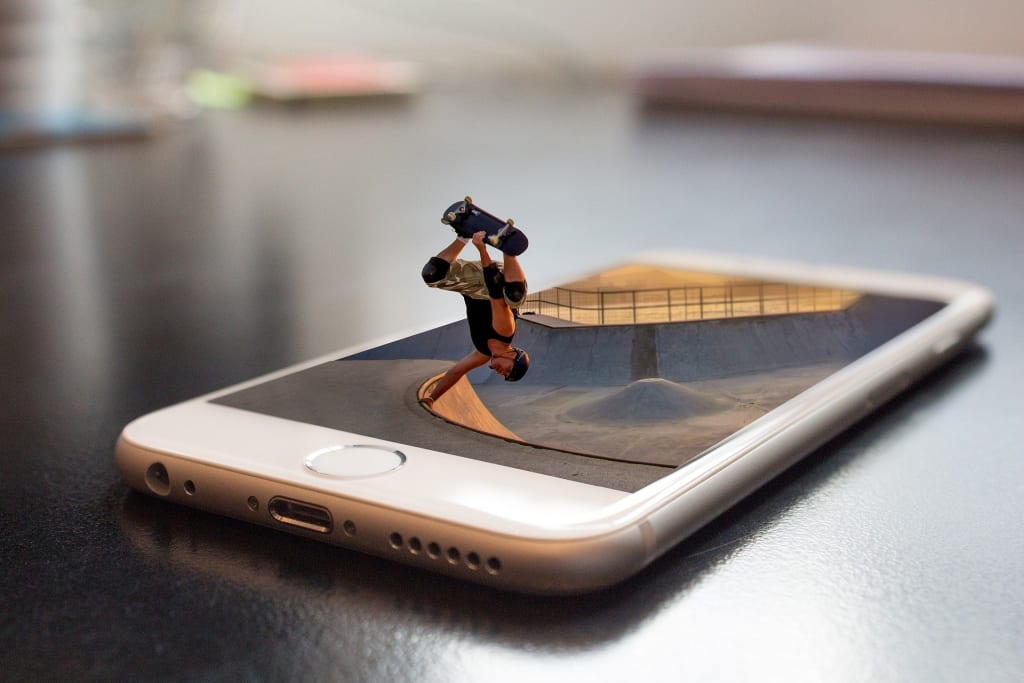
The large community of the people use the iPhone, because everyone is aware of the excellent features of the iPhone. IPhone comes with more advanced features rather than any other phone. The functionality of the iPhone is a smooth and most stable device rather than other android and another operating system. The iPhone users complain about its hold and struck issues.
The updated models of iPhones come with the features of the Siri, iCloud, podcast and iTunes. Excellent and trustworthy features make it a reliable and trustworthy device. The OS of the iPhone is unique. The developers of the iPhone make changes in the software and provide the best product for their customers.
Here, you will find the list of the top handy features in the iPhone, the user has not heard about:
Black screen on the iPhone
If you have a black screen on your iPhone, the hard reset helps to solve this problem. If it does not work, you can use the other options to resolve this issue.
Navigate your camera roll, what's shown in the pictures
In the photo apps, you can click on the search icon, the people can navigate through the camera roll. It consists of the places. What shown in the photos. You can also take a try.
For undo typing, shake your phone
iPhone comes with this great feature, you have deleted the message, you can rewrite by shaking your iPhone.
3D touch simple movement of the cursor, when you type
If you are trying to put the cursor in the right spot, while you are typing. 3D touch will help you out, you can move your fingers around the keyboard and you need to move the cursor to the needed place.
Add effects to your messages
iPhone is enriched with the fun effects. It allows you to spice up your texts, you can easily use them. You can use the send button in the messages and just hold it.
Raise the volume of iPhone Speakers
If you want to enjoy some loud volume, you can go to iPhone settings and navigate to Music, use Equalizer and make it enable the late-night option. You can adjust the volume on iPhone speaker by using these tips and tricks.
Swipe to erase number numbers in calculator one by one
By mistake, you typed a wrong number in the iPhone calculator, you don’t need to delete all the things and start over again, instead of that, you can just swipe to the side and erase number one by one.
Replace text instead of emoji
The system can also suggest certain phrases instead of emoji. You can just go to emoji’s settings and navigate to General &get, Keyboard &get, you can use the text replacement and use your shortcuts.
Clean up your playlist
You set some limit for space, which is used for the music. If you apply this option, the system will automatically analyze your playlist and automatically delete the songs. It will cover more space on your phone
Just go to Settings >>Settings & get>>Music and optimize your storage.
Use Siri to ride at home
If you ask Siri to get you UBER for home. The use of Siri will automatically book a car for you.
How to adjust flashlight brightness
You can also use the 3D touch on the flashlight icon, you can adjust the brightness setting on the iPhone.
Double-tap the home button, to use on your iPhone while using a single hand
If you tap the home button twice in a row, your iPhone will move all your apps dawn. It will also allow you to reach all the corners of the screens with the one hand. You can double-tap the home button again. It brings everything back to you.
3D touch used for shortcuts to adjust the settings
Simply press and hold on the settings icons, you can also see the shortcuts for the essential menus.
How to take the screenshot on iPhone
You can take a screenshot of the iPhone screen, you can press the side button and volume up button at the same time. After taking a screenshot, a thumbnail appears temporarily in the bottom left hand corner of the screen.
Pair the car with your iPhone
The phone's feature will help you to trace the location of your car. You can also find the parking spot with ease. It is also possible to add pictures to the notes. The car location displays on the map, which is quite handy.
About the Creator
Michael Ruth
This is Michael Ruth. I am passionate Blogger, influencer and social media activist. Love to share travel tips for travel enthusiasts.
Keep reading
More stories from Michael Ruth and writers in 01 and other communities.
Where Can I Buy Custom Boxes Online?
It is an undeniable fact that packaging has become one of the most important factors for the success of brands and businesses. From product safety to branding and promotion, packaging solutions like custom boxes have a great role to play.
By Michael Ruth4 years ago in 01
Crypto Wallet App Development - 2026 Security Guide
The landscape of Crypto Wallet App Development has shifted. It moved from simple private key management to complex ecosystems. These ecosystems are multi-layered security environments. In 2026, the baseline for "secure" has been redefined. This change follows the growth of Account Abstraction (ERC-4337). It also follows the emergence of Post-Quantum Cryptography (PQC). PQC protects data against future quantum computer attacks. This guide provides a strategic framework for developers. It helps stakeholders navigate technical and regulatory requirements. Modern digital asset storage demands this high level of care.
By Del Rosarioabout 22 hours ago in 01
The Role of IT Technology in Modern Astrology App Development
In recent years, astrology has evolved far beyond horoscopes in newspapers and magazines. With the rise of smartphones and digital platforms, astrology enthusiasts now rely heavily on astrology apps for personalized insights, daily predictions, and celestial guidance. The integration of IT technology has played a pivotal role in this transformation, enabling app developers to deliver highly interactive, accurate, and user-friendly astrology experiences. In this blog, we’ll explore the role of IT technology in modern astrology app development, key benefits, essential features, and emerging trends for 2026.
By shane cornerus7 days ago in 01
When the Shelter Closes
Across the street from my house, a man slept under a tree, his dog by his side. My first, naive thought: he must be traveling through. But he kept coming back, often sleeping there during the day. Then it hit me—that person might not have a home.
By Bride of Sound6 days ago in Humans


Comments
There are no comments for this story
Be the first to respond and start the conversation.