
How to use a password reset tool?
A Comprehensive Guide to Using Password Reset Tools Securely and Effectively to Regain Access to Your Accounts.

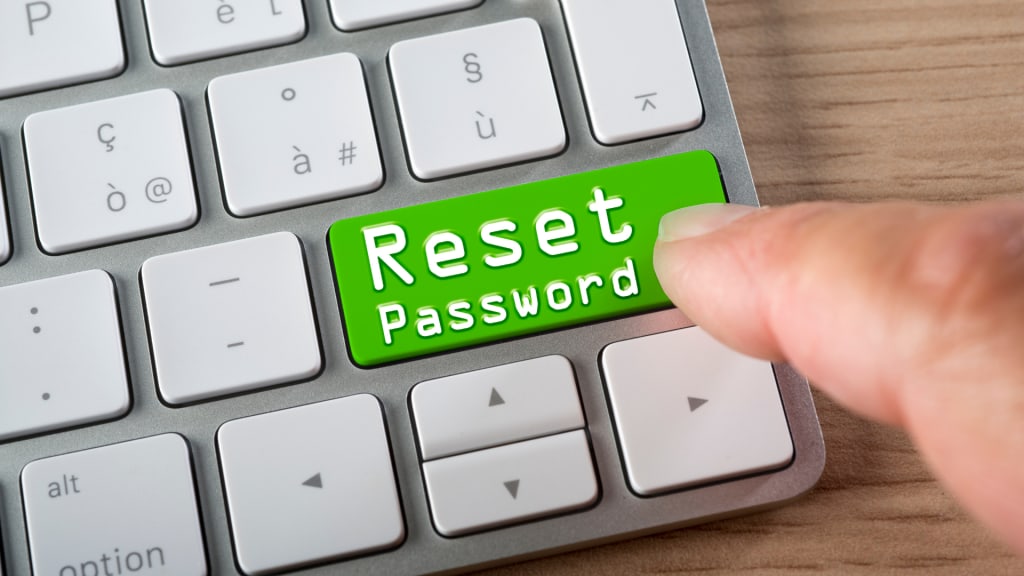
Forgetting a password can be frustrating and time-consuming, especially if you're unable to access important accounts or files. Fortunately, many websites and apps provide password reset tools that allow you to reset your password and regain access to your account. In this article, we'll explain what a password reset tool is, how it works, and how you can use it to reset your password.
What is a Password Reset Tool?
A password reset tool is a software tool provided by websites and apps that allows you to reset your password if you forget it. Password reset tools usually involve a series of steps that verify your identity and confirm your ownership of the account before allowing you to reset your password. This can involve answering security questions, providing personal information, or verifying your email or phone number.
How to Use a Password Reset Tool
To use a password reset tool, follow these steps:
- Step 1: Go to the login page of the website or app you want to reset your password for.
- Step 2: Click on the Forgot Password link or button.
- Step 3: Follow the prompts to verify your identity and ownership of the account. This can involve answering security questions, providing personal information, or verifying your email or phone number.
- Step 4: Once your identity and ownership have been verified, you'll be prompted to create a new password.
- Step 5: Create a new password and confirm it.
- Step 6: Once you've confirmed your new password, you should be able to log in to your account with your new password.
Tips for Using a Password Reset Tool
Here are some tips for using a password reset tool:
- Use a strong and unique password: When creating a new password, make sure to use a strong and unique password that's difficult to guess or hack. Avoid using common passwords or personal information.
- Update your password regularly: To enhance your security, it's important to update your password regularly, especially for important accounts.
- Use two-factor authentication: Two-factor authentication can provide an extra layer of security by requiring a verification code in addition to your password.
- Keep your personal information up to date: To ensure that you're able to use the password reset tool, make sure that your personal information, such as your email and phone number, is up to date and accurate.
- Keep track of your passwords: To avoid forgetting your passwords in the future, consider using a password manager or keeping a physical record of your passwords in a secure location.
Here are some additional tips and information on using a password reset tool:
- Check your spam or junk mail folder: Sometimes, the email containing the password reset link or code can end up in your spam or junk mail folder. Make sure to check these folders if you don't receive the email in your inbox.
- Follow the instructions carefully: Make sure to read and follow the instructions carefully when using a password reset tool. If you enter the wrong information or follow the wrong steps, you may not be able to reset your password.
- Use a secure internet connection: When using a password reset tool, make sure to use a secure internet connection, especially if you're using a public Wi-Fi network. Avoid using password reset tools on unsecured networks, such as in coffee shops or airports.
- Use a reputable password reset tool: Only use password reset tools provided by reputable websites and apps. Avoid using password reset tools from unknown or suspicious sources, as they may be a phishing attempt to steal your personal information or passwords.
- Don't share your password or personal information: Never share your passwords or personal information with anyone, even if they claim to be from a website or app's support team. Legitimate support teams will never ask you for your password or personal information.
- Use strong security questions: When setting up security questions for a password reset tool, make sure to use strong and unique questions that are not easily guessable. Avoid using questions that can be answered through public information, such as your birthdate or hometown.
- Avoid using password reset tools too frequently: If you're using password reset tools too frequently, it may indicate that you're not using strong or memorable passwords. Consider using a password manager to create and store strong and unique passwords for your accounts.
In conclusion, forgetting a password can be frustrating, but using a password reset tool can help you regain access to your accounts quickly and easily. By following the step-by-step instructions and additional tips we provided, you can use a password reset tool securely and effectively. Remember to use strong and unique passwords, update your passwords regularly, and keep your personal information up to date to enhance your security and avoid the need to use the password reset tool in the first place. With these precautions in mind, password reset tools can be a helpful tool for enhancing your online security and convenience.
About the Creator
Gokhan Polard
As an experienced ERC Referral Specialist, my primary dedication lies in assisting businesses in the journey towards financial success. https://ercsolutionshub.com/
Keep reading
More stories from Gokhan Polard and writers in 01 and other communities.
How to use a video conferencing software like Zoom or Skype?
With the rise of remote work, online learning, and virtual events, video conferencing software has become an essential tool for communication and collaboration. Zoom and Skype are two of the most popular video conferencing software that allow users to communicate with others in real-time, regardless of their location. In this article, we'll explain what Zoom and Skype are, how they work, and how you can use them to connect with others.
By Gokhan Polard3 years ago in 01
The Technology Driving Interactive Education Apps
Education has evolved significantly in recent years, largely due to rapid advancements in digital technology. Traditional classroom learning is no longer the only method for gaining knowledge. With the rise of smartphones, tablets, and high-speed internet, learning has become more accessible, flexible, and engaging. Interactive education apps are at the center of this transformation, offering students and educators innovative ways to connect, learn, and share knowledge anytime and anywhere.
By Nayel Basim Al Shehhiabout 23 hours ago in 01




Comments
There are no comments for this story
Be the first to respond and start the conversation.