
How to Secure Your WiFi Router Against Cyber Threats
Protect your WiFi
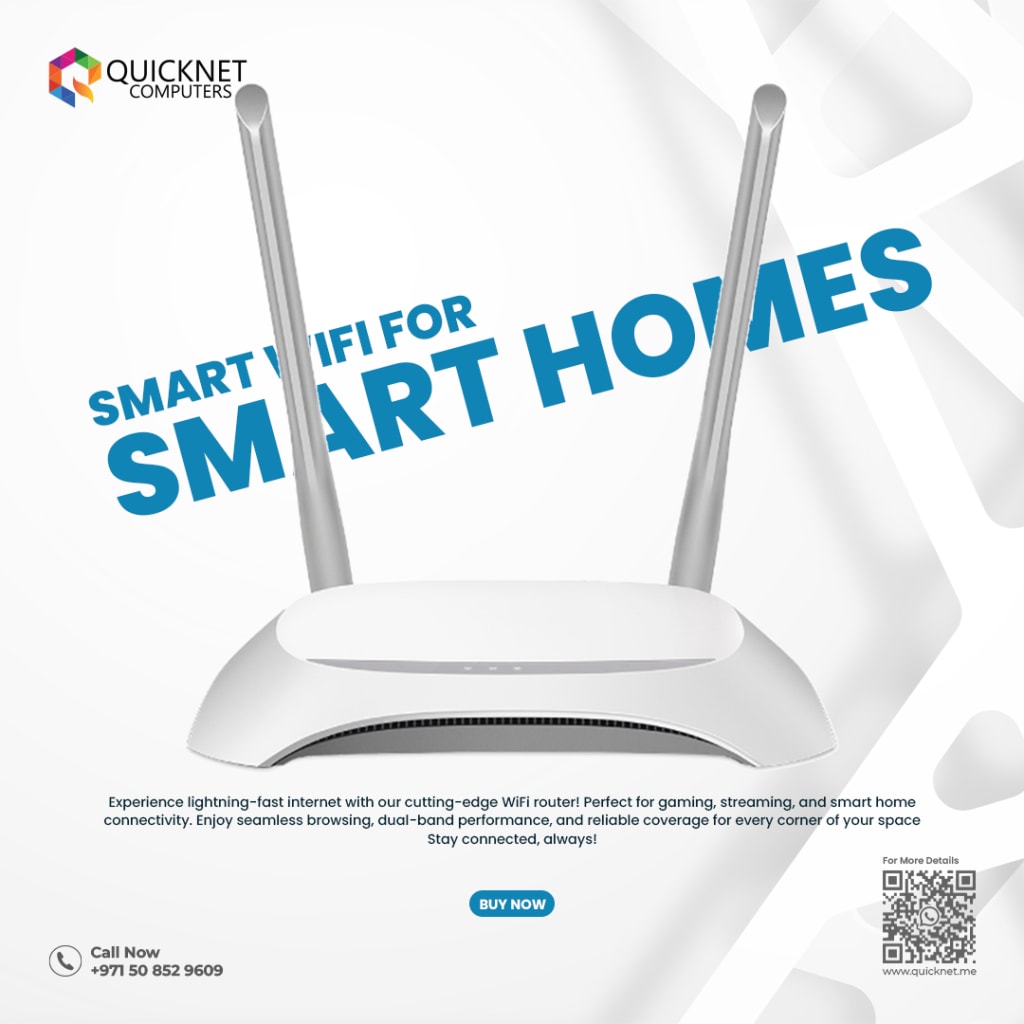
In today’s interconnected world, securing your WiFi router is crucial to protect your personal and business data from cyber threats. Whether you're working from home, managing a business, or simply browsing the internet, a compromised router can lead to serious security risks. This article provides essential tips on how to secure your WiFi router and keep your network safe, with a focus on WiFi solutions in Abu Dhabi.
1. Change Default Router Login Credentials
One of the first steps in securing your WiFi router is to change the default login credentials. Most routers come with preset usernames and passwords, which are publicly available online. Hackers can easily exploit these default settings to gain unauthorized access to your network.
To improve security, log in to your router’s admin panel and change the username and password to something strong and unique. Use a combination of uppercase and lowercase letters, numbers, and special characters. This simple step can significantly reduce the risk of unauthorized access to your router.
2. Enable WPA3 Encryption
Encryption is a crucial part of securing your WiFi router. Most modern routers support various encryption standards, and WPA3 is the latest and most secure option. WPA3 encryption protects your network from unauthorized users and ensures that the data transmitted over your network remains private.
Make sure to enable WPA3 on your WiFi router settings. If your router doesn’t support WPA3, opt for WPA2, the previous generation of WiFi encryption, which is still secure but less advanced than WPA3.
3. Use a Strong WiFi Password
A strong WiFi password is one of the most basic yet effective ways to protect your network. Your WiFi password should be complex, containing a combination of letters, numbers, and special characters. Avoid using easily guessable passwords, such as your name or birthdate.
When selecting a WiFi password, aim for at least 12-16 characters to enhance its security. Additionally, ensure that the password is unique and different from any other passwords you use for other accounts.
4. Disable Remote Management
Many WiFi routers offer remote management features that allow you to access the router’s settings from anywhere over the internet. While this is convenient, it can also be a security vulnerability. Hackers can exploit remote management to access your router and make changes to your network settings.
If you don’t need remote management, it’s best to disable this feature. This reduces the risk of cybercriminals accessing your router remotely and manipulating your settings. You can usually find this option in the router's admin panel.
5. Update Your Router’s Firmware Regularly
Router manufacturers frequently release firmware updates to fix security vulnerabilities and improve performance. Failing to update your router’s firmware can leave your network exposed to known threats.
To ensure your WiFi router is protected against the latest cyber threats, enable automatic firmware updates or check for updates regularly. If you're unsure how to update your router, refer to the user manual or consult local WiFi solutions in Abu Dhabi for guidance.
6. Set Up a Guest Network
If you have guests who need to access your WiFi, consider setting up a separate guest network. Guest networks allow visitors to connect to the internet without having access to your main network and personal devices.
Most WiFi routers have an option to create a guest network, which is isolated from your primary network. This is especially useful for businesses and homes in Abu Dhabi, where security is paramount, and you don’t want outsiders to have access to sensitive information.
7. Enable Network Firewalls
Firewalls are designed to block unauthorized access to your network. Most WiFi routers come with a built-in firewall that helps protect against external threats. Make sure your router’s firewall is enabled and configured properly.
Additionally, consider using additional software firewalls on your devices to further secure your network. A multi-layered security approach will offer enhanced protection against cybercriminals.
8. Disable Unused Features and Services
Many modern WiFi routers come with a variety of features, some of which you may not use. These extra services could potentially open up vulnerabilities in your network. For example, features like Universal Plug and Play (UPnP), WPS (Wi-Fi Protected Setup), or remote management can be exploited by hackers.
If you don’t need these features, it’s best to disable them in your router’s settings. This reduces the potential attack surface and makes it harder for cybercriminals to exploit your network.
9. Monitor Connected Devices
Regularly monitor the devices connected to your network. Most WiFi routers allow you to view a list of all connected devices through the router’s admin panel. If you notice any unfamiliar devices, it’s essential to investigate and remove them immediately.
Monitoring connected devices helps you quickly identify unauthorized users and take action to protect your network. If you're unsure about any connected devices, contact local WiFi solutions in Abu Dhabi for professional assistance.
10. Consult WiFi Security Experts in Abu Dhabi
If you're not confident in your ability to secure your WiFi router, consider consulting with a professional WiFi solutions provider in Abu Dhabi. These experts can help assess your network security, provide advanced security features, and implement robust protection against cyber threats.
Whether you're a business or an individual, investing in professional WiFi security services can give you peace of mind and ensure that your network remains secure from potential cyber-attacks.
Conclusion
Securing your WiFi router is essential in today’s digital landscape. By taking the necessary precautions, such as changing default credentials, enabling WPA3 encryption, using strong passwords, and regularly updating firmware, you can protect your network from cyber threats. For enhanced security, consider setting up a guest network, enabling firewalls, and consulting WiFi solutions in Abu Dhabi to ensure your WiFi router is fully protected.
By following these steps, you can significantly reduce the risk of cyber-attacks and keep your home or business network safe. Always stay vigilant and update your security settings regularly to stay ahead of evolving cyber threats.
About the Creator
Keep reading
More stories from Nabeel WRKPR and writers in 01 and other communities.
The Future of Security: Smart CCTV Systems Backed by AMC Services
As technology continues to evolve, security solutions are becoming smarter, more efficient, and increasingly indispensable. At the forefront of this evolution are smart CCTV systems, equipped with advanced features like AI-driven analytics, cloud integration, and real-time alerts. When coupled with Annual Maintenance Contracts (AMC), these systems provide unparalleled reliability and performance, ensuring optimal security for homes and businesses alike.
By Nabeel WRKPRabout a year ago in 01
Questions to Ask Before Hiring Professional Congress Organisers (PCOs)
Hiring the right event partner can be the difference between a well-run congress and a stressful, overcomplicated experience. Large-scale conferences, association meetings, and international congresses involve far more than venue booking and logistics. This is where Professional Congress Organisers (PCOs) play a critical role.
By Meeting Media4 days ago in 01


Comments
There are no comments for this story
Be the first to respond and start the conversation.