
How to Leverage QR Codes in Modern Marketing: A Step-by-Step Guide
Unlock the Power of QR Codes: Strategies, Tools, and Creative Ideas to Elevate Your Marketing Game

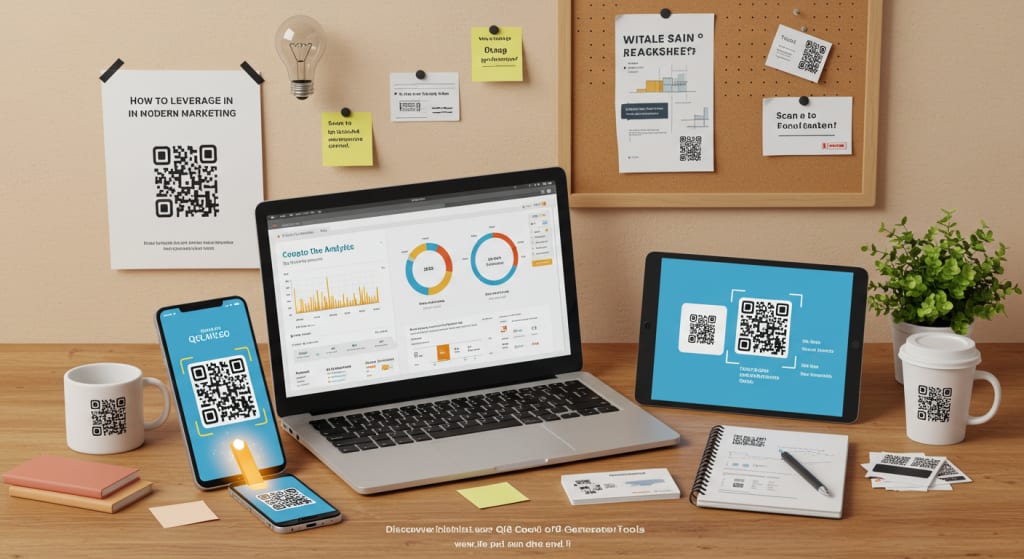
QR codes have evolved from obscure pixelated squares to indispensable tools in modern marketing.
Their ability to bridge offline and online experiences makes them a favorite among businesses, educators, event planners, and creatives.
But how do you use QR codes effectively? In this guide, we’ll explore actionable strategies to integrate QR codes into your campaigns, along with tips to maximize engagement.
Why QR Codes Are a Marketer’s Secret Weapon
QR codes are no longer just for restaurant menus or product packaging. They’re versatile, trackable, and cost-effective. Here’s why they’re essential:
- Instant Access: Users scan and get information in seconds—no typing required.
- Trackable Metrics: Monitor scans, locations, and device types to refine campaigns.
- Offline-to-Online Bridge: Connect physical materials (flyers, billboards) to digital content.
- Creative Flexibility: Use dynamic QR codes to update content without changing the code.
But success starts with understanding how to use them strategically.
Step 1: Define Your QR Code Campaign Goals
Before generating a QR code, clarify your objective. Common use cases include:
- Drive Website Traffic: Link to landing pages, blogs, or product catalogs.
- Boost Social Media Engagement: Direct users to follow your profiles or share content.
- Enhance Customer Experience: Share tutorials, menus, or event schedules.
- Collect Data: Use QR codes in surveys, lead magnets, or feedback forms.
For example, a restaurant might place QR codes on tables to link to a digital menu, while a retailer could embed them in packaging to showcase product demos.
Step 2: Design a Compelling QR Code
A functional QR code is useless if it’s ignored. Design matters. Here’s how to make yours stand out:
A. Customize the Aesthetic
Gone are the days of black-and-white squares. Modern QR code generators let you:
- Add brand colors and gradients.
- Embed logos or icons in the center.
- Use rounded edges or creative patterns.
Tools like the ones listed in our Best QR Code Generator Tools guide offer customization options to align codes with your branding.
B. Add a Clear Call-to-Action (CTA)
A QR code alone isn’t enough. Pair it with a CTA like:
- “Scan to Claim Your Discount!”
- “Scan for Exclusive Content.”
- “Unlock the Full Story Here.”
This nudges users to take action instead of scrolling past.
C. Ensure Scannability
Avoid overcrowding the code with graphics. Test it across devices and lighting conditions to ensure quick scanning.
Step 3: Choose the Right Placement
Even the best-designed QR code fails if it’s placed poorly. Consider these high-impact locations:
- Print Materials: Business cards, brochures, posters, or product packaging.
- Digital Spaces: Email signatures, social media posts, or digital ads.
- Physical Spaces: Store windows, event booths, or merchandise.
Pro Tip: For outdoor placements, ensure the code is large enough and protected from weather damage.
Step 4: Optimize the Landing Experience
The worst mistake? Sending users to a broken link or mobile-unfriendly page. Optimize the post-scan experience by:
- Mobile-First Design: Ensure pages load quickly and display properly on smartphones.
- Relevance: The content should match the promise of the CTA (e.g., a discount code or video).
- Minimal Steps: Avoid requiring sign-ups unless necessary.
For instance, if your QR code promotes a webinar, take users directly to the registration page—not your homepage.
Step 5: Track and Analyze Performance
Dynamic QR codes (which you can edit post-creation) allow you to track metrics like:
- Total scans over time.
- Geographic locations of users.
- Devices used (iOS vs. Android).
Use this data to:
- Identify peak engagement times.
- A/B test CTAs or designs.
- Retarget users with follow-up campaigns.
Creative QR Code Campaign Ideas to Steal
Need inspiration? Here are innovative ways brands use QR codes:
1. Interactive Product Packaging
Example: A wine brand adds QR codes to labels linking to vineyard tours or food pairing recipes.
2. Event Engagement
Example: Conferences use QR codes on badges for networking, session feedback, or digital swag bags.
3. Gamification
Example: A scavenger hunt campaign hides QR codes across a city, rewarding users who scan them all.
4. Charitable Campaigns
Example: “Scan to Donate” QR codes at checkout counters raise funds for causes.
Common QR Code Mistakes to Avoid
Even small errors can derail your campaign:
- Dead Links: Always test URLs before launching.
- Poor Contrast: A light-gray code on a white background is hard to scan.
- No Value Proposition: Users won’t scan unless they know what’s in it for them.
The Future of QR Codes
QR codes are here to stay, but their applications will keep evolving. Emerging trends include:
- AR Integration: Scan a code to unlock augmented reality experiences.
- Payment Solutions: QR-based transactions (like Venmo or Alipay) are booming globally.
- Sustainability: Brands replace printed materials with QR codes to reduce waste.
Conclusion: Start Small, Think Big
QR codes are low-risk, high-reward tools for marketers. Begin with a simple campaign—like linking business cards to your portfolio—and scale as you gain confidence.
Remember, the right generator tool makes all the difference. By blending creativity with strategy, you’ll turn these pixelated squares into powerful connectors between your brand and audience. Happy scanning!
About the Creator
Diwakar Das
400,000+ businesses use Zumvu to improve online presence, generate leads, boost SEO, trust and sales using digital marketing tools.
Visit: https://zumvu.com
Keep reading
More stories from Diwakar Das and writers in 01 and other communities.
Boosting Productivity: Must-Have Tools for Remote Teams
1. Introduction Remote work isn’t just a trend—it’s the new reality for millions. But without the right tools, even the most motivated teams can struggle with miscommunication, missed deadlines, and security risks.
By Diwakar Dasabout a year ago in 01
Understanding Crossdressing Culture and Modern Crossdresser Shops in Australia
Crossdressing refers to the act of wearing clothing traditionally associated with another gender. Throughout history, people have practiced crossdressing for cultural, theatrical, personal, or social reasons. Historical records show that crossdressing has appeared in many civilizations, including ancient societies where clothing and gender roles were more fluid than often assumed.
By James Mburu2 days ago in 01




Comments
There are no comments for this story
Be the first to respond and start the conversation.