
How the touch screen is work?
A touch screen is an electronic display screen that is also an input device. A user interacts with the computer, tablet, smartphone or touch-controlled appliance by using hand gestures and fingertip movements to tap pictures, moving elements or type words on the screen. The screens are pressure-sensitive and can be used or manipulated using fingers or a stylus.
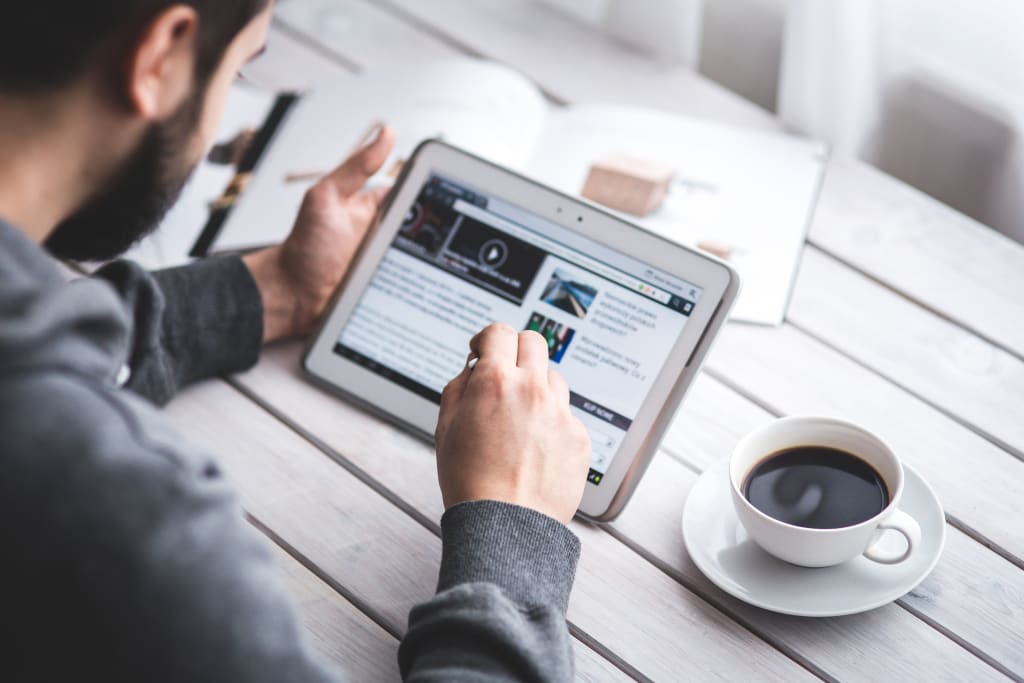
Touch-screen monitors have become more and more commonplace as their price has steadily dropped over the past decade. There are three basic systems that are used to recognize a person's touch:
- Resistive
- Capacitive
- Surface acoustic wave
RESISTIVE SYSTEM:
The resistive system consists of a normal glass panel that is covered with a conductive and a resistive metallic layer. These two layers are held apart by spacers, and a scratch-resistant layer is placed on top of the whole setup. An electrical current runs through the two layers while the monitor is operational. When a user touches the screen, the two layers make contact in that exact spot. The change in the electrical field is noted and the coordinates of the point of contact are calculated by the computer. Once the coordinates are known, a special driver translates the touch into something that the operating system can understand, much as a computer mouse driver translates a mouse's movements into a click or a drag.
CAPACITIVE SYSTEM :
In the capacitive system, a layer that stores electrical charge is placed on the glass panel of the monitor. When a user touches the monitor with his or her finger, some of the charge is transferred to the user, so the charge on the capacitive layer decreases. This decrease is measured in circuits located at each corner of the monitor. The computer calculates, from the relative differences in charge at each corner, exactly where the touch event took place and then relays that information to the touch-screen driver software. One advantage that the capacitive system has over the resistive system is that it transmits almost 90 percent of the light from the monitor, whereas the resistive system only transmits about 75 percent. This gives the capacitive system a much clearer picture than the resistive system.
SURFACE ACOUSTIC WAVE SYSTEM:
On the monitor of a surface acoustic wave system, two transducers (one receiving and one sending) are placed along the x and y axes of the monitor's glass plate. Also placed on the glass are reflectors -- they reflect an electrical signal sent from one transducer to the other. The receiving transducer is able to tell if the wave has been disturbed by a touch event at any instant, and can locate it accordingly. The wave setup has no metallic layers on the screen, allowing for 100-percent light throughput and perfect image clarity. This makes the surface acoustic wave system best for displaying detailed graphics (both other systems have significant degradation in clarity).
Another area in which the systems differ is in which stimuli will register as a touch event. A resistive system registers a touch as long as the two layers make contact, which means that it doesn't matter if you touch it with your finger or a rubber ball. A capacitive system, on the other hand, must have a conductive input, usually your finger, in order to register a touch. The surface acoustic wave system works much like the resistive system, allowing a touch with almost any object -- except hard and small objects like a pen tip.
As far as price, the resistive system is the cheapest; its clarity is the lowest of the three, and its layers can be damaged by sharp objects. The surface acoustic wave setup is usually the most expensive.
Interesting facts about touch screens:
E.A. Johnson is credited with creating the first touch screen system circa 1965-67. His findings were published in 1968 regarding touch screen technology and air traffic control.
The Simon Personal Communicator, launched in 1992 by IBM, was the first touch screen telephone. In addition to making telephone calls, it could send emails and faxes and had a calendar and clock, among other features.
An engineer at Elo Touch Systems named Bill Colwell developed the first curved glass touch screen interface in 1977. This was the first time a device was ever said to have “touch screen” technology.
The first patent that featured touch screen technology was granted to George S. Hurst, Jr. and William C. Colwell on October 7, 1975.
Every device that uses touch screen technology has a touch screen driver. This computer program is what turns the touch into a command within the computer.
In the 1980’s General Motors introduced the first touch screen technology into its vehicles but due to high repair costs it was soon taken off the market.
By 1973, CERN (European Organization for Nuclear Research) was using a touch screen computer to control a particle accelerator.
About the Creator
Keep reading
More stories from Saravana Kumar and writers in 01 and other communities.
Flutter framework - Build apps for any screen
Flutter is a free and open-source mobile application development framework created by Google. It was first released in 2017 and has quickly become one of the most popular frameworks for developing high-performance and visually attractive mobile apps for iOS and Android. The framework is based on the Dart programming language, which was also created by Google.
By Saravana Kumar3 years ago in 01


Comments
There are no comments for this story
Be the first to respond and start the conversation.