
Find My Phone: How Find My Device Helps Recover Lost iPhones and Androids
Using Find My Phone and Find My Device to Track Phones Safely
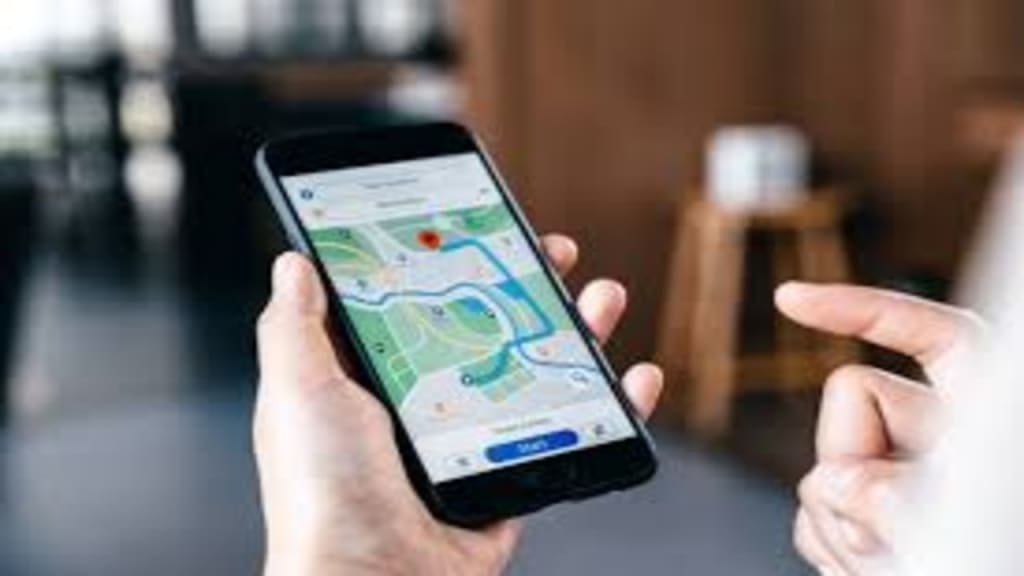
Find My Phone helps you locate a lost iPhone or Android—even when the battery is dead. Learn expert tips, offline tracking, and how Find My Device works to recover lost smartphones efficiently and safely.
Published: 30 November 2025
Losing a phone can be a stressful moment for anyone. One second it’s in your pocket, the next it’s gone, and the battery is almost dead.
Fortunately, modern tracking tools like Find My Phone and Find My Device make recovering lost devices far easier than most people realize. They rely on a combination of location services, cloud storage, and nearby device networks, allowing phones to be located even when powered off or offline.
How Apple’s Find My Tracks a Lost iPhone
Apple’s Find My system has become remarkably effective at tracking iPhones. Even when a phone is powered off, it can display the last known location using location history and signals from nearby devices.
If you have another Apple device, signing into the Find My app will show your iPhone’s last location. When the phone reconnects, you can trigger a sound to help locate it. There’s also a “Help a Friend” option, which allows you to log in on a friend’s iPhone or iPad safely to see your device’s location without compromising their data.
Setting up your iPhone correctly beforehand is essential. Activating Find My iPhone, enabling Find My Network, turning on Send Last Location, and making sure Location Services are active will dramatically improve the chance of recovery.
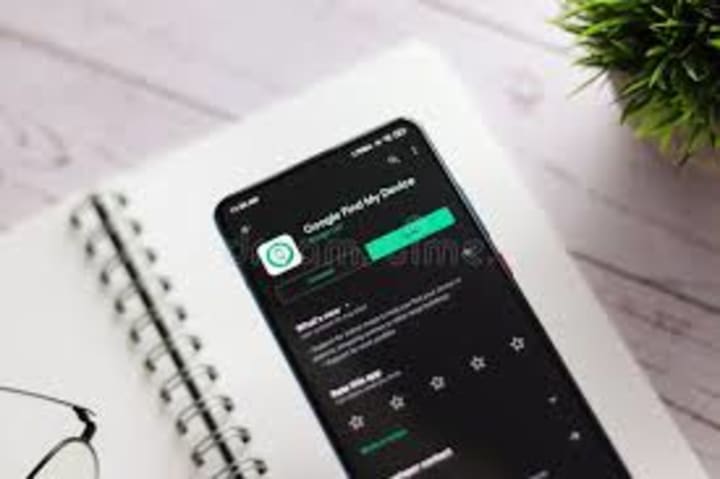
Apple’s Find My network is one of the strongest offline tracking systems available. With the right settings enabled, your iPhone can still be traceable after it powers off.” — Jenna Long, Mobile Security Analyst.
For users who want detailed guides, tutorials, and practical advice, the dedicated resource Find My Phone provides step-by-step instructions for recovering iPhones and Androids. It’s a helpful reference if you’re working from another device or laptop.
How Find My Device Tracks a Lost Android
Google’s Find My Device system works similarly for Android phones, providing online and offline tracking. You can access it through android.com/find from any browser and sign in with your Google account. This allows you to see the last-known location and even remotely lock the device or display a message to assist in its recovery.
Some Android devices can broadcast signals detectable by other nearby phones, updating location even if the device is powered off. This offline tracking ensures your phone can be found even in areas without active internet connections.
Ensuring the correct settings are enabled—like Find My Device, Location Services, Send Last Location, and Google Location Accuracy—makes recovery much more likely.
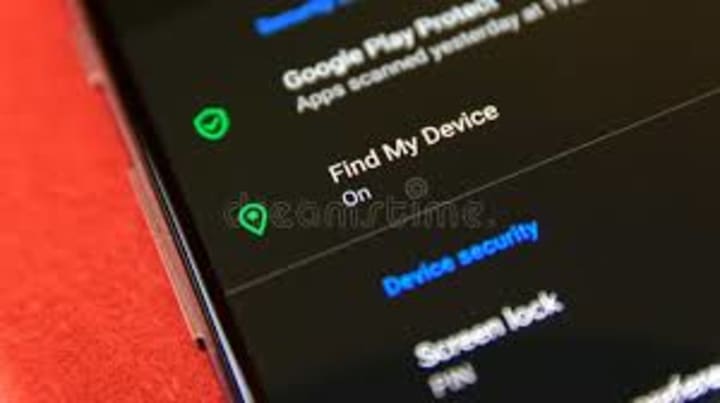
“Offline tracking has improved recovery rates significantly. Phones can remain discoverable even after they shut down,” — Daniel Keane, Technology Researcher.
Expert Insights and Recovery Tips
Experts emphasize that preparation is critical. Marcus Hale, a cybersecurity advisor, explains:
“Most permanent phone losses happen because tracking wasn’t enabled. Activating Find My Phone or Find My Device ahead of time is the simplest form of digital insurance.”
By enabling these features, users maximize their chances of recovering devices, even if they are offline or powered off.
Toward the later stages of recovery, Android users can find additional guidance and resources for tracking devices, troubleshooting, and maximizing recovery options at Find My Device. This ensures you understand how offline tracking works and how to make the most of Google’s network.
FAQ: Common Questions About Find My Phone and Find My Device
Q1: Can I locate my phone if it’s powered off or has a dead battery?
A1: Yes, if tracking features were enabled beforehand. Apple can show the last-known location, and supported Android devices can broadcast offline signals for recovery.
Q2: Can I lock or erase a stolen phone remotely?
A2: Both Apple and Google allow remote locking, message display, and wiping data to protect personal information.
Q3: What if my phone wasn’t set up with tracking?
A3: Remote tracking won’t work. Retrace your steps and secure accounts immediately.
Q4: How can I increase my chances of recovering a lost device?
A4: Enable tracking features, Location Services, Send Last Location, and strong passcodes. Regular backups also improve recovery options.
Final Thoughts
Losing a smartphone doesn’t have to be a permanent problem. Tools like Find My Phone and Find My Device allow recovery even when a device is powered off or offline. The key is preparation: enable tracking, turn on location services, and take advantage of offline networks. Following these steps ensures your phone is easier to recover now and in the future.
About the Creator
Alex Ray
Education: American University, BA in Journalism Alexander Ellington is the chief editor and reporter for Biden News & a number of other media websites.
Thanks for being a reader and leave aTip if you wish.
Asia Pacific Prebiotics Market Size and Forecast 2025
Asia Pacific Prebiotics Market: A Region Poised for Gut-Health Revolution The Asia Pacific prebiotics market is entering a transformative decade. With rising health awareness, aging populations, expanding functional food industries, and rapid advancements in biotechnology, prebiotics have become a central ingredient in modern nutrition strategies across the region. According to Renub Research, the Asia Pacific Prebiotics Market is expected to reach US$ 5.83 billion by 2033, growing from US$ 2.14 billion in 2024, at a robust CAGR of 11.77% from 2025 to 2033.
By Janine Root 3 days ago in 01
How to Choose a Web Design Agency for Long-Term Product Growth
If you are looking at a site like a catalog of past work and thinking about hiring a web design agency for B2B and product teams, you are probably already past the phase where “making it look good” is the main problem.
By Valeriia Shulga5 days ago in 01




Comments
There are no comments for this story
Be the first to respond and start the conversation.