
Cybersecurity 101: Why It’s Important and How Homeowners Can Protect Themselves from Cyber Threats
Learn the Basics of Cybersecurity, Common Threats, and Essential Tips to Keep Your Home Network and Personal Data Safe

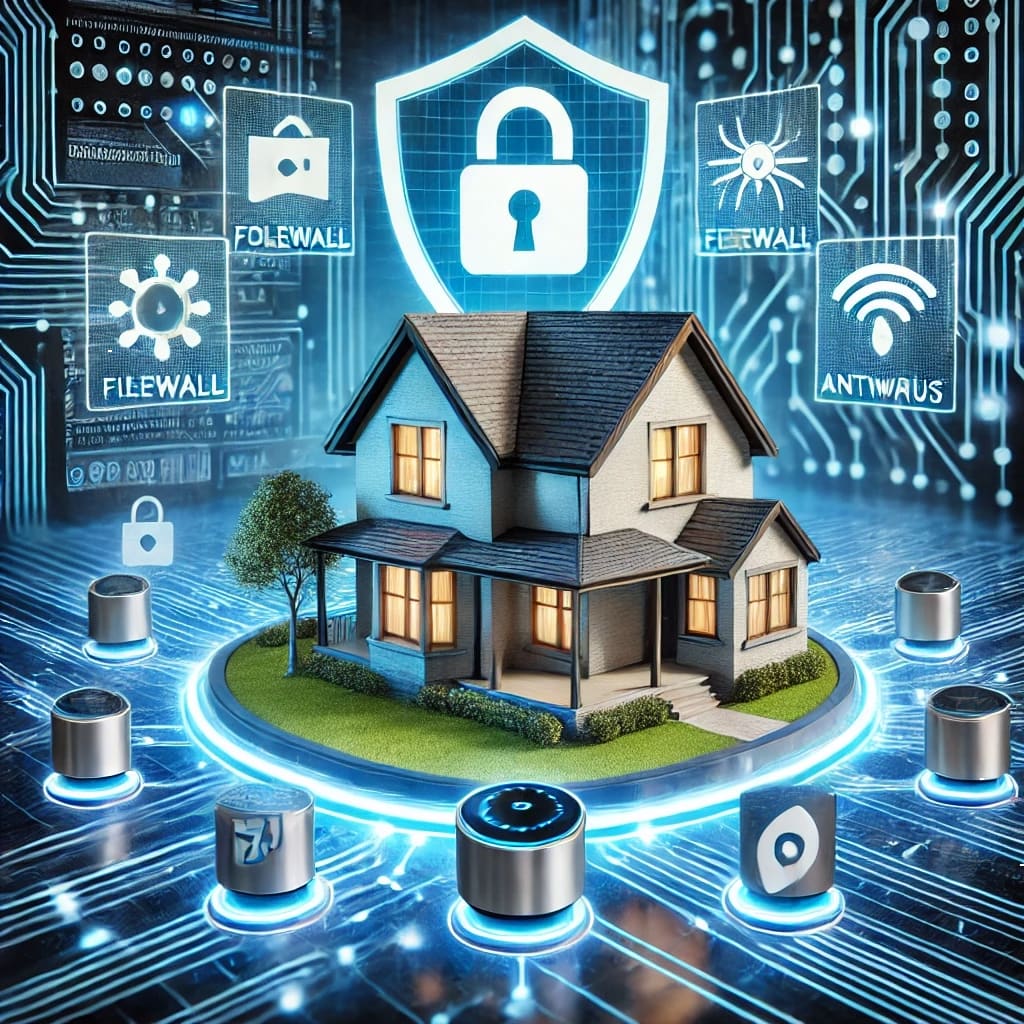
What is Cybersecurity?
Cybersecurity refers to the practice of protecting computers, networks, and data from unauthorized access, cyberattacks, and digital threats. It involves a combination of technological defenses, security best practices, and user awareness to safeguard sensitive information from hackers, malware, and identity theft.
With smart homes, online banking, and cloud storage becoming standard, homeowners need to take cybersecurity seriously. A compromised home network can expose sensitive personal information, leading to financial loss, privacy breaches, and identity theft.
In this guide, we’ll explore:
- Why cybersecurity is important
- Common cyber threats homeowners face
- How to secure your home network and personal data
1. Why Cybersecurity is Important for Homeowners
Cybersecurity is no longer just a concern for businesses—homeowners are prime targets for cybercriminals. With the rise of smart devices, online transactions, and social media, attackers exploit weak security settings, poor password management, and phishing tactics to gain unauthorized access.
Key Reasons Why Cybersecurity Matters:
- Protects Personal Data – Hackers can steal credit card details, Social Security numbers, and login credentials.
- Prevents Identity Theft – Cybercriminals can impersonate victims to open fraudulent accounts or commit financial crimes.
- Secures Smart Homes – IoT (Internet of Things) devices like smart thermostats, security cameras, and voice assistants can be hacked.
- Defends Against Ransomware – Cybercriminals can lock homeowners out of their files and demand payment for access.
- Prevents Financial Fraud – Online banking and payment accounts can be compromised, leading to unauthorized transactions and financial loss.
According to cybersecurity reports, 43% of cyberattacks target small businesses and home users, making it critical for homeowners to strengthen their defenses.
2. Common Cyber Threats Homeowners Face
Understanding common cyber threats is the first step in protecting yourself. Here are some of the most dangerous attacks homeowners should be aware of:
1. Phishing Attacks
Phishing is when cybercriminals send fake emails, messages, or links designed to trick users into revealing personal information. These scams often appear as:
- Fake bank alerts requesting login credentials.
- Emails from “friends” or “family” asking for money.
- Links leading to fraudulent websites that steal passwords.
How to Protect Yourself:
- Never click on suspicious links.
- Verify emails by contacting the company directly.
- Use email security filters to block phishing attempts.
2. Weak Passwords & Credential Theft
Many homeowners use weak passwords (e.g., "123456" or "password"), making it easy for hackers to guess them using brute force attacks.
How to Protect Yourself:
- Use strong passwords (at least 12 characters, with a mix of letters, numbers, and symbols).
- Enable two-factor authentication (2FA) for accounts.
- Use a password manager to securely store and generate strong passwords.
3. Home Network Hacking (Wi-Fi Attacks)
Unsecured Wi-Fi networks can be easily hacked, allowing cybercriminals to intercept internet traffic and steal sensitive information.
How to Protect Yourself:
- Change your Wi-Fi password to a strong, unique passphrase.
- Use WPA3 encryption (or WPA2 if WPA3 is unavailable).
- Disable remote access to your router to prevent external attacks.
4. Ransomware Attacks
Ransomware is a type of malware that locks your files and demands payment to restore access. Homeowners who don’t back up their data can lose everything if they fall victim to this attack.
How to Protect Yourself:
- Back up important files regularly to external drives or cloud storage.
- Never download attachments from unknown or suspicious emails.
- Keep your operating system and security software updated.
5. Smart Home Device Hacking
Smart home devices like security cameras, voice assistants, and smart locks can be hacked if not properly secured.
How to Protect Yourself:
- Change the default passwords of all smart devices.
- Keep firmware and software updated for IoT devices.
- Create a separate Wi-Fi network for smart home devices to limit exposure.
3. How Homeowners Can Improve Cybersecurity
To strengthen cybersecurity at home, follow these essential best practices:
1. Secure Your Home Wi-Fi Network
- Change your router’s default admin credentials.
- Use strong encryption (WPA3 or WPA2) for Wi-Fi security.
- Hide your SSID (Wi-Fi network name) so it's not visible to outsiders.
2. Use a Reliable Security Suite
Install trusted antivirus and anti-malware software to detect and block threats. Some good options include:
- Norton 360 – Comprehensive protection against viruses and ransomware.
- Bitdefender Total Security – Strong anti-malware and phishing protection.
- Malwarebytes – Great for removing spyware and malware.
3. Enable Two-Factor Authentication (2FA)
- Adds an extra layer of security by requiring a second verification step.
- Use authentication apps like Google Authenticator instead of SMS-based codes.
4. Keep Software and Devices Updated
- Enable automatic updates for your operating system, router, and apps.
- Updates patch security vulnerabilities that hackers can exploit.
5. Be Cautious with Public Wi-Fi
- Avoid logging into banking or sensitive accounts over public Wi-Fi.
- Use a VPN (Virtual Private Network) for secure browsing.
6. Back Up Important Data Regularly
- Use external hard drives or cloud storage (Google Drive, OneDrive, Dropbox).
- Follow the 3-2-1 backup rule:
- Keep 3 copies of data.
- Store it on 2 different types of media.
- Keep 1 copy offsite (cloud or external storage).
Stay Vigilant Against Cyber Threats
Cybersecurity is essential for homeowners as cybercriminals continue to develop sophisticated attacks targeting personal data and home networks. By following best security practices, using strong passwords, updating software, and securing smart devices, you can significantly reduce the risk of cyber threats.
Key Takeaways:
- Always use strong passwords and enable 2FA.
- Keep Wi-Fi networks and smart home devices secure.
- Install antivirus and security software for protection.
- Stay cautious of phishing scams and suspicious emails.
- Regularly back up important data to prevent loss.
By taking proactive steps, you can ensure a safer digital environment for yourself and your family.
About the Creator
Richard Bailey
I am currently working on expanding my writing topics and exploring different areas and topics of writing. I have a personal history with a very severe form of treatment-resistant major depressive disorder.
Keep reading
More stories from Richard Bailey and writers in 01 and other communities.
How to Choose the Best Mobile App Development Company in Canada 2026
Choosing the right app development partner in 2026 isn’t just a procurement decision—it’s a strategic move that can define whether your digital product scales or stalls. The Canadian tech ecosystem has matured rapidly, with agencies offering everything from rapid MVP builds to enterprise-grade platforms powered by AI and cloud-native architectures.
By alan michaela day ago in 01
Replica Designer Handbags and Luxury Designer Purses: A Cultural Perspective
Handbags are among the most consistently used personal items in modern life. While often discussed in relation to fashion, their significance extends far beyond visual appeal or brand recognition. Handbags function as everyday tools, supporting routine activities such as work, travel, and social engagement. Within this broader context, conversations around Replica Designer Handbags and Luxury Designer Purses reflect changing attitudes toward access, value, and practicality rather than simple questions of trend or status.
By charliesamuel6 days ago in 01




Comments